
Way of the Hunter 2
- RUNE
- Build 25528716
- FREE DOWNLOAD
- TORRENT
- UPDATED
About The Game
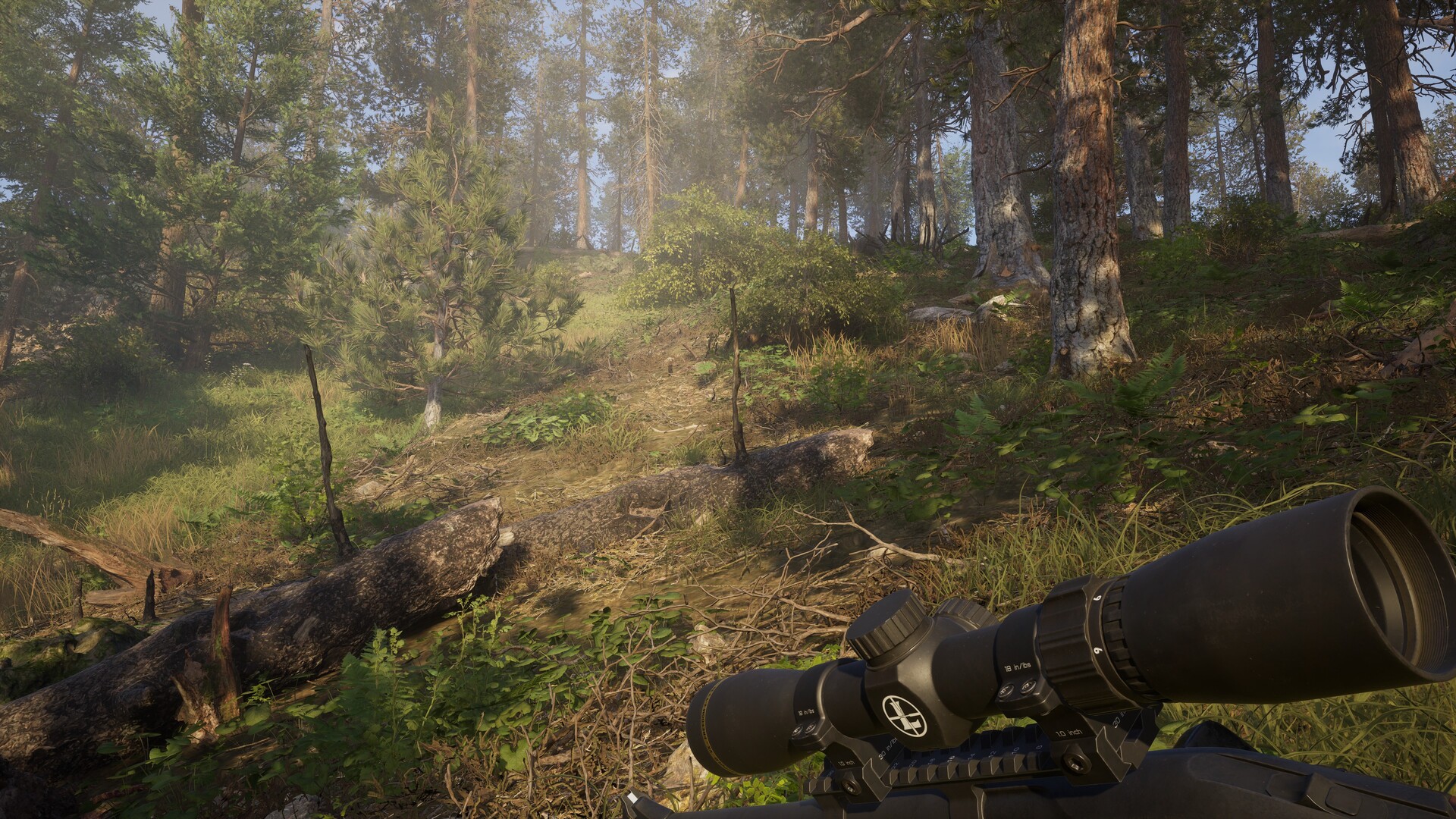
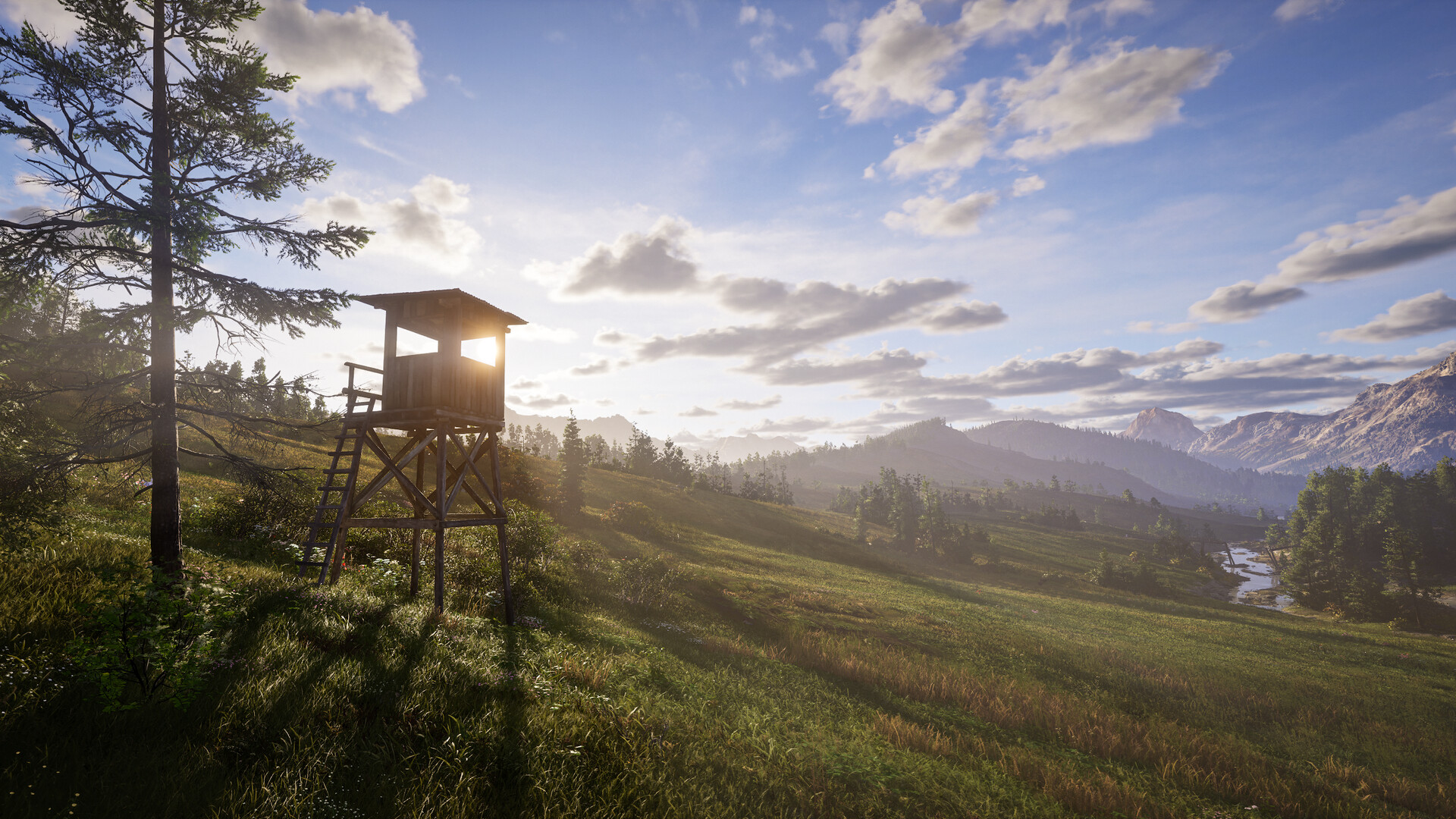
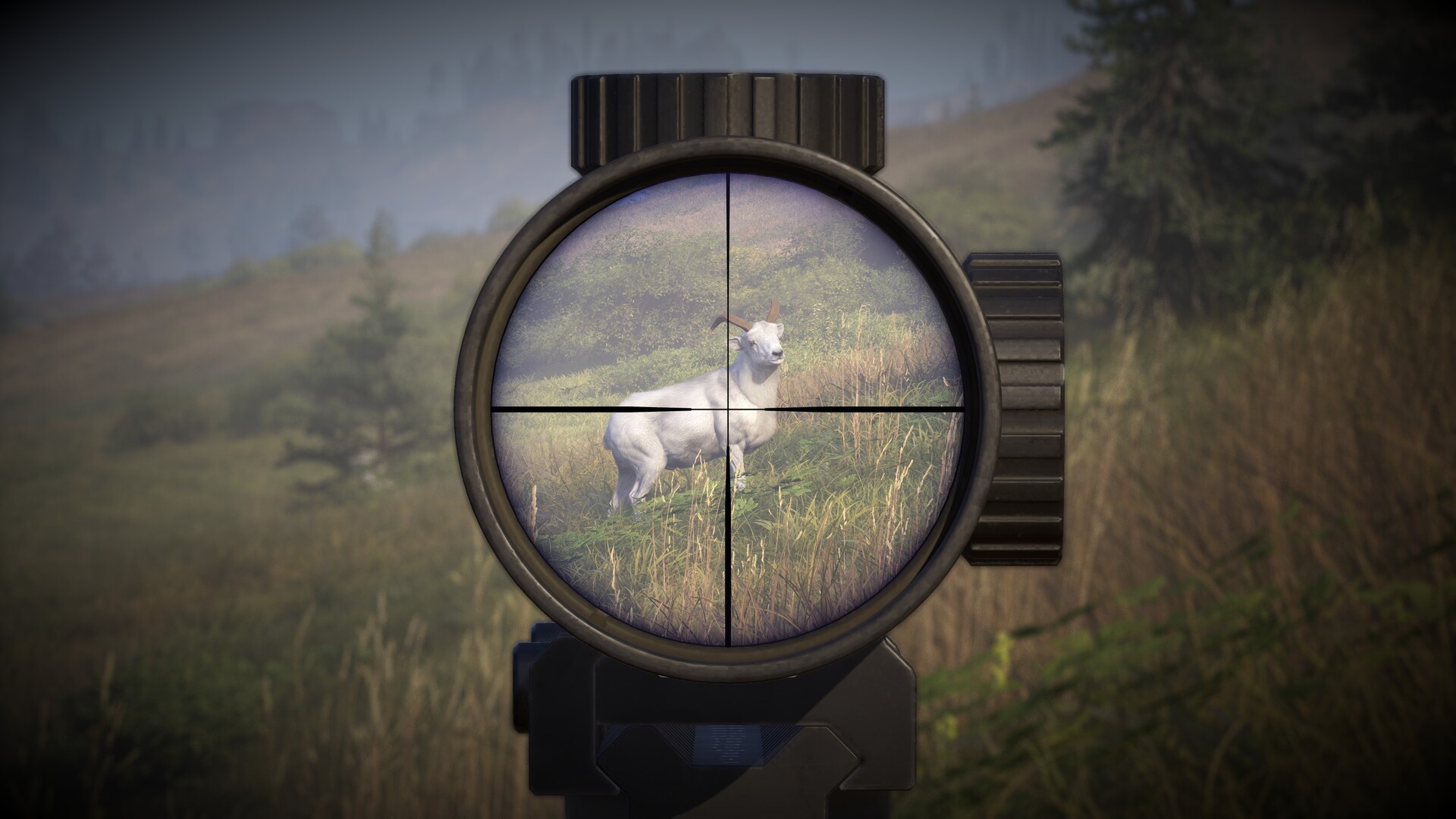
Way of the Hunter 2 is an open-world hunting simulator designed for those who value precision, patience, and respect for nature. The Canadian wilderness unfolds as a living organism: animals behave naturally, ecosystems respond to intervention, and success depends on preparation and understanding the environment, not luck. Each outing to the hunting grounds is a process. You study the terrain, read tracks, consider wind and distance, and select the appropriate weapon and optics. The ballistic camera allows you to analyze each shot, helping you refine your technique and make more informed decisions in the future. The world supports long-term play. Real-world weapons and equipment brands add authenticity, and the hunting lodge becomes the center of planning, progression, and trophy display. Story-driven missions in two regions complement the simulation with living characters and local stories, deepening immersion.
Game Features
- A realistic open-world hunting simulator.
- A detailed analysis of shots and ballistics.
- Authentic gear from real manufacturers.
- Hunting lodges as a center of progress and planning.
NOTE. Uploaded version: 29 September 2026 [Build 25528716]. This is Full Release and latest version of game. The game is already Pre-Installed and ready to run, read the instruction below.
Minimum:
Requires a 64-bit processor and operating system
OS: Windows 11
Processor: Ryzen 5 3600X / Core i5-9600K
Memory: 16 GB RAM
Graphics: GeForce RTX 2060 / Radeon RX 5600 XT
DirectX: Version 12
Storage: 38 GB available space
Recommended:
Requires a 64-bit processor and operating system
OS: Windows 11
Processor: Ryzen 5 7600X / Core i5-14600K
Memory: 16 GB RAM
Graphics: GeForce RTX 4060 Ti / Radeon RX 7600 XT
DirectX: Version 12
Storage: 38 GB available space
Screenshots
Gameplay Trailer
How to Install
1. The first thing we do is download the game's installation files.
2. Unzip the archive to the hard disk.
3. Mount or burn the ISO image in the disk emulator (UltraISO program).
4. After mount ISO, go to the folder and run the file «setup.exe».
5. During the installation, we specify the location on the disk where we want to install it.
6. Copy the contents of the folder «RUNE» in the folder with the game.
7. At the end of the unpacking process, a shortcut appears on the desktop.
8. Launch the game!
Download Way of the Hunter 2
Alternative Mirrors
Helpful Guides
Game Update History
- Way of the Hunter 2 v0.2.1.198291 → Build 25528716 [ 29.09.2026 ]
- Way of the Hunter 2 Build 23569149 → v0.2.1.198291 [ 21.06.2026 ]
- Way of the Hunter 2 v0.1.1.191983 → Build 23569149 [ 08.06.2026 ]
- Way of the Hunter 2 Build 22521819 → v0.1.1.191983 [ 10.05.2026 ]
- Way of the Hunter 2 → Build 22521819 [ 28.03.2026 ]

Comments 1