
Divinum
- TENOKE
- Build 25008325
- FREE DOWNLOAD
- TORRENT
- NEW GAME
Game Update History1 updateLast: 29.08.2026 · 1 month ago
- 29.08.2026Build 25008325current
Data from the MaGamers update log · information may be outdated
About The Game
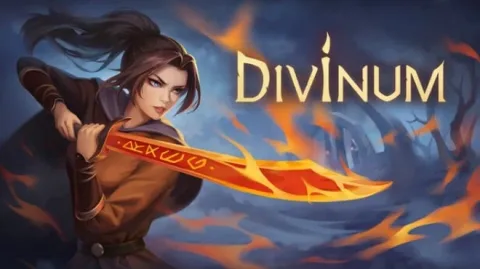
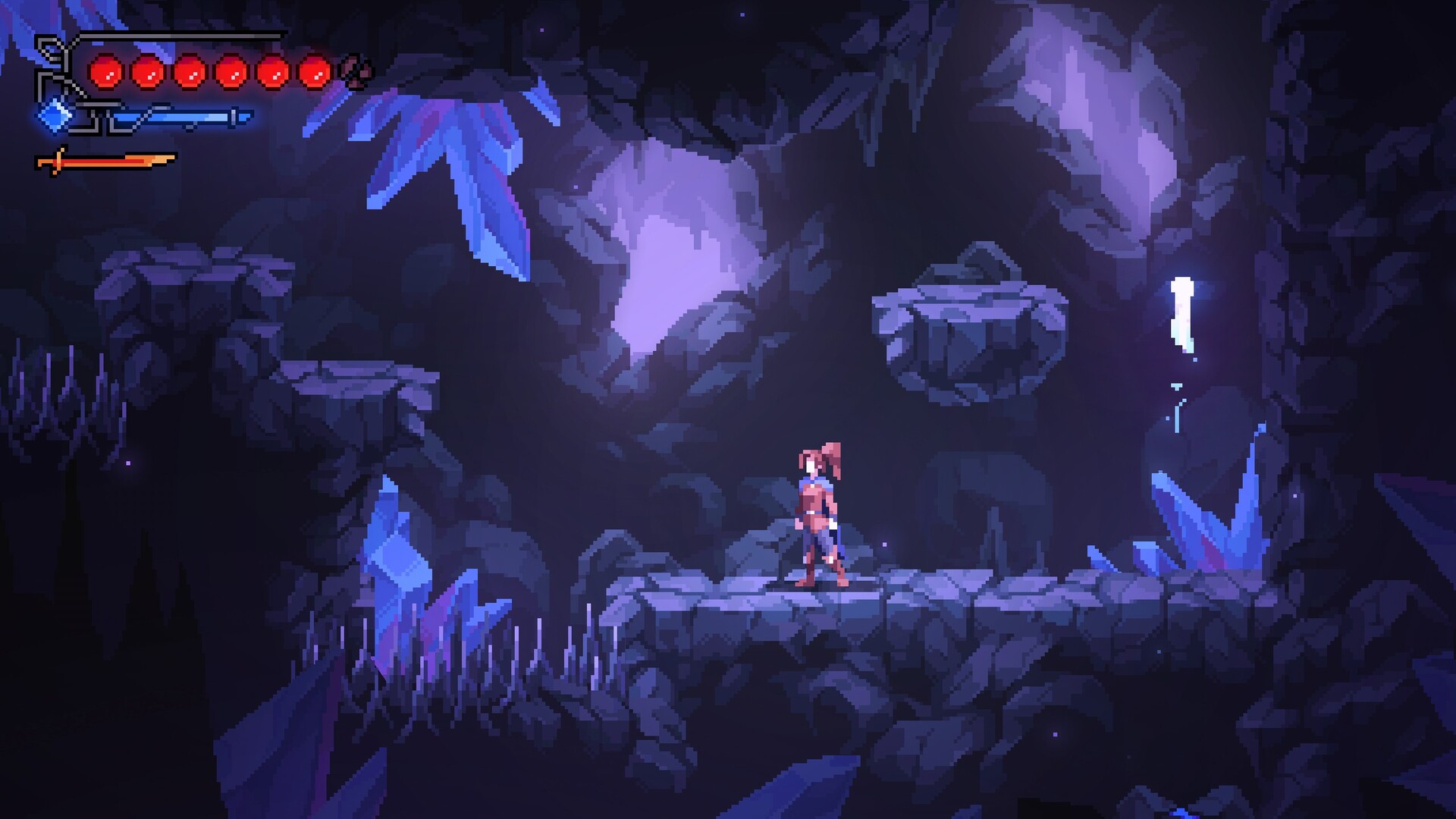
Divinum - 2D platformer with Metroidvania elements, where you play as a girl named Fjor. Her home island has been attacked by invaders, and now the heroine must deal with the threat while also unlocking the power of her ancestral spirits. After all, she was born under some kind of heavenly blessing and must fulfill her duty.
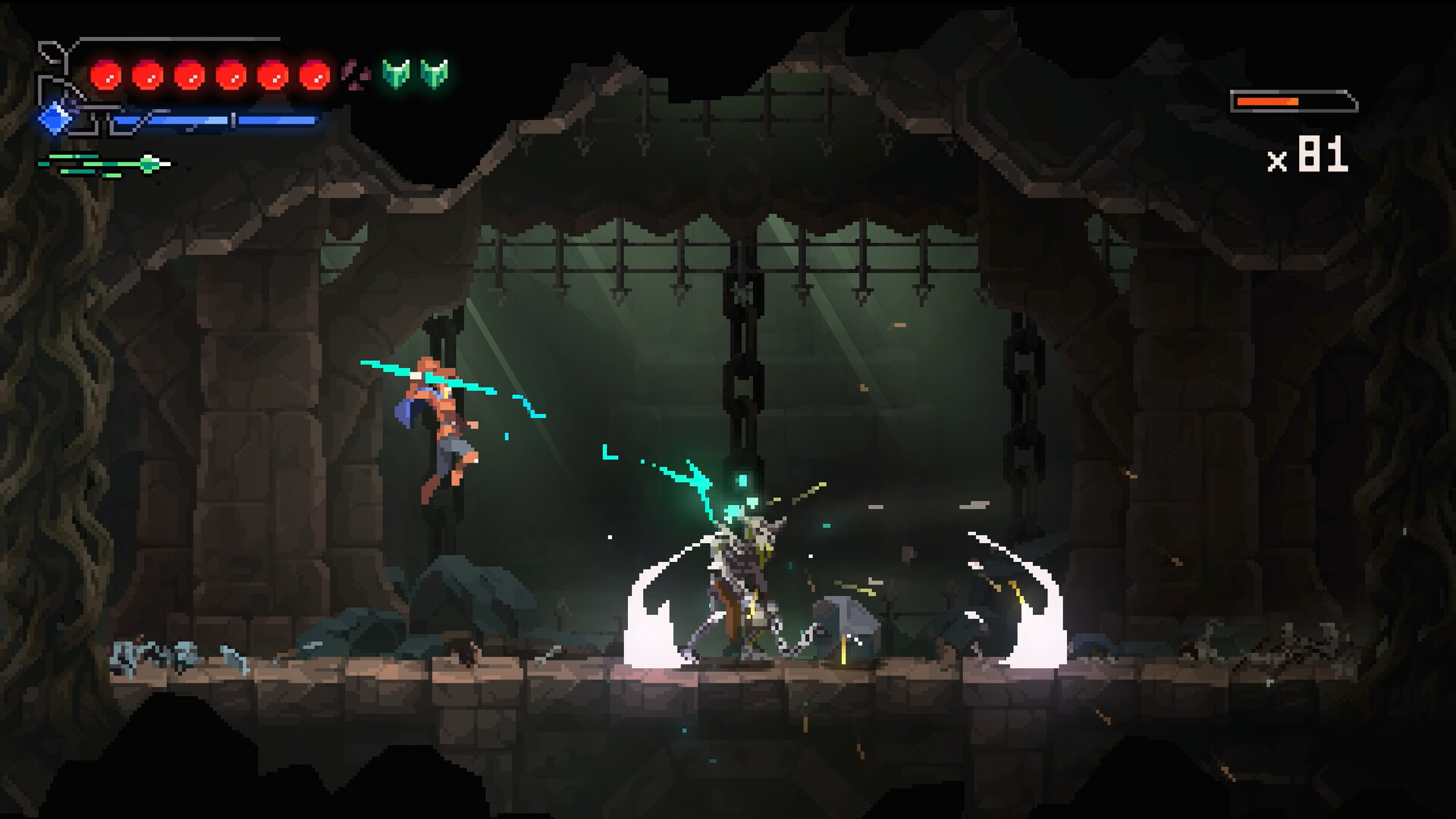
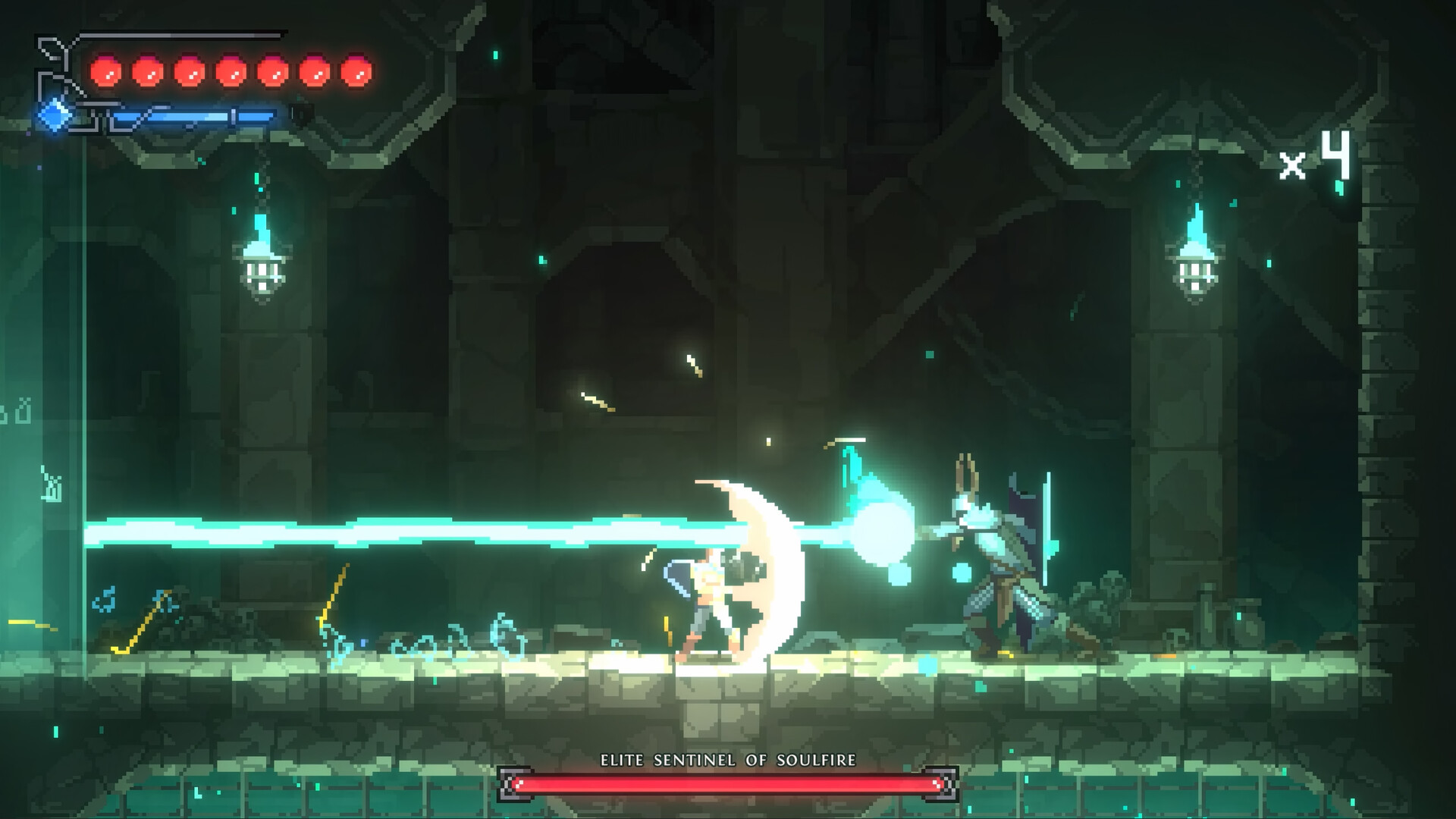
Most of the gameplay is dedicated to combat. There are combos, the ability to throw enemies into the air, two different weapons, and special skills. You can also dodge, block, and parry. Instead of standard stat bonuses, runes are used. Apparently, they provide more interesting effects than just +5% damage, which can change the way you approach battles. However, some runes come with drawbacks a tradeoff for power.
NOTE. Uploaded version: 29 August 2026 [Build 25008325]. This is Full Release and latest version of game. The game is already Packaged in ISO File and ready to run after install, read the instruction below.
Minimum:
Requires a 64-bit processor and operating system
OS *: Windows 7 / 8 / 10 / 11
Processor: Intel Core i3-6100 / AMD Ryzen 3 1200
Memory: 4 GB RAM
Graphics: GeForce GTX 560 Ti / Intel Iris Xe
Storage: 1 GB available space
Additional Notes: 16:9 recommended
Recommended:
Requires a 64-bit processor and operating system
Screenshots
Gameplay Trailer
How to Install
1. The first thing we do is download the game's installation files.
2. Unzip the archive to the hard disk.
3. Mount or burn the ISO image in the disk emulator (UltraISO program).
4. After mount ISO, go to the folder and run the file «setup.exe».
5. During the installation, we specify the location on the disk where we want to install it.
6. Copy the contents of the folder «CRACK» in the folder with the game.
7. At the end of the unpacking process, a shortcut appears on the desktop.
8. Launch the game!


Comments 0