
Tokyo Warfare Turbo v2020.1 - PLAZA
- PLAZA
- 2020.1
- FREE DOWNLOAD
- TORRENT
- UPDATED
About The Game
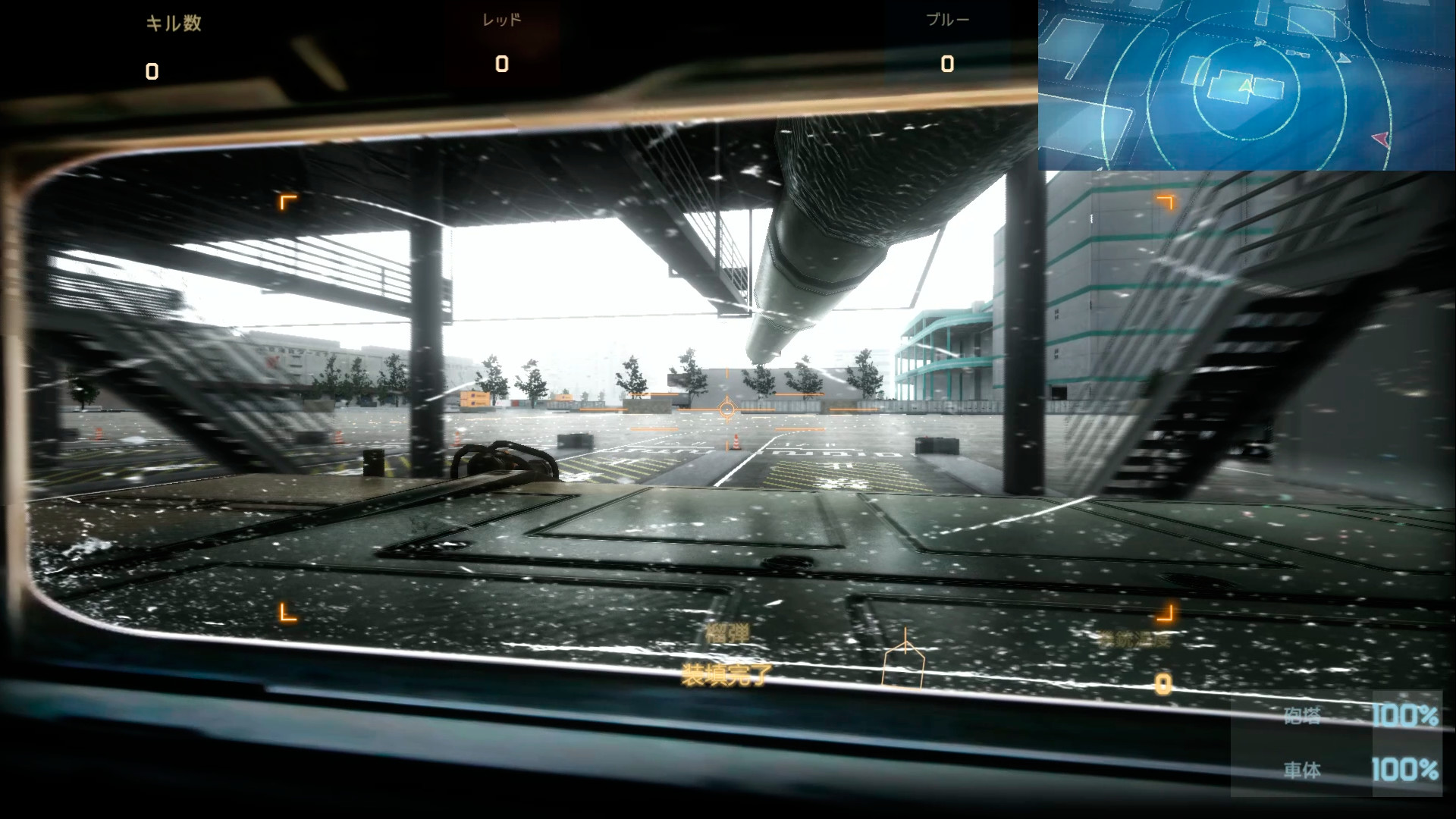
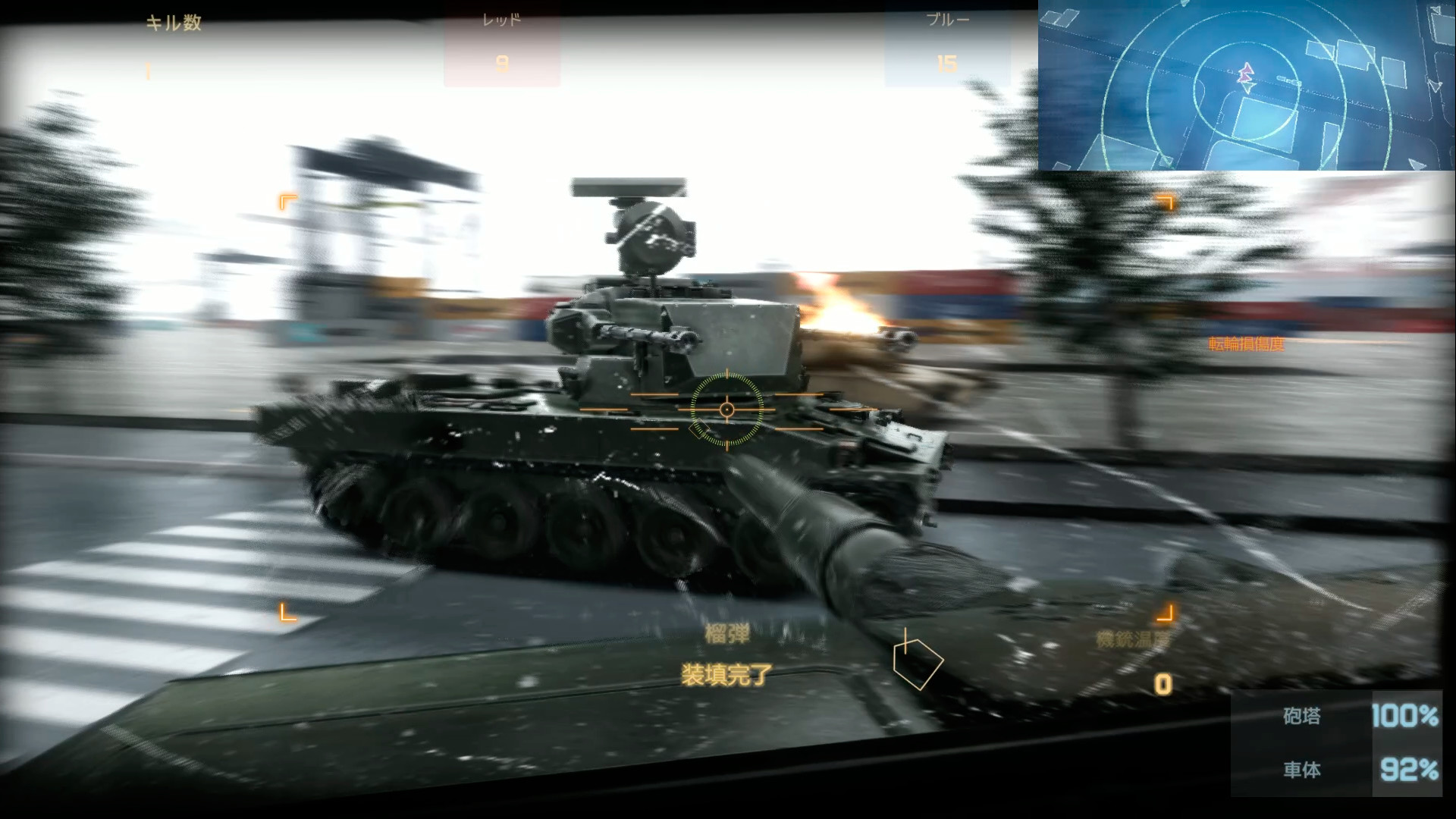
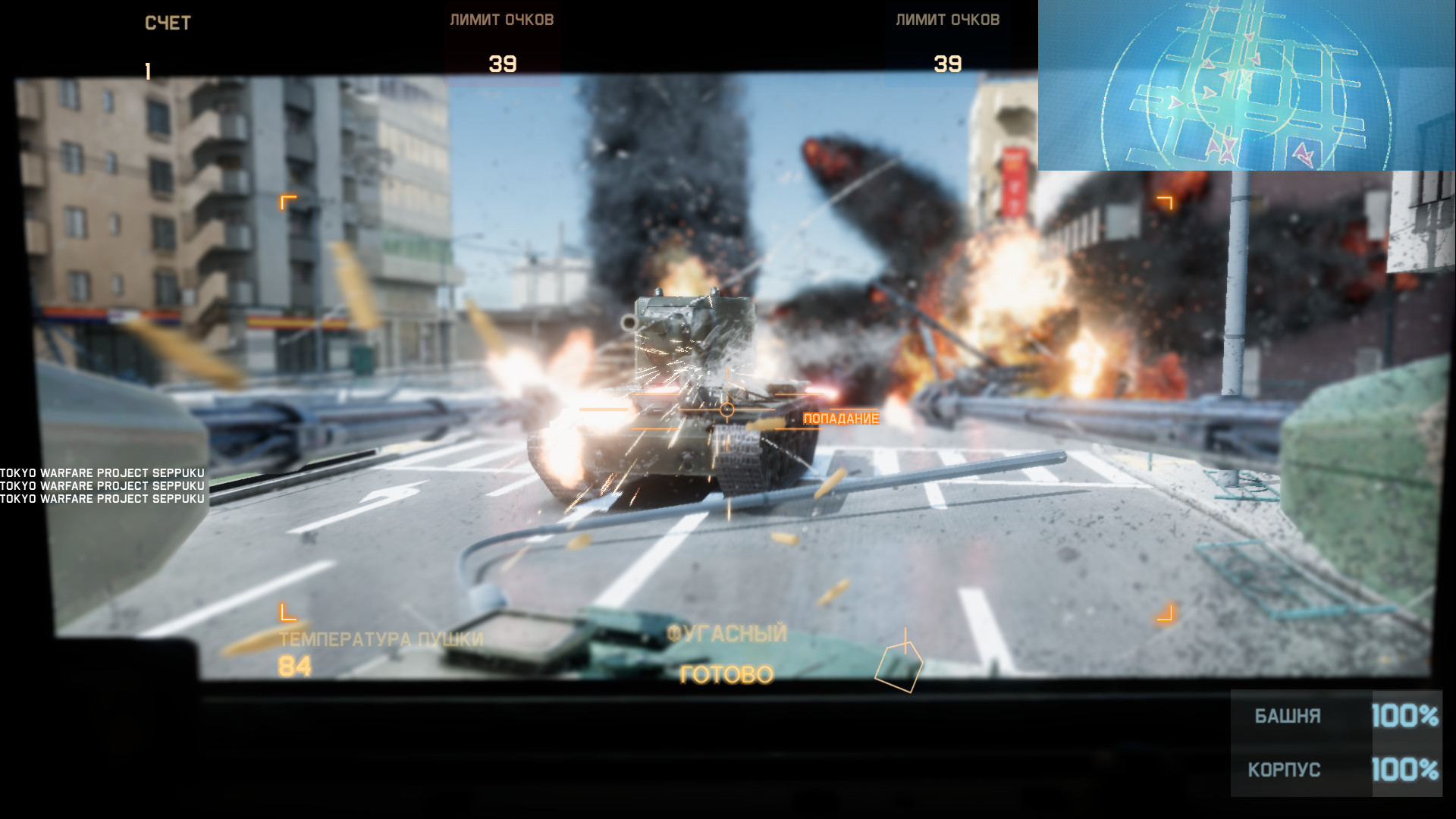
Tokyo Warfare Turbo is a tank simulator in which you can take control of one of the multi-ton monsters and go to the expanses of numerous maps to participate in epic battles. There is no plot or script in this game, because it is essentially a standard arcade shooter, but only on tank themes. Here you will be in battles, shoot at enemies with all weapons, arrange battles that the world has not seen, and do much more.The gameplay in Tokyo Warfare Turbo is quite simple and is based primarily on the management of tanks. You will be able to take control of the tank and go to the arena, where you will have to fight with other «tankers», firing from all guns, adjusting accidents, turning over enemy tanks, and more.
There are several game modes, and in each you can demonstrate your skills. For example, there is a team battle mode in which you will fight as a part of your team against players of another. In this mode, there are no restrictions on tanks, and you can choose any of the available. Actually, as in the second mode, in which players fight only for themselves — here everyone is for himself and everyone claims to win.
As for tanks, you will have more than a dozen varieties of tanks at your disposal, each with its own unique characteristics, features, strengths and weaknesses, weapons, and many others. Moreover, you can take not only a conventional tank, but also a BMP or even an air defense system.
And the variety of cards will make you feel like a real strategist. You will fight in the desert, in the vastness of Japan, on winter maps, where battles took place during the Second World War, and not only. Take the tank you like, equip it as you see fit, and go to battle.
NOTES. Due to the amount of changes and new content, we decided to make a new standalone.
- Tokyo Warfare Turbo Nature maps expansion
- Tokyo Warfare Turbo Tank expansion pack
- Tokyo Warfare Turbo Skin Editor
MINIMUM:
Requires a 64-bit processor and operating system
OS: 10
Processor: i5 3470
Memory: 4 GB RAM
Graphics: GTX 800 series
DirectX: Version 11
Storage: 8 GB available space
RECOMMENDED:
Requires a 64-bit processor and operating system
Requires a 64-bit processor and operating system
OS: 10
Processor: i5 3470
Memory: 4 GB RAM
Graphics: GTX 800 series
DirectX: Version 11
Storage: 8 GB available space
RECOMMENDED:
Requires a 64-bit processor and operating system
Screenshots
Gameplay Trailer
How to Install
- Download the Full game Tokyo.Warfare.Turbo.v2020.1-PLAZA through torrent.
- Mount the Full ISO-image game in the «UltraISO».
- Install the game on you PC, wait for 100% installation.
- Copy all files of the folder «PLAZA» in game folder.
- Lock the game folder in the Windows firewall.
- Play!
Download update only: Tokyo.Warfare.Turbo.Update.v1.0.0.5.incl.DLC-PLAZA [ 1.0 GB ]
Download Tokyo Warfare Turbo v2020.1 - PLAZA
SIZE: 4.56 GB | Downloads: —
How to get your file — 3 quick steps
VPN detected. Our download does not accept VPN connections. Please disable your VPN to continue.
Re-check
1
Click download
Use any button below
2
Install Opera
On the page that opens
Switch to the tab that just opened — Opera installer is already there. After install, open this page in Opera and click Check install.
Opera not detected. Make sure it's installed and open this page in Opera browser, then click Check install again.
Opera is a free, official browser by Opera Software AS — safe to install. [ Opera Install Guide ]
Alternative Mirrors
Searching mirrors…
Name
Size
Seeds
Leeches


Comments 1