
Tidy Up History
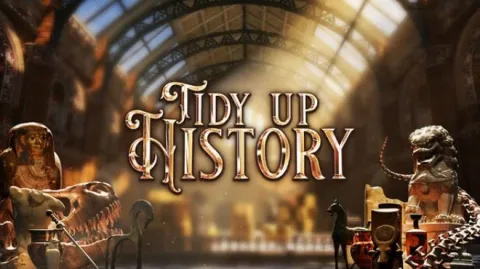
- Build 25373109
- FREE DOWNLOAD
- TORRENT
- NEW GAME
Game Update History1 updateLast: 18.09.2026 · 1 month ago
- 18.09.2026Build 25373109current
Data from the MaGamers update log · information may be outdated
About The Game
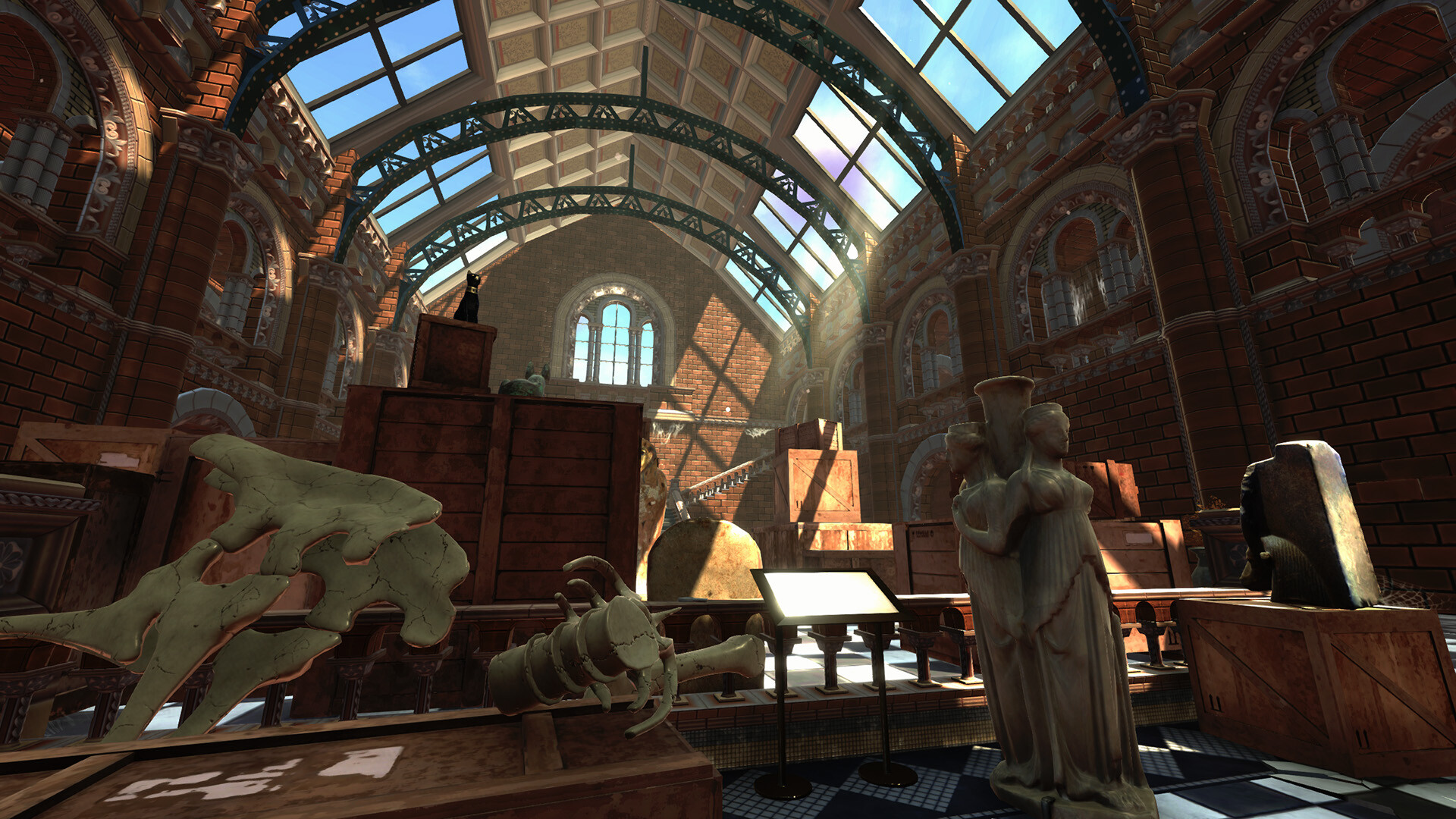
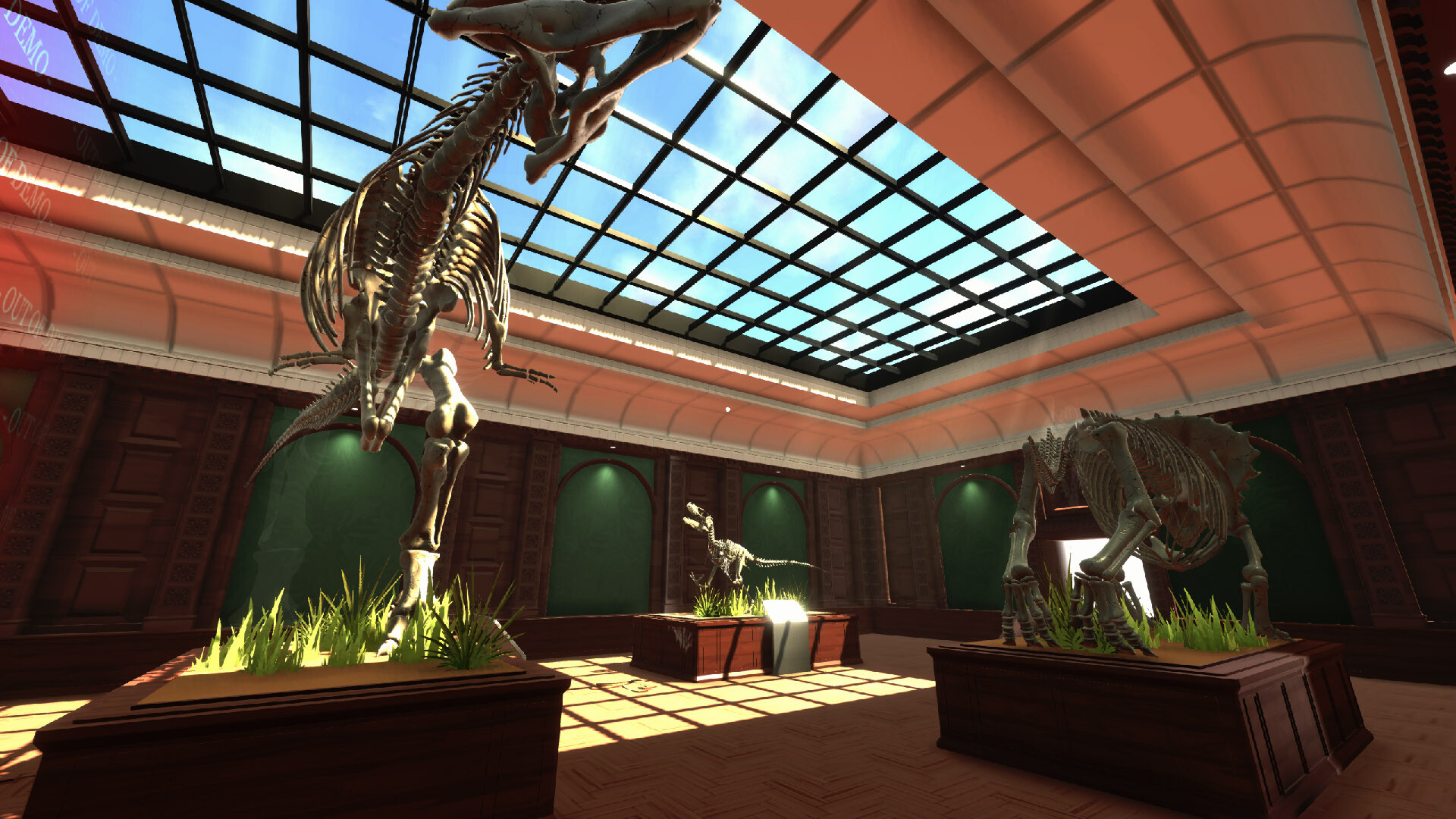
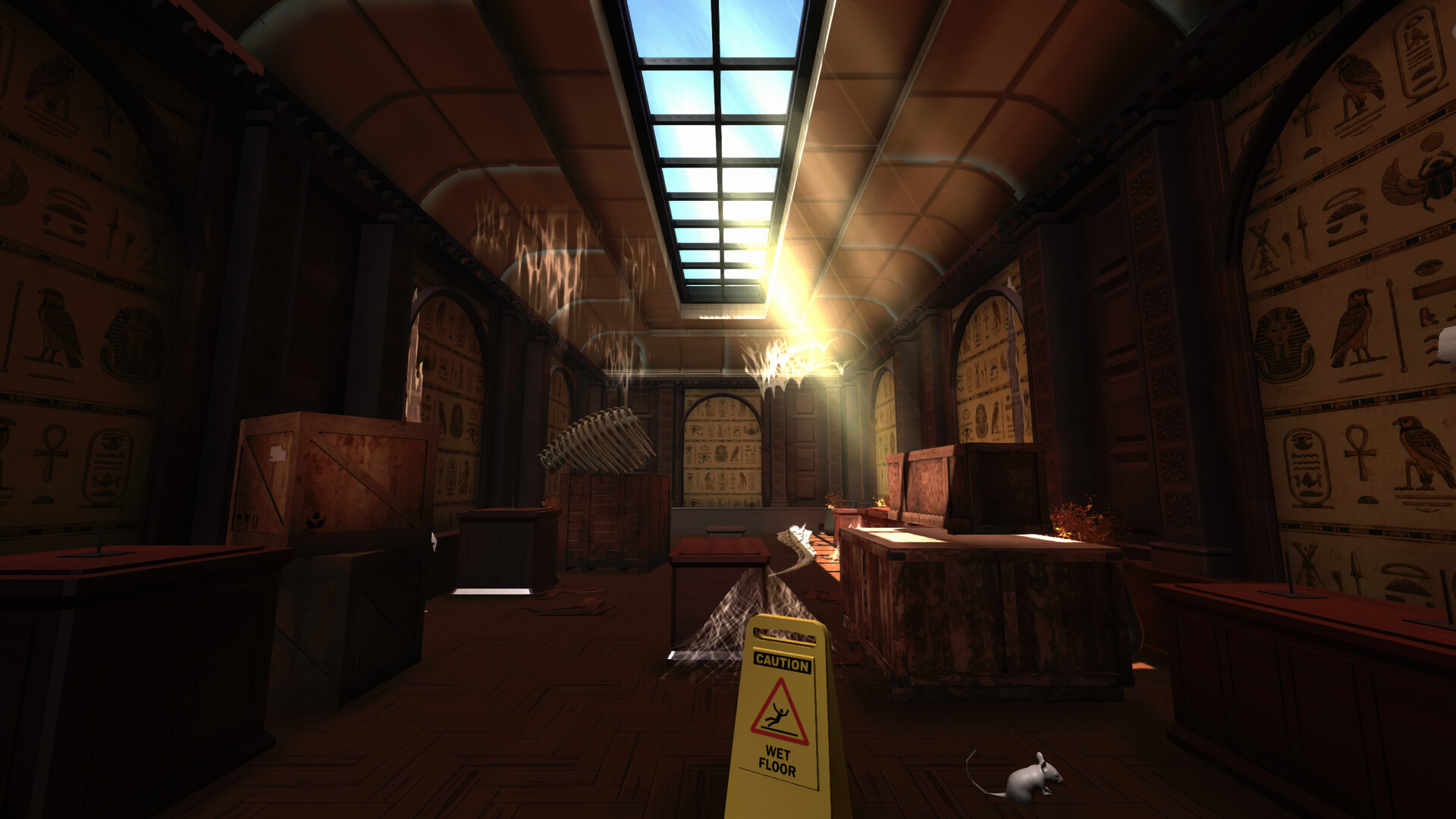
Tidy Up History is a cozy cleaning simulator where an inherited ancient building is in a state of deep neglect. The process of returning the historical complex to its former greatness is tied to the scrupulous cleansing of the premises from accumulated dust and debris. The study of abandoned halls is accompanied by the collection of lost exhibits that must be accurately identified based on archival information. Earning experience points gives you access to useful skills that make it easier to interact with the most complex objects. Preparing the grand opening of the exhibition turns routine work into an exciting immersion into the past.
Stages of museum revival in Tidy Up History:
- Dirt removal - disposal of household waste and construction waste in exhibition halls.
- Artifact sorting is the placement of historical relics in specially designated areas.
- Search for keys - detailed exploration of abandoned rooms to open locked wings of the building.Skeletal assembling is the
- combining of fragments of fossil bones into complete prehistoric displays.
- Study of exhibits - accurate determination of the origin of discovered items based on archival information.
- Leveling up skills - accumulating experience points to master complex construction and repair techniques.
- Removing cobwebs - cleaning corners and ceilings from dense layers of long-term dust.
- Preparation for the opening - the final bringing of all premises of the complex to a state of full readiness.
NOTE. Uploaded version: 18 September 2026 [Build 25373109]. This is Full Release and latest version of game. The game is already Packaged in ISO File and ready to run after install, read the instruction below.
Minimum:
Requires a 64-bit processor and operating system
OS: Windows 10
Processor: Intel i5-2500 3.3GHz
Memory: 16 GB RAM
Graphics: NVidia GeForce GTX 1050
DirectX: Version 11
Storage: 2 GB available space
Recommended:
Requires a 64-bit processor and operating system
Screenshots
Gameplay Trailer
How to Install
1. The first thing we do is download the game files.
2. Unzip the archive to the hard disk. (how to unzip .rar)
3. Wait for the unpacking process to finish.
4. Start the game «Tidy.Up.History.exe» from game folder.
5. The language changes in the menu.


Comments 0