
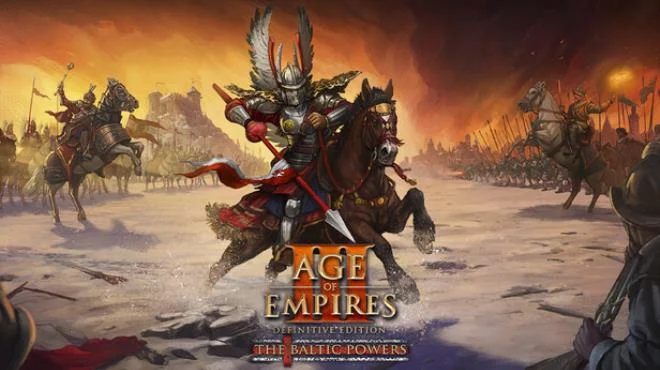
Age of Empires III Definitive Edition The Baltic Powers
- RUNE
- Build 25040513
- FREE DOWNLOAD
- TORRENT
- NEW GAME
About The Game
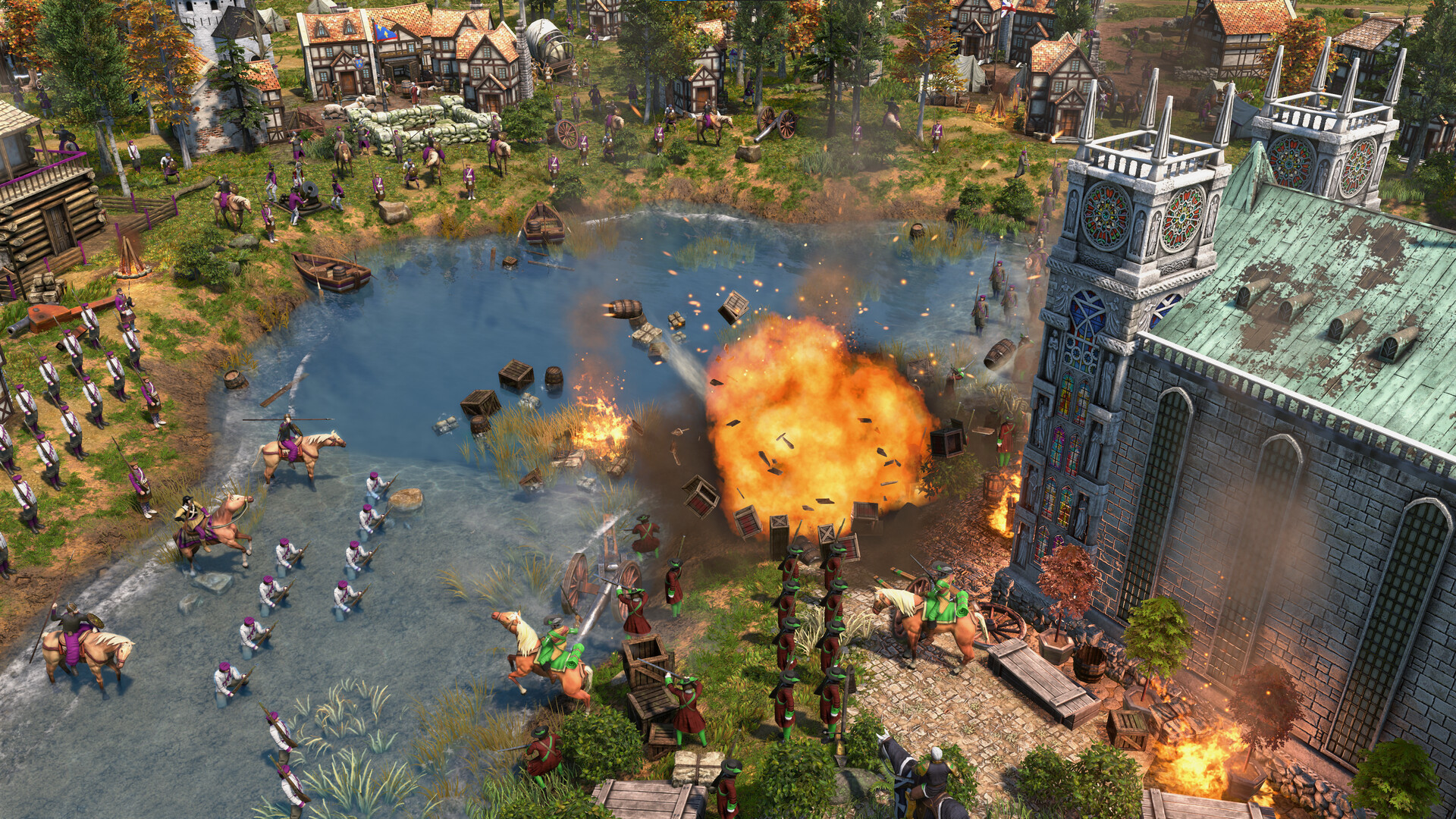
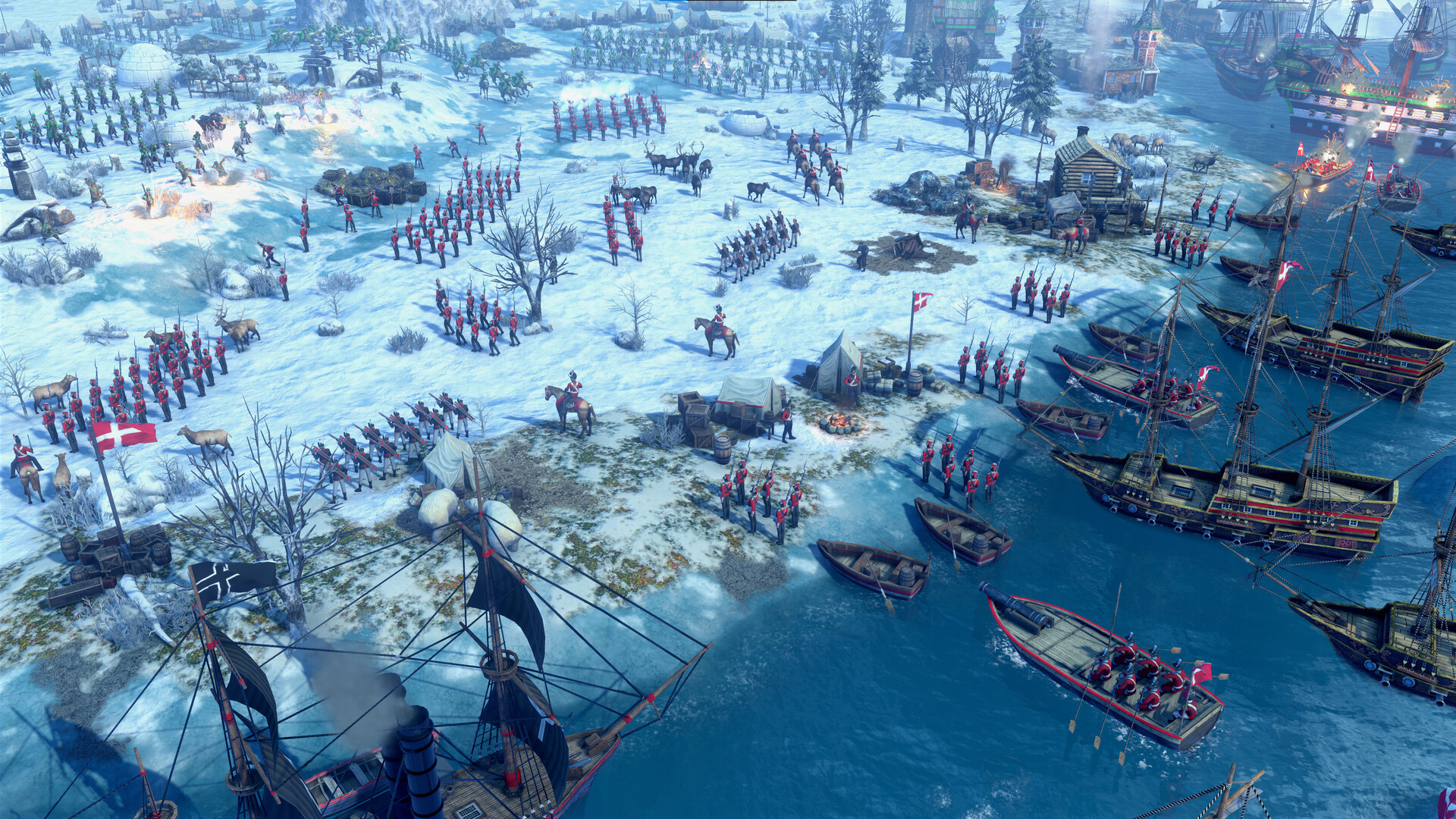
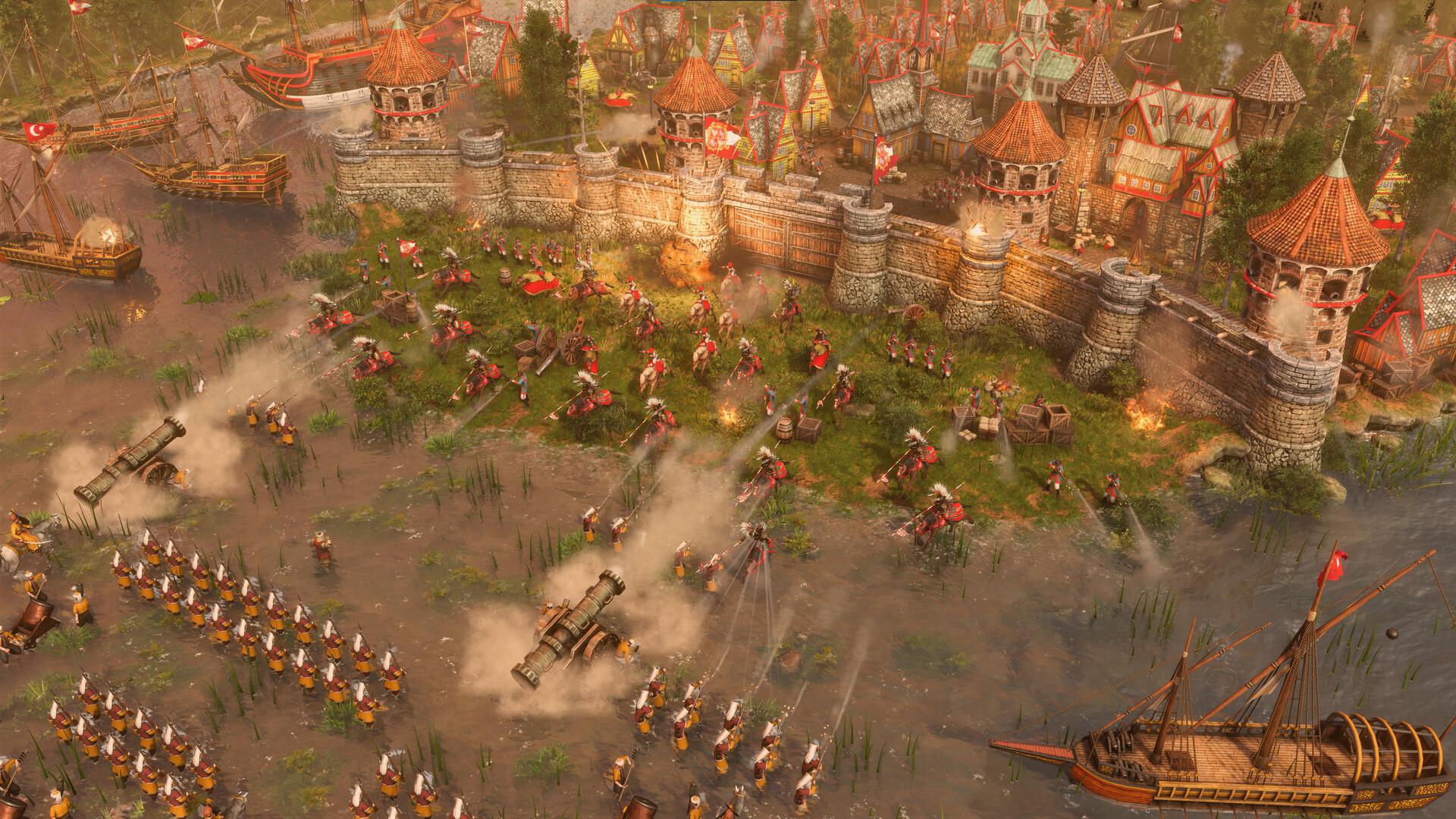
Dominate the realms from the Baltic to the Arctic with two new civilizations in Age of Empires III Definitive Edition The Baltic Powers, an expansion from Forgotten Empires and World's Edge. The content adds over 25 maps, new challenges, new modes, and hero cosmetics to the base game.
The Baltic Powers expansion introduces two new civilizations to the Definitive Edition roster. Each brings unique units, buildings, and technologies that change how the player approaches the familiar RTS formula. The new civilizations are balanced for competitive play and offer fresh strategies for both single-player campaigns and multiplayer matches.
The map pool grows significantly with this expansion. Over 25 new maps cover the territories from the Baltic Sea to the Arctic Circle, each with its own terrain, resources, and strategic considerations. The new maps are designed for the Definitive Edition's modern visuals and gameplay, and they support all the game modes the player expects.
New challenges and game modes add variety for players who have exhausted the base content. The hero cosmetics let the player customize the appearance of their heroes, and the new modes test specific skills and strategies that the base game does not emphasize. The expansion requires the base Age of Empires III Definitive Edition.
Age of Empires III Definitive Edition The Baltic Powers arrived on 10 September 2026 and is aimed at players who want more civilizations, more maps, and more ways to play the Definitive Edition. The Baltic is calling, and the Arctic waits beyond it.
NOTE. Uploaded version: 11 September 2026 [Build 25040513]. This is Full Release and latest version of game. The game is already Packaged in ISO File and ready to run after install, read the instruction below.
System Requirements
Minimum:
Requires a 64-bit processor and operating system
OS: Windows 10 version 18362.0 or higher
Processor: Intel i3-2105 @ 3.1GHz or AMD Phenom II X4 973 with an average CPU Passmark score of 1830 or better
Memory: 8 GB RAM
Graphics: GeForce GT 430, Radeon HD 5570, or Intel HD 4400 with an average Passmark G3D Mark of 570 or better @720p
DirectX: Version 11
Network: Broadband Internet connection
Storage: 42 GB available space
Additional Notes: 2 GB VRAM
Recommended:
Requires a 64-bit processor and operating system
OS: Windows 10 version 18362.0 or higher
Processor: Intel i5-3300 @ 3.0GHz or AMD FX-8350 or equivalent with an average CPU Passmark score of 4100 or better
Memory: 16 GB RAM
Graphics: GeForce GTX 980 or Radeon R9 Fury or equivalent with an average Passmark G3D Mark of 9500 or better @1080p
DirectX: Version 11
Network: Broadband Internet connection
Storage: 42 GB available space
Additional Notes: 4 GB VRAM
Screenshots
Gameplay Trailer
How to Install
1. The first thing we do is download the game's installation files.
2. Unzip the archive to the hard disk.
3. Mount or burn the ISO image in the disk emulator (UltraISO program).
4. After mount ISO, go to the folder and run the file «setup.exe».
5. During the installation, we specify the location on the disk where we want to install it.
6. Copy the contents of the folder «CRACK» in the folder with the game.
7. At the end of the unpacking process, a shortcut appears on the desktop.
8. Launch the game!
Download Age of Empires III Definitive Edition The Baltic Powers
Alternative Mirrors
Helpful Guides
- Age of Empires 3 Definitive Edition57.75 GB
- Age.of.Empires.II.Definitive.Edition.LatestVersion.Plus.6.Trainer-FLiNG46.69 GB
- Age of Empires 4 Ultimate Bundle v16.3.11308.0 + all DLC29.5 GB
- Age of Empires IV Anniversary Edition Yue Feis Legacy: Update v16.2.10884 (RUNE)111.98 GB
- Age of Empires 4 Anniversary Edition v15.4.8719 + Update (RUNE) + Dynasties of the East DLC50.4 GB
- Age of Empires IV Knights of Cross and Rose (RUNE): Update v14.1.560249.1 GB
Game Update History
- Age of Empires III Definitive Edition The Baltic Powers → Build 25040513 [ 11.09.2026 ]

Comments 0