
Kusan City of Wolves Build 24414028 (TENOKE)

- TENOKE
- Build 24414028
- FREE DOWNLOAD
- TORRENT
- NEW GAME
Game Update History2 updatesLast: 31.07.2026 · 3 months ago
- 31.07.2026v19.07.2024Build 24414028current
- 20.07.2024v19.07.2024
Data from the MaGamers update log · information may be outdated
About The Game
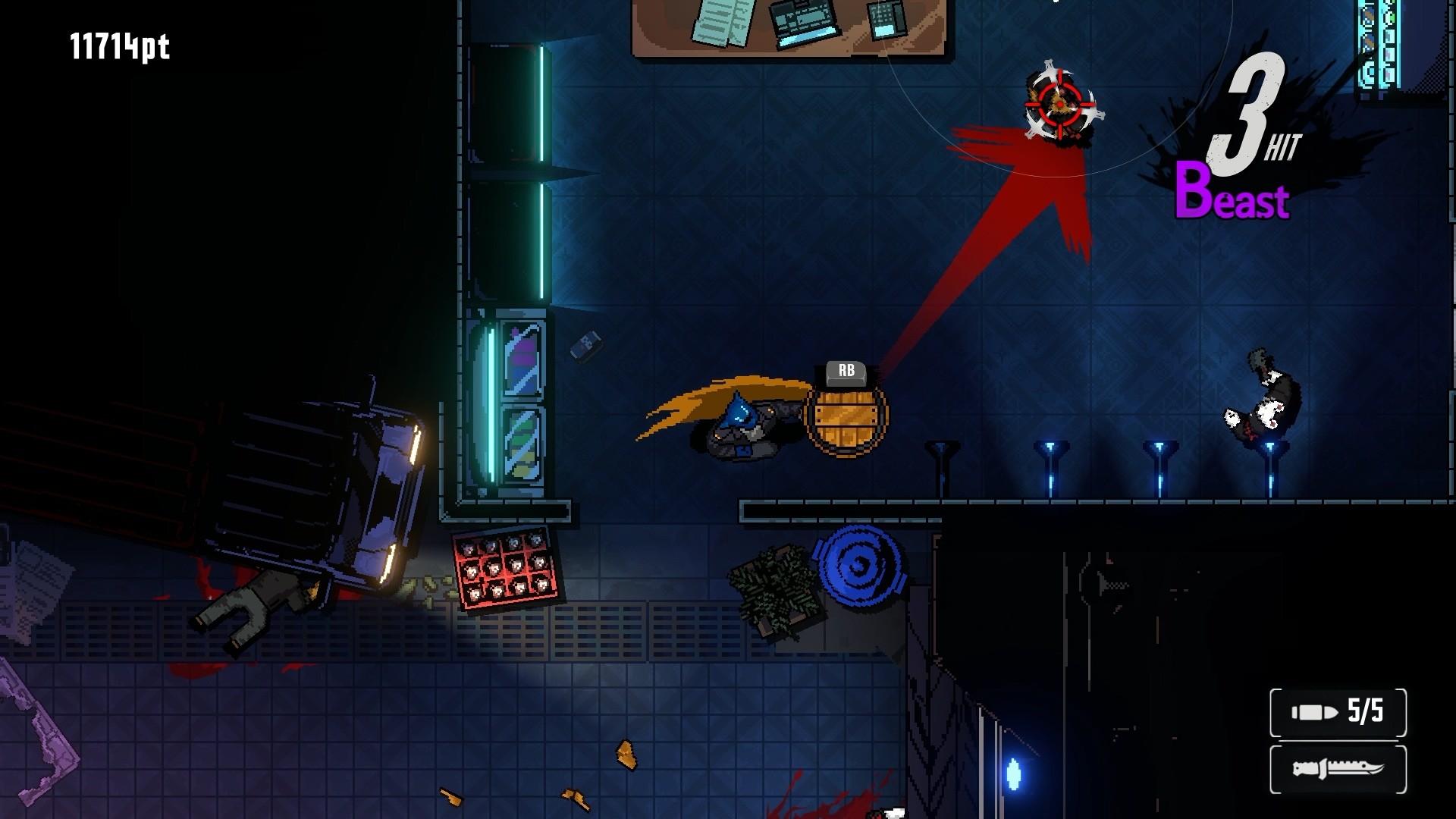
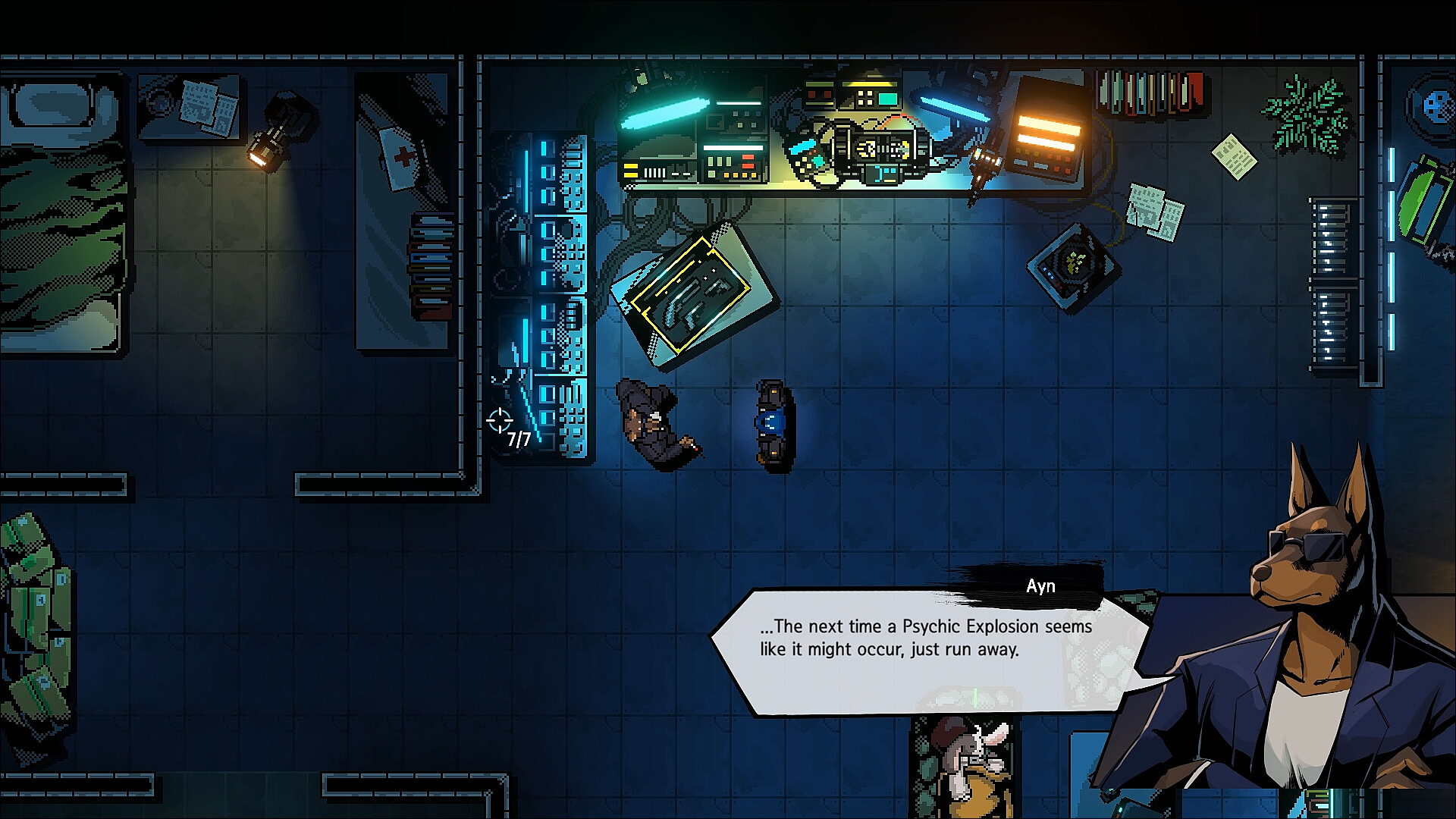
Kusan City of Wolves tells the gripping story of a hero, a seasoned war veteran who lost his left arm in battle and replaced it with a prosthetic, which can have a devastating effect on enemies. According to the story's plot, the protagonist is now retired and works as a simple repairman at the port of a city called Kusan. But one day, the central character's fate takes a sharp and unexpected turn. In Kusan City of Wolves, the player will meet a mysterious and courageous girl who is in mortal danger. Due to unforeseen circumstances, a retired Marine commander has become interested in the young woman, which means nothing but trouble.
Therefore, he decides to protect her and stand up to his fellow soldiers, who have become mired in corruption and illegal activity since the hero's retirement. This city is obsessed with money and drugs, so the only light here may be the flash of an enemy gunshot in the back. The gamer will have to provide all possible assistance to a weak and defenseless friend, and also engage in bloody battles with numerous experienced enemies, with whom his protégé shared rations and ammunition in the same trench. The player will hone and develop their protégé's skills, and progress through a captivating scenario that grips from the very first minute and doesn't let go until the very end.
MINIMUM:
Requires a 64-bit processor and operating system
OS: Windows 7 (64bit) | Windows 8 (64bit) | Windows 10 (64bit)
Processor: Intel Core 2 Duo E5200
Memory: 4 GB RAM
Graphics: GeForce 9800GTX+ (1GB)
Storage: 2 GB available space
Additional Notes: 1080p, 16:9 recommended
RECOMMENDED:
Requires a 64-bit processor and operating system
OS: Windows 7 (64bit) | Windows 8 (64bit) | Windows 10 (64bit)
Processor: Intel Core i5
Memory: 8 GB RAM
Graphics: GeForce GTX 560
Storage: 2 GB available space
Additional Notes: 1080p, 16:9 recommended
Screenshots

Gameplay Trailer
How to Install
- Download the Full game Kusan.City.of.Wolves-TENOKE through torrent.
- Mount the Full ISO-image game in the «UltraISO».
- Install the game on you PC, wait for 100% installation.
- Copy all files of the folder «CRACK» in game folder.
- Lock the game folder in the Windows firewall.
- Play!


Comments 0