18,400 games • 199 updates this week • 4,738 users

Omega Crafter (TENOKE): Update v1.0.5
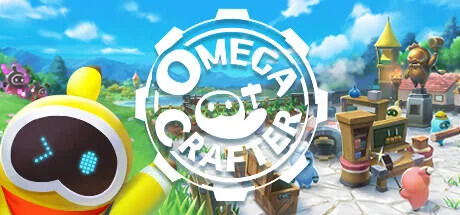
Omega Crafter (TENOKE): Update v1.0.5 cover art
4.6
...
User Verdict
Based on 32 community votes
  • TENOKE
  • Update v1.0.5
  • FREE DOWNLOAD
  • TORRENT
  • UPDATED
Updated Version Update v1.0.5
Jump To:

About The Game

Omega Crafter is a detailed open-world survival game that takes you on an exciting journey while facing a unique challenge. The user’s creativity will be put to the test as his virtual world is besieged by an evil rogue program that wants to sabotage his work. You must venture into the unknown, battle opponents, create the necessary elements and implement intelligent programming to achieve success before the long-awaited release date. Omega Crafter gives players the opportunity to create their own programmable assistant, known as Grammie. With this customizable companion, you can perform many tasks with ease.

NOTE. Uploaded version: 16 May 2024 [Build 18475513] + Update v1.0.5This is Full Release and latest version of game. The game is already Packaged in ISO File and ready to run the game after install, read the instruction below.

In addition, gamers can immerse themselves in an expansive procedurally generated world filled with diverse biomes, fearsome creatures, valuable resources and secrets, creating a fun online experience that combines camaraderie and competition. The app goes beyond mere entertainment it becomes an unparalleled haven where limitless imagination can flourish. Thanks to the option to forge powerful weapons, build majestic structures and confront formidable opponents, users can shape the universe in accordance with their wildest ideas. But that is not all. The real magic lies in programming a friend to carry out a wide range of orders from mining and logging to the delightful arts of dance.

System Requirements

MINIMUM:
Requires a 64-bit processor and operating system
OS: Windows10
Processor: core i3
Memory: 8 GB RAM
Graphics: Geforce 950 or Radeon HD 7970
DirectX: Version 11
Storage: 5 GB available space

RECOMMENDED:
Requires a 64-bit processor and operating system

Screenshots
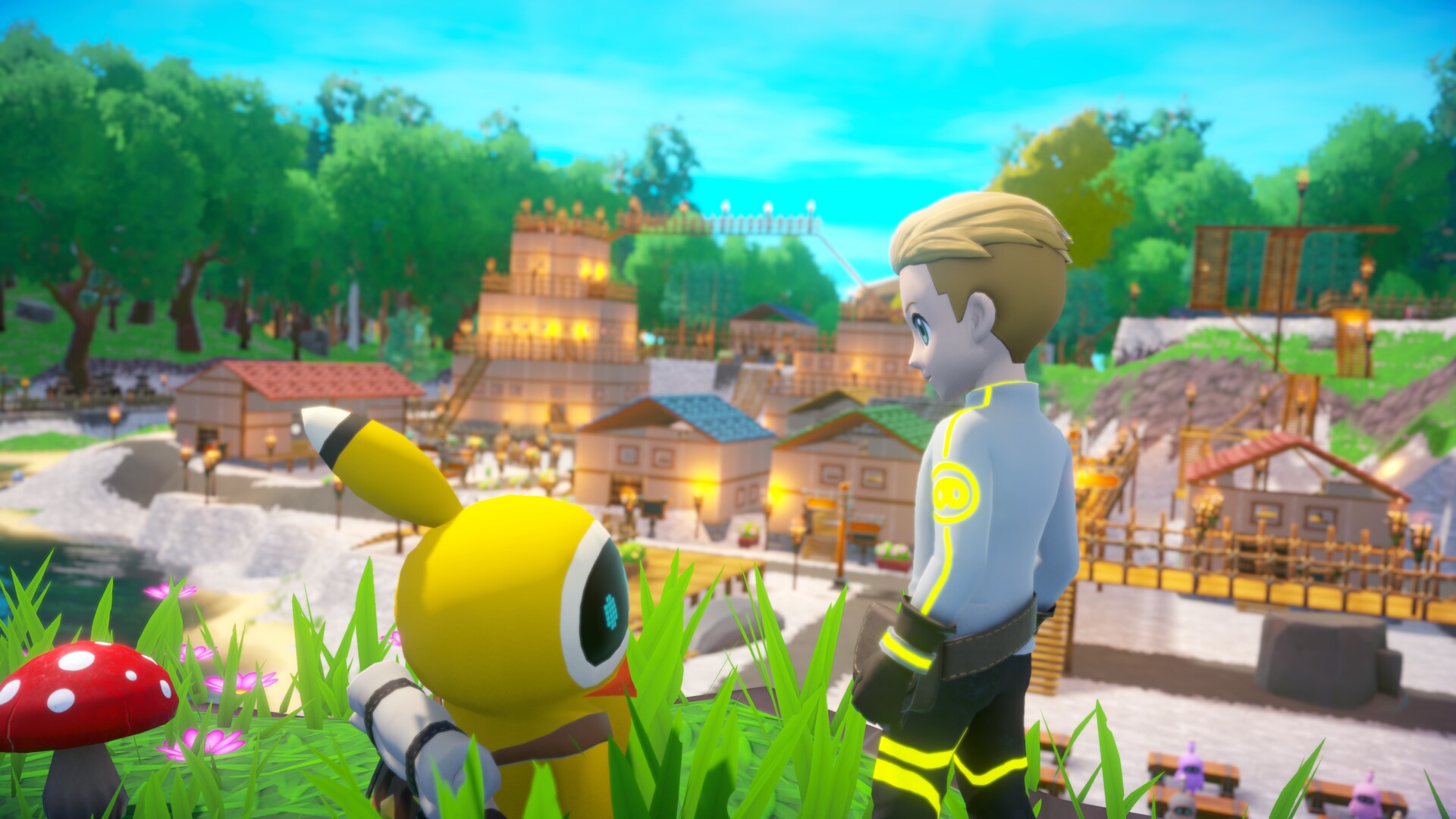
Omega Crafter (TENOKE): Update v1.0.5 gameplay screenshot 1
Omega Crafter (TENOKE): Update v1.0.5 gameplay screenshot 2
Omega Crafter (TENOKE): Update v1.0.5 gameplay screenshot 3

Gameplay Trailer

How to Install

  1. Download the Full game Omega.Crafter-TENOKE through torrent.
  2. Mount the Full ISO-image game in the «UltraISO».
  3. Install the game on you PC, wait for 100% installation.
  4. Copy all files of the folder «CRACK» in game folder.
  5. Download and install Update v1.0.3 + Update v1.0.4 + Update v1.0.5, in game folder. (how to Update the game)
  6. Lock the game folder in the Windows firewall.
  7. Play!

Download update only: Omega.Crafter.Update.v1.0.5-TENOKE [ 50 MB ]

  1. Extract.
  2. Run Update\PATCH.exe and install the update.
  3. Copy crack to install dir.
  4. Play!

Download update only: Omega.Crafter.Update.v1.0.4-TENOKE, MIRROR, MIRROR 2 [ 50 MB ]
Download update only: Omega.Crafter.Update.v1.0.3-TENOKE [ 62.2 MB ]

Download Omega Crafter (TENOKE): Update v1.0.5

SIZE: 4.60 GB | Downloads: —
How to get your file — 3 quick steps
VPN detected. Our download does not accept VPN connections. Please disable your VPN to continue.
Re-check
1
Click download
Use any button below
2
Install Opera
On the page that opens
3
Get your file
.torrent unlocks here
Download file
Switch to the tab that just opened — Opera installer is already there. After install, open this page in Opera and click Check install.
Opera not detected. Make sure it's installed and open this page in Opera browser, then click Check install again.
Opera is a free, official browser by Opera Software AS — safe to install. [ Opera Install Guide ]

Alternative Mirrors

Searching mirrors…

Game Update History

  • Omega Crafter v1.0.4 → Update v1.0.5 [ 25.10.2025 ]
  • Omega Crafter v1.0.3 → Update v1.0.4 [ 13.08.2025 ]
  • Omega Crafter Build 18475513 → Update v1.0.3 [ 02.07.2025 ]
  • Omega Crafter → Build 18475513 [ 16.05.2025 ]

Rate This Game

Leave a review — how was the game?
Report issues — bugs, crashes, errors?
Ask questions — need help?
Your input makes the game better!

Comments 3

  1. MaGamers Offline 16 May 2025 06:59
    Bug Fixes
    Fixed an issue where pasting a saved program into the Grammi coding editor and executing it could sometimes cause an error.
    Fixed an issue where some visual elements would not sync correctly during multiplayer sessions in Programming Shrines.
    --------------------
    Make a Small Donation ❤️
  2. MaGamers Offline 2 July 2025 08:04
    [v1.0.3] Patch Note
     
    Changes
    Added a command to allow entry into a nearby Programming Shrine in rare cases where players using pre-release save data could not enter.
    You can enter by approaching the Programming Shrine and entering /enterprogrammingshrine in the chat.
    Added a command to display the current number of city tiles.
    You can view it by entering /showtilenum in the chat.
     
     
    Bug Fixes
    Fixed an issue where the Japanese Style Chest of Drawers could become transparent.
    Fixed an issue where performing certain actions with a changed zoom level in the coding editor could cause the game to become unplayable.
    Fixed an issue where fishing could not be performed properly in certain areas.
    Fixed an issue where walls would not snap correctly when rotating pillars.
    Fixed an issue where the Single-Type Container could not snap to the grid when placed on floors.
    Fixed an issue where discs could not be inserted into the phonograph using a controller.
    Fixed an issue where Quick Stack could fail if there was a full Multi-Type Chest in the city.
    Corrected several translations.
    --------------------
    Make a Small Donation ❤️
  3. MaGamers Offline 13 August 2025 15:07
    [v1.0.4 Patch Update]
     
    Summary
    We've added a new feature that lets you display various stickers in-game.
     
    Now, both player and Grammi dialogues—previously limited to text—can be expressed with even more personality! This feature was inspired by the recent release of our LINE stickers in Japan.
     
    We've also rebalanced combat difficulty, making battles flow more smoothly than before.
     
    If you ever find the combat too easy, you can change the difficulty at any time from the in-game settings!
     
     
    New Features
    Added sticker display feature.
     
    Grammi: You can display stickers using the “Display Sticker {0}†block.
     
    Player: You can display stickers in the chat by typing /sticker {id}. Valid sticker IDs are from 1 to 30.
     
    Example: /sticker 10
     
     
    Balance Adjustments
    Adjusted combat difficulty across Very Easy, Easy, Normal, and Hard modes.
     
     
    Bug Fixes
     
    Fixed an issue in Creative Mode where recipes for certain buildings were not being displayed.
    --------------------
    Make a Small Donation ❤️