
Dust Fleet (RUNE): Update v6.4.6 + The Sector Assault
- RUNE
- Update v6.4.6 + The Sector Assault
- FREE DOWNLOAD
- TORRENT
- UPDATED
About The Game
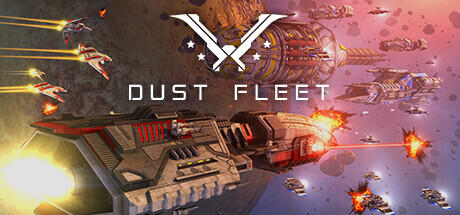
Dust Fleet allows you to take on the role of fleet commander for the UEN and must investigate a supply chain crisis in the Dust Zone, an area jointly controlled by the United Earth Nations and the Zone Mining Cooperative. The project has both a turn-based control mode and real-time space battles. In the role of commander, users are responsible for managing their battle fleet, controlling space stations, and exploring the Dust Zone to uncover the mystery of the supply crisis. They must strategically allocate resources, research new technologies, and make diplomatic decisions to keep their fleet running and their crew happy.
NOTE. Uploaded version: 24 December 2024 [v6.0 + The Sector Assault] + Update v6.4.6. This is Full release and latest version of game. The game is already Packaged in ISO File and ready to run the game after install, read the instruction below.
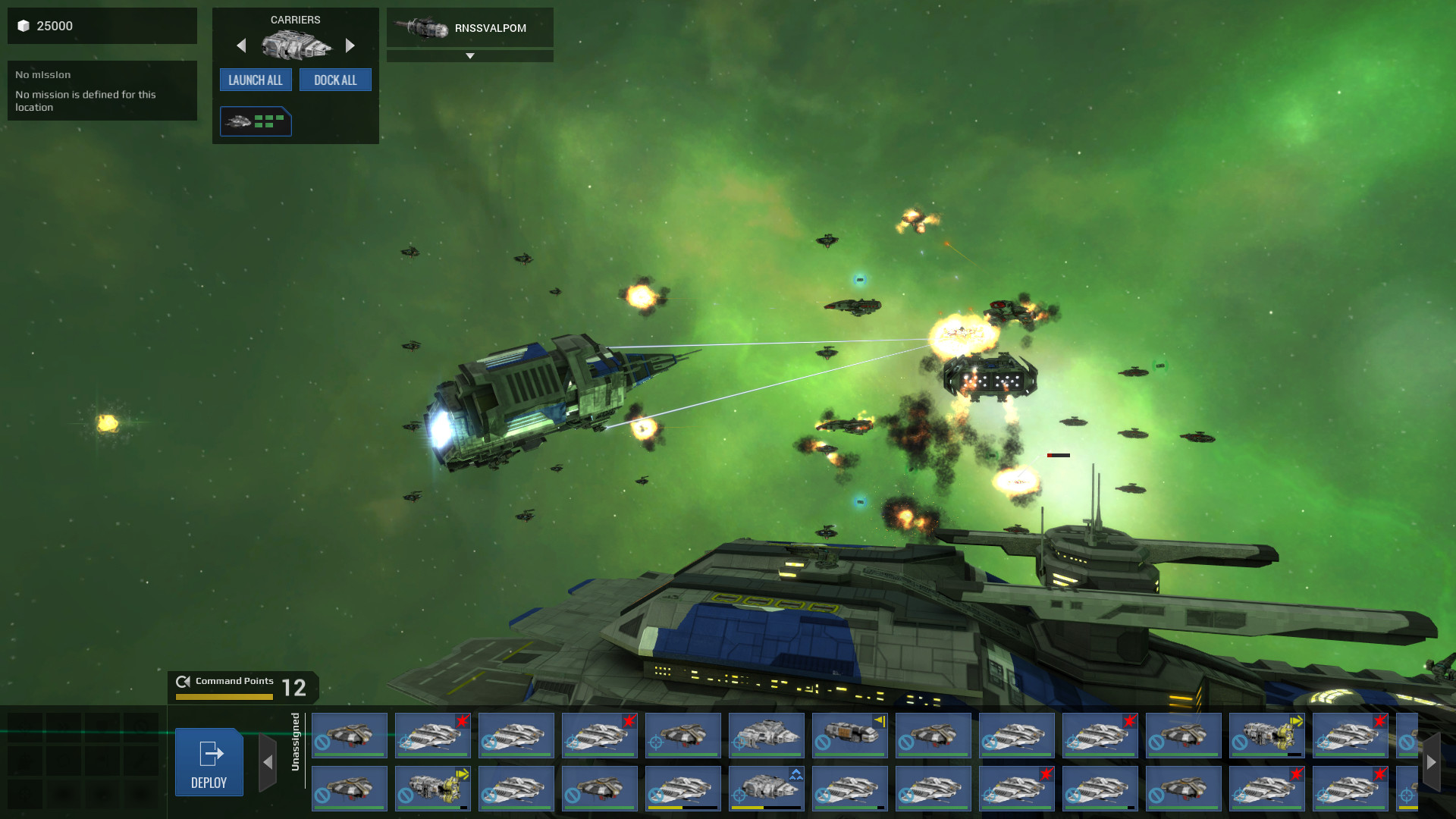
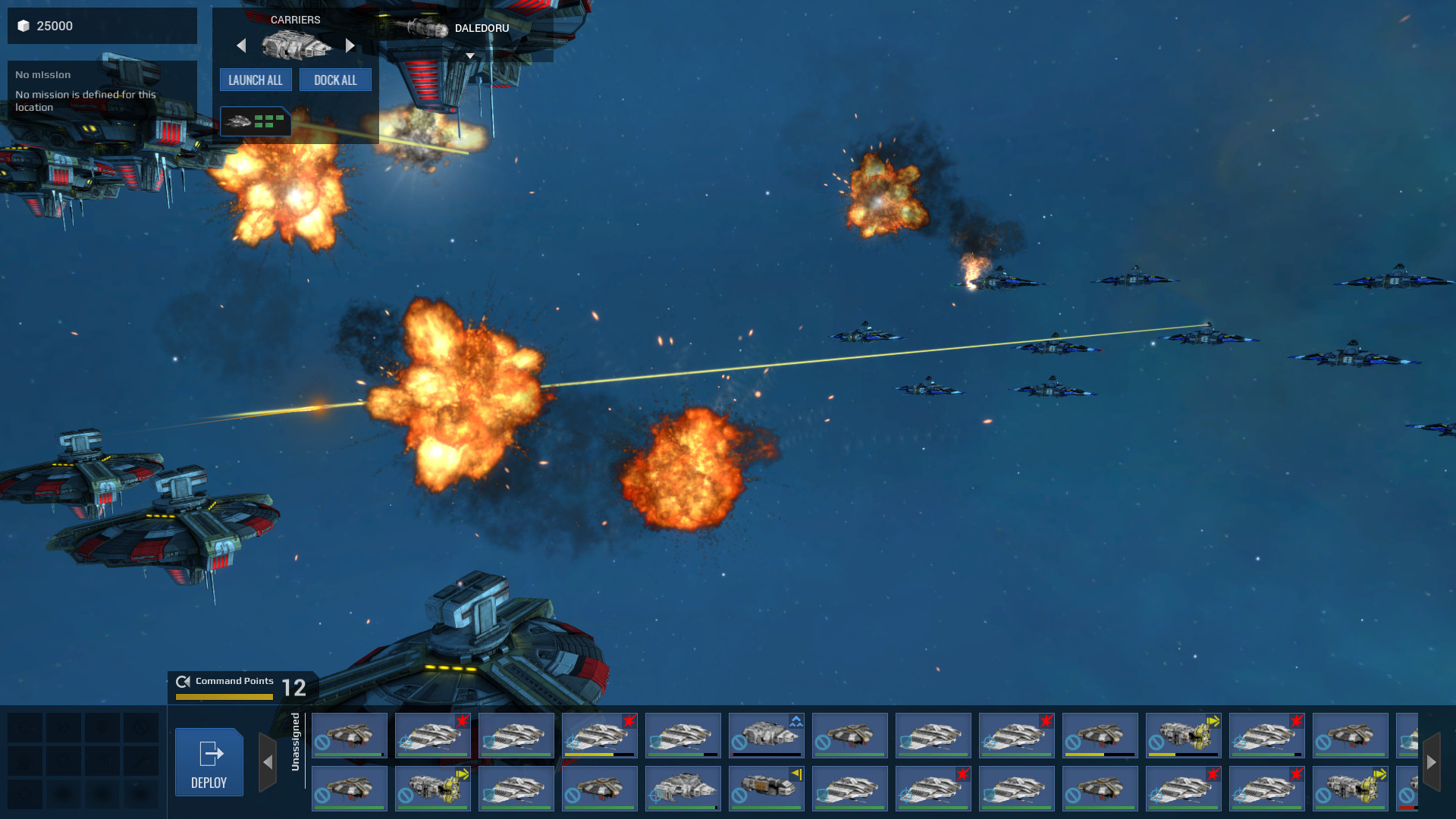
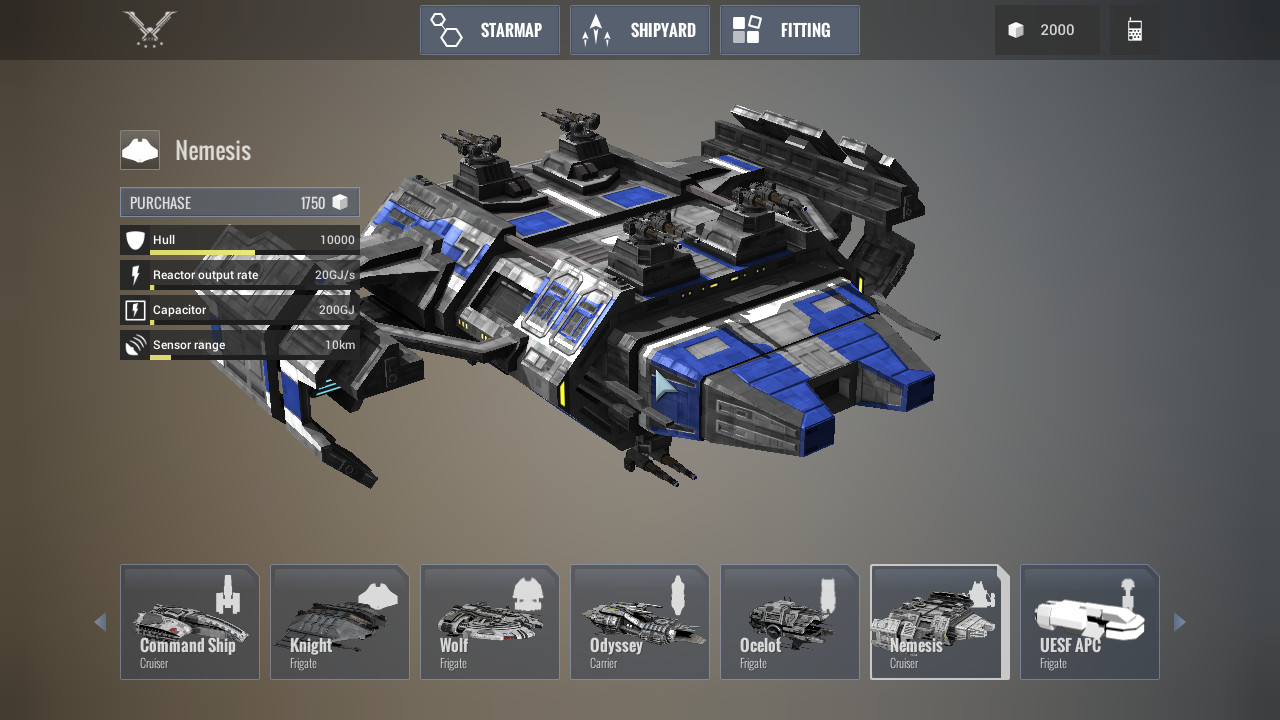
Gamers in Dust Fleet can customize their fleet by choosing from different classes of ships, each with unique strengths and weaknesses. They can also equip their ships with a variety of weapons, including laser cannons, rocket launchers, and plasma cannons, to engage in intense space battles against enemy fleets. Throughout the story, gamers will encounter a variety of characters, including the crew of their own fleet, diplomats, and rival factions. They will also come across various items such as research data, exotic materials, and rare artifacts that can be used to improve their fleet and unlock new technologies.
The action takes place in the 24th century in the Dust Zone — a fictional region of space filled with asteroids, space debris and dangerous anomalies. The Dusty Zone is home to various factions, each with their own agendas and interests. Dust Fleet has several modes, including a campaign format in which users must complete a series of missions to uncover the truth about a supply crisis, and a multiplayer mode in which gamers can engage in real-time battles with other commanders. Dust Fleet is a 4X RTS space simulator that offers rich and addictive gameplay. With a combination of turn-based controls and real-time battles, customizable fleets and a variety of modes, it offers a challenging and exciting adventure in an exciting futuristic world.
OS: Windows Vista Service Pack 2 32-bit
Processor: Intel Core 2 DUO 2.4 GHz / AMD Athlon X2 2.7 GHz
Memory: 2GB
Hard Disk Space: 5 GB free
Video Card: DirectX10 Compatible ATI Radeon HD 3870 / NVIDIA 8800 GT / Intel HD 3000 Integrated Graphics
Video Card Memory: 512 MB
Sound: DirectX Compatible
RECOMMENDED:
OS: Windows 7 Service Pack 1 64-bit
Processor: Quad Core Processor
Memory: 4GB
Hard Disk Space: 5 GB free
Video Card: DirectX11 Compatible, AMD Radeon HD 6950 / NVIDIA GeForce GTX 560
Video Card Memory: 1024 MB
Sound: DirectX Compatible
Screenshots
Gameplay Trailer
How to Install
- Download the Full game Dust.Fleet.The.Sector.Assault-RUNE through torrent.
- Mount the Full ISO-image game in the «UltraISO».
- Install the game on you PC, wait for 100% installation.
- Copy all files of the folder «RUNE» in game folder.
- Download and install Update v6.3 + Update v6.3.1 + Update v6.4 + Update v6.4.6, in game folder. (how to Update the game)
- Lock the game folder in the Windows firewall.
- Play!
Download update only: Dust.Fleet.The.Sector.Assault.Update.v6.4.6-RUNE, MIRROR, MIRROR 2 [ 128.6 MB ]
- Extract.
- Run setup.exe and install the update.
- Copy crack from RUNE dir to install dir.
- Play!
Download update only: Dust.Fleet.The.Sector.Assault.Update.v6.4-RUNE, MIRROR, MIRROR 2 [ 58.3 MB ]
Download update only: Dust.Fleet.The.Sector.Assault.Update.v6.3.1-RUNE [ 17 MB ]
Download update only: Dust.Fleet.The.Sector.Assault.Update.v6.3-RUNE [ 12.3 MB ]
Download Dust Fleet (RUNE): Update v6.4.6 + The Sector Assault
Alternative Mirrors
Helpful Guides
Game Update History
- Dust Fleet v6.4 → Update v6.4.6 [ 09.10.2025 ]
- Dust Fleet v6.3.1 → Update v6.4 [ 26.07.2025 ]
- Dust Fleet → Update v6.3.1 [ 16.05.2025 ]



Comments 2