
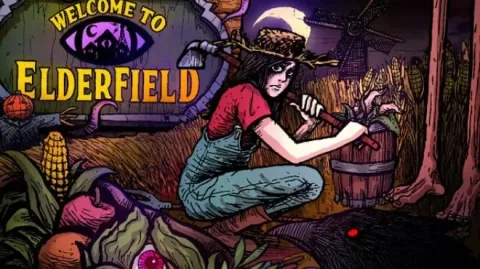
Welcome to Elderfield
- TENOKE
- Update v1.04b
- FREE DOWNLOAD
- TORRENT
- UPDATED
Game Update History6 updatesLast: 06.11.2026 · today
- 06.11.2026Build 25237258Update v1.04bcurrent
- 05.11.2026Hotfix
- 04.11.2026Hotfix
- 27.10.2026Hotfix
- 26.10.2026Hotfix
Show 1 more update
- 11.09.2026Build 25237258
Patch notes 4
- 05.11.2026Hotfix
CHANGELOG; Fixed a random game freeze when placing items into processors; Fixed guard sometimes playing the "Miss" animation; Fixed various cutscene freezes (such as Sophia in the Catacombs, School cutscenes); Fixed a random crash when interacting with any event; Fixed the "InvalidStateError" crash when opening the pause menu on some…
- 04.11.2026Hotfix
CHANGELOG; Fixed the "TypeError: battler._wteScalingActiveStats.has is not a function" crash
- 27.10.2026Hotfix
CHANGELOG; Fixed a freeze when sleeping in the tutorial; Fixed a crash when rolling the die sometimes after sleeping; Fixed the Artisanal Merchant perk not increasing the sell price of items; Fixed the "Dodgy" perk not working; Fixed the "Waterproof" perk not working, and animals generally acting like it was raining when it hadn't;…
- 26.10.2026Hotfix
CHANGELOG; Fixed a freeze that caused the sleeping scene to continue forever
Data from the MaGamers update log · information may be outdated
About The Game
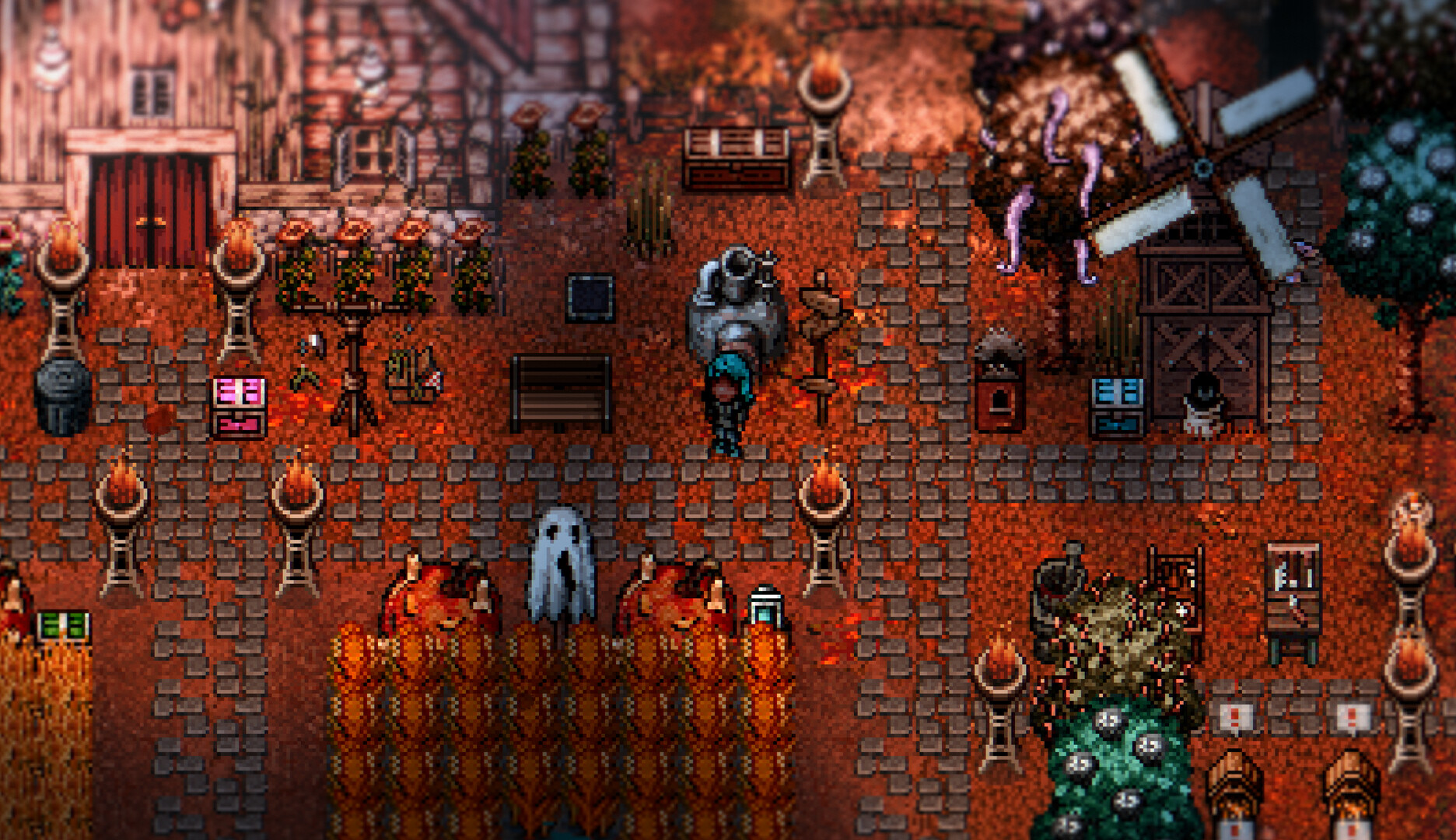
A cozy horror RPG with hand-drawn art and dark lofi music: that is the unlikely combination of Welcome to Elderfield from Chris Cote. The game invites the player to manage a farm, befriend or romance the locals, investigate mysteries, decorate a home, fight terrifying creatures, fish, cook, seek the Old Gods, and die in sleep. There is a lot to do in Elderfield.
NOTE. Uploaded version: 6 2026 [Build 25237258] + Update v1.04b. This is Full Release and latest version of game. The game is already Packaged in ISO File and ready to run after install, read the instruction below.
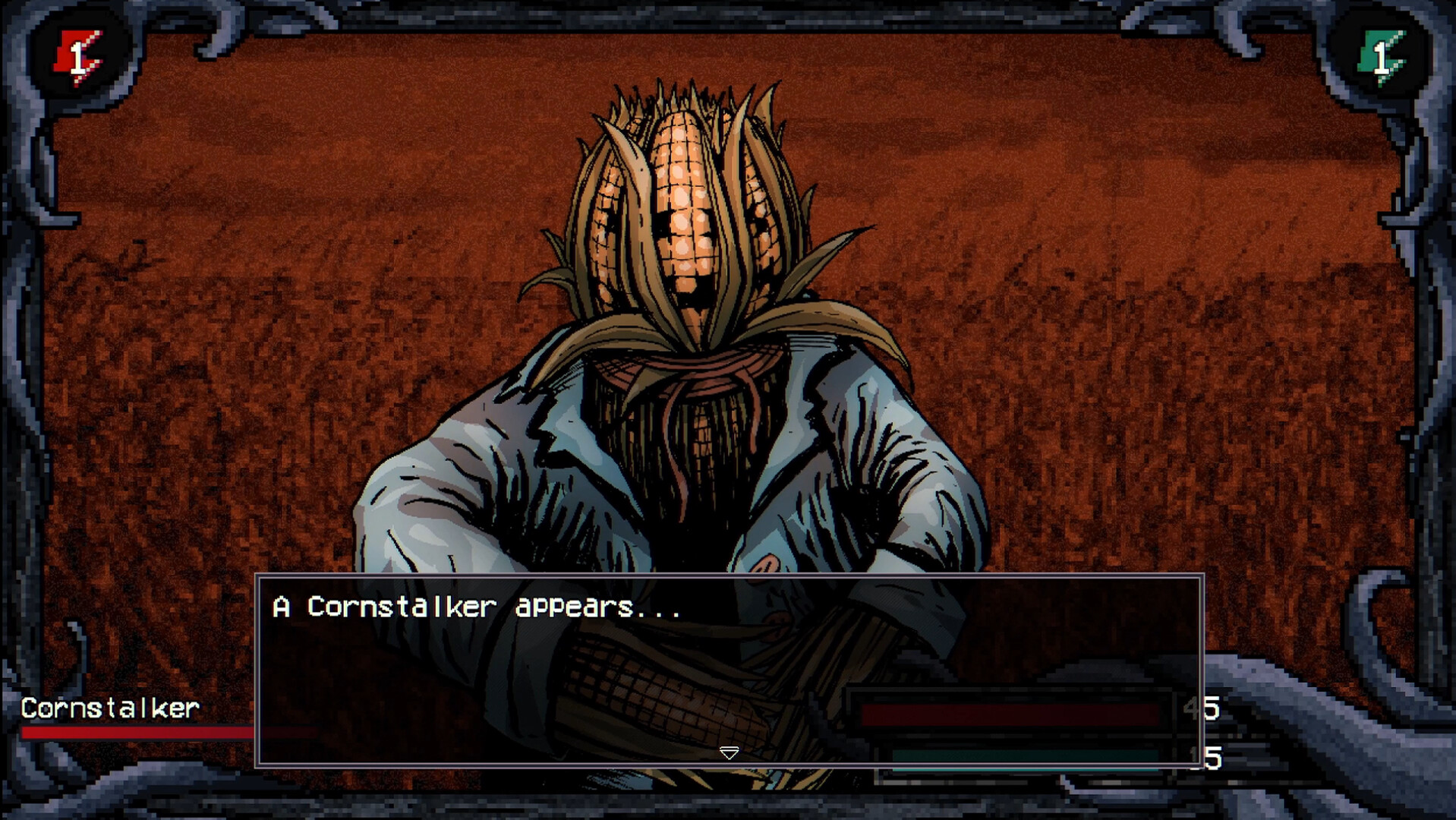
The horror RPG blends two genres that rarely meet. The cozy side offers farming, fishing, cooking, decorating, and social relationships with the townspeople. The horror side brings terrifying creatures, dark mysteries, and the looming presence of the Old Gods. The two halves coexist, and the contrast is what gives the game its identity.
The hand-drawn art gives Elderfield its visual personality. Every character, every building, and every creature is drawn with care, and the style is consistent from the brightest farm scene to the darkest horror encounter. The lofi music matches the tone: calm enough for farming, dark enough for dread.
The RPG systems run deep. The player manages a farm, builds relationships with NPCs, and investigates mysteries that thread through the story. The combat is present but not dominant; the horror is atmospheric rather than action-focused, and the dread comes from the world rather than the fights.
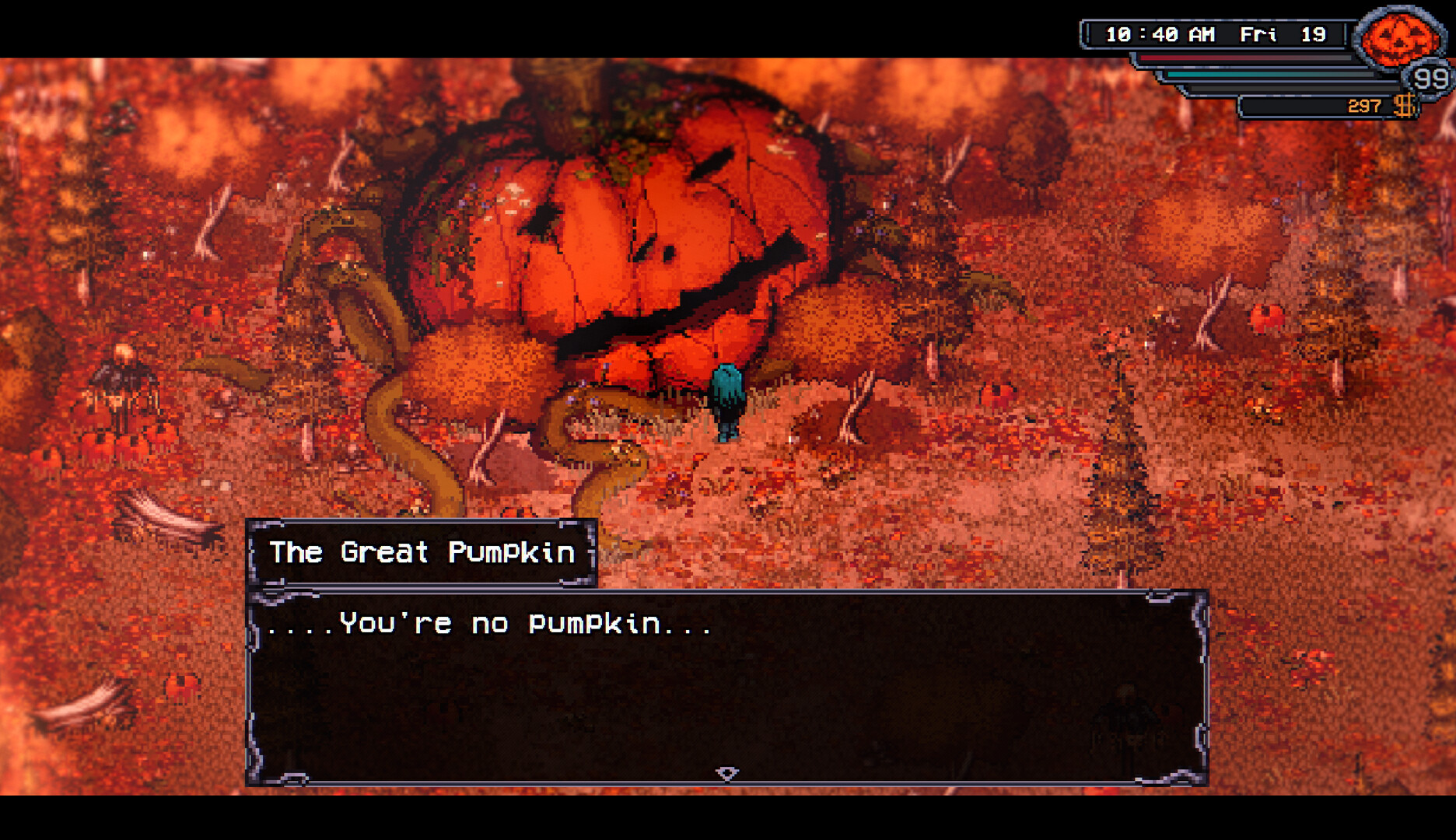
The Old Gods are the endgame mystery. The player can seek them, and the search is part of the story. The cozy surface hides something darker, and the further the player digs, the more the horror side takes over. The transition is gradual, and the game never abandons its cozy roots even as the dread grows.
Welcome to Elderfield arrived on 10 September 2026 and is aimed at players who like RPGs that mix warmth and dread, farming and horror, and a world that feels like home until it does not.
Minimum:
OS: Windows 10 (64-bit)
Processor: 11th Gen Intel(R) Core(TM) i5-11600K / AMD Ryzen 5 5600X
Memory: 8 GB RAM
Graphics: NVIDIA GeForce GTX 1050 Ti / AMD Radeon RX 570
DirectX: Version 11
Storage: 2 GB available space
Sound Card: DirectSound compatible sound card
Additional Notes: 64-bit OS required. 1280x768 minimum display resolution.
Recommended:
OS: Windows 10 (64-bit)
Processor: 11th Gen Intel(R) Core(TM) i5-11600K / AMD Ryzen 5 5600X
Memory: 16 GB RAM
Graphics: NVIDIA GeForce GTX 1650 / AMD Radeon RX 570 (4GB) or the Radeon RX 5500 / RX 5300
DirectX: Version 11
Storage: 2 GB available space
Sound Card: DirectSound compatible sound card
Additional Notes: 64-bit OS required. 1280x768 minimum display resolution.
Screenshots
Gameplay Trailer
How to Install
1. The first thing we do is download the game's installation files.
2. Unzip the archive to the hard disk.
3. Mount or burn the ISO image in the disk emulator (UltraISO program).
4. After mount ISO, go to the folder and run the file «setup.exe».
5. During the installation, we specify the location on the disk where we want to install it.
6. Copy the contents of the folder «CRACK» in the folder with the game.
7. Download and install Update v1.04b, in game folder. (how to Update the game)
8. Launch the game!
Download update only: Welcome.to.Elderfield.Update.v1.04b-TENOKE, MIRROR [ 216 MB ]
- Extract.
- Run setup.exe and install.
- Copy crack from TENOKE dir to install dir.
- Play!


Comments 0