Project Cobalt
- TENOKE
- Build 23278727
- FREE DOWNLOAD
- TORRENT
- NEW GAME
Game Update History1 updateLast: 11.09.2026 · 1 month ago
- 11.09.2026Build 23278727current
Data from the MaGamers update log · information may be outdated
About The Game
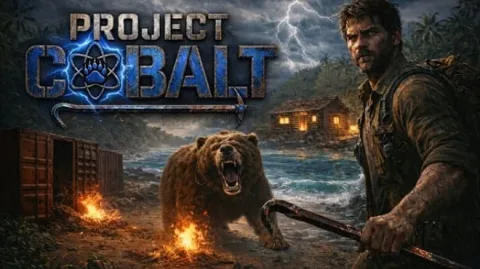
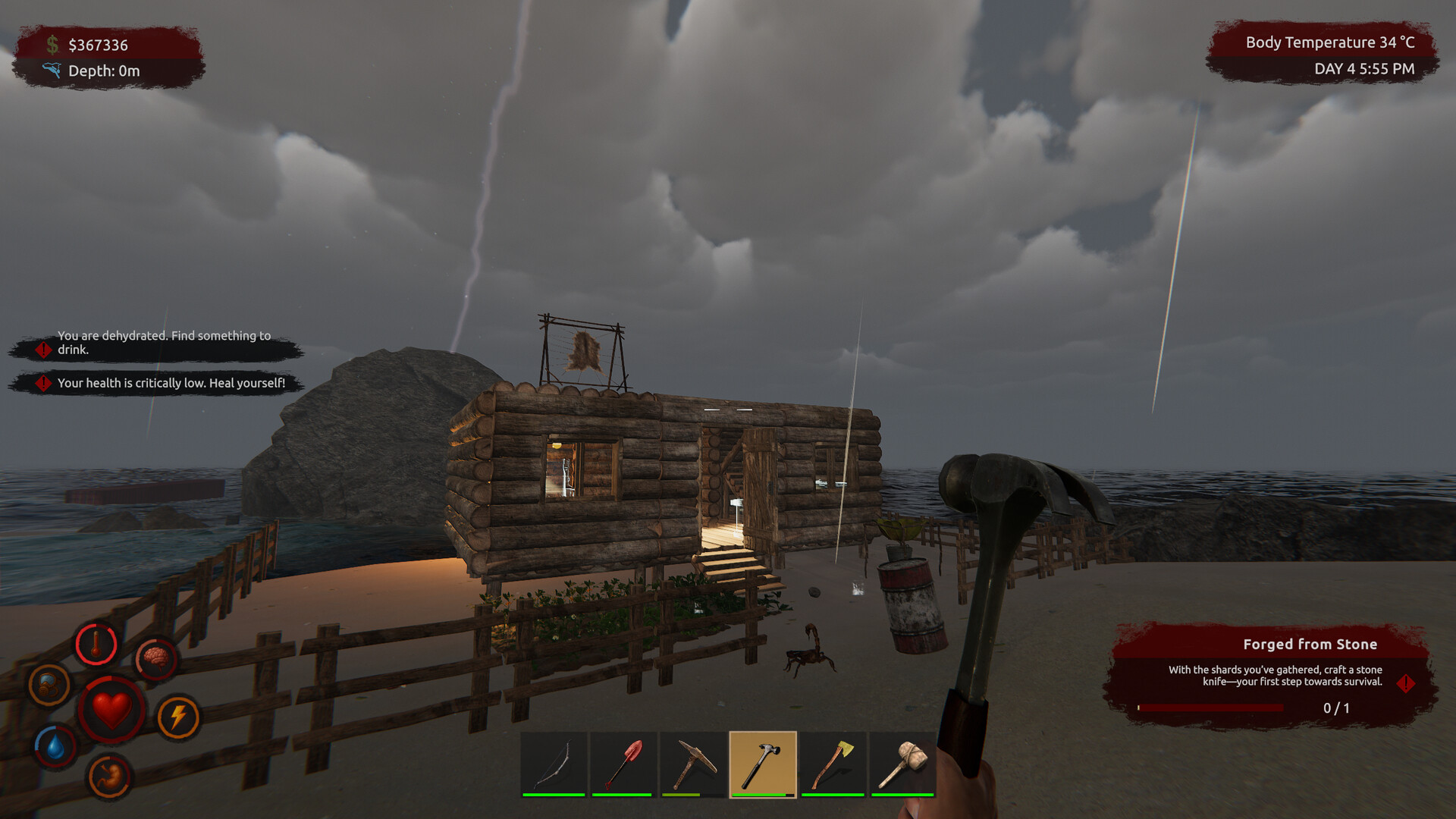
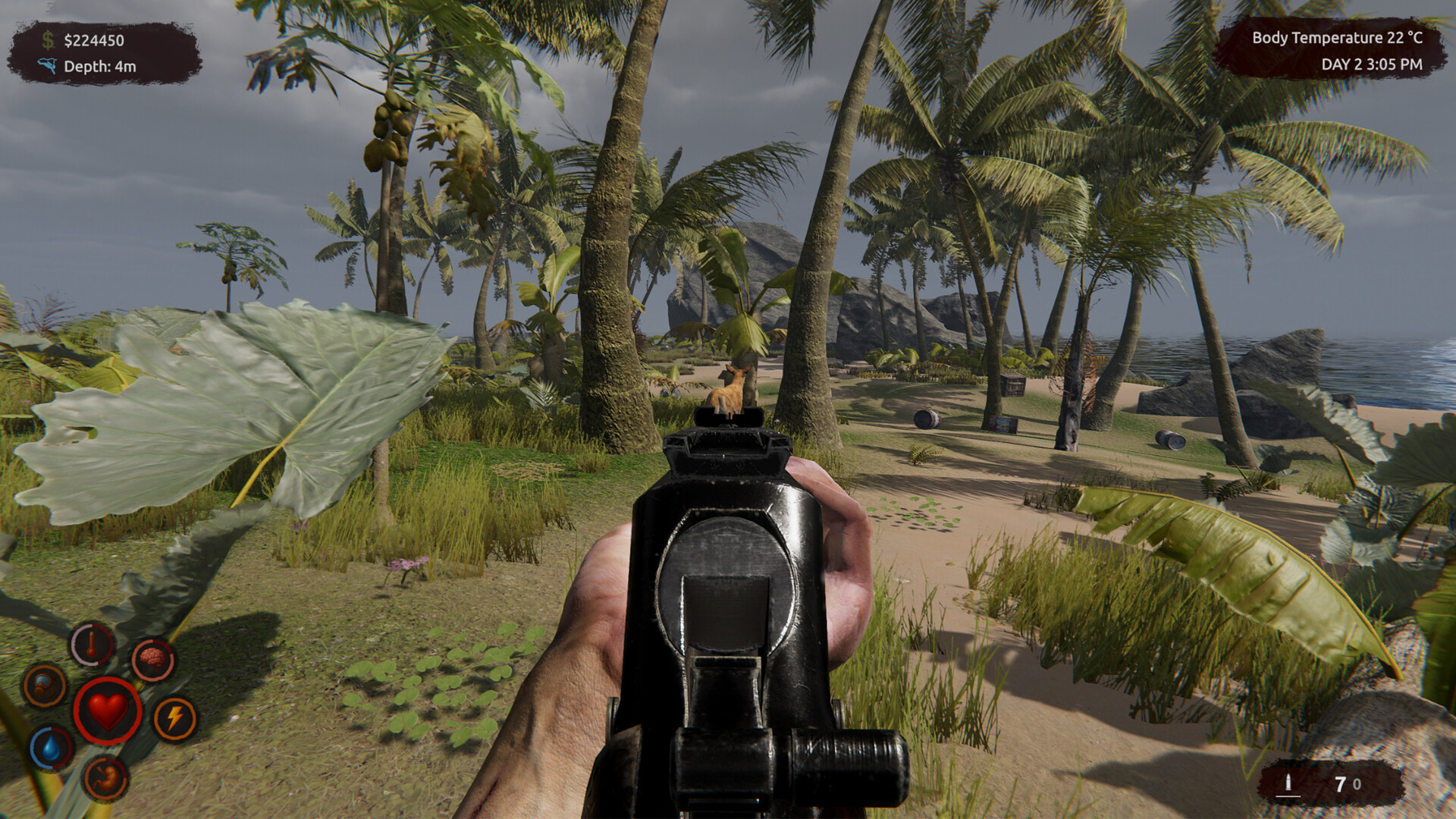
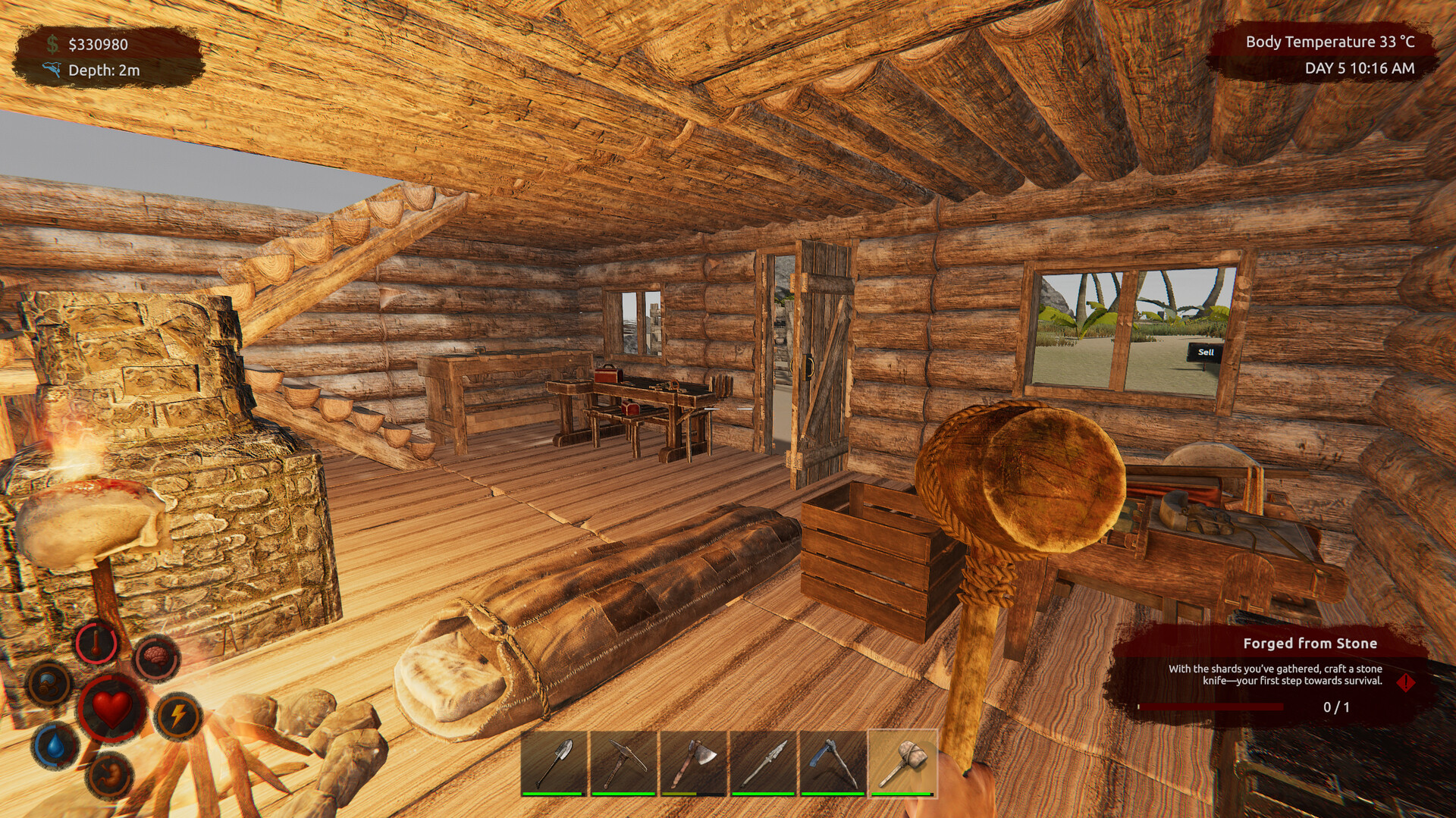
A hostile island, a failed experiment, and a survivor with nothing but what they can carry. Project Cobalt from OxygenStudio is a survival action game set on an island that does not want the player there. Scavenge containers, mine resources, craft tools, hunt animals, and endure storms as you fight hunger, disease, and exhaustion, all while uncovering the dark truth behind a failed experiment.
The survival mechanics are the core of the experience. Hunger, disease, and exhaustion are constant threats, and the player must balance scavenging for food, crafting tools, and maintaining health. The island offers containers to search, resources to mine, and animals to hunt, but the environment is hostile and the storms are relentless. Every decision is a trade-off between risk and reward.
The crafting system lets the player turn raw materials into tools and equipment. The tools open new possibilities: better mining, faster hunting, sturdier shelter. The progression is organic, and the player grows stronger by engaging with the island rather than by following a linear path. The open world is fully explorable, and the dark truth behind the failed experiment waits to be uncovered.
The action elements come into play during encounters with the island's threats. The storms are not just weather; they are events that test the player's preparation and resilience. The combat is functional and direct, and the player must decide when to fight and when to run. The management layer ties everything together, and the player's base grows with every successful expedition into the hostile terrain.
Project Cobalt arrived on 10 September 2026 and is aimed at players who like survival games with crafting, building, and a mystery to uncover. The island is hostile, the experiment failed, and the truth is waiting.
NOTE. Uploaded version: 11 September 2026 [Build 23278727]. This is Full Release and latest version of game. The game is already Packaged in ISO File and ready to run after install, read the instruction below.
Minimum:
Requires a 64-bit processor and operating system
OS: Windows 10
Processor: Intel Core i7
Memory: 8 GB RAM
Graphics: GTX 1660
DirectX: Version 10
Storage: 8 GB available space
Recommended:
Requires a 64-bit processor and operating system
OS: Windows 11
Processor: AMD Ryzen 5
Memory: 12 GB RAM
Graphics: RTX 3060
DirectX: Version 11
Storage: 15 GB available space
Screenshots
Gameplay Trailer
How to Install
1. The first thing we do is download the game's installation files.
2. Unzip the archive to the hard disk.
3. Mount or burn the ISO image in the disk emulator (UltraISO program).
4. After mount ISO, go to the folder and run the file «setup.exe».
5. During the installation, we specify the location on the disk where we want to install it.
6. Copy the contents of the folder «CRACK» in the folder with the game.
7. At the end of the unpacking process, a shortcut appears on the desktop.
8. Launch the game!


Comments 0