
Soulash 2
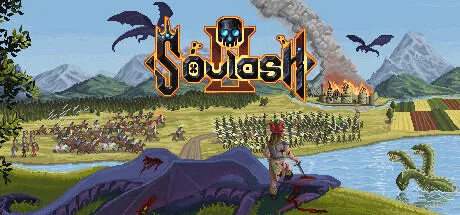
- v0.10.5.1b
- FREE DOWNLOAD
- TORRENT
- UPDATED
Game Update History15 updatesLast: 01.11.2026 · today
- 01.11.2026v0.10.2.2bv0.10.5.1bcurrent
- 08.10.2026Hotfix v0.10.3.4
- 02.10.2026Hotfix 0.10.3.3
- 29.08.2026v0.10.0.5bv0.10.2.2b
- 28.08.2026Hotfix v0.10.2.2
Show 10 more updates
- 08.08.2026v0.10.0.2v0.10.0.5b
- 05.08.2026v0.9.24.11v0.10.0.2
- 10.05.2026Build 21576393v0.9.24.11
- 23.01.2026v0.9.17.2v2.0.0.20.01.26EA / Build 21576393
- 23.01.2026v0.9.15.3v0.9.17.2
- 24.12.2025v0.9.11.1v0.9.15.3
- 04.10.2025v0.9.4v0.9.11.1
- 10.07.2025v0.9.3.1av0.9.4
- 20.06.2025v0.9.0.2av0.9.3.1a
- 20.05.2025v0.9.0.2a
Patch notes 3
- 08.10.2026Hotfix v0.10.3.4
Changed; - Replaced the profession icon for Divine Monastery workers.; - Resource Trader and Known Crafter bonuses now apply in full when selling player-crafted items, including in towns with high demand.; - Creating a new family now warns that current family wealth and buildings are left behind.; - The player can remigrate their own…
- 02.10.2026Hotfix 0.10.3.3
Changed; - It's now possible to fulfill crafting orders with items that are in the backpack, as long as they were crafted by the player character.; - When creating a new family through the Buy Plot panel, the player can define a new surname.; - Added Slate Stone Block to Stonemason building for extraction.; Fixed; - Fixed an issue where…
- 28.08.2026Hotfix v0.10.2.2
Added; - New event chain for Ursans and Dwarfs - Crafter's Guild; Changed; - Adventuring parties no longer become aggressive when competing for loot with the player's party in easy special locations.; - Shadow Wolves no longer attack unless disturbed.; - Aspen trees can be planted in the swamp biome.; Fixed; - Fixed an issue where troll…
Data from the MaGamers update log · information may be outdated
About The Game
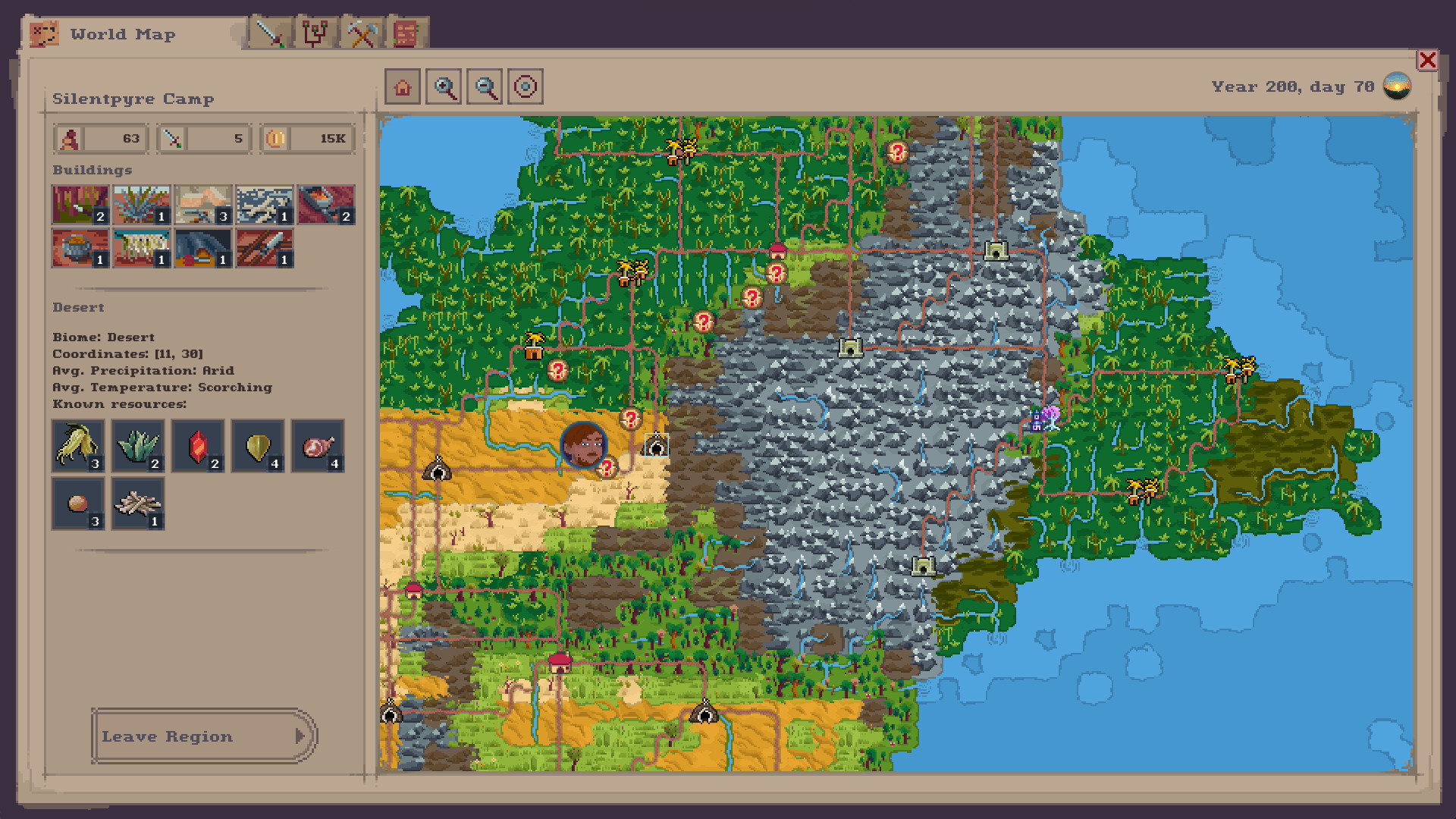
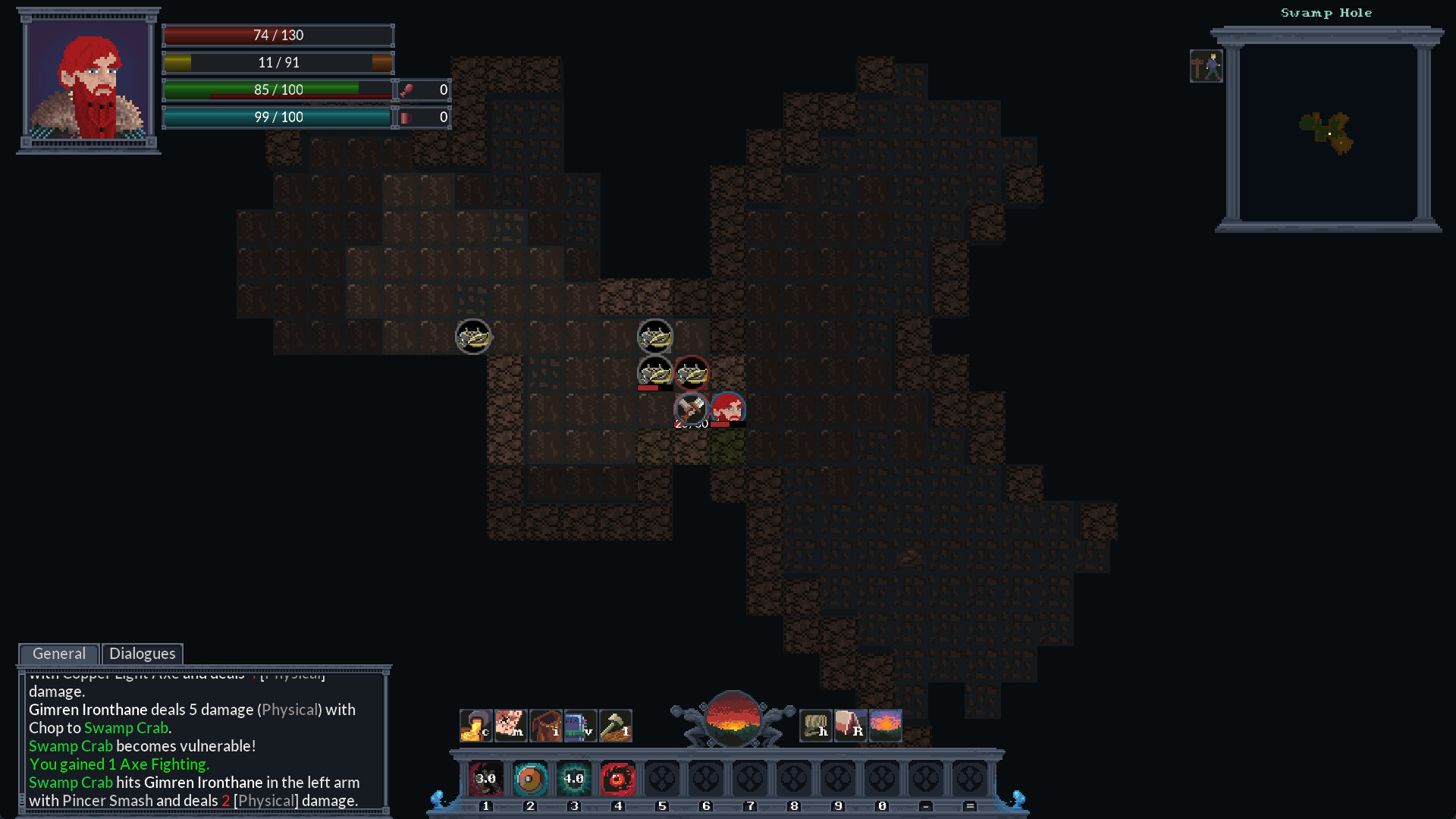
Soulash 2 captures the essence of the dark and mysterious world it presents. The game’s graphics are intricate and atmospheric, immersing players in a world filled with enigmatic ruins, intricate landscapes, and a sense of foreboding. The artistry in the game’s design enhances the overall immersion. The game’s narrative is a rich tapestry of lore and storytelling. Players will encounter a diverse cast of characters, each with their own motivations and secrets, and navigate through quests that delve into the mysteries of the game world. The choices players make have far-reaching consequences, shaping the course of the narrative.
NOTE. Uploaded version: 1 November 2026 [v0.10.5.1b]. This is Full Release and latest version of game. The game is already Packaged in Installer and ready to run the game after install, read the instruction below.
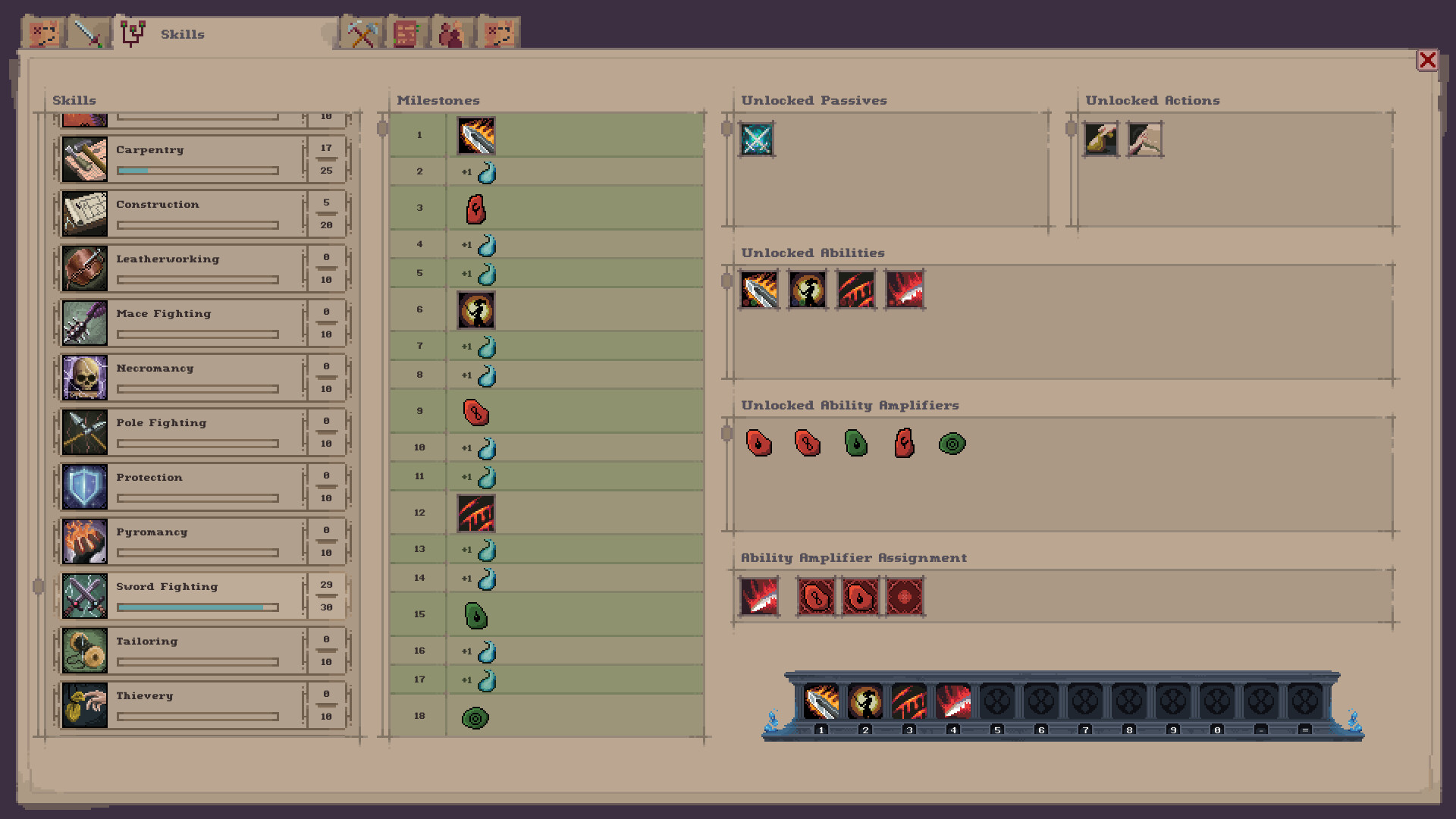
Soulash 2 is a sequel that builds upon the success of its predecessor, offering an even deeper and more engaging RPG experience. The game is designed to cater to fans of indie RPGs who seek a world rich in lore, character development, and narrative complexity. Soulash 2 is a highly anticipated indie RPG that promises to deliver a captivating and immersive gaming experience. With its intricate world, character progression, and a narrative that responds to player choices, it’s a must-play for enthusiasts of the RPG genre. If you’re looking for a game that challenges your decision-making, offers a rich narrative, and immerses you in a dark and mysterious world.
MINIMUM:
Requires a 64-bit processor and operating system
OS: Microsoft Windows 7 (64bit)
Processor: Intel N4100 (or similar) or better
Memory: 6 GB RAM
Graphics: DirectX 9/OpenGL 4.1 capable GPU
DirectX: Version 9.0
Storage: 2 GB available space
Additional Notes: Its recommended to have at least 4 GB of VRAM
RECOMMENDED:
Requires a 64-bit processor and operating system
OS: Microsoft Windows 8.1 or 10 (64bit)
Processor: Intel Core i3-6100 or better
Memory: 8 GB RAM
Graphics: OpenGL ES 2.0 hardware driver support required for WebGL acceleration
DirectX: Version 9.0
Storage: 2 GB available space
Additional Notes: Its recommended to have at least 4 GB of VRAM
Screenshots
Gameplay Trailer
How to Install
- Download the game files through torrent.
- Run the installation file «[gamename].setup.exe», follow the instructions.
- Choose a place on the disk, where the game will be installed.
- Wait for the notification that the game is installed.
- Сlick on the label of the game, Play!


Comments 3