
lilys world XD
- TENOKE
- Build 25335946
- FREE DOWNLOAD
- TORRENT
- NEW GAME
Game Update History1 updateLast: 18.09.2026 · 1 month ago
- 18.09.2026Build 25335946current
Data from the MaGamers update log · information may be outdated
About The Game
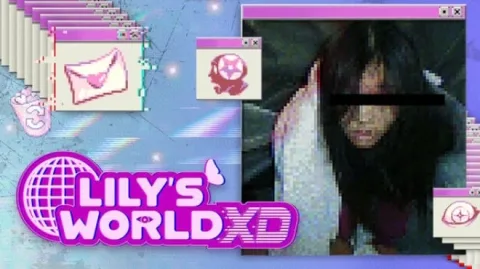
Lilys World XD is a psychological horror simulator in which the player finds an old laptop of a teenage girl named Lily, who lived in the year 204 and suddenly disappeared under mysterious circumstances. The gameplay is completely based on exploring the interface of this computer, where you have to read her personal diaries, look at old selfies, set up her blog, solve hidden codes and even communicate with her old friends through chats.
The atmosphere of the game immerses you in the Internet culture of the early 2000s, but nostalgia quickly turns to anxiety when you start to find strange messages addressed directly to you and realize that someone else also has remote access to this laptop and is watching your every move. The main task is to unravel the mystery of the girl's disappearance with the help of clues in her files before otherworldly or unknown dangerous forces get to the player himself.
NOTE. Uploaded version: 18 September 2026 [Build 25335946]. This is Full Release and latest version of game. The game is already Packaged in ISO File and ready to run after install, read the instruction below.
Minimum:
Requires a 64-bit processor and operating system
OS: Windows 10
Processor: 1.8 GHz or faster processor
Graphics: Direct X 9.0c compatible video card
Storage: 4 GB available space
Recommended:
Requires a 64-bit processor and operating system
OS: windows 10 or 11
Processor: 2.8 GHz or faster processor
Graphics: Direct X 9.0c compatible video card
Storage: 4 GB available space
Screenshots


Gameplay Trailer
How to Install
1. The first thing we do is download the game's installation files.
2. Unzip the archive to the hard disk.
3. Mount or burn the ISO image in the disk emulator (UltraISO program).
4. After mount ISO, go to the folder and run the file «setup.exe».
5. During the installation, we specify the location on the disk where we want to install it.
6. Copy the contents of the folder «CRACK» in the folder with the game.
7. At the end of the unpacking process, a shortcut appears on the desktop.
8. Launch the game!


Comments 0