
Anime Shop Simulator
- TENOKE
- Build 25264539
- FREE DOWNLOAD
- TORRENT
- NEW GAME
About The Game
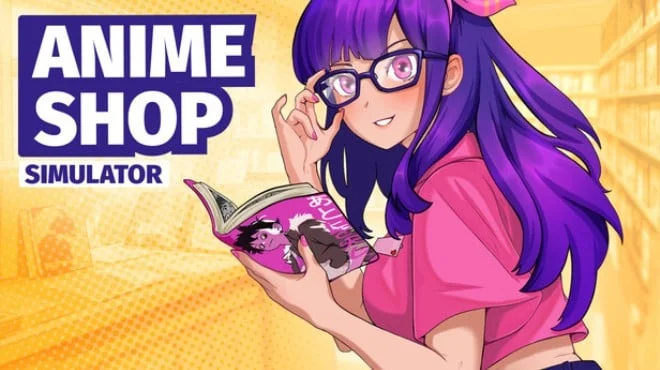
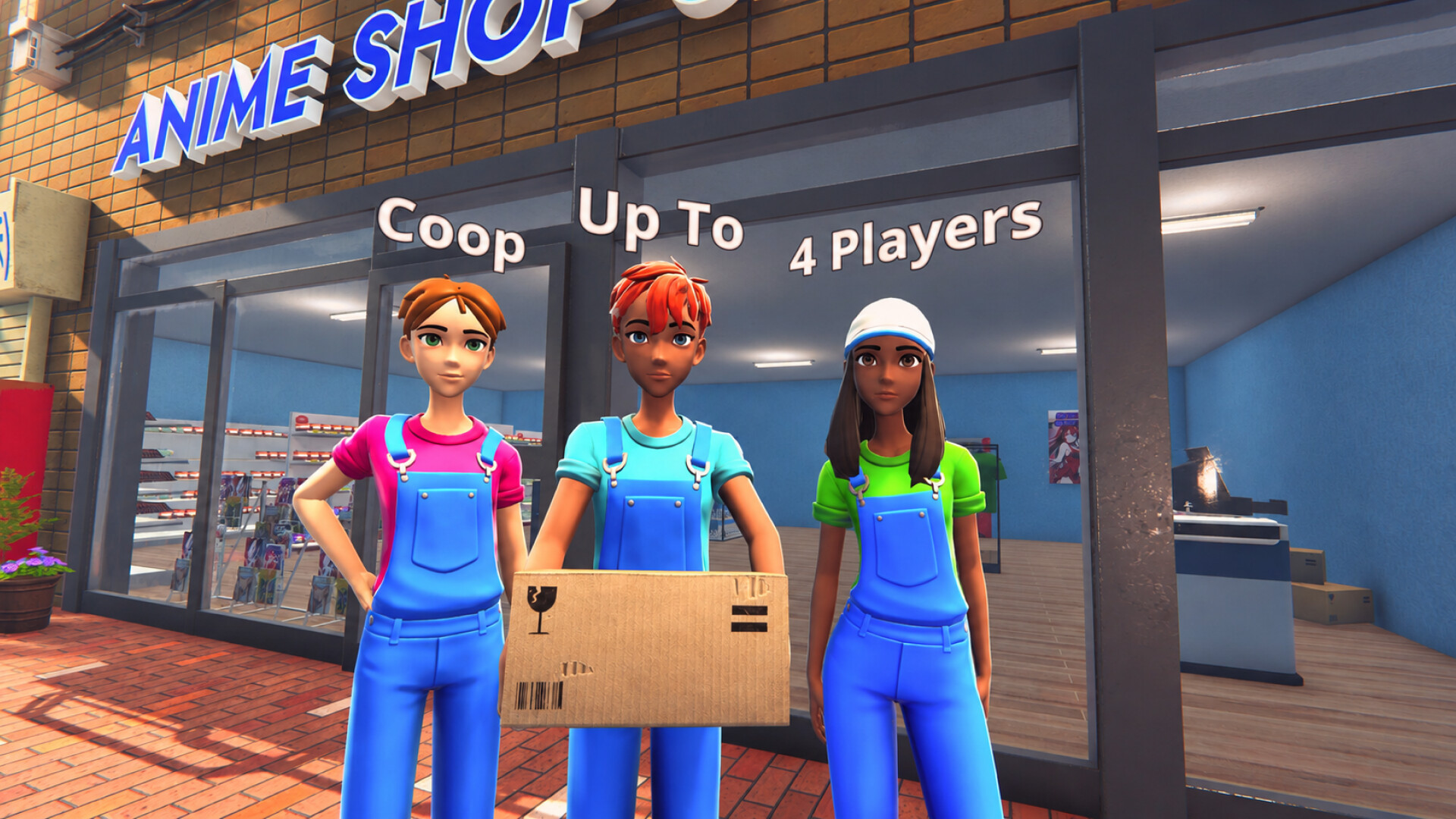
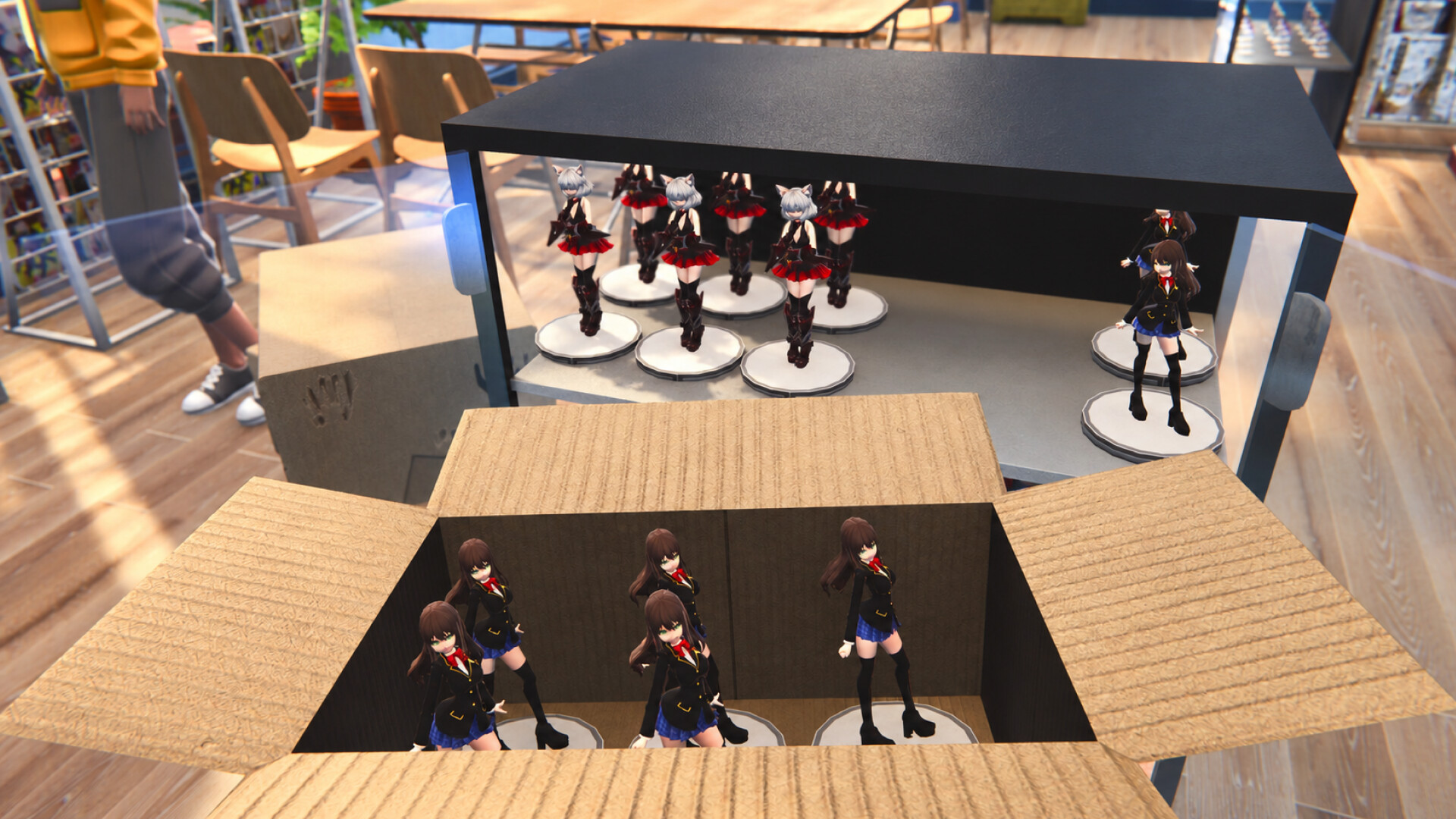
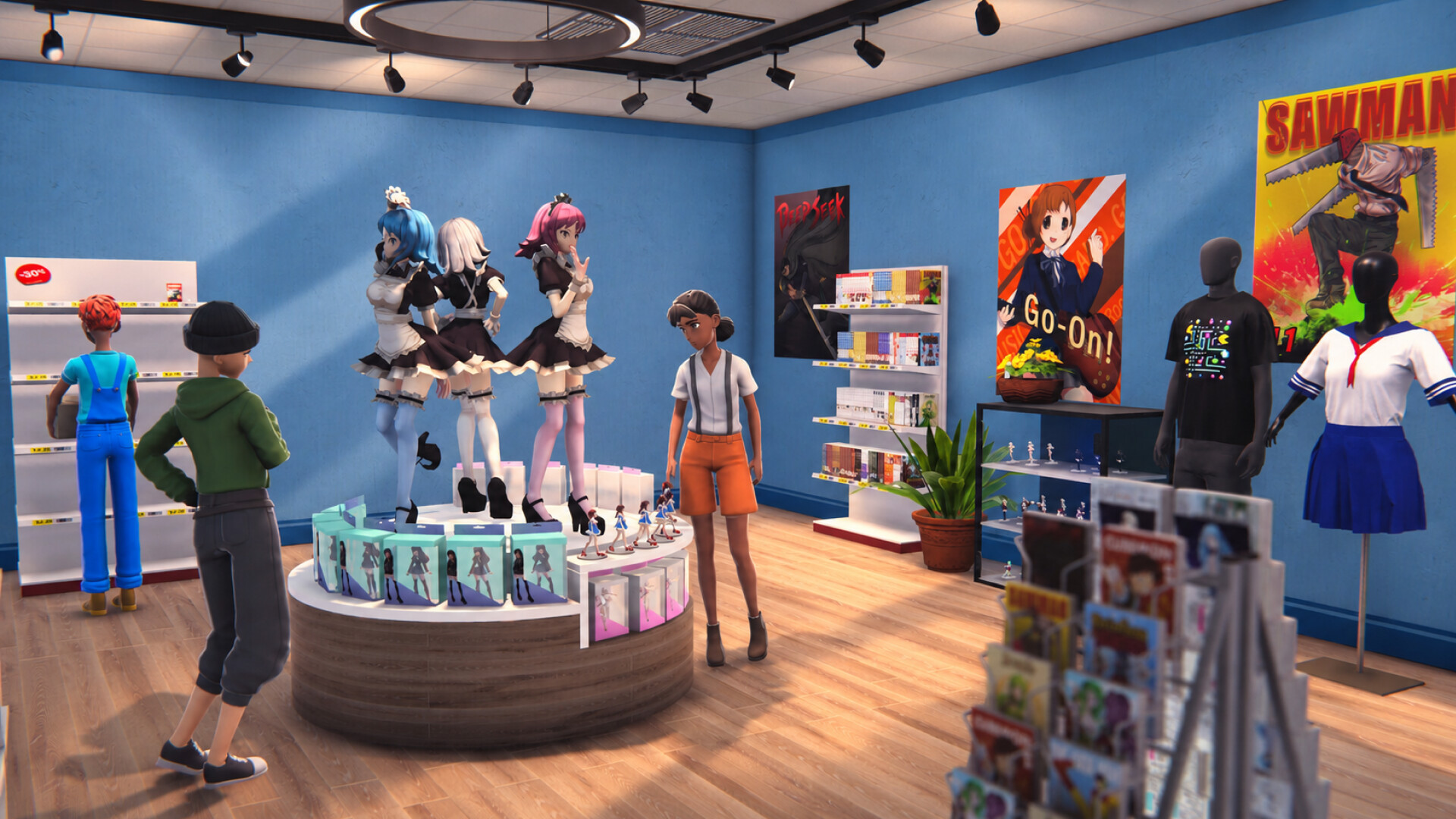
Anime Shop Simulator is a first-person business simulation game where players transform a modest storefront into a thriving hub for fans of Eastern culture. Routine tasks such as stocking shelves with publications, figurines, and themed merchandise require strategic product placement to ensure customer convenience. In addition to solo management, the game offers a four-player cooperative mode for collaborative financial planning and task delegation.
Continuous business growth relies on timely store expansion and staying abreast of the latest trends in the geek industry. Players can personalize the shop’s visual style by selecting wall coverings, choosing a unique name, and adding decorative elements.
A standout feature of Anime Shop Simulator is the immersive experience of card collecting and opening booster packs. Rare cards found in packs can either be sold at a premium or kept for a personal collection. Building a deck unlocks access to competitive PvP card duels against other players. Hosting themed festivals eaturing tournaments and autograph sessions significantly boosts the shop's popularity. This combination of mechanics delivers a rich gameplay experience that blends economic management with social interaction.
NOTE. Uploaded version: 12 September 2026 [Build 25264539]. This is Full Release and latest version of game. The game is already Packaged in ISO File and ready to run after install, read the instruction below.
System Requirements
Minimum:
Requires a 64-bit processor and operating system
OS: Windows 10 64-bit
Processor: Intel Core i3 3.0 GHz or Ryzen 3xxx
Memory: 4 GB RAM
Graphics: Nvidia GeForce GTX 960 4GB VRAM
DirectX: Version 11
Storage: 3 GB available space
Recommended:
Requires a 64-bit processor and operating system
Screenshots
Gameplay Trailer
How to Install
1. The first thing we do is download the game's installation files.
2. Unzip the archive to the hard disk.
3. Mount or burn the ISO image in the disk emulator (UltraISO program).
4. After mount ISO, go to the folder and run the file «setup.exe».
5. During the installation, we specify the location on the disk where we want to install it.
6. Copy the contents of the folder «CRACK» in the folder with the game.
7. At the end of the unpacking process, a shortcut appears on the desktop.
8. Launch the game!
Download Anime Shop Simulator
Alternative Mirrors
Helpful Guides
Game Update History
- Anime Shop Simulator → Build 25264539 [ 12.09.2026 ]


Comments 1