
Anime Shop Simulator
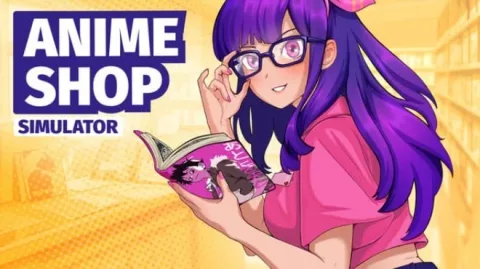
- TENOKE
- Update v1.1.0
- FREE DOWNLOAD
- TORRENT
- UPDATED
Game Update History8 updatesLast: 05.11.2026 · today
- 05.11.2026Build 25264539Update v1.1.0current
- 02.11.2026Big Update: Automatic Opener and Improvements
- 05.10.2026v1.0.7: Fixes
- 19.09.20261.0.6. Visual update
- 17.09.2026HOTFIX 1.0.5. The Big One
Show 3 more updates
- 13.09.2026Hotfix 1.0.3
- 12.09.2026Build 25264539
- 12.09.2026HOTFIX 1.0.2
Patch notes 6
- 02.11.2026Big Update: Automatic Opener and Improvements
Hello everyone! This update introduces an automatic opener and an employee to operate it. We've also improved employees and warehouse operations, streamlined purchasing and price management, and fixed numerous bugs.; And we have 20% Discount! Automatic Opener The Automatic Opener can open booster packs, pins, and keychains, while a new…
- 05.10.2026v1.0.7: Fixes
Fixes; Fixed Maneki-neko decoration clipping through surfaces.; Fixed the Buy button click area.; Now the selected shop category stays active after buying items.; Fixed boxes from Delivery Zone 2 moving to Delivery Zone 1 after loading a save.
- 19.09.20261.0.6. Visual update
We’ve updated the game’s visuals to make the overall look cleaner, more polished, and more consistent. We’ll continue making small visual adjustments based on your feedback.; Fixes; Fixed Restocker behavior when there is no free space on a display — boxes are no longer left next to the stand.; Fixed an issue where the Restocker could…
- 17.09.2026HOTFIX 1.0.5. The Big One
1.0.5; FIXES; • Fixed restockers sometimes getting stuck in the Sorting state and stopping work.; • Fixed a crash that could happen when assigning an employee as a restocker.; • Fixed restockers ignoring products already stored on warehouse shelves or boxes left in the delivery zone.; • Fixed restockers sometimes placing products on the…
- 13.09.2026Hotfix 1.0.3
We’ve released a hotfix addressing several multiplayer interaction issues:; Fixed the game freezing when two players tried to pick up the same object at the same time.; Fixed an issue where items and shelves could stop responding to interactions.; Fixed an issue where an item or tool could get stuck in your hands and couldn’t be put…
- 12.09.2026HOTFIX 1.0.2
Hi! First of all, we want to apologize for the less-than-smooth launch. We expected the release to go much more smoothly, but some players ran into bugs, co-op issues, and balance problems. We messed up, but we’re already actively going through your feedback and trying to fix everything as quickly as possible. Thank you to everyone who…
Data from the MaGamers update log · information may be outdated
About The Game
Anime Shop Simulator is a first-person business simulation game where players transform a modest storefront into a thriving hub for fans of Eastern culture. Routine tasks such as stocking shelves with publications, figurines, and themed merchandise require strategic product placement to ensure customer convenience. In addition to solo management, the game offers a four-player cooperative mode for collaborative financial planning and task delegation.
Continuous business growth relies on timely store expansion and staying abreast of the latest trends in the geek industry. Players can personalize the shop’s visual style by selecting wall coverings, choosing a unique name, and adding decorative elements.
A standout feature of Anime Shop Simulator is the immersive experience of card collecting and opening booster packs. Rare cards found in packs can either be sold at a premium or kept for a personal collection. Building a deck unlocks access to competitive PvP card duels against other players. Hosting themed festivals eaturing tournaments and autograph sessions significantly boosts the shop's popularity. This combination of mechanics delivers a rich gameplay experience that blends economic management with social interaction.
NOTE. Uploaded version: 5 2026 [Build 25264539] + Update v1.1.0. This is Full Release and latest version of game. The game is already Packaged in ISO File and ready to run after install, read the instruction below.
Minimum:
Requires a 64-bit processor and operating system
OS: Windows 10 64-bit
Processor: Intel Core i3 3.0 GHz or Ryzen 3xxx
Memory: 4 GB RAM
Graphics: Nvidia GeForce GTX 960 4GB VRAM
DirectX: Version 11
Storage: 3 GB available space
Recommended:
Requires a 64-bit processor and operating system
Screenshots
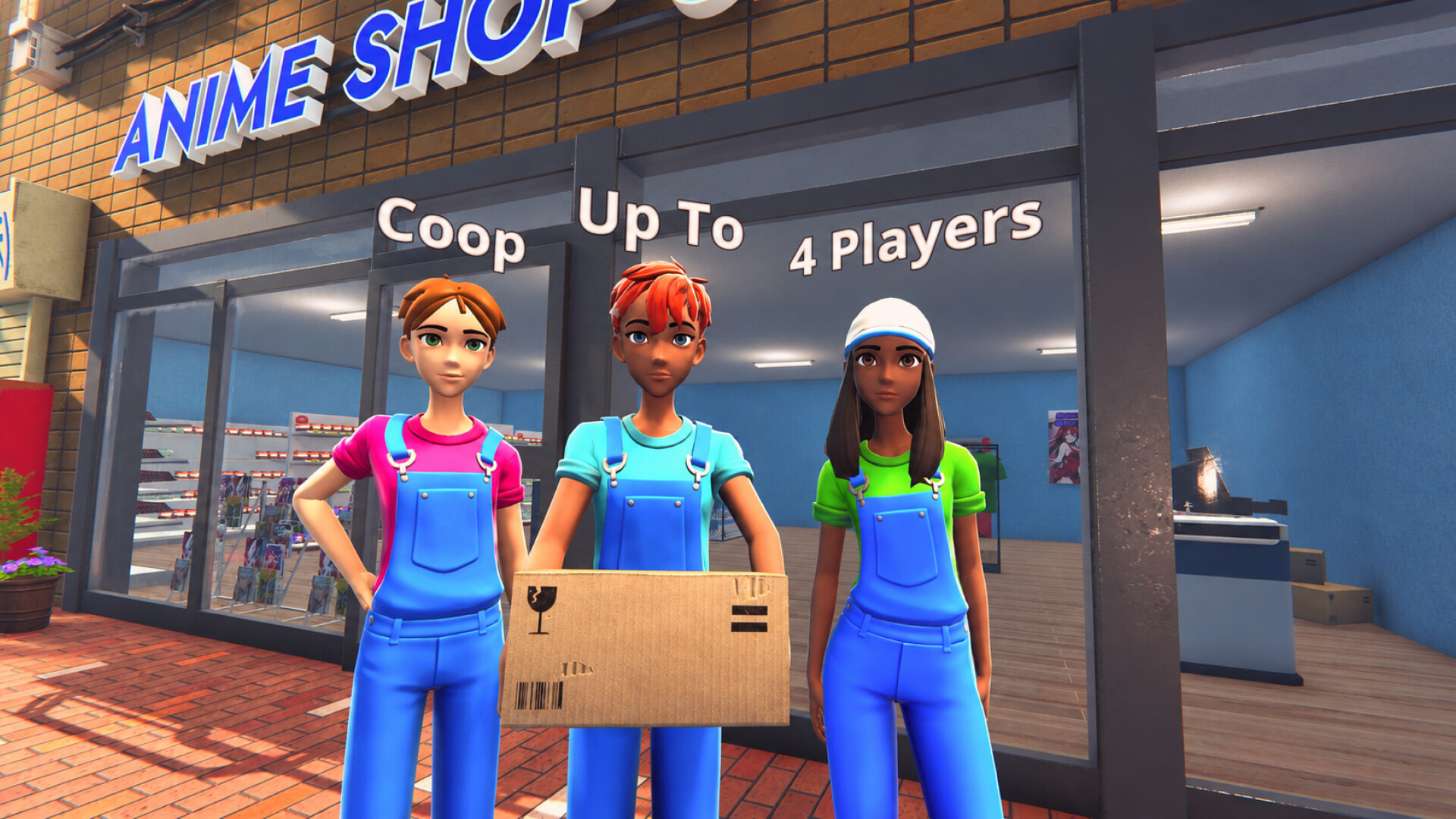
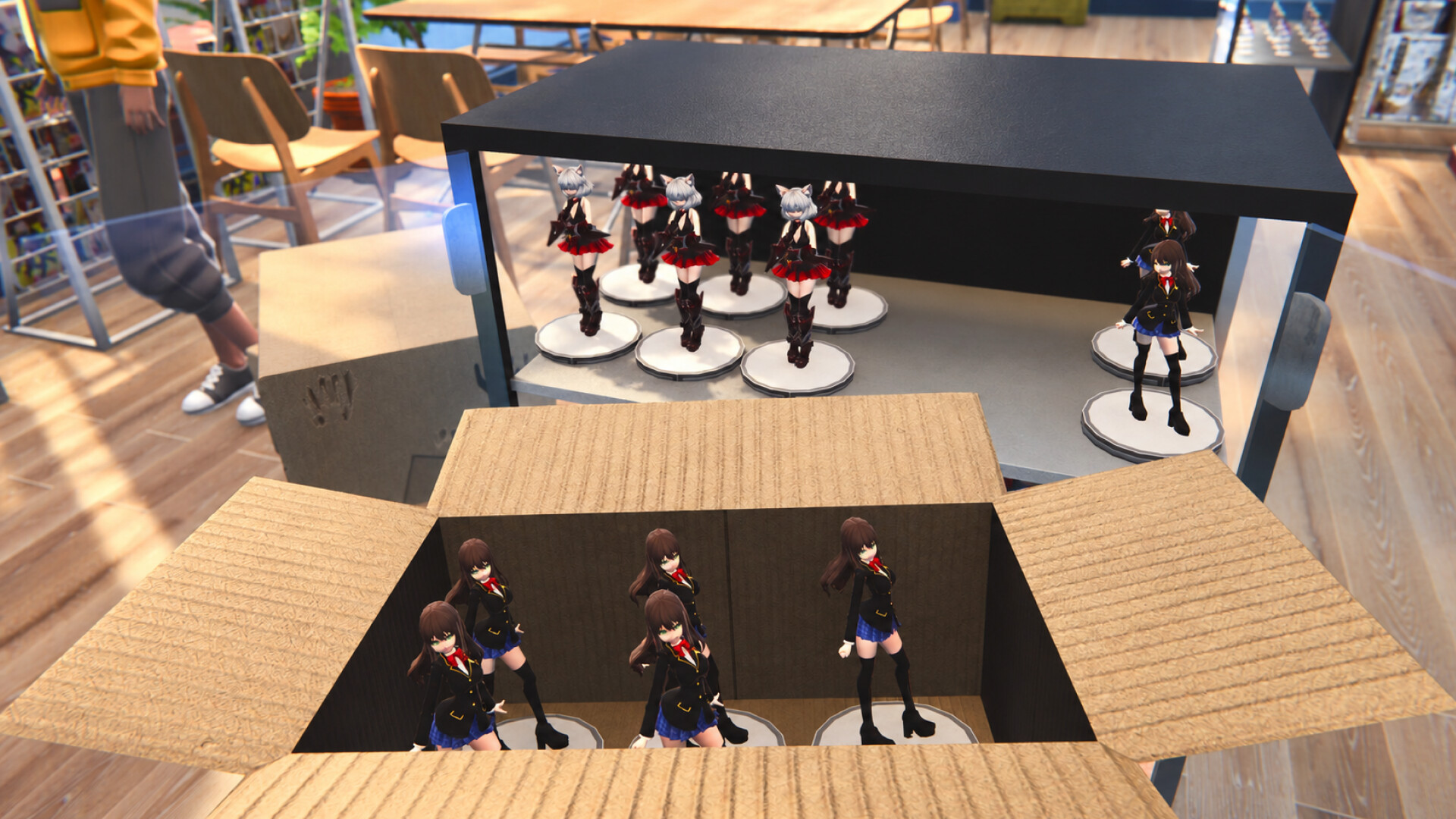
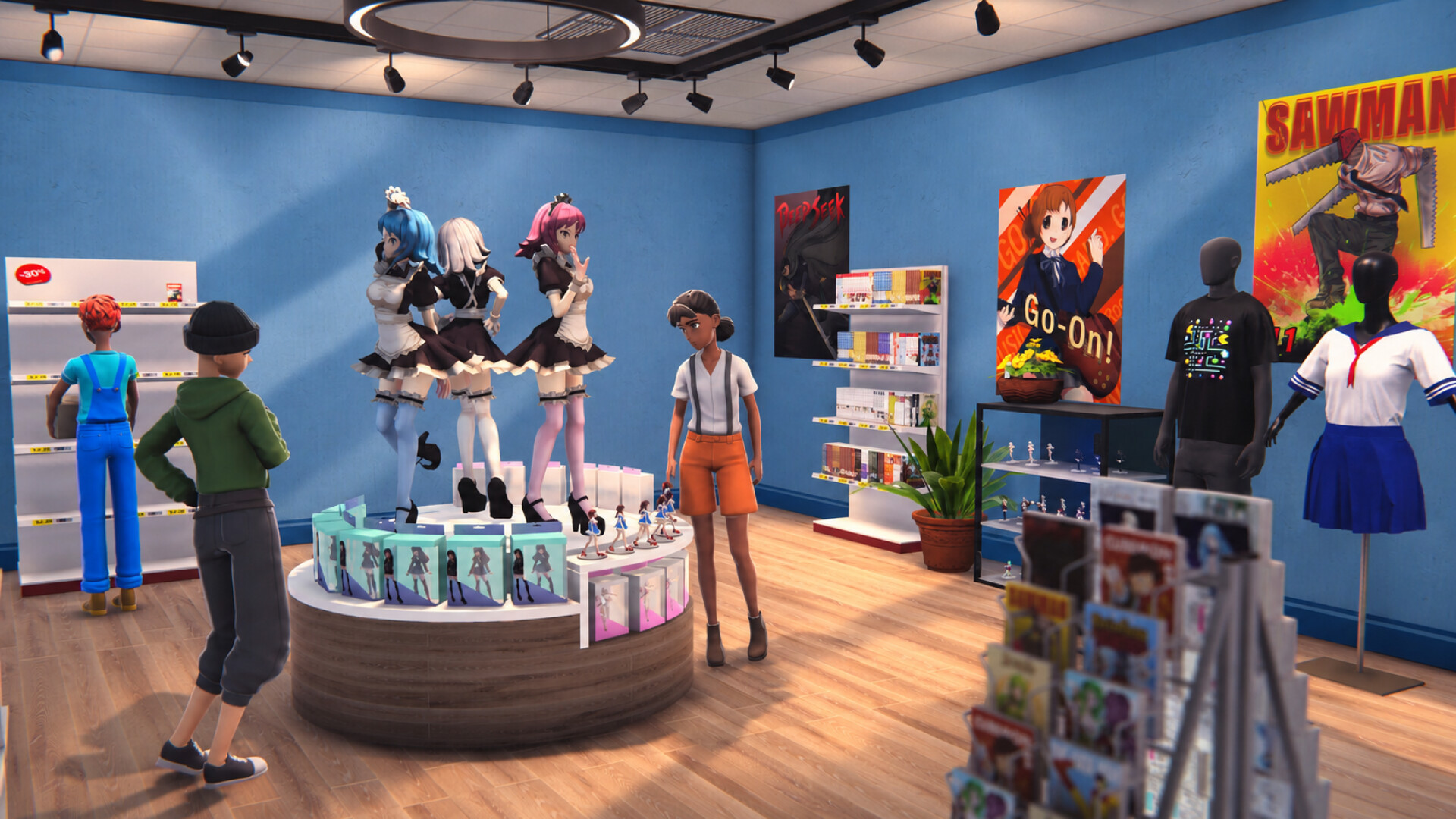
Gameplay Trailer
How to Install
1. The first thing we do is download the game's installation files.
2. Unzip the archive to the hard disk.
3. Mount or burn the ISO image in the disk emulator (UltraISO program).
4. After mount ISO, go to the folder and run the file «setup.exe».
5. During the installation, we specify the location on the disk where we want to install it.
6. Copy the contents of the folder «CRACK» in the folder with the game.
7. Download and install Update v1.1.0, in game folder. (how to Update the game)
8. Launch the game!
Download update only: Anime.Shop.Simulator.Update.v1.1.0-TENOKE, MIRROR [ 387.9 MB ]
- Extract.
- Run setup.exe and install.
- Copy crack from TENOKE dir to install dir.
- Play!


Comments 1