
When We Arrive
- TENOKE
- Build 25204358
- FREE DOWNLOAD
- TORRENT
- NEW GAME
Game Update History1 updateLast: 10.09.2026 · 1 month ago
- 10.09.2026Build 25204358current
Data from the MaGamers update log · information may be outdated
About The Game
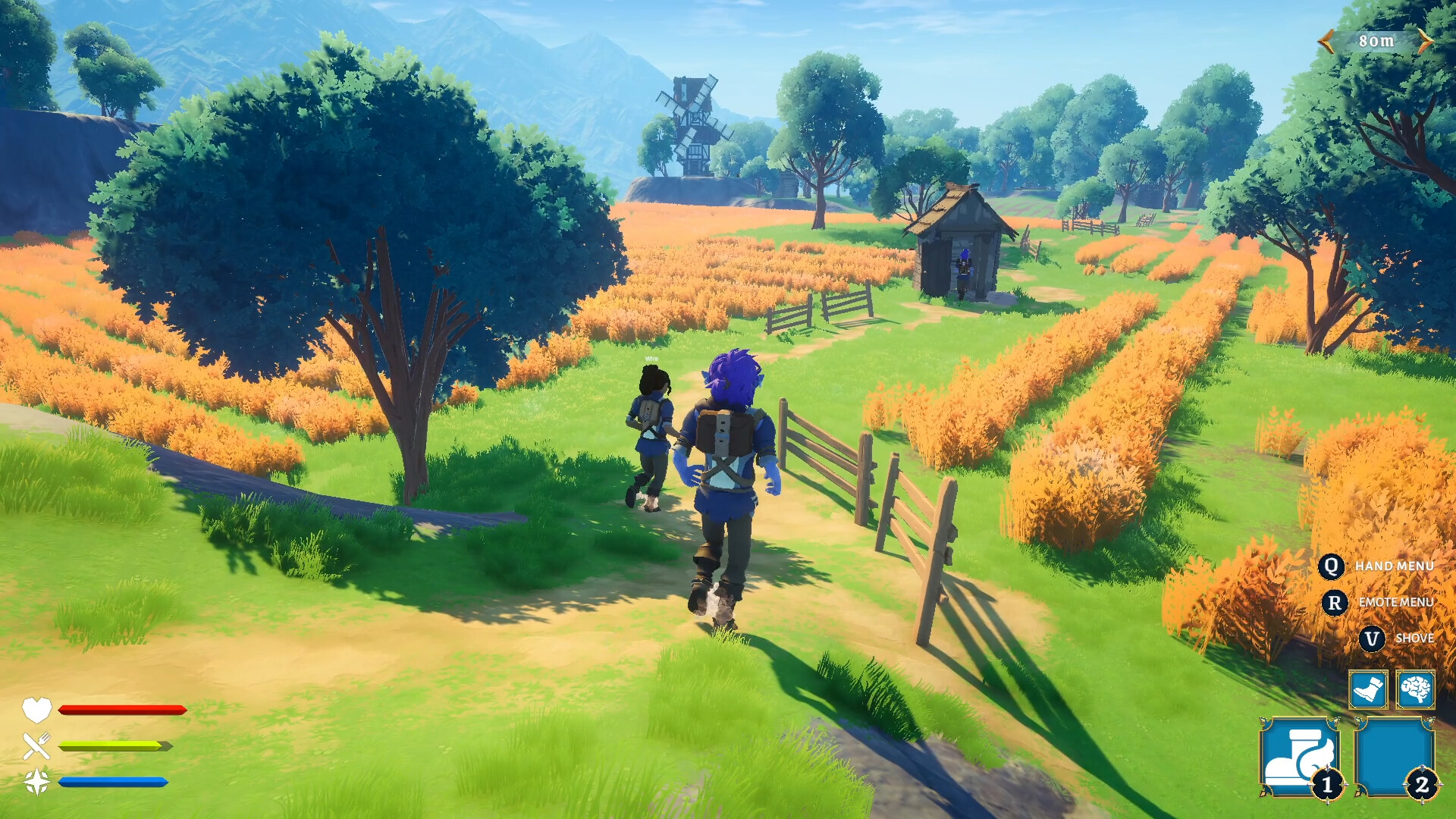
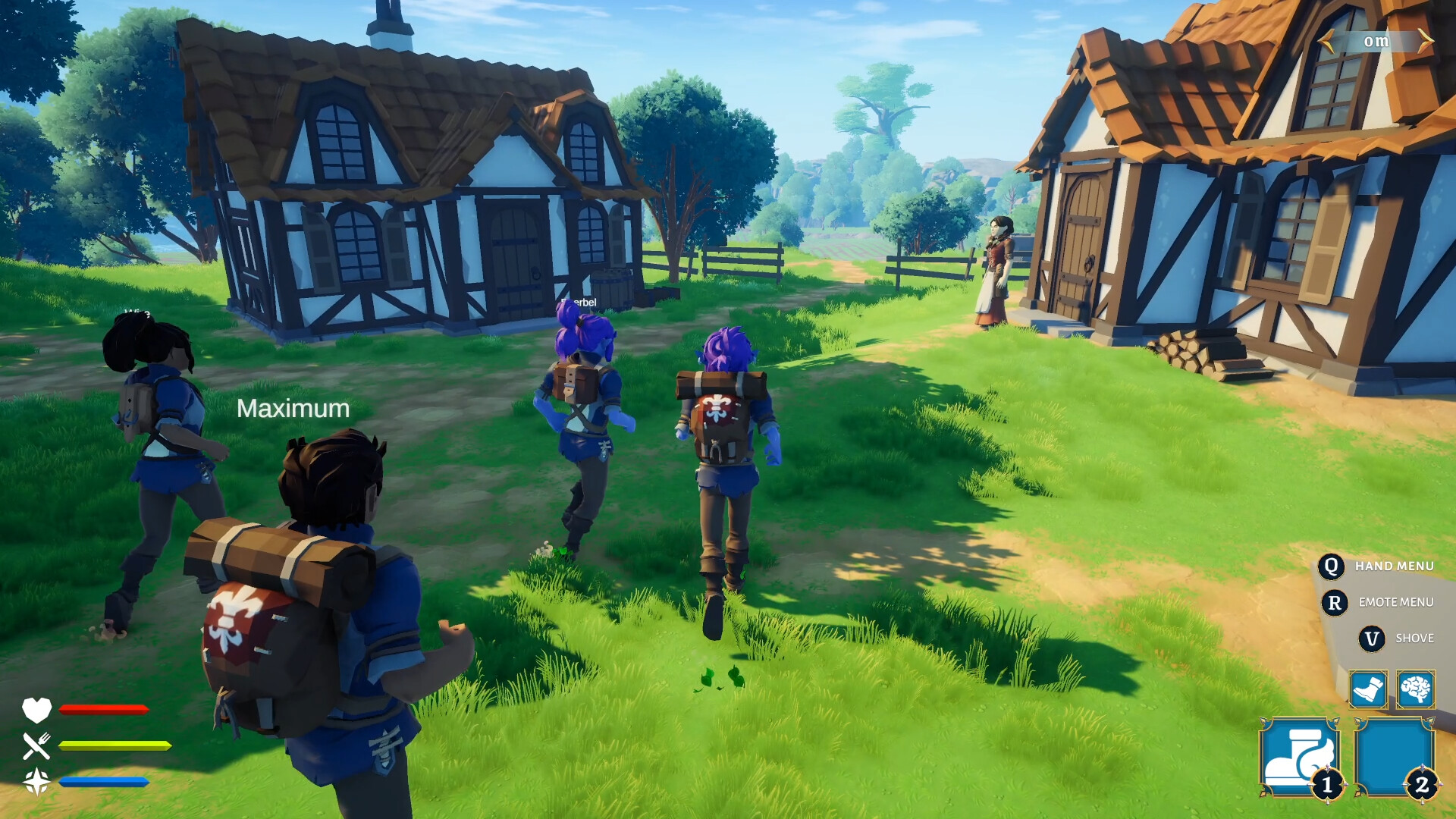
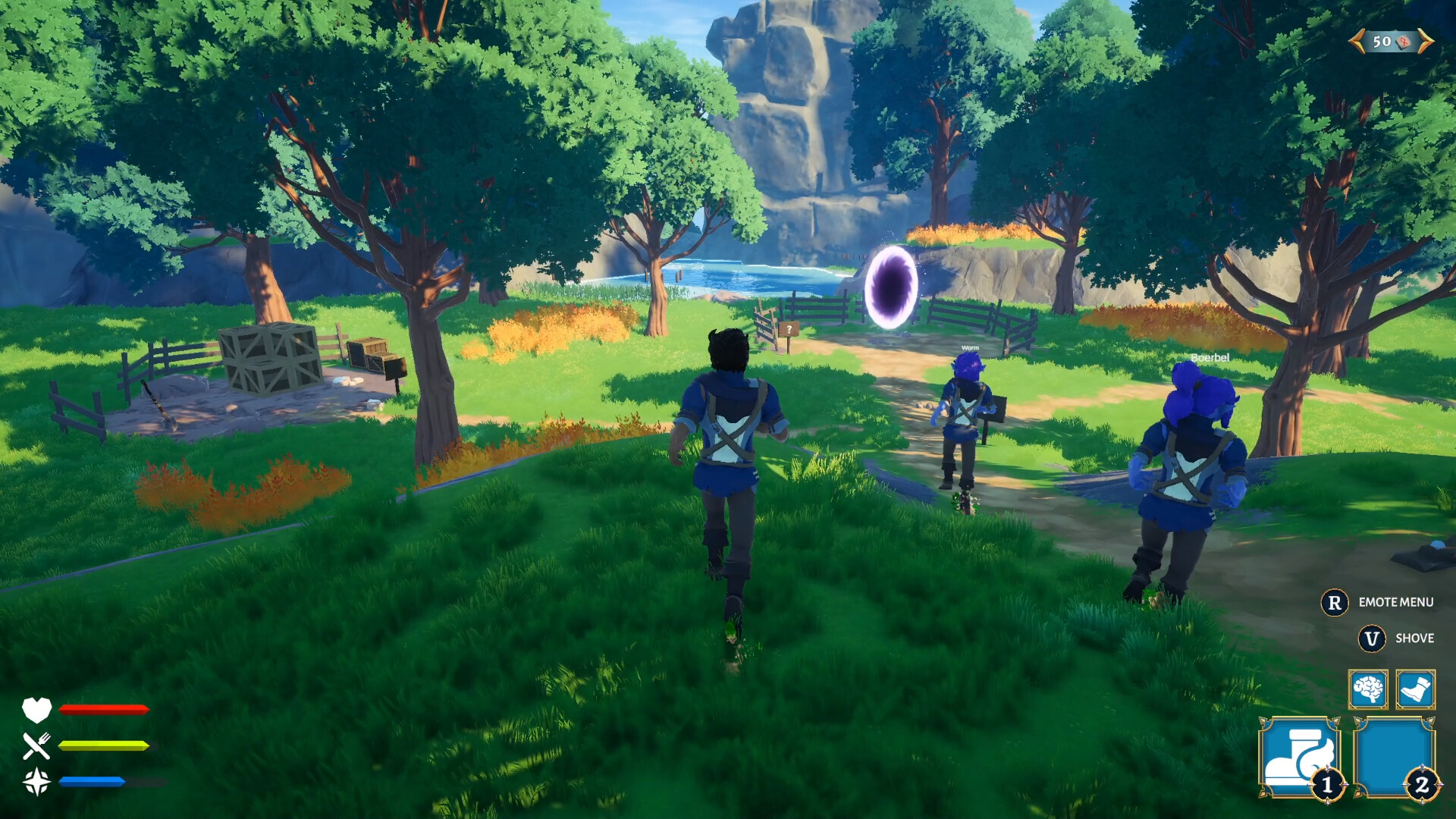
When We Arrive - The god Auran has vanished. His temple lies somewhere in the mountains, far beyond the forest, the swamps and everything in between. Can you reach it and find Auran? Journey through the world alone or bring up to 3 friends along. Help each other out, or secretly steal your best friend's last ration.
The Journey Is the Goal. Every journey takes you through new landscapes, unexpected events and places you missed last time. Auran's temple waits somewhere at the end. Whether you make it is another question. Survive the Dangers of the World. Goblin ambushes, deadly traps, and unpredictable events will constantly put you and your friends to the test.
Gold, equipment, rare relics. Some you'll find in chests, some in suspicious mounds, and some would have been better left where they were. Trade with villagers, listen to their stories, or uncover clues that lead to hidden locations. Every failed attempt brings you more experience. New classes, abilities, equipment. And the most important question before each run: shovel or health potion?
NOTE. Uploaded version: 10 September 2026 [Build 25204358]. This is Full Release and latest version of game. The game is already Packaged in ISO File and ready to run after install, read the instruction below.
Minimum:
Requires a 64-bit processor and operating system
OS: Windows 10
Processor: Intel Core i5-7600K or AMD Ryzen 5 1600
Memory: 8 GB RAM
Graphics: NVIDIA GTX 1060 (6GB) or AMD RX 580
DirectX: Version 11
Storage: 5 GB available space
Sound Card: Standard
Recommended:
Requires a 64-bit processor and operating system
Screenshots
Gameplay Trailer
How to Install
1. The first thing we do is download the game's installation files.
2. Unzip the archive to the hard disk.
3. Mount or burn the ISO image in the disk emulator (UltraISO program).
4. After mount ISO, go to the folder and run the file «setup.exe».
5. During the installation, we specify the location on the disk where we want to install it.
6. Copy the contents of the folder «CRACK» in the folder with the game.
7. At the end of the unpacking process, a shortcut appears on the desktop.
8. Launch the game!


Comments 0