
PC Game Torrents: How They Work and What to Check
BitTorrent is a peer-to-peer transfer system: instead of receiving every part of a file from one server, a torrent client exchanges pieces with other peers. This can distribute large files efficiently, but it also introduces legal, privacy, availability, and security considerations. Understanding those trade-offs helps you decide whether a torrent is appropriate for the content you are authorized to access.

How Torrent Downloads Work
- Torrent file: a small metadata file describing the content and how peers can locate one another.
- Magnet link: opens the same transfer without first downloading a separate torrent file.
- Peer: another participant currently transferring the content.
- Seed: a peer that has the complete content and is sharing it.
- Tracker and DHT: methods used to help peers discover one another.
Why Speed Changes
Speed depends on the number and upload capacity of seeds, your internet connection, client settings, routing, storage performance, and network congestion. A popular torrent with healthy seeds can be fast; an old torrent with no complete seed may never finish.
Privacy Considerations
Peers participating in the same torrent can generally see the public IP addresses involved in the swarm. A VPN changes the address visible to peers but does not make a file legal, safe, or trustworthy. VPN providers also have different privacy practices and technical limitations.
Security Considerations
- File names and comments do not prove that a download is authentic.
- Executables, scripts, installers, and archives can contain unwanted or malicious software.
- Password-protected archives can limit what security tools inspect before extraction.
- Fake download buttons and browser notifications can lead away from the expected file.
- An antivirus alert should be investigated, not automatically ignored.
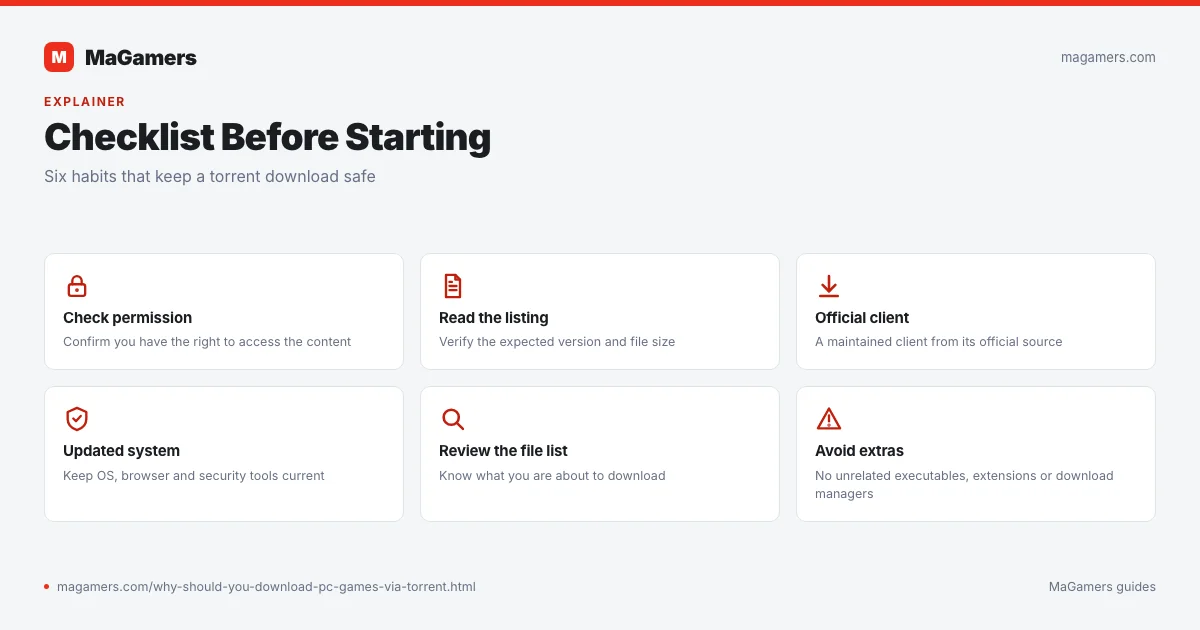
Checklist Before Starting
- Confirm that you have permission to access the content.
- Read the complete listing and verify the expected version and file size.
- Use a maintained torrent client obtained from its official source.
- Keep Windows, your browser, and security definitions updated.
- Review the file list before starting the transfer.
- Avoid unrelated executables, browser extensions, or “download managers.”
- Scan downloaded files and investigate any detection.
Torrent vs. Direct Download
A direct download comes from a specific file host, while a torrent uses peers. Direct links can be simpler but may impose host limits. Torrents can resume efficiently and distribute bandwidth, but depend on seed availability and reveal swarm participation to other peers.
When Not to Continue
Stop if the listing does not match the files, the archive requests an unexpected password or payment, the download contains unrelated software, the detection is clearly malicious, or you cannot confirm that you are allowed to access the content.
Related MaGamers Guides
- How to use a torrent client — follow the practical download workflow
- What to do with an antivirus alert — review a flagged file safely
- VPN download troubleshooting — compare routing without assuming a VPN is always slower
- MaGamers Cookies Policy — understand browser-side data used by the website