
VGA Golf v1.9.1

- 1.9.1
- FREE DOWNLOAD
- TORRENT
- UPDATED
About The Game
VGA Golf — is a local or network multiplayer golf simulator modeled after the console and DOS games of the 90s. The game supports 4 players locally on one computer using 4 controllers, a keyboard or a mixture of both. A maximum of 4 computers can connect to a single game over the Internet or over a local network, allowing up to 16 players in a single match. Playing VGA Golf over the network requires a host on one computer, who must first create the game and then log in to the lobby. When a host is in Lobby mode, other computers can join it by selecting Join Game, setting up local players, and then entering the IP address or hostname of the computer to connect to.
Both the host and connecting computers must allow UDP TCP port 16002 through any local firewall. Local games games running on the same computer also use network interaction by creating a server on the local host so they must also have this port open even if they are not playing over the network. Windows Firewall may warn that the game is trying to access this port on first launch, but you can allow it. Otherwise, the game will not be able to start. If you want to play VGA Golf over the Internet, the host must allow UDP TCP port 16002 through any external firewalls, and properly configure NAT or Port Forwarding, which may be set by the host’s router.
OS: Windows 10
Processor: i5 Dual Core
Memory: 8 GB RAM
Graphics: GTX 970 or similar
DirectX: Version 10
Storage: 5 GB available space
Additional Notes: Requirements are temporary and will most likely change up until launch (for the better)
Screenshots


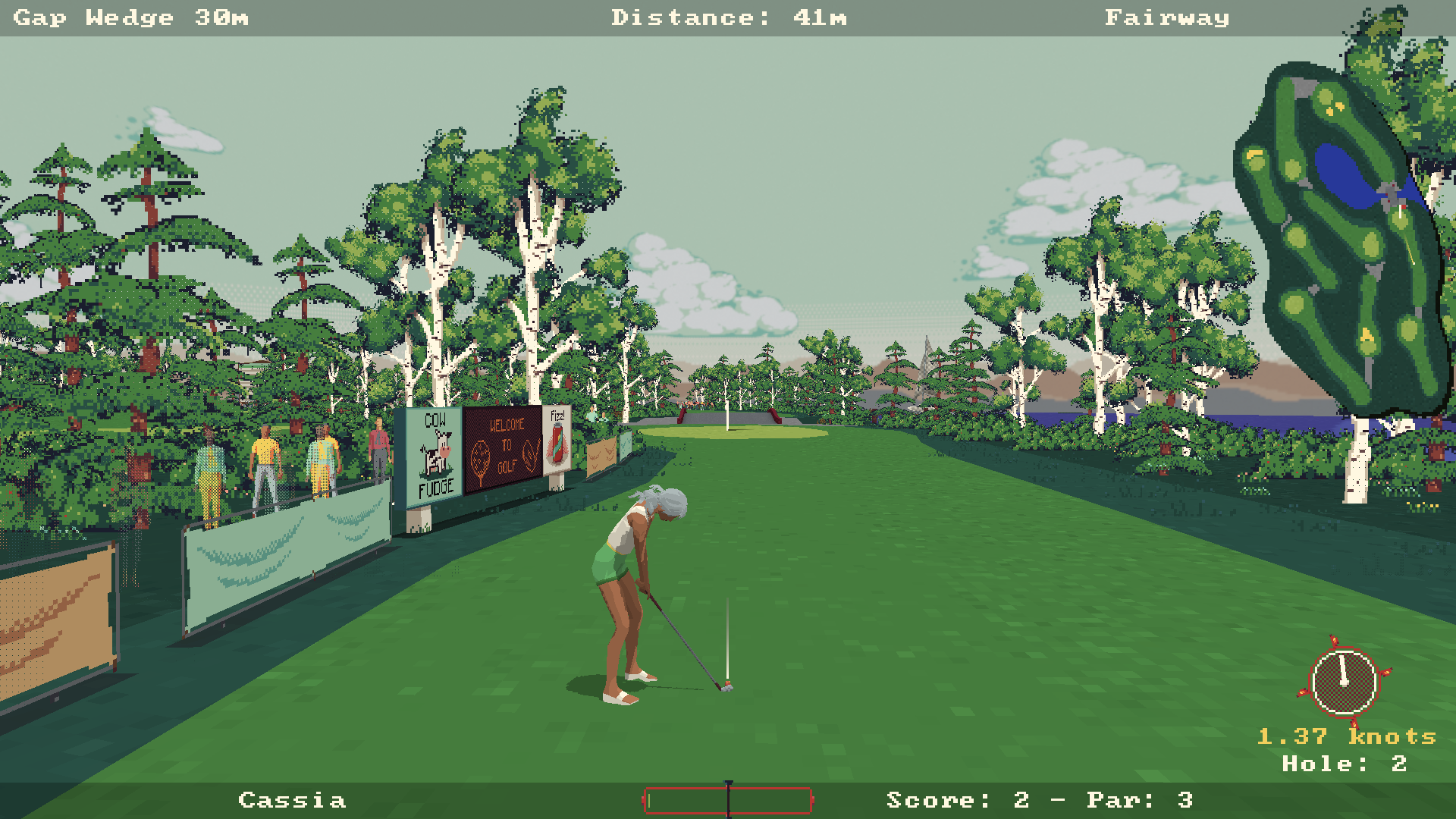
Gameplay Trailer
How to Install
- Download the game files through torrent.
- Run the installation file «[gamename].setup.exe», follow the instructions.
- Choose a place on the disk, where the game will be installed.
- Wait for the notification that the game is installed.
- Сlick on the label of the game, Play!




Comments 0