
Gallery Organizer
- Build 26067603
- FREE DOWNLOAD
- TORRENT
- NEW GAME
Game Update History1 updateLast: 21.10.2026 · today
- 21.10.2026Build 26067603current
Data from the MaGamers update log · information may be outdated
About The Game
[We're currently working on making the game work on the Steam Deck Follow us for updates.]
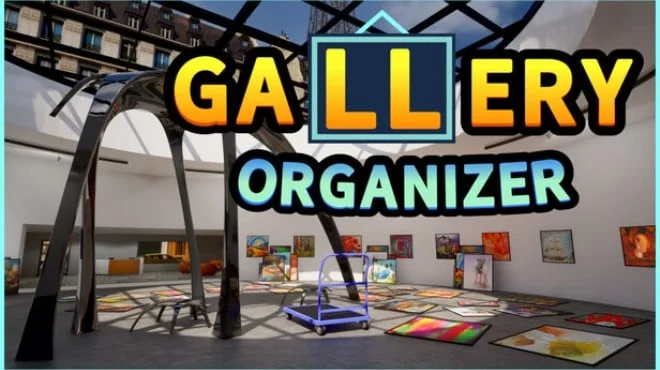
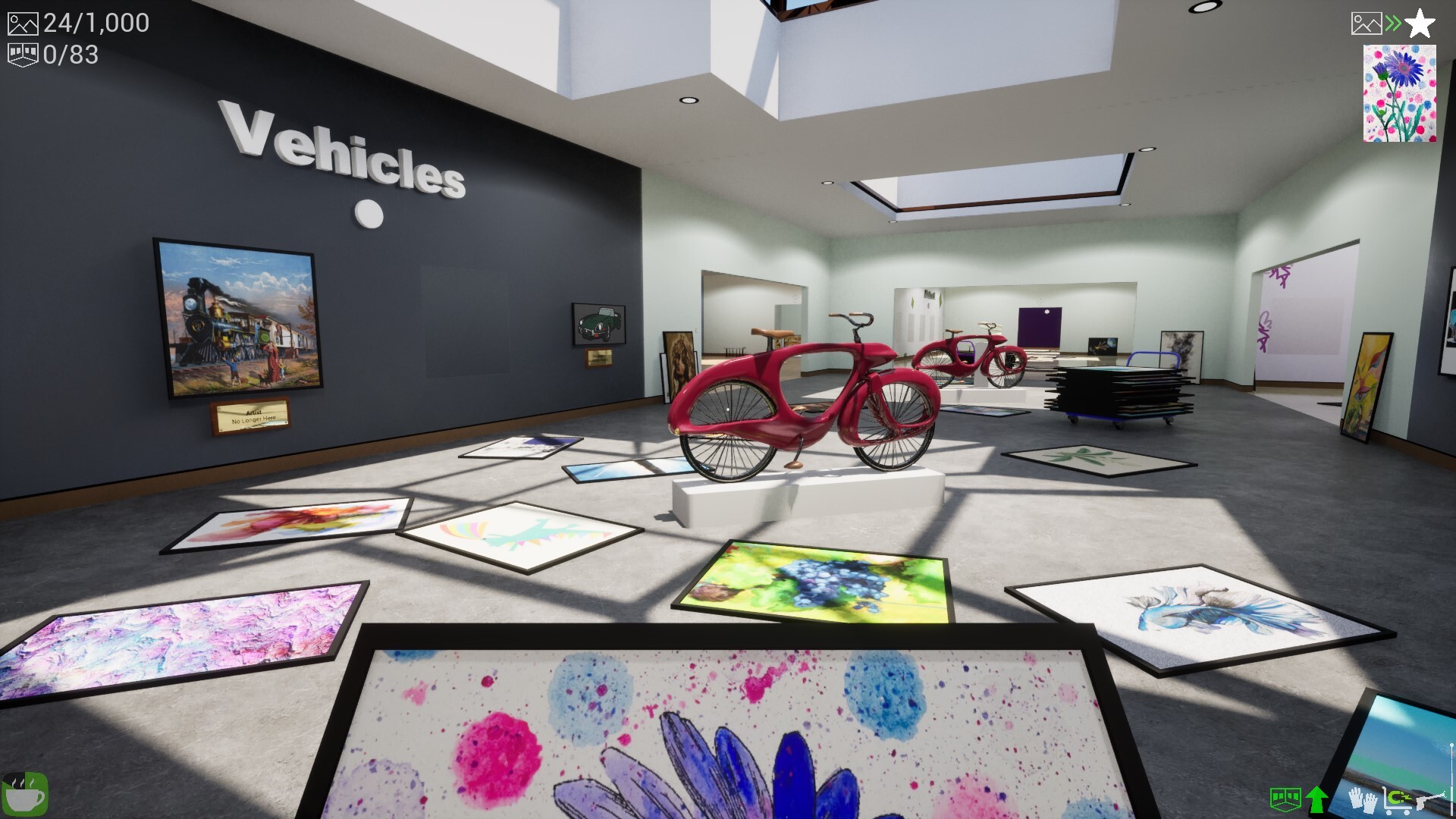
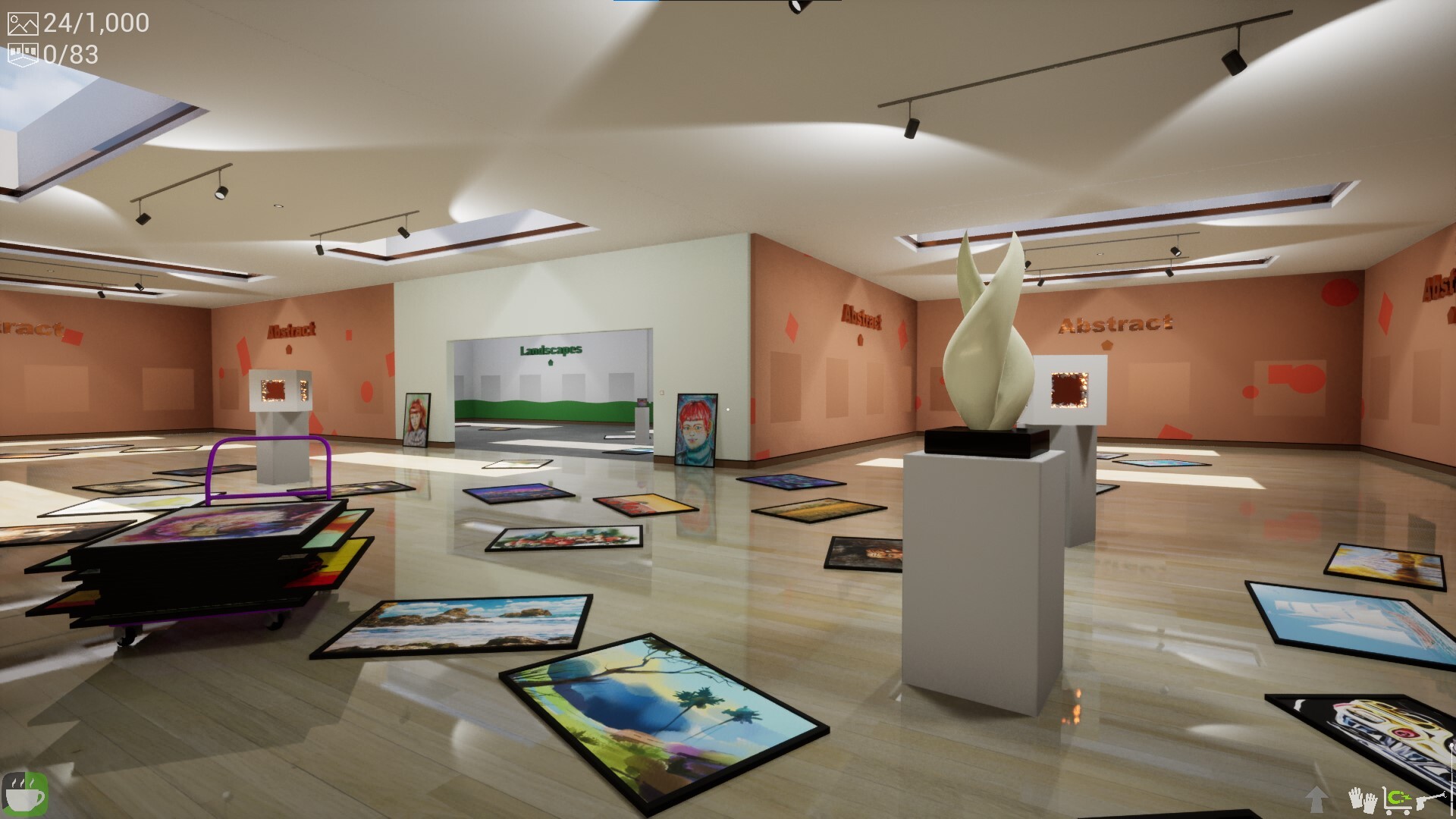
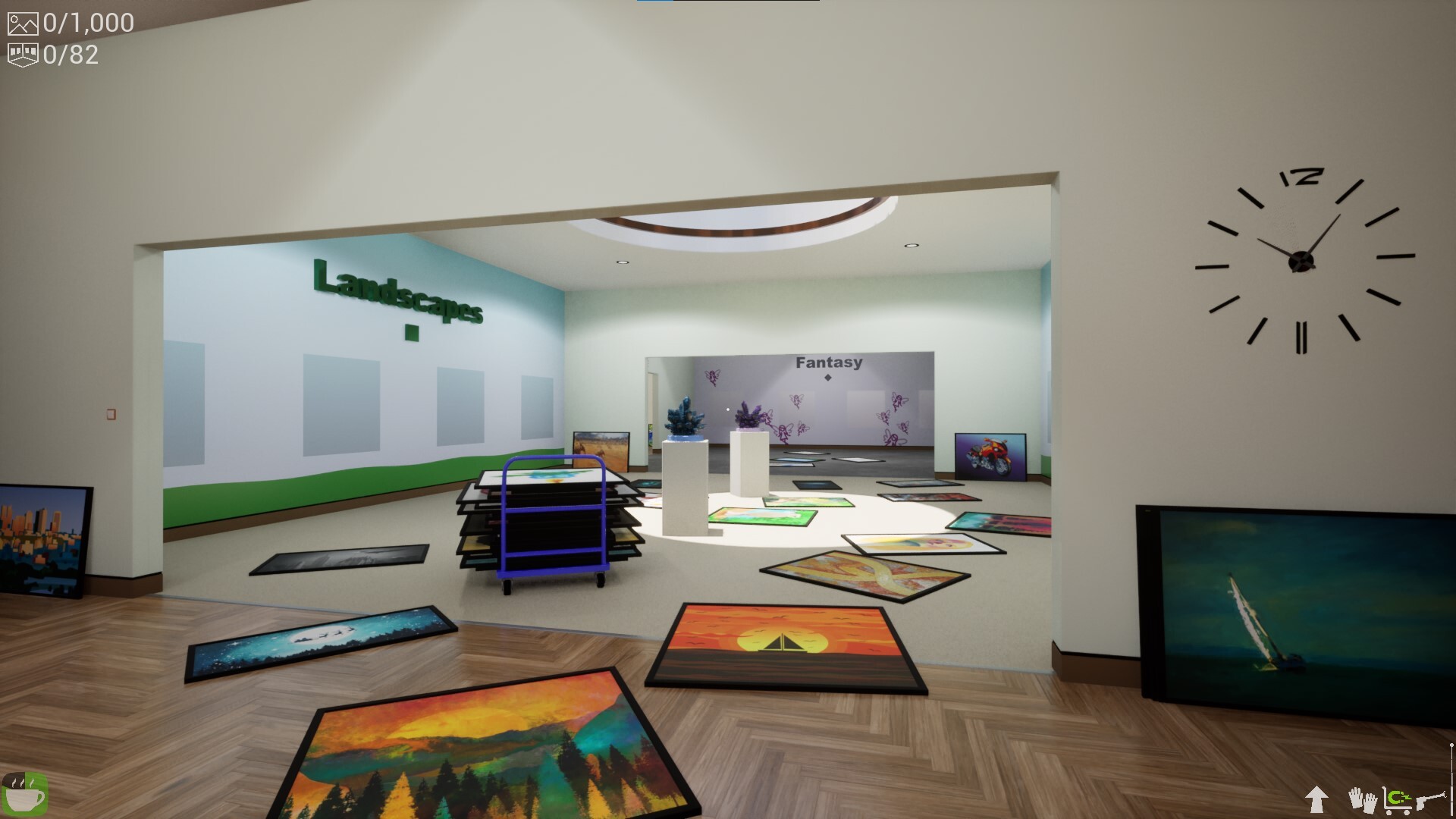
Gallery Organizer is a relaxing sim where you turn a messy art gallery into a beautifully organized collection.
Sort and Hang
Look at a painting, figure out which art category it belongs to and hang it in the right spot.
Power-ups
Discover handy tools that help you sort and hang faster and focus on creating the perfect exhibition.
Your Gallery, Your Challenge
Choose the size of the gallery to play a quick session or a game that lasts hours. Each gallery you start is unique. Choose one of four difficulty levels, and enjoy a fresh challenge every time you play.
Slow Down and Enjoy
Take your time, admire beautiful artworks, relax to soothing music, and watch an empty gallery transform into an exhibition you'll be proud of.
Key Features
@@H:@@
- Experience paintings by real artists.
- Enjoy relaxing gameplay with no time pressure.
- Create your own hand-picked art collections.
- Replay with customizable gallery sizes and difficulty.
- Choose from a variety of soundtracks.
Download Gallery Organizer: Latest Version Build 26067603
NOTE. Uploaded version: 21 October 2026 [Build 26067603]. This is Full Release and latest version of game. The game is already Packaged in ISO File and ready to run after install, read the instruction below.
Minimum:
Requires a 64-bit processor and operating system
OS: Windows 10 (or later)
Processor: Intel i5 or AMD Ryzen 5 (from 2017 or later)
Memory: 4 GB RAM
Graphics: Nvidia GeForce GTX 1050 Ti or AMD Radeon RX 560
Recommended:
Requires a 64-bit processor and operating system
OS: Windows 10 (or later)
Processor: Intel i5 or AMD Ryzen 5 (from 2019 or later)
Memory: 8 GB RAM
Graphics: NVIDIA GeForce RTX 3060 or AMD Radeon RX 6700 XT or newer
Storage: 3 GB available space
Screenshots
Gameplay Trailer
How to Install
- The first thing we do is download the game files.
- Unzip the archive to the hard disk. (how to unzip .rar)
- Wait for the unpacking process to finish.
- Start the game «Gallery.Organizer.exe» from game folder.
- The language changes in the menu.



Comments 0