
What Happened v1.0 - HOODLUM
- HOODLUM
- 1.0
- FREE DOWNLOAD
- TORRENT
- NEW GAME
About The Game
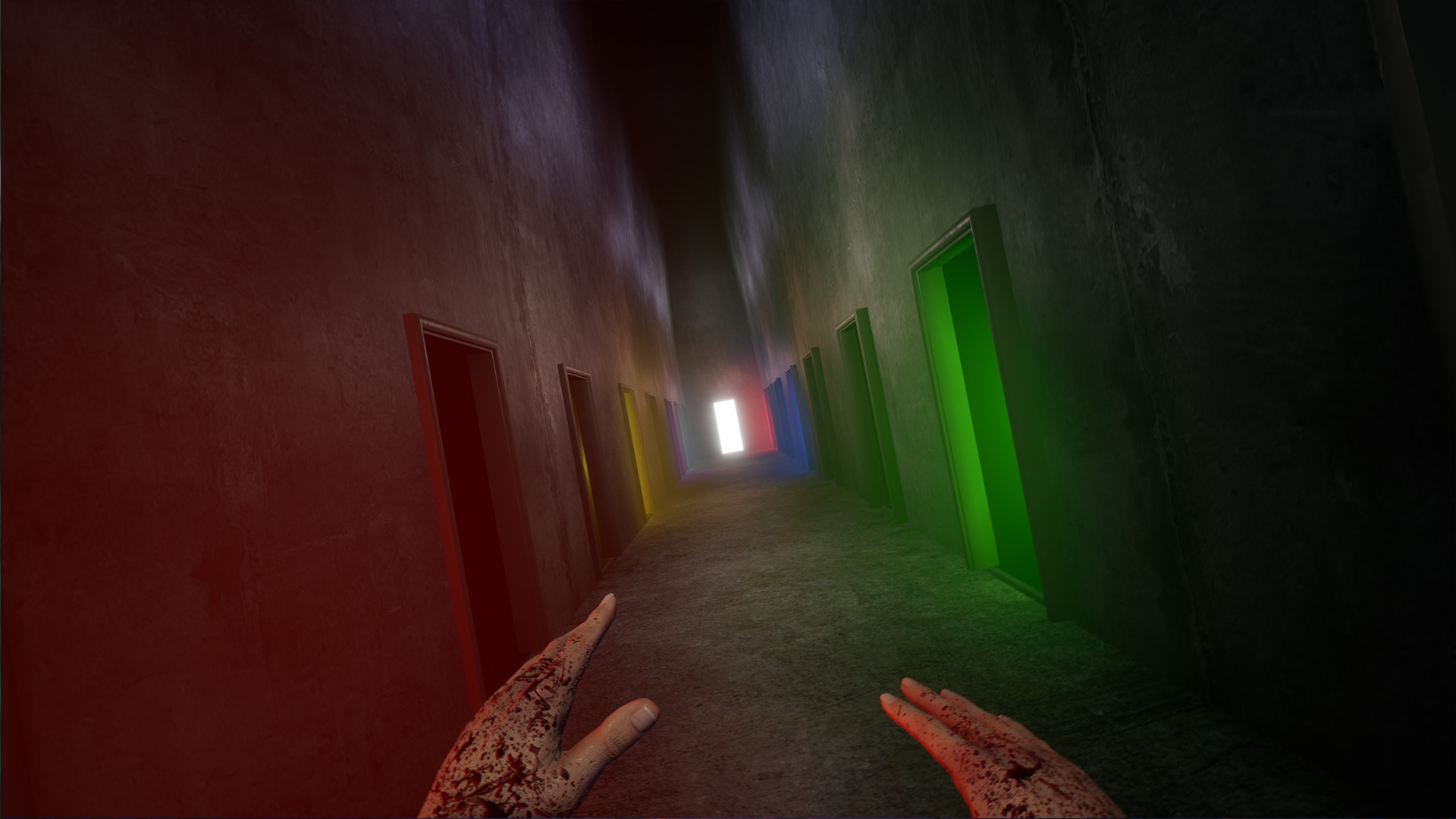
What Happened — is a psychological horror and, at the same time, a first-person horror game in which you have to plunge into the subconscious of an ordinary high school student who is going through a not the best period of life. The plot of the game revolves around a kid named Stiles, an ordinary high school student going through one of the worst periods of his life. He suffers from depression and stress, and every new day he is like a real Hell. Well, you will have to take control of the high school student and go along with him on a journey through his subconscious. But do not think that it will be easy and simple — his subconscious is traumatized, and all the horrors that lived in him now come to life. In general, you will find a sea of interesting mixed with horror and nightmares.The atmosphere here is simply impeccably recreated in accordance with the traditions of the genre. There are dark nooks and crannies of the protagonist’s subconscious, and monsters, from whose appearance, and gloomy events that plunge you into real horror, and much more. All this together creates a simply indescribable atmosphere, terrible, nightmarish, mystical and at times insane. In this game, there is no action or battles as such, as you might think. But on the other hand, there are many puzzles, riddles, and unpredictable random events that will make you do a lot of brain work. Some of the puzzles will make you think, others even fantasize. Get ready for anything.
And in What Happened you will have to make a variety of decisions, which, in turn, will determine how and how the story ends. Together with the main character, you will have to go through the labyrinths of his subconscious, face his nightmares and horrors, fears and depression, imbued with his condition and show compassion. The ending will depend only on you and your actions.
MINIMUM:
Requires a 64-bit processor and operating system
OS: 64-bit Windows 7, Windows 8.1, Windows 10
Processor: Intel core i3 4160 / AMD Ryzen 3300x
Memory: 8 GB RAM
Graphics: GeForce GTX 750 Ti / AMD Radeon R9 270x
DirectX: Version 11
Storage: 17 GB available space
Sound Card: DirectX® 11.0 compatible
Additional Notes: Requires a 64-bit processor and operating system
RECOMMENDED:
Requires a 64-bit processor and operating system
OS: 64-bit Windows 7, Windows 8.1, Windows 10
Processor: Intel Core i5-6500 (3.2 GHz) / AMD Ryzen 5 1600
Memory: 8 GB RAM
Graphics: GeForce GTX 1050 Ti / AMD Radeon RX 470
DirectX: Version 11
Storage: 17 GB available space
Sound Card: DirectX® 11.0 compatible
Additional Notes: Requires a 64-bit processor and operating system
Screenshots


Gameplay Trailer
How to Install
- Download the Full game What.Happened-HOODLUM through torrent.
- Mount the Full ISO-image game in the «UltraISO».
- Install the game on you PC, wait for 100% installation.
- Lock the game folder in the Windows firewall.
- Play!
Download What Happened v1.0 - HOODLUM
SIZE: 15.2 MB | Downloads: —
How to get your file — 3 quick steps
VPN detected. Our download does not accept VPN connections. Please disable your VPN to continue.
Re-check
1
Click download
Use any button below
2
Install Opera
On the page that opens
Switch to the tab that just opened — Opera installer is already there. After install, open this page in Opera and click Check install.
Opera not detected. Make sure it's installed and open this page in Opera browser, then click Check install again.
Opera is a free, official browser by Opera Software AS — safe to install. [ Opera Install Guide ]
Alternative Mirrors
Searching mirrors…
Name
Size
Seeds
Leeches
Helpful Guides
Other Versions & Releases


Comments 0