
Silver Pines

- RUNE
- Build 25806663
- FREE DOWNLOAD
- TORRENT
- NEW GAME
Game Update History1 updateLast: 08.10.2026 · 1 month ago
- 08.10.2026Build 25806663current
Data from the MaGamers update log · information may be outdated
About The Game
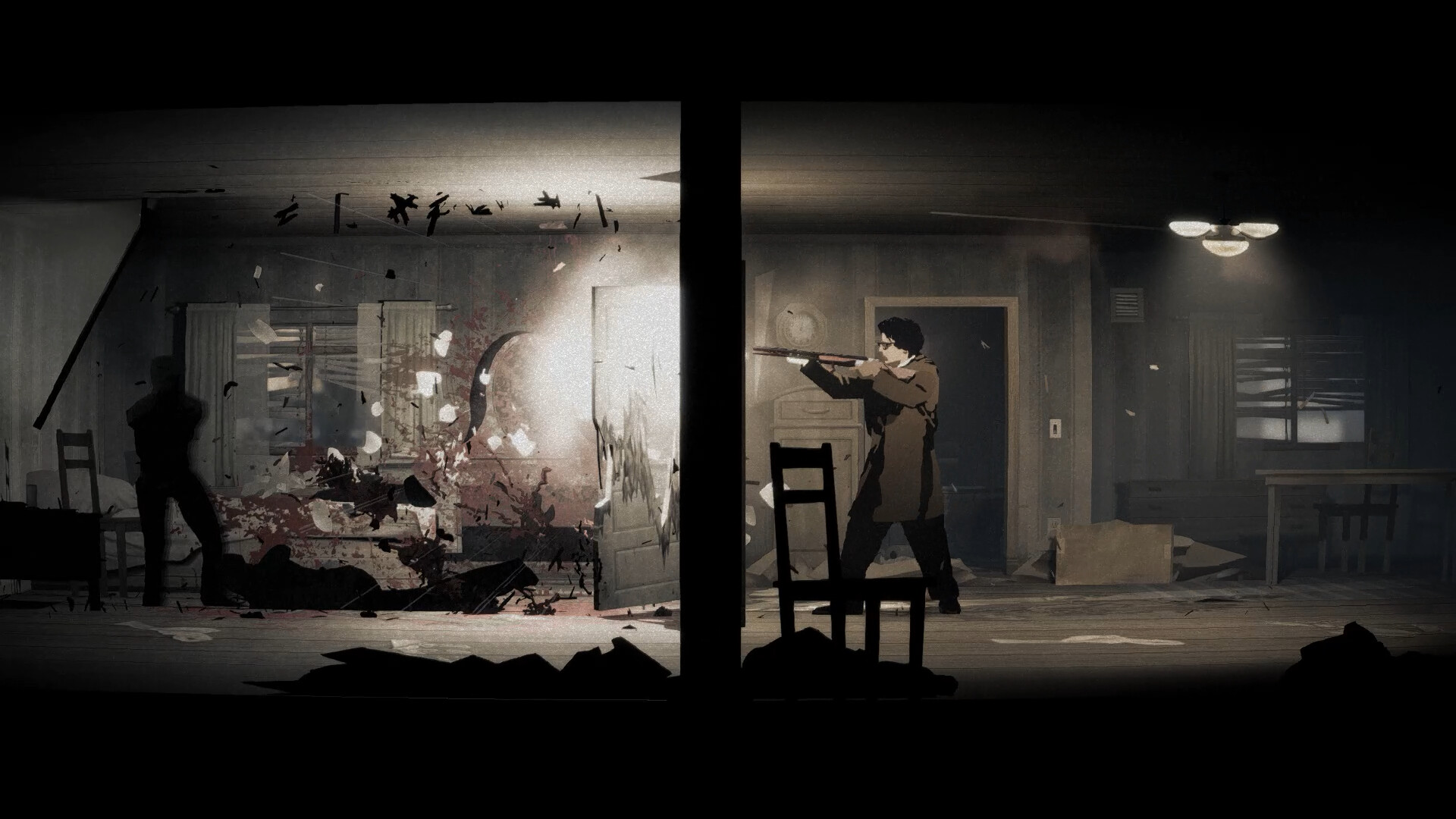
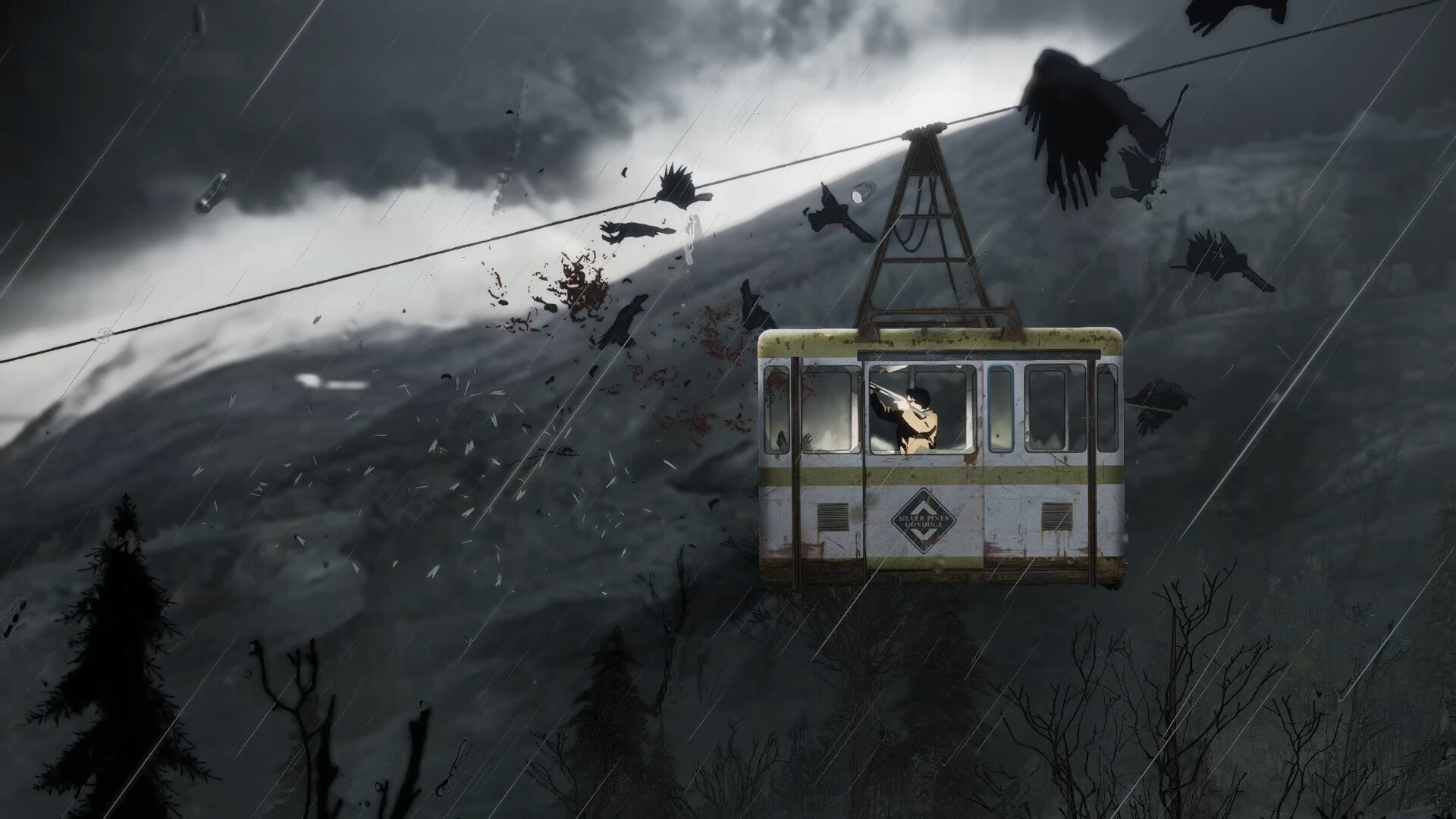
Silver Pines blends the Metroidvania and survival horror genres, immersing players in the atmosphere of a mysterious town in the Pacific Northwest. The narrative centers on FBI agent Red Walker, whose story begins when he wakes up in an empty diner; his lack of memory serves as the first mystery in a series of upcoming challenges.
The gameplay revolves around exploring Silver Pines, a small town in Washington State. As players navigate the various locations, they must solve puzzles and confront the sinister creatures inhabiting this seemingly ordinary town. A key gameplay element is the careful management of limited resources, which adds a layer of strategic planning to the overall tense atmosphere.
The Silver Pines storyline unfolds like a detective investigation, with every clue bringing the protagonist closer to unraveling not only the town's secrets but also the mysteries of his own past.
NOTE. Uploaded version: 08 October 2026 [Build 25806663]. This is Full Release and latest version of game. The game is already Packaged in ISO File and ready to run after install, read the instruction below.
Minimum:
Requires a 64-bit processor and operating system
OS: Windows 10
Processor: Intel Core i5-4460 or AMD Ryzen 3 1200
Memory: 8 GB RAM
Graphics: NIVIDIA GeForce GTX 660 Ti, AMD Radeon R9 270X
DirectX: Version 12
Storage: 5 GB available space
Recommended:
Requires a 64-bit processor and operating system
OS: Windows 11
Processor: Intel Core i5-6600 or AMD Ryzen 5 1600
Memory: 8 GB RAM
Graphics: NIVIDIA GeForce GTX 770, AMD Radeon R9 380
DirectX: Version 12
Storage: 5 GB available space
Screenshots

Gameplay Trailer
How to Install
1. The first thing we do is download the game's installation files.
2. Unzip the archive to the hard disk.
3. Mount or burn the ISO image in the disk emulator (UltraISO program).
4. After mount ISO, go to the folder and run the file «setup.exe».
5. During the installation, we specify the location on the disk where we want to install it.
6. Copy the contents of the folder «RUNE» in the folder with the game.
7. At the end of the unpacking process, a shortcut appears on the desktop.
8. Launch the game!


Comments 0