
DinoBones Tidy Up the Museum
- Build 25537362
- FREE DOWNLOAD
- TORRENT
- NEW GAME
About The Game
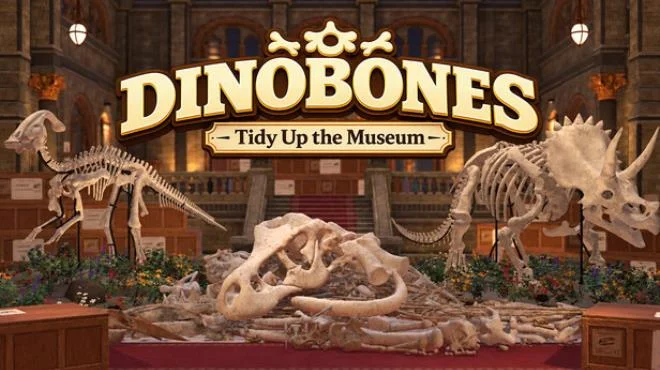
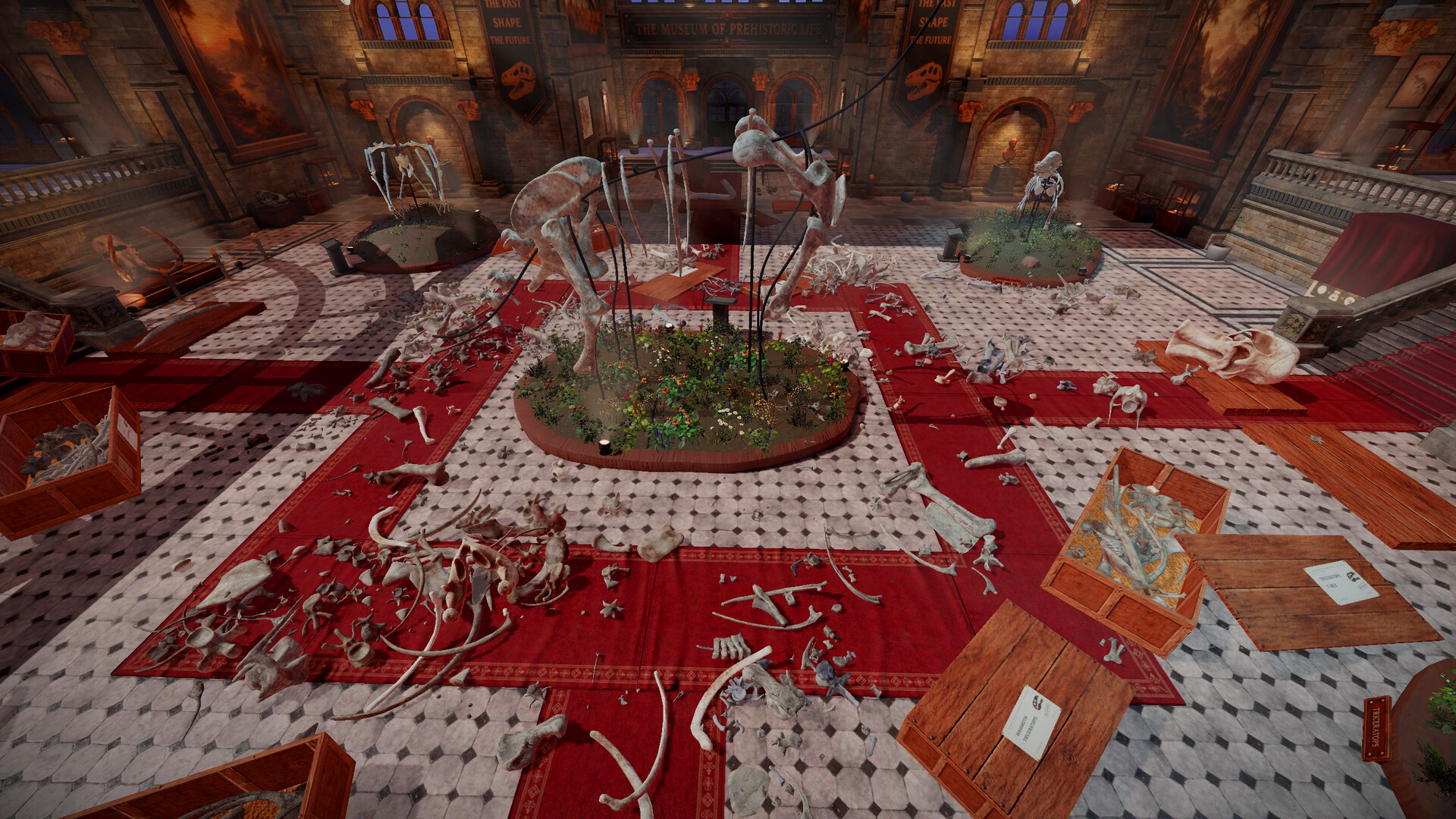
DinoBones Tidy Up the Museum is a casual simulation developed and published by Indie Souls Studio, released on September 25, 2026. Something happened in the museum: crates are tipped over and skulls, ribs, and vertebrae lie scattered across the halls. You are the only one around to put nine skeletons back together, with about two thousand bones to identify, collect, and assemble. The only company is a cat.
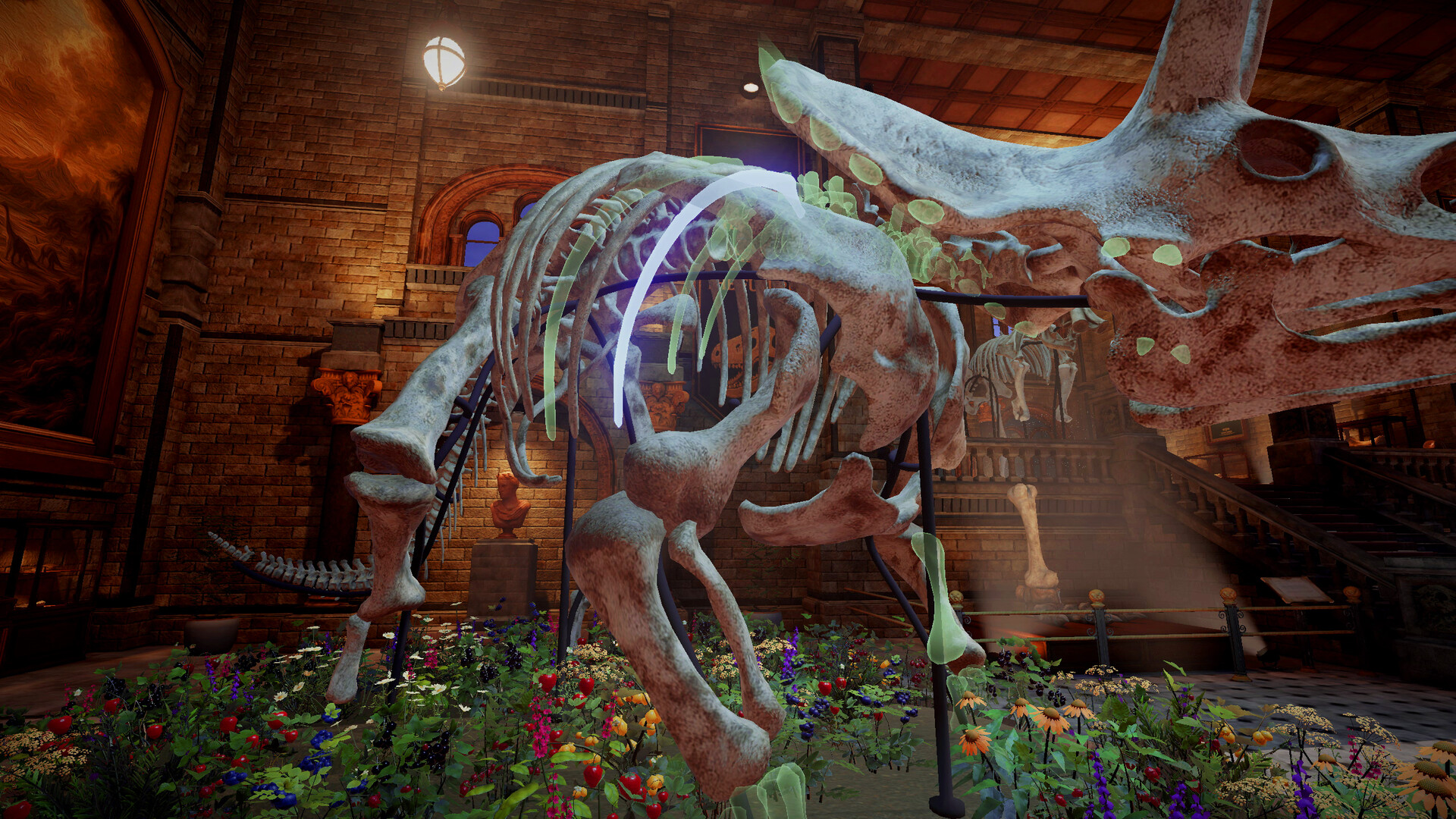
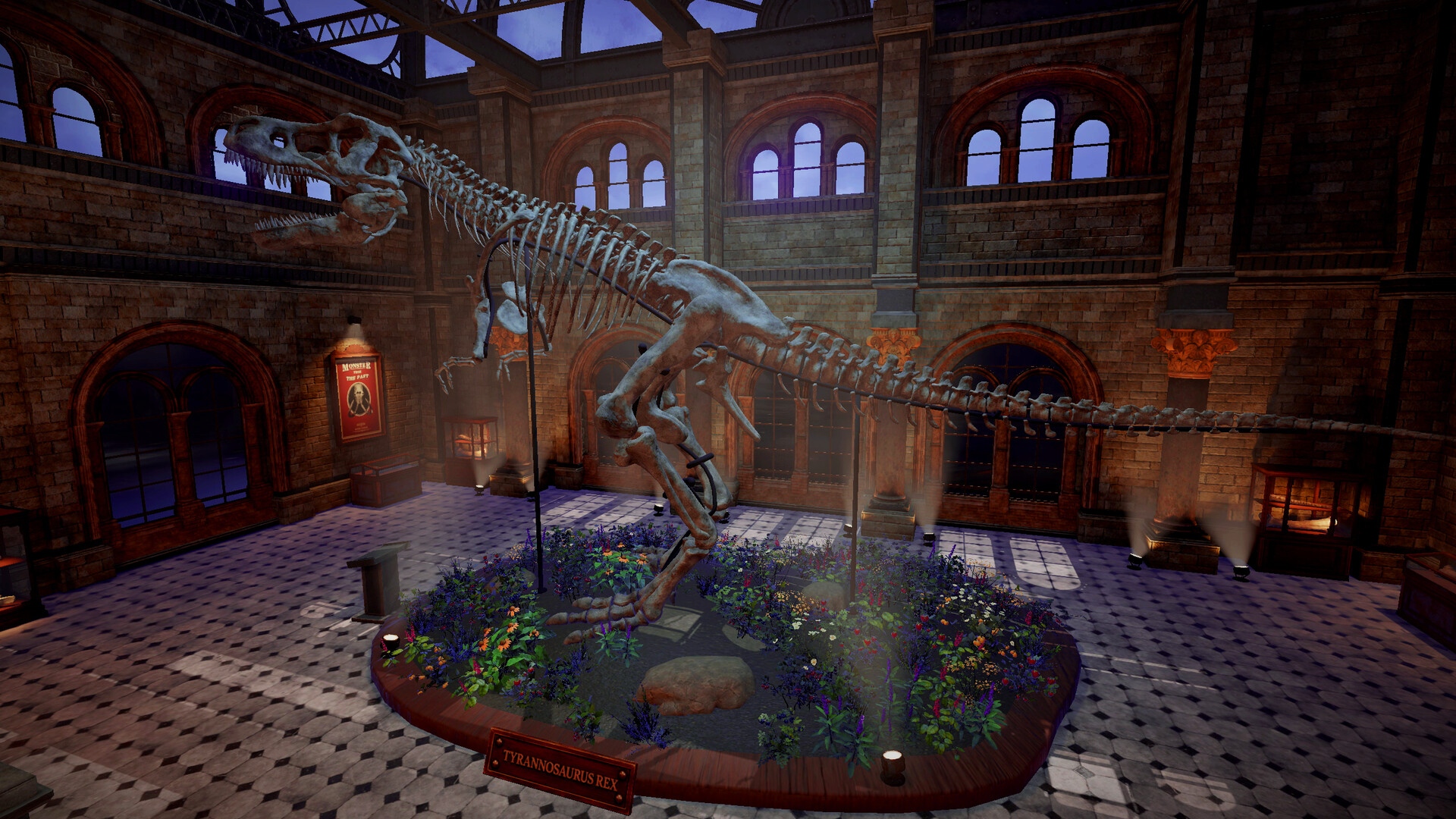
The gameplay is a cozy restoration loop: pick up bones from the floor and stairs, figure out which skeleton each one belongs to, and click it into place one bone at a time. Every bone starts as Unknown, and each dinosaur has its own look, color, texture, and wear, so the more you place them the faster you recognize them. There are no skill trees and no upgrades, just you getting better. As skeletons come together you trigger special events around the museum that leave behind little rewards, toys, and surprises, turning chaos into order and making the place feel like yours. The game does not use any AI generated content in gameplay, and the satisfaction comes from watching a mess become a complete exhibit, one bone at a time. You can open, tip, and throw crates to reach what is hidden, and the cat keeps you company while you work. The identification step is the heart of the loop: at first every bone is a guess, but the distinct shape and wear of each dinosaur teach you to tell them apart, and that growing skill is the only progression the game needs. Bones hide in corners, under tables, and along staircases, so every hall rewards a careful sweep. The assembly step is pure click into place satisfaction, the cat wanders between the exhibits keeping watch, and seeing a full dinosaur rise from scattered pieces makes the messy museum feel worth saving.
NOTE. Uploaded version: 26 September 2026 [Build 25537362]. This is Full Release and latest version of game. The game is already Packaged in ISO File and ready to run after install, read the instruction below.
System Requirements
Minimum:
OS: 64-bit Windows 10
Processor: Intel Core i7-4790K / AMD Ryzen 5 1500X
Memory: 8 GB RAM
Graphics: NVIDIA GeForce GTX 980 Ti 6 GB / AMD Radeon RX 6500 XT
DirectX: Version 11
Storage: 4 GB available space
Recommended:
OS: 64-bit Windows 11
Processor: Intel Core i7-8700 / AMD Ryzen 5 3600
Memory: 16 GB RAM
Graphics: NVIDIA GeForce GTX 1080 / AMD Radeon RX 5700 XT
DirectX: Version 11
Storage: 4 GB available space
Screenshots
Gameplay Trailer
How to Install
1. The first thing we do is download the game files.
2. Unzip the archive to the hard disk. (how to unzip .rar)
3. Wait for the unpacking process to finish.
4. Start the game «DinoBones.Tidy.Up.the.Museum.exe» from game folder.
5. The language changes in the menu.
Download DinoBones Tidy Up the Museum
Alternative Mirrors
Helpful Guides
Game Update History
- DinoBones Tidy Up the Museum → Build 25537362 [ 26.09.2026 ]



Comments 0