
EA SPORTS PGA TOUR Build 17459576

- Build 17459576
- FREE DOWNLOAD
- TORRENT
- DIRECT LINK
- NEW GAME
About The Game
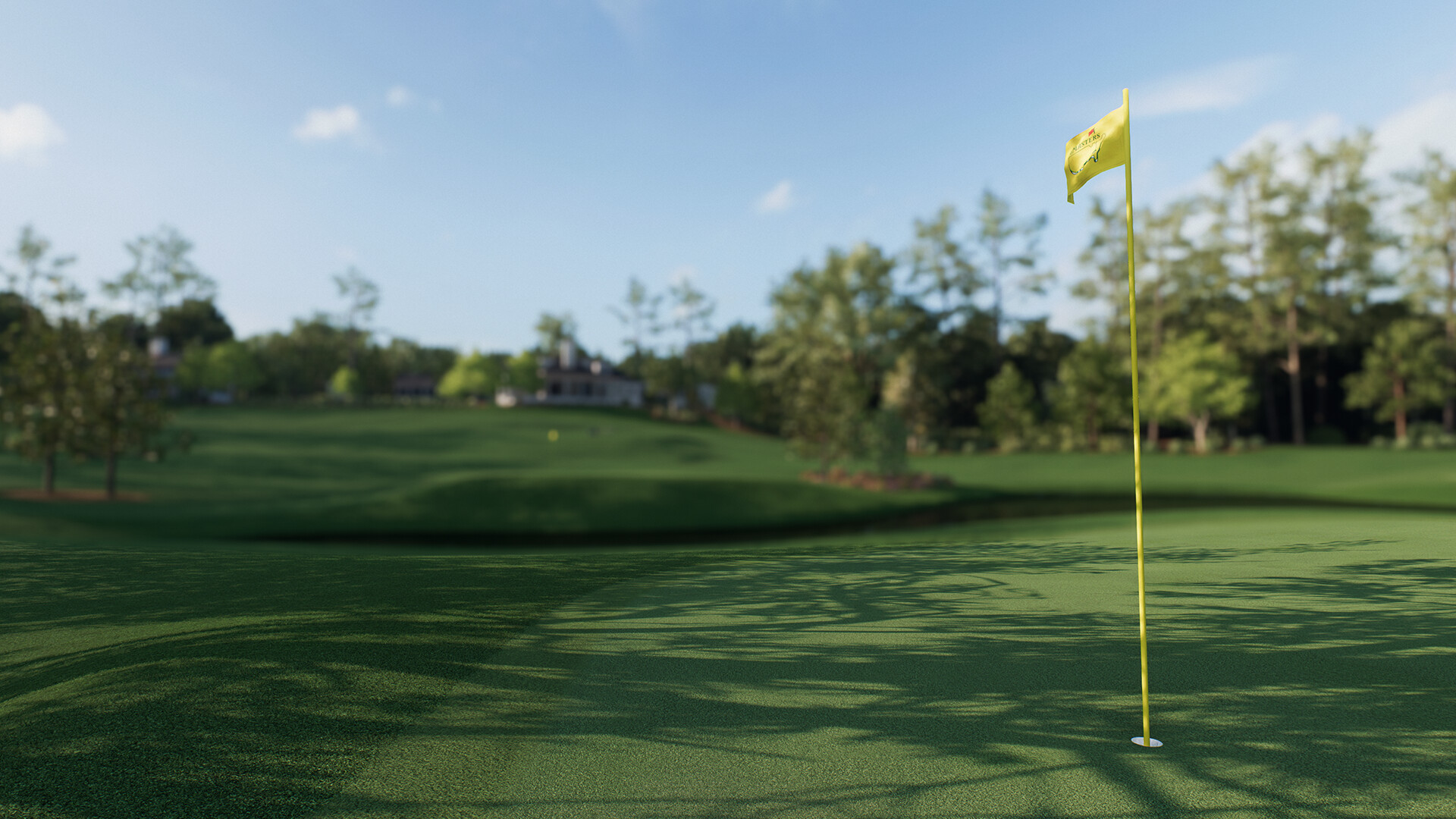
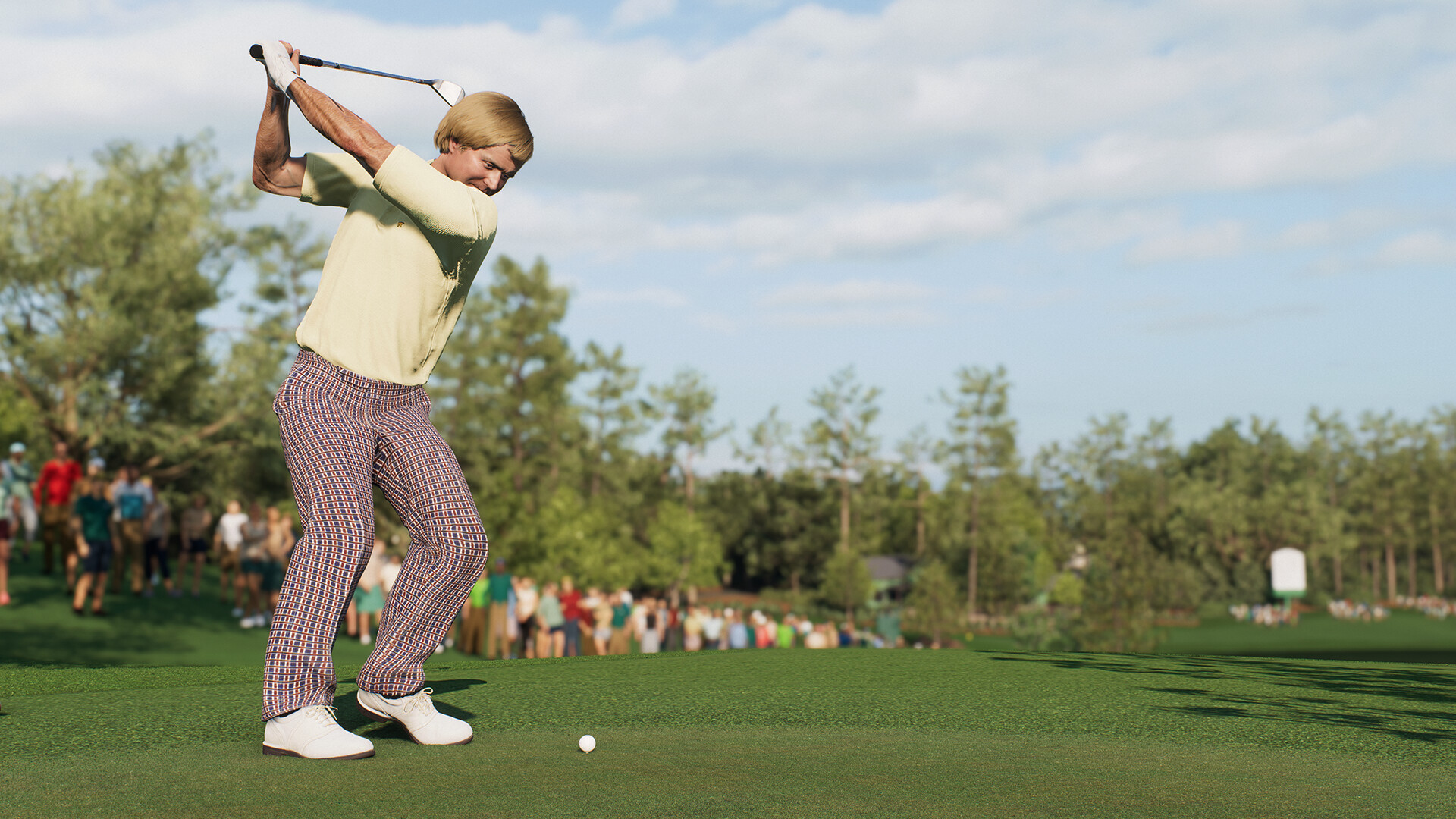
After nearly a decade away, EA Sports has returned to the virtual fairway with a golf simulation that honors the sport's traditions while embracing modern RPG mechanics. EA SPORTS PGA TOUR, released in 2023, is not just a game about swinging a club, it is a journey from unknown amateur to major champion. You begin by designing your golfer's appearance, equipment, and swing style, then step onto the tee at iconic venues like Augusta National, where the Masters Tournament awaits. The latest version features a live service content model, with ongoing updates that add new courses, tournaments, and challenges throughout the PGA Tour season.
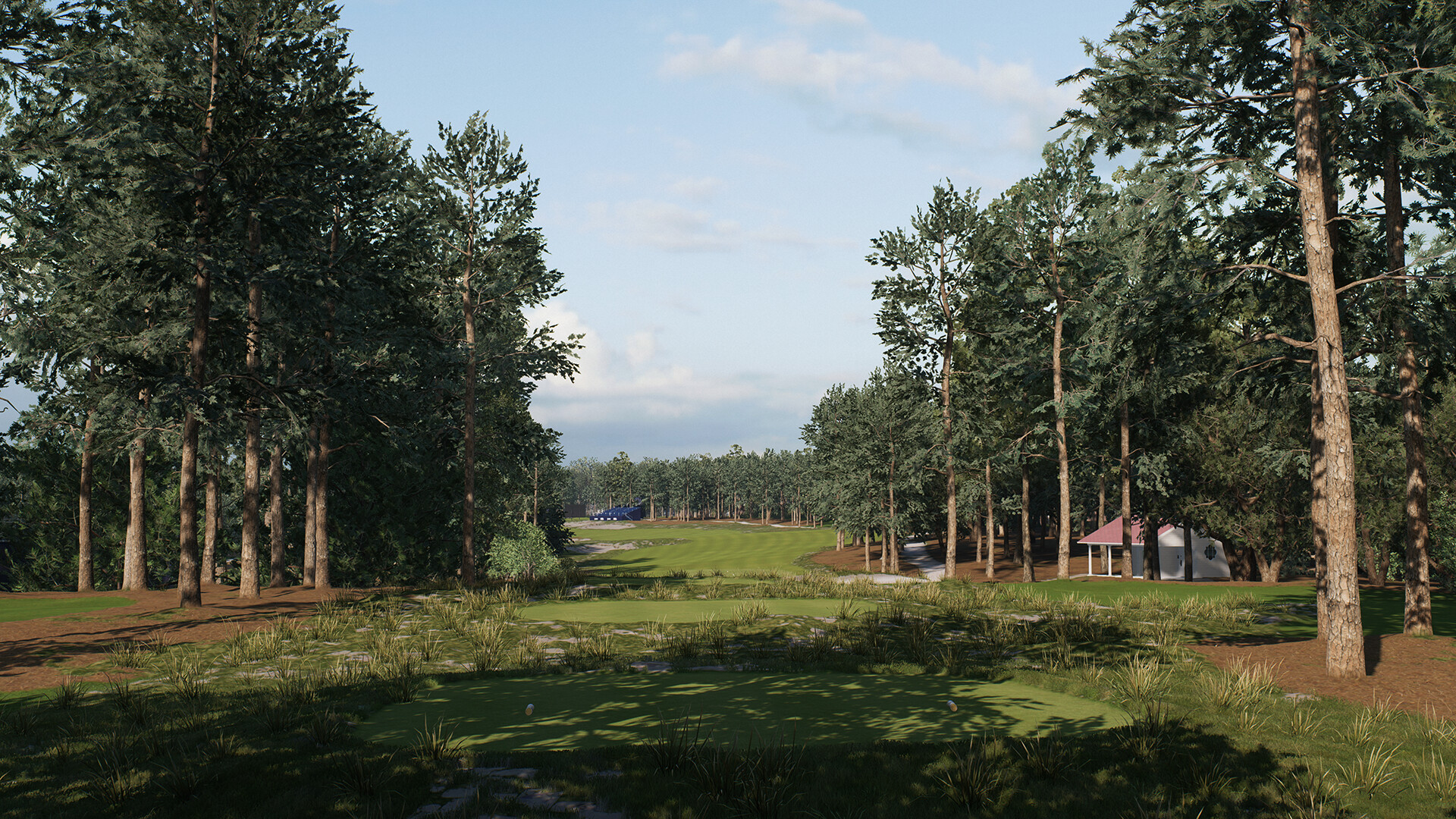
What sets this RPG golf sim apart is the depth of its progression system. You earn experience points by completing challenges, hitting fairways, and sinking putts. These points unlock new shot types and upgrade your skills in five key areas: Power, Driving, Approach, Short Game, and Putting. The latest version includes the Pro Pass, a limited time reward track that offers exclusive gear and cosmetics. Online multiplayer supports up to 16 players in competitive modes, while the Challenge mode lets you relive historic moments from PGA and LPGA history. The Frostbite engine delivers breathtaking visuals, from the rugged coastline at Pebble Beach to the towering pines of Augusta. If you have ever dreamed of slipping on the Green Jacket or lifting the Claret Jug, you should download the game and start your journey to golfing immortality.
Key features:
-
RPG style progression with 10 skill ranks across 5 attribute categories
-
Road to the Masters career mode from amateur to major champion
-
Live service content with new courses and tournaments post launch
-
Pro Pass reward track for limited time exclusive gear and cosmetics
-
16 player online multiplayer with competitive and casual modes
-
Historic challenges recreating iconic moments from PGA and LPGA history
-
Stunning Frostbite visuals with dynamic weather and authentic course conditions
NOTE. Uploaded version: 18 April 2026 [Build 17459576]. This is Full Release and latest version of game. The game is already Pre-Installed and ready to run, read the instruction below.
Minimum:
Requires a 64-bit processor and operating system
OS: Windows 10
Processor: Ryzen 5 1600 / Core i5 6600k
Memory: 8 GB RAM
Graphics: Radeon RX 570 /Geforce GTX 1050 Ti
DirectX: Version 12
Network: Broadband Internet connection
Storage: 100 GB available space
Recommended:
Requires a 64-bit processor and operating system
OS: Windows 10
Processor: Ryzen 7 2700X /Core i7 6700
Memory: 12 GB RAM
Graphics: Radeon RX 5700 XT / GeForce RTX 2060 Super
DirectX: Version 12
Network: Broadband Internet connection
Storage: 100 GB available space
Screenshots
Gameplay Trailer
How to Install
- Download to a convenient location – the most important rule: no Cyrillic characters in the full path to the game folder.
- Download the archive
PGA.Tour-DenuvOwO.zip- ⚠️ WARNING: The websites hosting this file contain aggressive advertisements. Be extremely careful — double-check what you are clicking and downloading.
- Read the instructions carefully and launch the game
- Copy the entire content of the
DenuvOwOfolder into the game directory. - Releases that rely on a hypervisor require disabling certain security features.
- To prepare your system for the hypervisor, run
VBS.cmdas administrator.- Carefully read all information displayed on screen before proceeding.
- Note about reboot: you will need to disable driver signature verification (restart with advanced options or via the script).
- After you finish playing, it is strongly recommended to revert the changes.
- (You can restore everything the same way — run
VBS.cmdas admin and press the number "3".)
- (You can restore everything the same way — run
- The source code of the hypervisor driver is inside
DenuvOwO_SRC_V5.rar.- This archive is intended for advanced users only — you do not need to extract or copy it anywhere.
- Launch the game via the original .exe file (
PRAGMATA.exe, located in the main game directory). Administrator rights will be requested automatically (if not already granted). - If autoloading is disabled, running the game as administrator will not be required. In that case, you need to manually create and manage the driver service as shown in the advanced example below.
- Copy the entire content of the
⚙️ Advanced user section – manual driver service
This information is intended for advanced users. The required driver files are located in:DenuvOwO\driver_amd or DenuvOwO\driver_intel — adjust the path to your actual location.
Use the following commands in a Command Prompt (Admin):
- 🔵 AMD (SimpleSvm)
sc create SimpleSvm type= kernel binPath= "C:\Users\Test\Desktop\SimpleSvm.sys" <-- replace with YOUR full path to the driver file, keep quotessc start SimpleSvmsc stop SimpleSvm [after you exit the game]sc delete SimpleSvm
- 🔷 Intel (hyperkd)
sc create hyperkd type= kernel binPath= "C:\Users\Test\Desktop\hyperkd.sys" <-- replace with YOUR full path, keep quotessc start hyperkdsc stop hyperkd [after you exit the game]sc delete hyperkd
📁 Intel hypervisor (hyperdbg) uses additional files next to the .sys driver.
Make sure all companion files are present in the same folder as hyperkd.sys.
⚠️ Critical security & system warnings
- BitLocker: If you have BitLocker enabled, keep your recovery key at hand — hypervisor usage may trigger recovery mode. This is critical.
- Windows Hello: Prepare a traditional password/pin login method as a fallback.
- Anti-cheat services: Before using the hypervisor, ensure that all background anti-cheat services are stopped (for example, Vanguard from Riot Games, BattlEye, EAC, etc.). Otherwise conflicts may occur.
⚠️ FINAL WARNING
Running kernel drivers and hypervisors carries risks. Follow every step exactly. The original English instructions are also available inside DenuvOwO.nfo if you need them.
- The file
DenuvOwO.nfocontains the original English instruction for those who prefer it. - If you are not comfortable with driver management, use the automatic method (
VBS.cmd) instead of manualsccommands. - Always restart your system after toggling driver signature verification / hypervisor settings.
Download EA SPORTS PGA TOUR Build 17459576
Alternative Mirrors
Helpful Guides
Game Update History
- EA SPORTS PGA TOUR → Build 17459576 [ 18.04.2026 ]

Comments 0