
Firefighting Simulator The Squad (RUNE): Update v1.0.44.0
- RUNE
- Update v1.0.44.0
- FREE DOWNLOAD
- TORRENT
- UPDATED
Game Update History2 updatesLast: 31.08.2025 · 1 year ago
- 31.08.2025Build 17269292Update v1.0.44.0current
- 22.05.2025Build 17269292
Data from the MaGamers update log · information may be outdated
About The Game
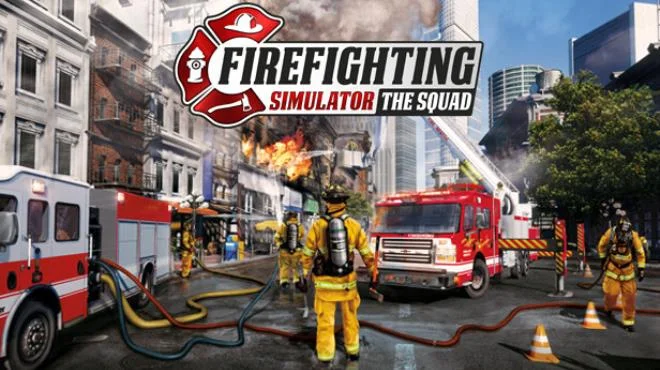
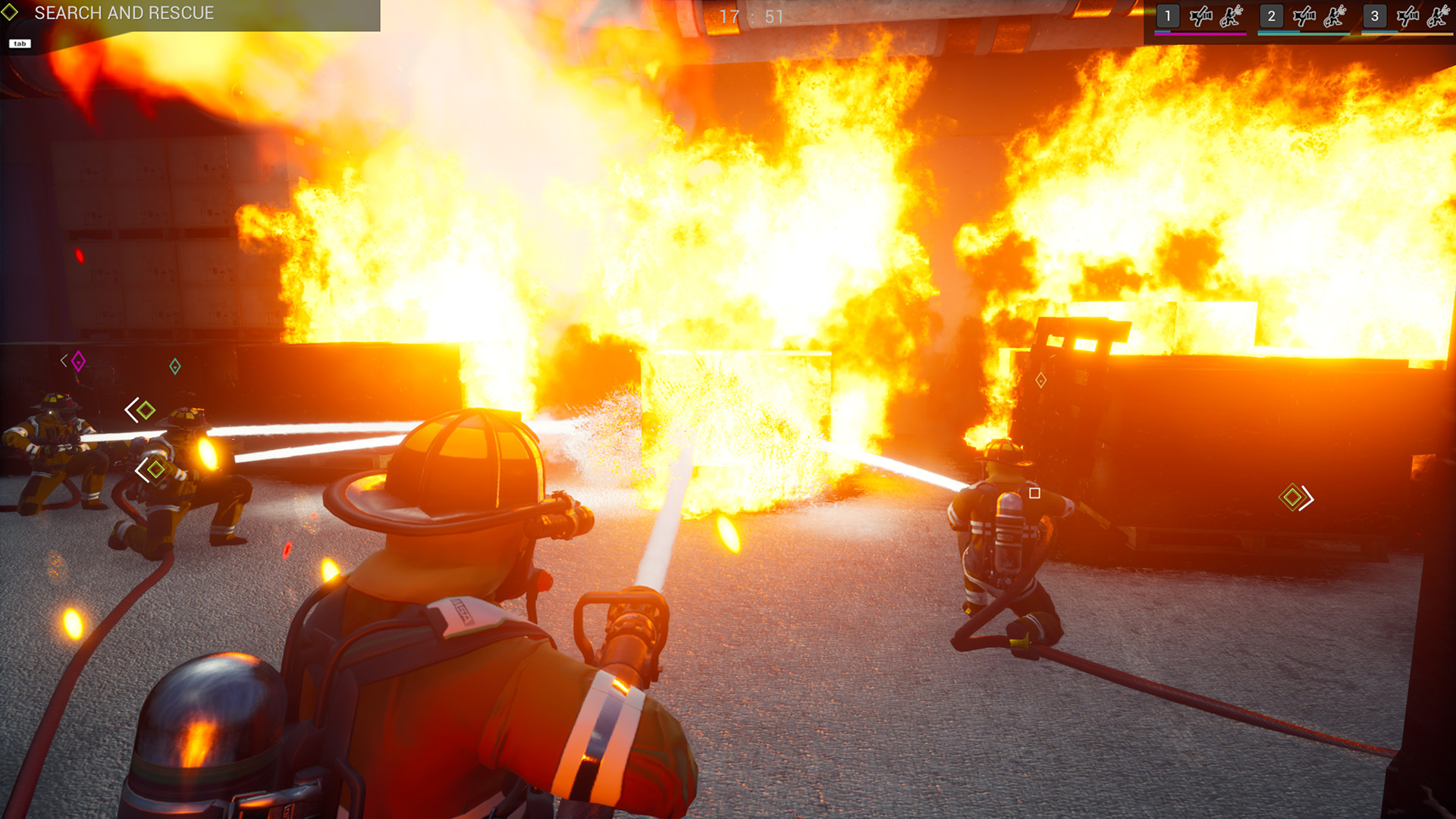
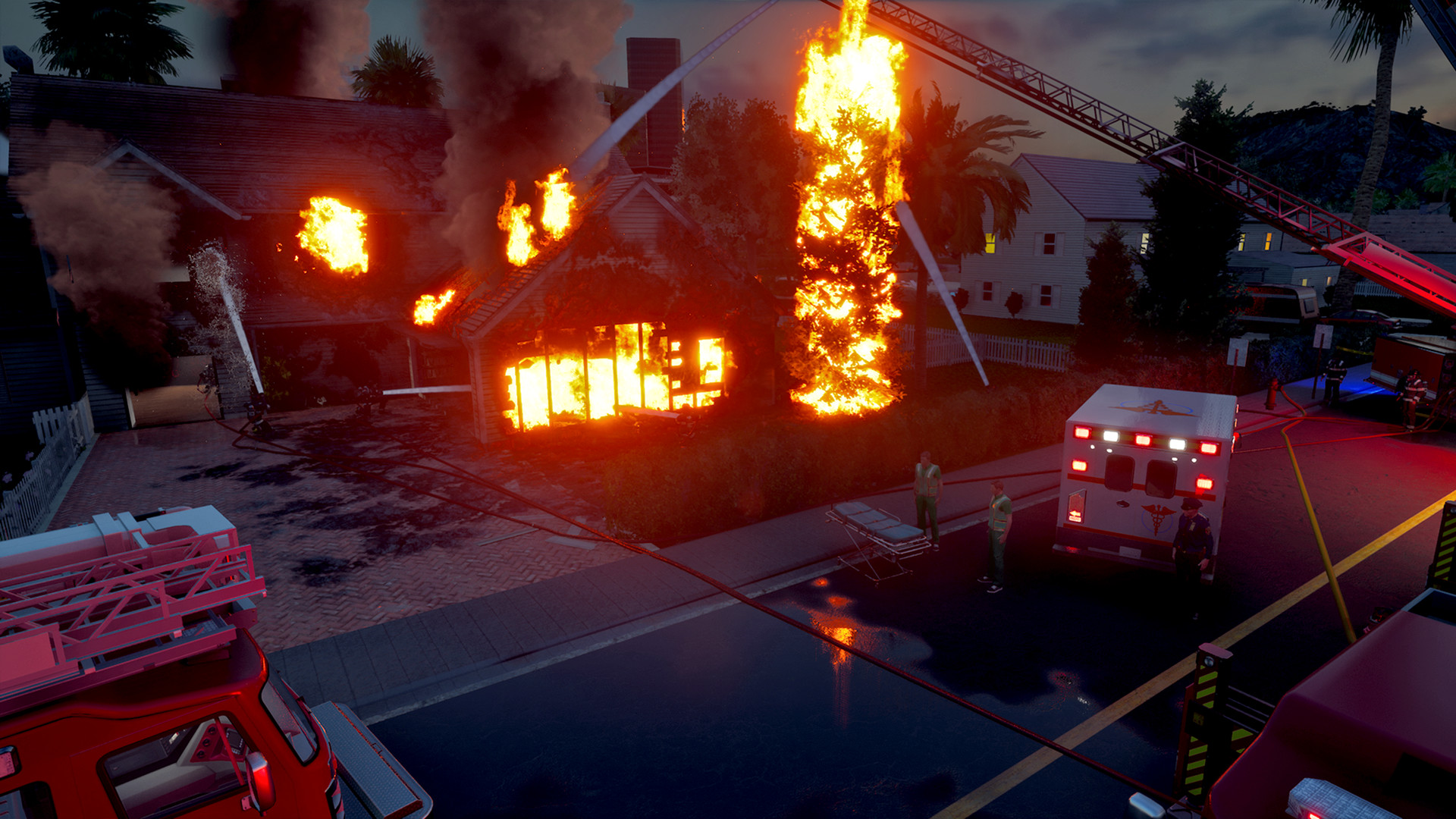
In Firefighting Simulator The Squad, the player will be able to experience all the hardships of firefighters' work. The action takes place in a large American city, where a fire can break out at any moment. When a new call comes in, the player must get into a detailed recreated truck and take the entire team to the scene. Narrow streets will be a serious test for a huge car, but you need to hurry. The fire in the Firefighter Simulator has its own physics, which is why it flares up more and more with each passing second. The first thing the player must do is give instructions to his team so that each rescuer can contribute to the teamwork. This can be done using a simple command menu. But you yourself will not have to stand aside. Taking a hose or a fire extinguisher in your hands, the player will find himself in the very heat.
Smoke, heat, flames and flashes of electricity. The main thing is to set priorities correctly and get rid of the fire gradually. All this will be taught in training, and the knowledge gained can be useful in real life. In addition, there may be people in the emergency area. Their rescue will be the first priority. The victims are often unconscious, so they will have to be pulled out of the fire on the shoulders. The total area of the city will be almost 60 square kilometers. The fire can start in one of 30 different places: a suburban house, an industrial warehouse or a multi-story building in the center. You can rescue people yourself or in a group of up to four friends. All equipment and technology are copied in detail from real life, so the atmosphere feels extremely real.
NOTE. Uploaded version: 22 May 2025 [Build 17269292] + Update v1.0.44.0. This is Full Release and latest version of game. The game is already Packaged in ISO File and ready to run the game after install, read the instruction below.
Minimum:
OS: Windows 10 64-Bit
Processor: Intel Core i5-4440 with 3,1 GHz or AMD FX-8150 with 3,6 GHz or higher
Memory: 8 GB RAM
Graphics: GeForce GTX 750 Ti (2 GB VRAM) or AMD Radeon RX 460 (2 GB VRAM) or higher
DirectX: Version 11
Network: Broadband Internet connection
Storage: 12 GB available space
Recommended:
OS: Windows 10 64-Bit
Processor: Intel Core i7-3820 with 3,6 GHz or AMD FX-8350 with 4,0 GHz or higher
Memory: 16 GB RAM
Graphics: GeForce GTX 1070 (8 GB VRAM) or AMD Radeon RX 5600 XT (8 GB VRAM) or higher
DirectX: Version 11
Network: Broadband Internet connection
Storage: 12 GB available space
Screenshots

Gameplay Trailer
How to Install
- Download the Full game Firefighting.Simulator.The.Squad-RUNE through torrent.
- Mount the Full ISO-image game in the «UltraISO».
- Install the game on you PC, wait for 100% installation.
- Copy all files of the folder «RUNE» in game folder.
- Download and install Update v1.0.44.0, in game folder. (how to Update the game)
- Lock the game folder in the Windows firewall.
- Play!
Download update only: Firefighting.Simulator.The.Squad.Update.v1.0.44.0-RUNE, MIRROR, MIRROR 2 [ 78.2 MB ]
- Extract.
- Run setup.exe and install the update.
- Copy crack from RUNE dir to install dir.
- Play!




Comments 1