19,072 games • 198 updates this week • 4,739 users

Squirreled Away Build 19176705
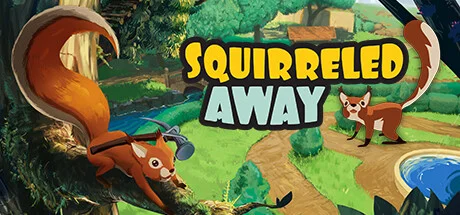
Squirreled Away Build 19176705 cover art
4.5
...
User Verdict
Based on 21 community votes
  • P2P
  • Build 19176705
  • FREE DOWNLOAD
  • TORRENT
  • DIRECT LINK
  • UPDATED
Support the developers by purchasing the gameGet it on Steam
Updated Version Build 19176705

About The Game

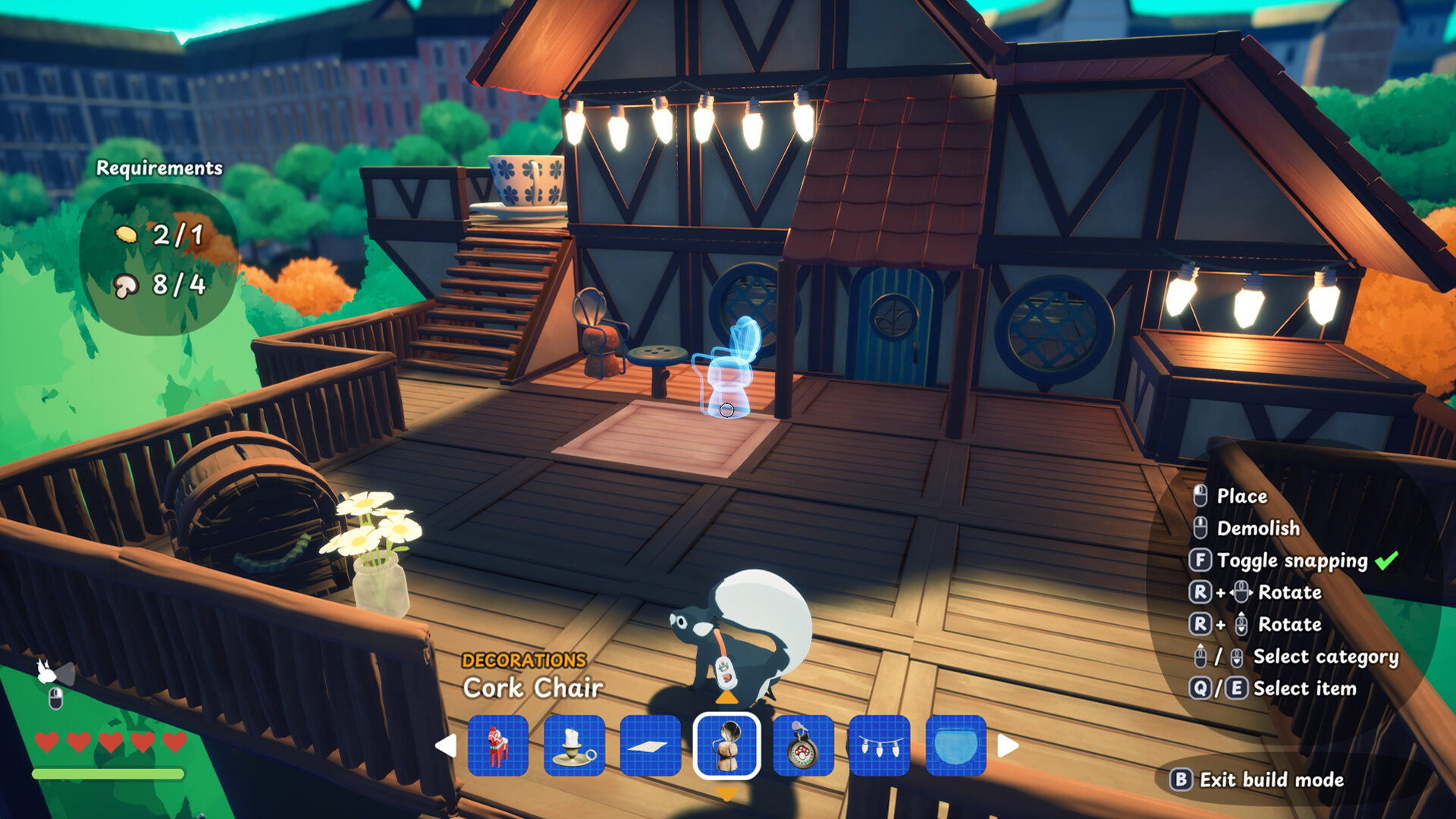
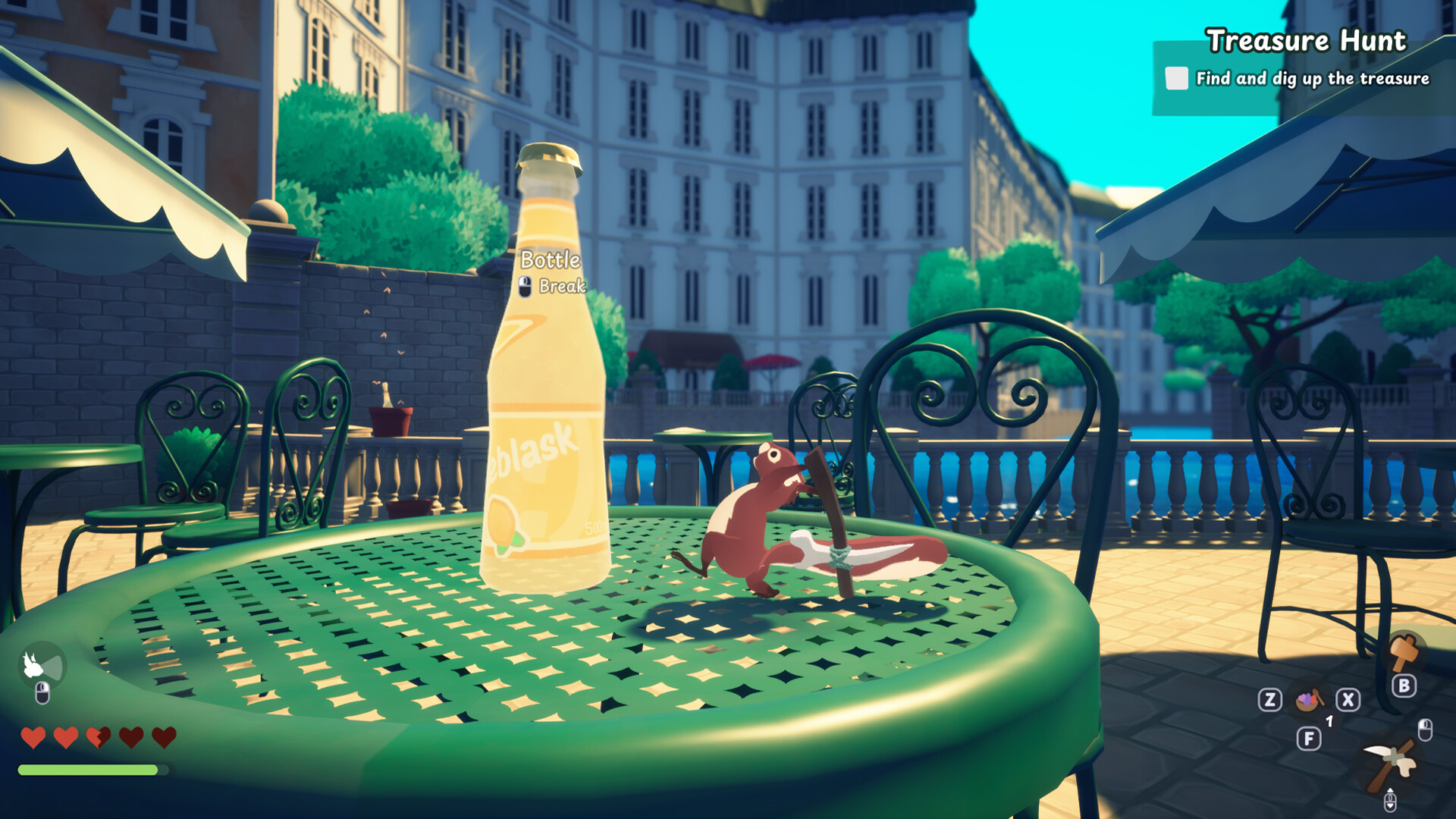
Squirreled Away is a cooperative game about the life of a squirrel in a city park. Here you can climb trees, build cozy houses, collect resources and communicate with cute inhabitants. Instead of survival, there is creativity and exploration: find materials, create useful things and bring your fantasies to life. Alone or with friends (up to 4 players), explore the picturesque world, complete tasks and enjoy a carefree adventure. The game offers a warm atmosphere, calm music and freedom of action — an ideal place for relaxation and imagination.

NOTE. Uploaded version: 15 July 2025 [Build 19176705]. This is Full Release and latest version of game. The game is already Pre-Installed and ready to run the game, read the instruction below.

System Requirements

Minimum:
Requires a 64-bit processor and operating system
OS: Windows 10 or later
Processor: Intel Core i3-4130 or equivalent
Memory: 4 GB RAM
Graphics: NVIDIA GeForce GTX 760 or equivalent
Storage: 3 GB available space
Additional Notes: Low graphics setting

Recommended:
Requires a 64-bit processor and operating system

Screenshots
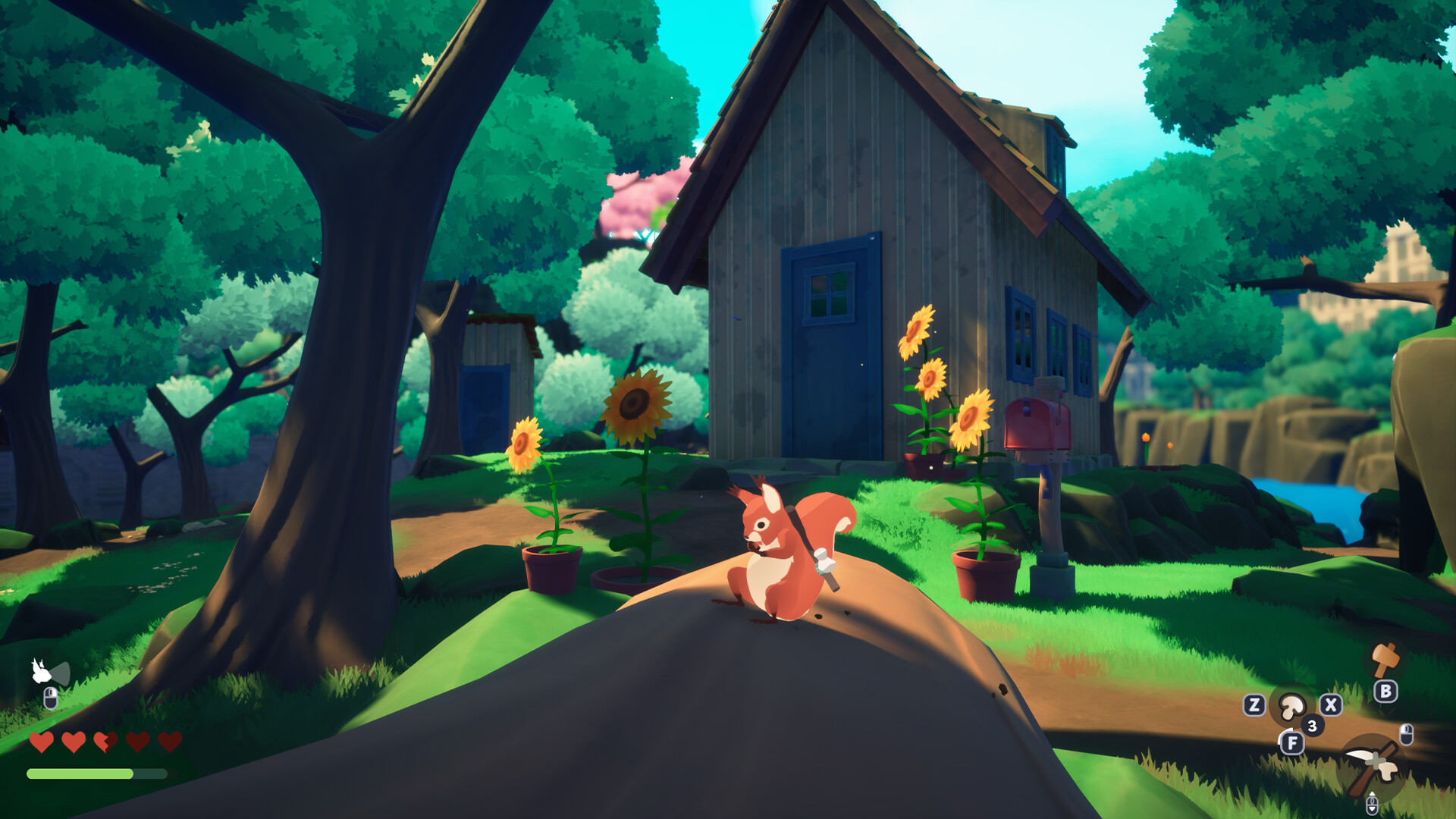
Squirreled Away Build 19176705 gameplay screenshot 1
Squirreled Away Build 19176705 gameplay screenshot 2
Squirreled Away Build 19176705 gameplay screenshot 3

How to Install

  1. Download the game files through torrent.
  2. Unzip the game using WinRAR or 7zip. (how to use .rar)
  3. Start game «SquirreledAway.exe», Play!
  4. The language changes in the menu.

Download update only: Squirreled.Away.Update.v1.1.2-TENOKE, MIRROR, MIRROR 2 [ 180.5 MB ]

  1. Extract.
  2. Run Update\PATCH.exe and install the update.
  3. Copy crack to install dir.
  4. Play!

How To Play Online:

How to run:

  1. Launch Steam, go to your profile.
  2. Run the game through \SquirreledAway.exe.

In Game:

Connection:

  • New Game / Load Game → Check the box to connect friends → Wait for players.

Server creation:

  • Join Game → Enter an available server.

Download update only: Squirreled.Away.Update.v1.1.3-TENOKE, MIRROR, MIRROR 2 [ 148.6 MB ]

  1. Extract.
  2. Run Update\PATCH.exe and install the update.
  3. Copy crack to install dir.
  4. Play!

Download Squirreled Away Build 19176705

SIZE: 1.22 GB | Downloads: —
How to get your file — 3 quick steps
VPN detected. Our download does not accept VPN connections. Please disable your VPN to continue.
Re-check
1
Click download
Use any button below
2
Install Opera
On the page that opens
3
Get your file
.torrent unlocks here
Download file
Switch to the tab that just opened — Opera installer is already there. After install, open this page in Opera and click Check install.
Opera not detected. Make sure it's installed and open this page in Opera browser, then click Check install again.
Opera is a free, official browser by Opera Software AS — safe to install. [ Opera Install Guide ]

Alternative Mirrors

Searching mirrors…
Name
Size
Seeds
Leeches

Game Update History

  • Squirreled Away v1.0.0 → Build 19176705 [ 15.07.2025 ]
  • Squirreled Away → v1.0.0 [ 28.03.2025 ]
Rate This Game

Leave a review — how was the game?
Report issues — bugs, crashes, errors?
Ask questions — need help?
Your input makes the game better!

Comments 2

  1. MaGamers Offline 15 July 2025 10:21
    The Telly-porter Update is here!
    Today we're introducing the Telly-porter and adding performance improvements!

    New feature: Telly-porter!
    This new utility item enables you to transport between any two places where a Telly-porter is built.
    Example:
    Place a Telly-porter in your cozy squirrel home and place another one in a different part of the park (ie. an area with beautiful pink trees, as seen below).
    Adjust the telly-porter to show the channel matching the location you want to go to.
    Jump into the Telly-porter to instantly travel to the other location.
    Easy as that!

      
    To make it easier to know where you'll end up, the Telly-porter shows the location on the screen. Each Telly-porter also has a number, which matches the channels you can tune into.
    In the example above, the Telly-porter in the house is number 1, and the Telly-porter in the area with the pink trees is number 3, so setting the channel to 3 will take you to where Telly-porter 3 is located.
    --------------------
    Make a Small Donation ❤️
  2. MaGamers Offline 30 July 2025 06:34
    Patch Notes:
     
    v. 1.1.2
     
    Telly-porter added
     
    Main menu is now more performant
     
    New default graphics settings for Steam Deck
     
    "Take me to the River" achievement fixed
     
    Various minor UI fixes.
    --------------------
    Make a Small Donation ❤️
Download1.22 GB