
Die After Sunset - TENOKE + Update v1.0.4

- TENOKE
- Update v1.0.4
- FREE DOWNLOAD
- TORRENT
- UPDATED
About The Game
Die After Sunset is an addictive role-playing shooter with unique mechanics based on changing the themes of darkness and light. You will fight for your home planet, which was attacked by an extraterrestrial civilization. You must stop the alien invasion before the aliens destroy the planet. You have to make a long and dangerous journey through time and space to get rid of your enemies.
You will face numerous enemy armies that you have to destroy. Use the weapons you have and your own combat skills to succeed. You can earn experience to improve your abilities and gain new skills to increase your combat performance. By completing various missions, you will be one step closer to a common victory. There is some mystery behind the alien invasion, and you have to unravel it in order to stop their advance and push the enemy civilization far beyond our system. Improve your skills and succeed where the inhabitants of the Earth fail.
System Requirements
OS: Windows 7 64-Bit or later
CPU: Intel Core i5 2500k or AMD equivalent
RAM: 8GB RAM
HDD: 4GB HD space
Video: Nvidia GeForce GTX 660 2 GB / GTX 1050 2GB or AMD Radeon HD 7850
DirectX: Version 11.0 compatible video card or equivalent
Network: Broadband Internet connection
Sound Card: DirectX Compatible
Recommended
OS: Windows 10 64 Bit
CPU: Intel Core i7 4770k or AMD equivalent
RAM: 12GB RAM
HDD: 4GB HD space
Video: Nvidia GeForce GTX 970 / GTX 1060 6GB or AMD Radeon R9 390 / AMD RX 580
DirectX: Version 11.0 compatible video card or equivalent
Network: Broadband Internet connection
Sound Card: DirectX Compatible
Screenshots
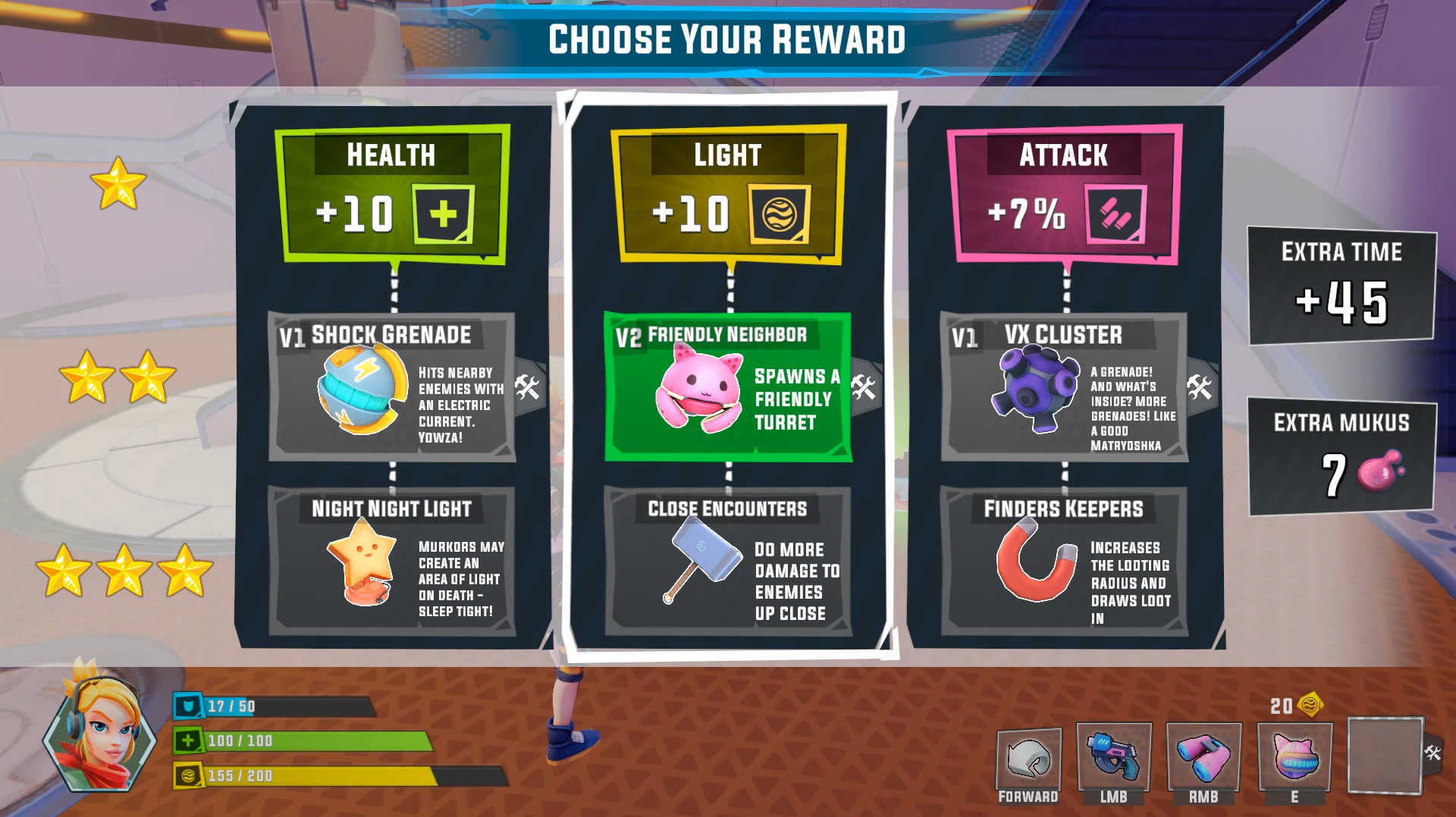
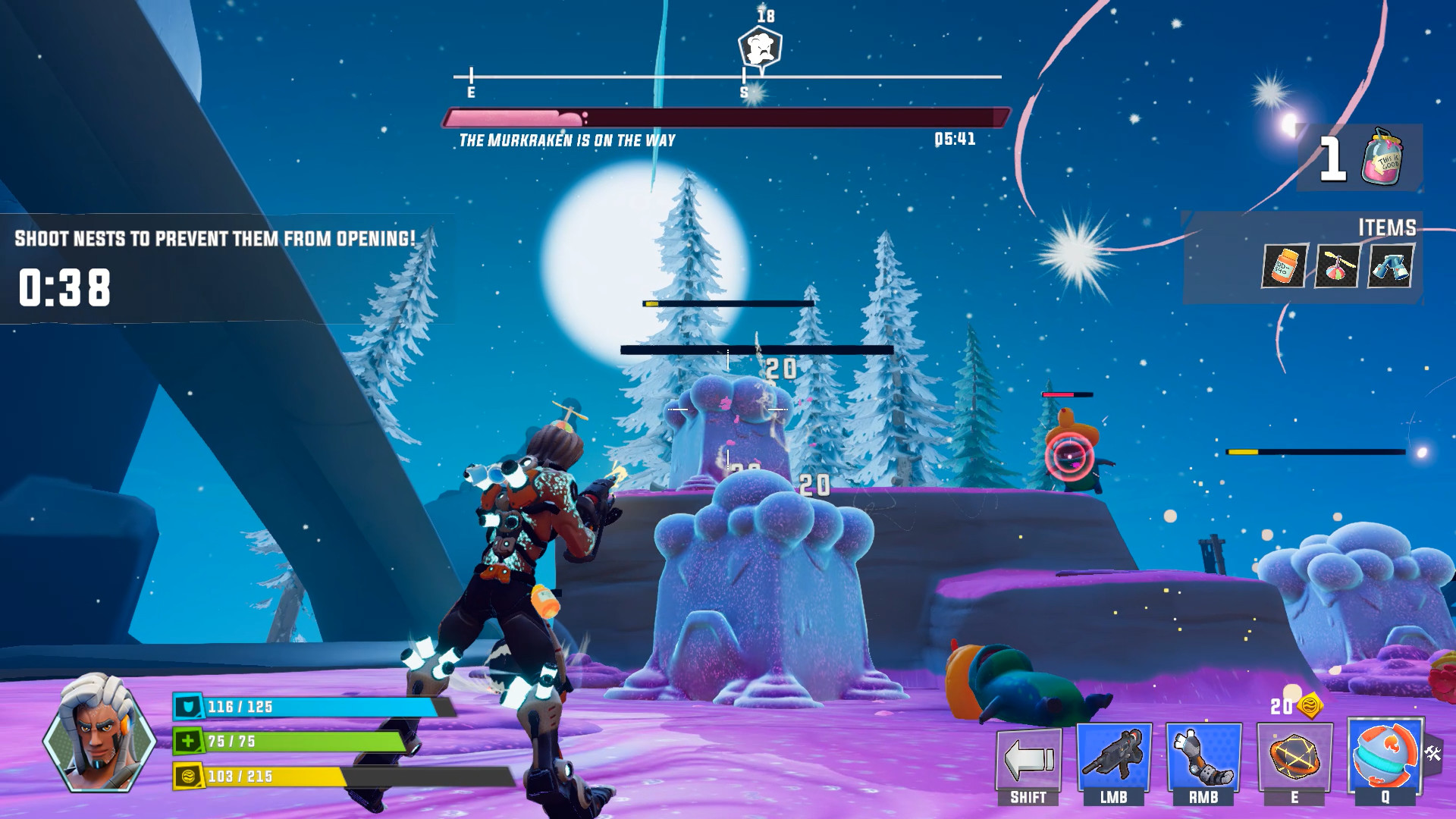
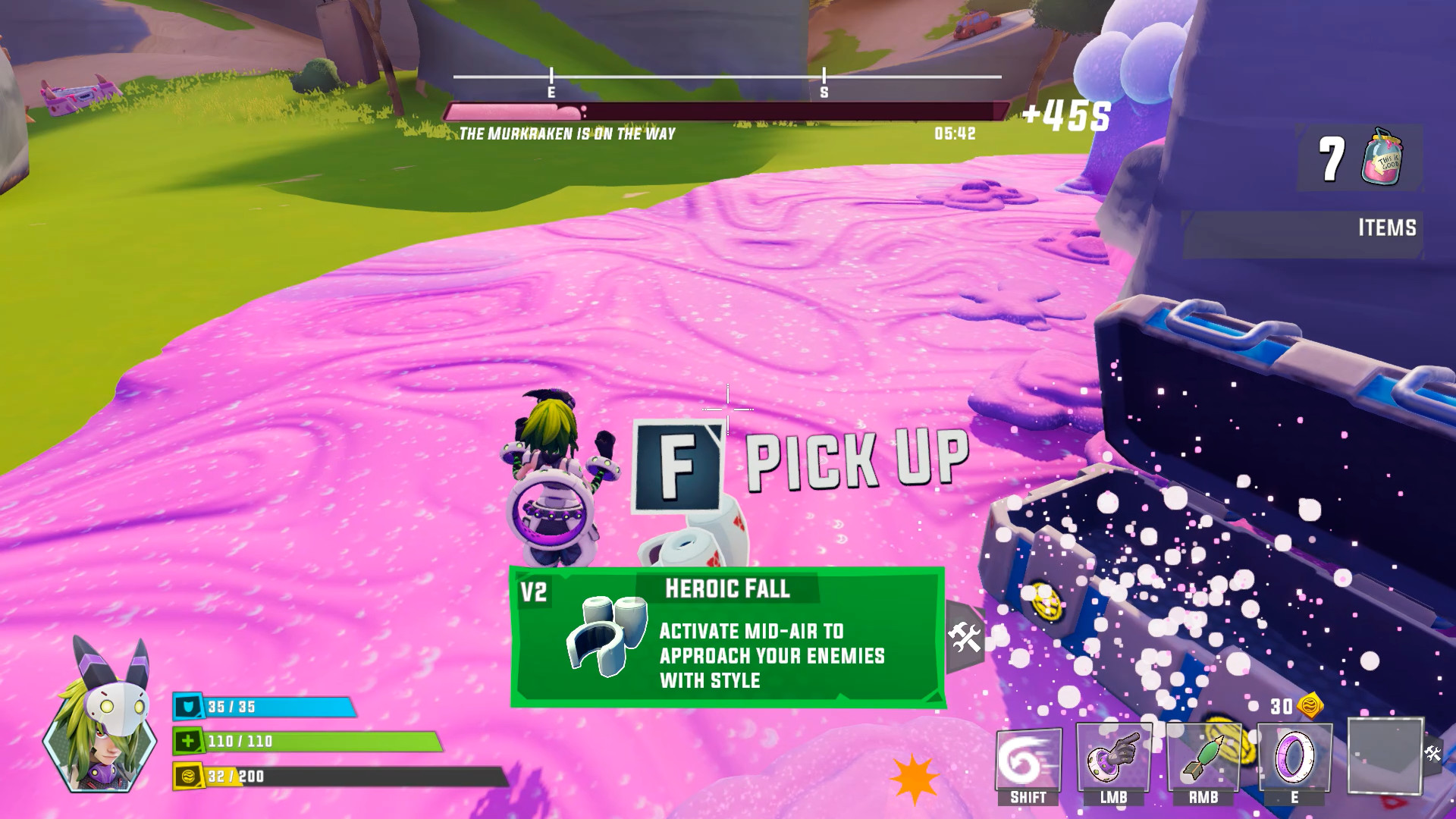
Gameplay Trailer
How to Install
- Download the Full game Die.After.Sunset-TENOKE through torrent.
- Mount the Full ISO-image game in the «UltraISO».
- Install the game on you PC, wait for 100% installation.
- Copy all files of the folder «CRACK» in game folder.
- Download and install Update v1.0.4, in game folder. (how to Update the game)
- Lock the game folder in the Windows firewall.
- Play!
Download update only: Die.After.Sunset.Update.v1.0.4-TENOKE [ 41.6 MB ]
-
Extract.
-
Run Update\PATCH.exe and install the update.
- Copy crack to install dir.
-
Play!




Comments 0