19,080 games • 171 updates this week • 4,739 users

Rolling Line v5.41 (Pre-Installed)
Rolling Line v5.41 (Pre-Installed) cover art
4.1
...
User Verdict
Based on 76 community votes
  • 5.41 (Build 21290209)
  • FREE DOWNLOAD
  • TORRENT
  • UPDATED
Support the developers by purchasing the gameGet it on Steam
Updated Version 5.41 (Build 21290209)

About The Game

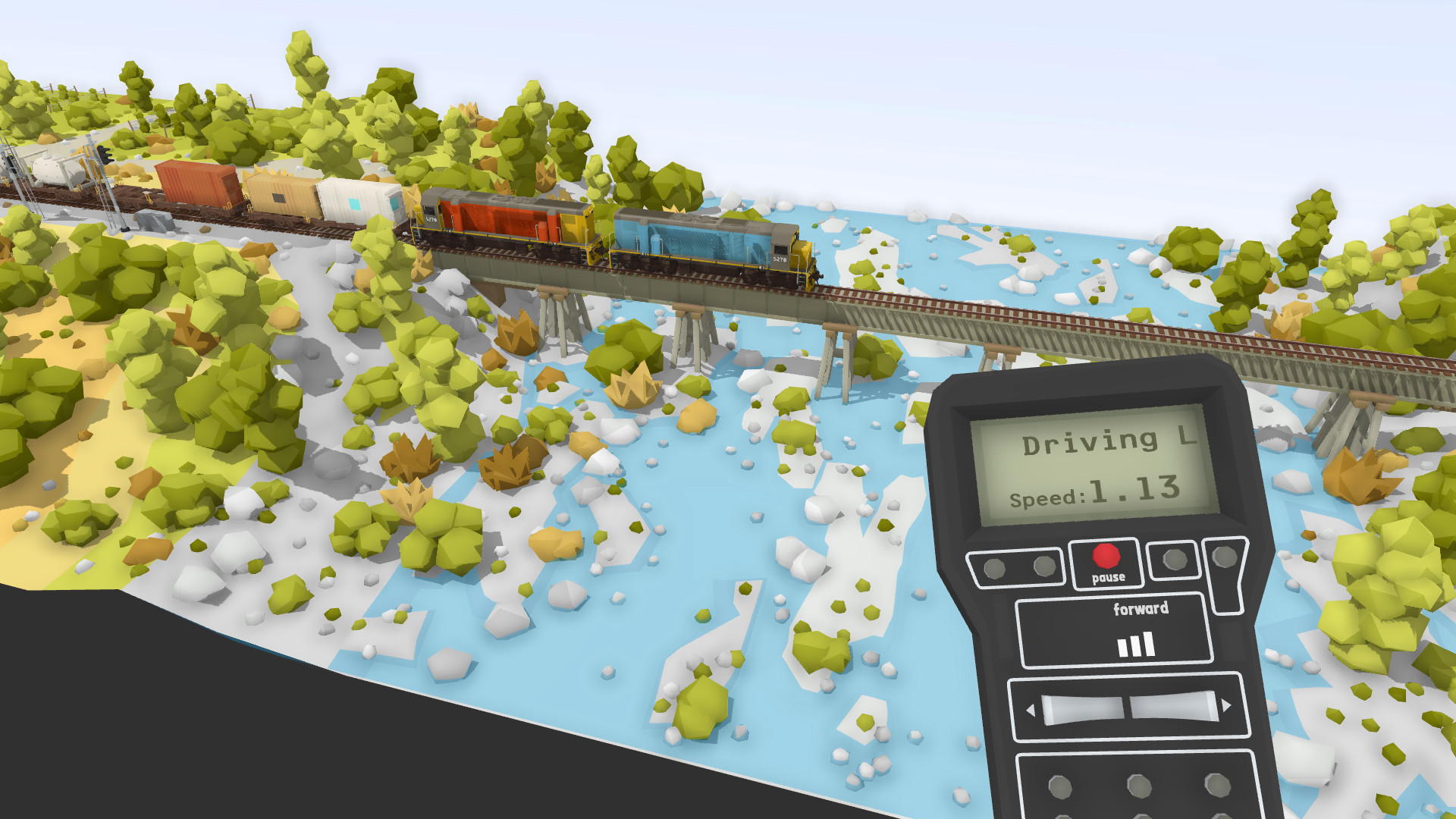
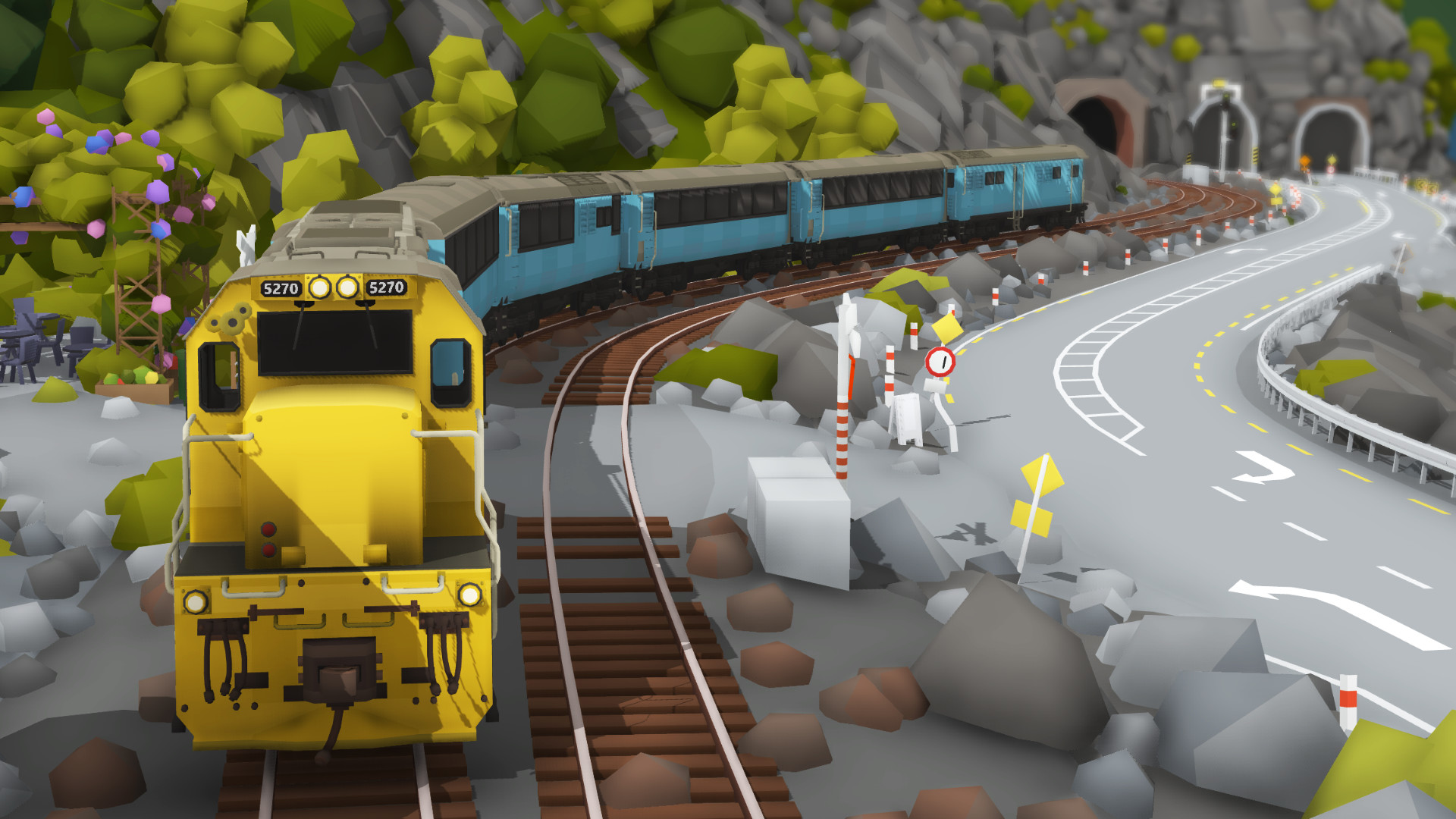
Rolling Line is a railroad simulator where you will be engaged in its creation and construction, and the main actions will take place on the territory of New Zealand. Here you will have the opportunity to test the skills of the designer and builder of railways, connecting cities and special destinations with each other. Also, the foresight of trains falls under your control, so that there is no disaster, you must control all activities. Build freight trains, as well as design passenger ones, which you then need to check in action.

You will have the opportunity from scratch to create the world of the railway, where you can create everything, including various kinds of trains and even locations connected by tracks. The game is designed for both computer platforms and virtual reality. You will have more than enough opportunities here, as well as a large selection of details for turning your ideas into reality. There is a research mode where you will walk around all the locations you built on foot in order to remove shortcomings and improve them.

NOTE. Uploaded version: 28 December 2025 [v5.41 (Build 21290209)]. This is Full release and latest version of game. The game is already Pre-Installed and ready to run the game, read the instruction below.

System Requirements

MINIMUM:
OS: Windows 7/8/10
Processor: Intel i5 range or similar
Memory: 8 GB RAM
Graphics: GTX 980 or similar (VR) Any low-end graphics card (PC)
Storage: 1 GB available space
Sound Card: N/A
Additional Notes: Running on PC (without VR) is possible on very low end systems.

RECOMMENDED:
OS: Windows 7/8/10
Processor: Intel i7 range or similar
Memory: 8 GB RAM
Graphics: GTX 1070 or similar (VR) GTX 660 or similar (PC)
Storage: 1 GB available space
Sound Card: N/A
Additional Notes: Running on PC is significantly less demanding than running in VR!

Screenshots
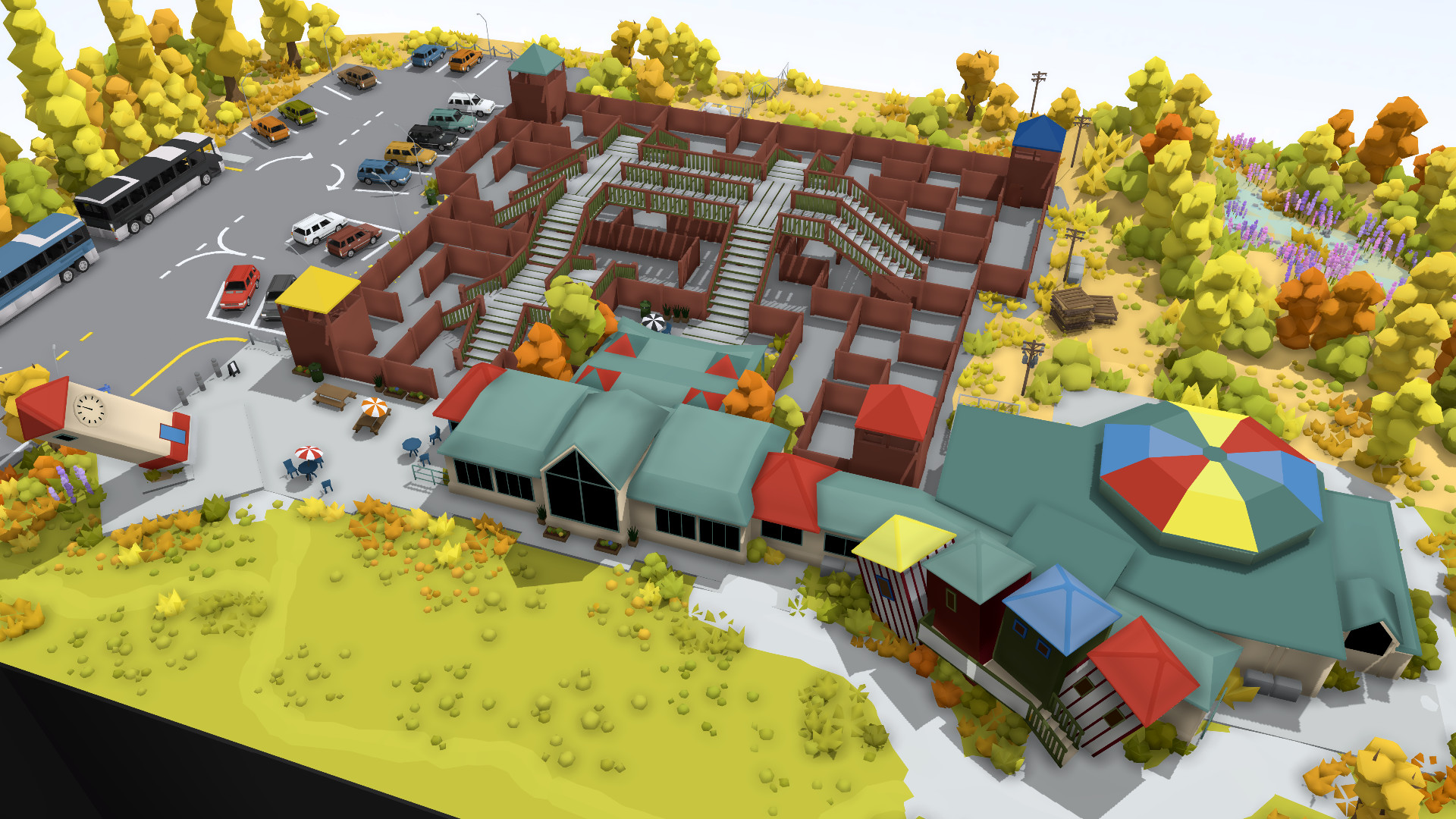
Rolling Line v5.41 (Pre-Installed) gameplay screenshot 1
Rolling Line v5.41 (Pre-Installed) gameplay screenshot 2
Rolling Line v5.41 (Pre-Installed) gameplay screenshot 3

Gameplay Trailer

How to Install

  1. Download the game files through torrent.
  2. Unzip the game using WinRAR or 7zip.
  3. Start game «Rolling.Line.exe», Play!
  4. The language changes in the menu.

Download Rolling Line v5.41 (Pre-Installed)

SIZE: 675 MB | Downloads: —
How to get your file — 3 quick steps
VPN detected. Our download does not accept VPN connections. Please disable your VPN to continue.
Re-check
1
Click download
Use any button below
2
Install Opera
On the page that opens
3
Get your file
.torrent unlocks here
Download file
Switch to the tab that just opened — Opera installer is already there. After install, open this page in Opera and click Check install.
Opera not detected. Make sure it's installed and open this page in Opera browser, then click Check install again.
Opera is a free, official browser by Opera Software AS — safe to install. [ Opera Install Guide ]

Alternative Mirrors

Searching mirrors…
Name
Size
Seeds
Leeches

Game Update History

  • Rolling Line (Pre-Installed) v5.23 (Pre-Installed) → v5.41 (Build 21290209) [ 28.12.2025 ]

Rate This Game

Leave a review — how was the game?
Report issues — bugs, crashes, errors?
Ask questions — need help?
Your input makes the game better!

Comments 1

  1. MaGamers Offline 9 January 2025 09:34
    Other features & fixes in this update
    This update also includes:
    You can now see which direction a train will be facing when placing it, there is an arrow on the "placing ghost" and you can also press Q and E to flip the placement direction while placing too:
     
    When using the "Clone left/right" hover options, wagons with randomizable colors are now shuffled (instead of all being the same color). If you want to place multiple wagons with the color you can still hold shift while placing them one-by-one and they will keep their color:
     
    In the modding manager, the "wagon length" option for train mods is now found in the "wheels" menu, as well as the "general options" menu.
    When adding items to a list (like in various modding menus) the page of the list will automatically set the page which the new item was added to.
    Some props that are very thin (like logs and containers) now have wider hitboxes when they are inside an inventory slot so they are easier to select.
    The hand-held controllers on the wall now auto re-spawn if they are destroyed.
    The setting which makes controllers return to their holder when dropped is now on by default.
    --------------------
    Make a Small Donation ❤️
Download675 MB