
Football Manager 2022 v22.4.1.0
- Hypervisor
- 22.4.1.0
- FREE DOWNLOAD
- TORRENT
- DIRECT LINK
- UPDATED
About The Game
Immerse yourself in the world of real football in Football Manager 2022 and try to lead your football club to numerous victories and the final championship. This is another football manager, a simulator in which you can break into the world of football and try your luck in it. All you need to do is install the game and select one of the existing clubs, and then start acting. But be careful football does not forgive mistakes, here you need to think, buy and sell, plan and solve dozens of tasks on which literally everything, without exception, will depend.
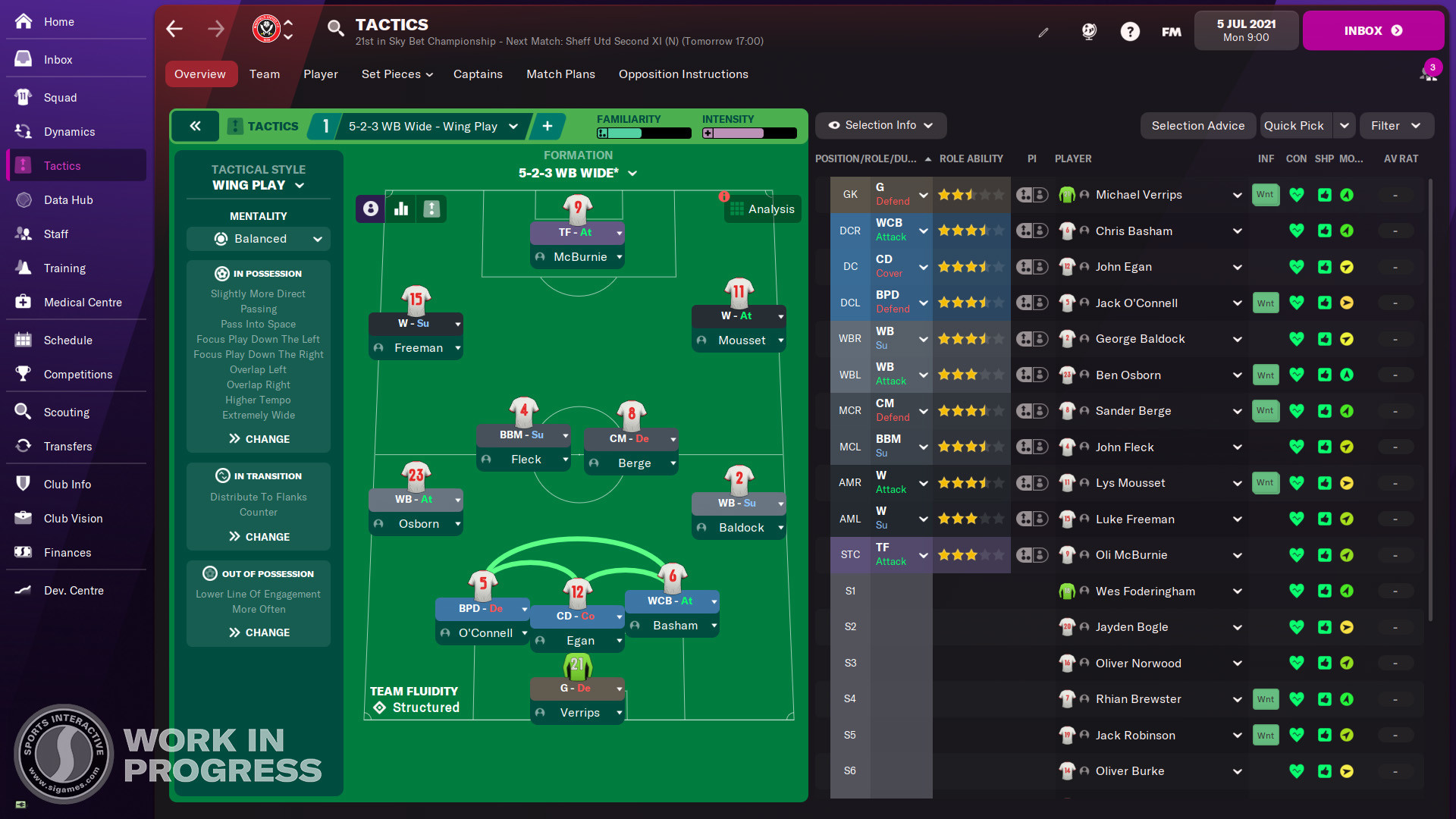
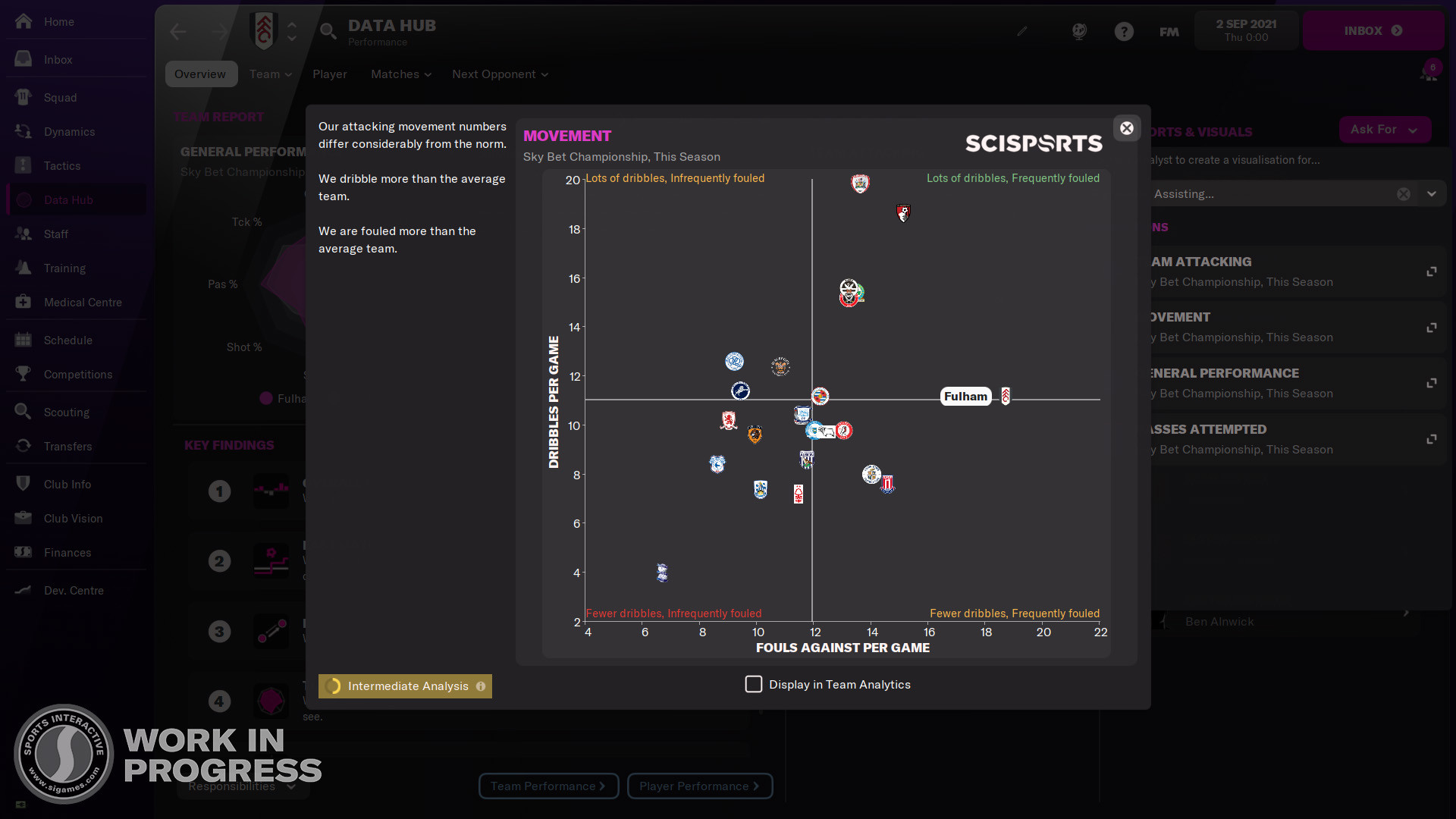
Having chosen a football club, you will have to decide how exactly you will develop it. You can take football stars and see how they will play on the field, or you can take and select players for a club from a database of more than five hundred thousand players that exist in reality. Well, then start to act. Train your players, come up with new strategies and tactics, participate in championships and climb all the ratings.
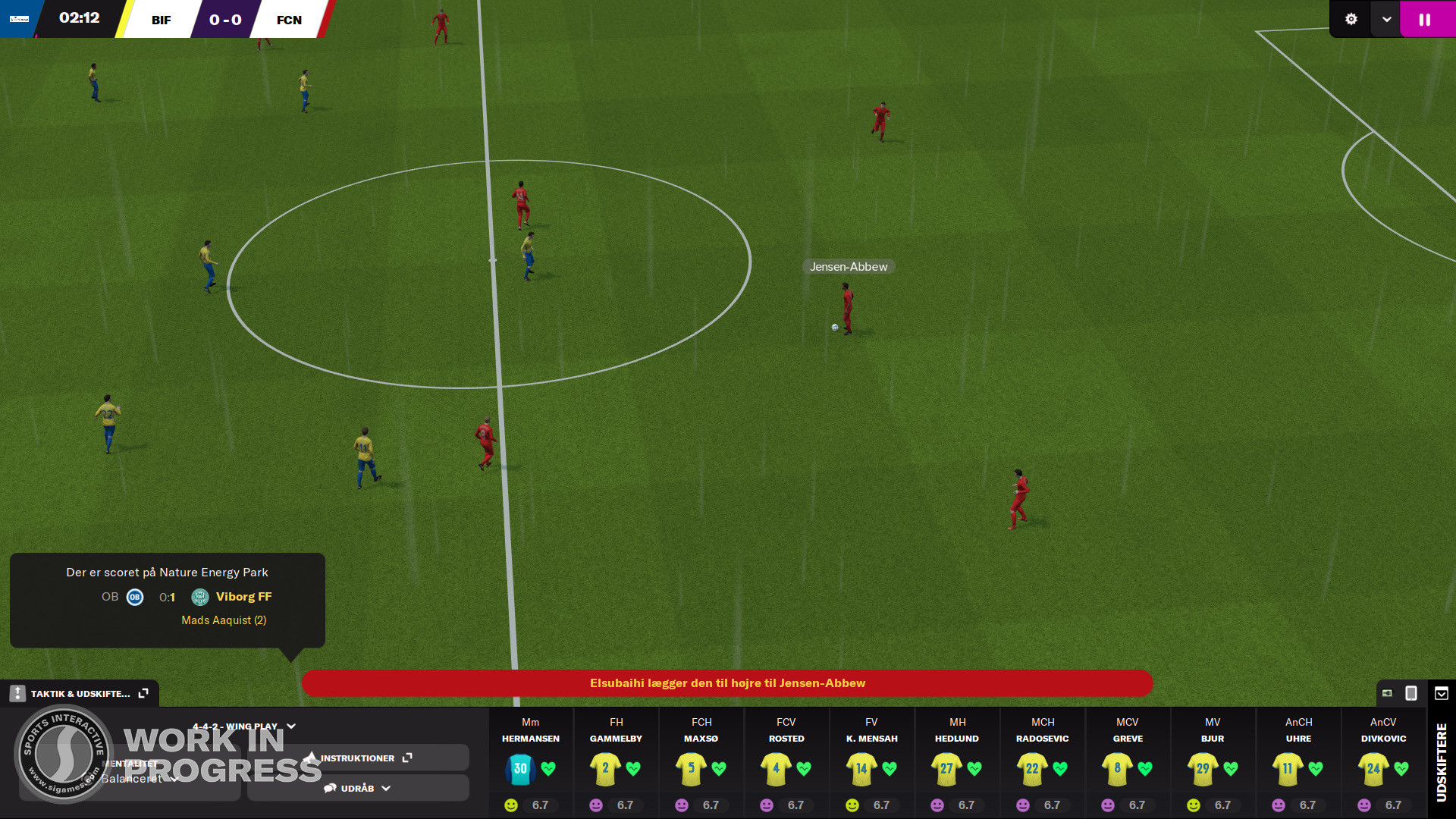
Naturally, you will have to deal not only with tasks related to management. you will need to participate in the games. But now the matches look even more realistic and it has become much more enjoyable to play. The developers made the games more realistic and atmospheric, and worked on the animation, and even recreated more realistic movements of the players on the field. And in Football Manager 2022, you will have to participate in various meetings and communicate with the coaching staff, view coaching reports, participate in different events, engage in transfers, come up with new game tactics, mentor players and develop the club in every possible way. Create your own club or take a ready-made one, hire football players and start moving to the top of the world rankings.
NOTE. Uploaded version: 20 April 2026 [v22.4.1.0]. This is Full Release and latest version of game. The game is already Pre-Installed and ready to run, read the instruction below.
System Requirements
MINIMUM:
Requires a 64-bit processor and operating system
OS: Windows 7 64-bit, 8/8.1, 10
Processor: Intel Core 2 or AMD Athlon 64 1.8GHz+
Memory: 4 GB RAM
Graphics: Intel GMA X4500, NVIDIA GeForece 9600M GT, AMD/ATI Mobility Raedon HD 3650 - 256MB VRAM
DirectX: Version 11
Storage: 7 GB available space
RECOMMENDED:
Requires a 64-bit processor and operating system
Screenshots
Gameplay Trailer
How to Install
- Download to a convenient location – the most important rule: no Cyrillic characters in the full path to the game folder.
- Download the archive
Football.Manager.2022-DenuvOwO.zip- ⚠️ WARNING: The websites hosting this file contain aggressive advertisements. Be extremely careful — double-check what you are clicking and downloading.
- Read the instructions carefully and launch the game
- Copy the entire content of the
DenuvOwOfolder into the game directory. - Releases that rely on a hypervisor require disabling certain security features.
- To prepare your system for the hypervisor, run
VBS.cmdas administrator.- Carefully read all information displayed on screen before proceeding.
- Note about reboot: you will need to disable driver signature verification (restart with advanced options or via the script).
- After you finish playing, it is strongly recommended to revert the changes.
- (You can restore everything the same way — run
VBS.cmdas admin and press the number "3".)
- (You can restore everything the same way — run
- The source code of the hypervisor driver is inside
DenuvOwO_SRC_V5.rar.- This archive is intended for advanced users only — you do not need to extract or copy it anywhere.
- Launch the game via the original .exe file (
PRAGMATA.exe, located in the main game directory). Administrator rights will be requested automatically (if not already granted). - If autoloading is disabled, running the game as administrator will not be required. In that case, you need to manually create and manage the driver service as shown in the advanced example below.
- Copy the entire content of the
⚙️ Advanced user section – manual driver service
This information is intended for advanced users. The required driver files are located in: DenuvOwO\driver_amd or DenuvOwO\driver_intel — adjust the path to your actual location.
Use the following commands in a Command Prompt (Admin):
- 🔵 AMD (SimpleSvm)
sc create SimpleSvm type= kernel binPath= "C:\Users\Test\Desktop\SimpleSvm.sys" <-- replace with YOUR full path to the driver file, keep quotessc start SimpleSvmsc stop SimpleSvm [after you exit the game]sc delete SimpleSvm
- 🔷 Intel (hyperkd)
sc create hyperkd type= kernel binPath= "C:\Users\Test\Desktop\hyperkd.sys" <-- replace with YOUR full path, keep quotessc start hyperkdsc stop hyperkd [after you exit the game]sc delete hyperkd
📁 Intel hypervisor (hyperdbg) uses additional files next to the .sys driver.
Make sure all companion files are present in the same folder as hyperkd.sys.
⚠️ Critical security & system warnings
- BitLocker: If you have BitLocker enabled, keep your recovery key at hand — hypervisor usage may trigger recovery mode. This is critical.
- Windows Hello: Prepare a traditional password/pin login method as a fallback.
- Anti-cheat services: Before using the hypervisor, ensure that all background anti-cheat services are stopped (for example, Vanguard from Riot Games, BattlEye, EAC, etc.). Otherwise conflicts may occur.
⚠️ FINAL WARNING
Running kernel drivers and hypervisors carries risks. Follow every step exactly. The original English instructions are also available inside DenuvOwO.nfo if you need them.
- The file
DenuvOwO.nfocontains the original English instruction for those who prefer it. - If you are not comfortable with driver management, use the automatic method (
VBS.cmd) instead of manualsccommands. - Always restart your system after toggling driver signature verification / hypervisor settings.
Download Football Manager 2022 v22.4.1.0
Alternative Mirrors
Direct linkFootball.Manager.2022-DenuvOwO.zip
DIRECT LINK1Helpful Guides
Game Update History
- Football Manager 2022 v22.0.1.0 → v22.4.1.0 [ 20.04.2026 ]
- Football Manager 2022 → v22.0.1.0 [ 01.11.2021 ]



Comments 1