
Microsoft Flight Simulator v1.39.12.0

- P2P
- 1.39.12.0
- FREE DOWNLOAD
- TORRENT
- UPDATED
Game Update History1 updateLast: 21.07.2026 · 3 months ago
- 21.07.2026v1.19.9.0v1.39.12.0current
Data from the MaGamers update log · information may be outdated
About The Game
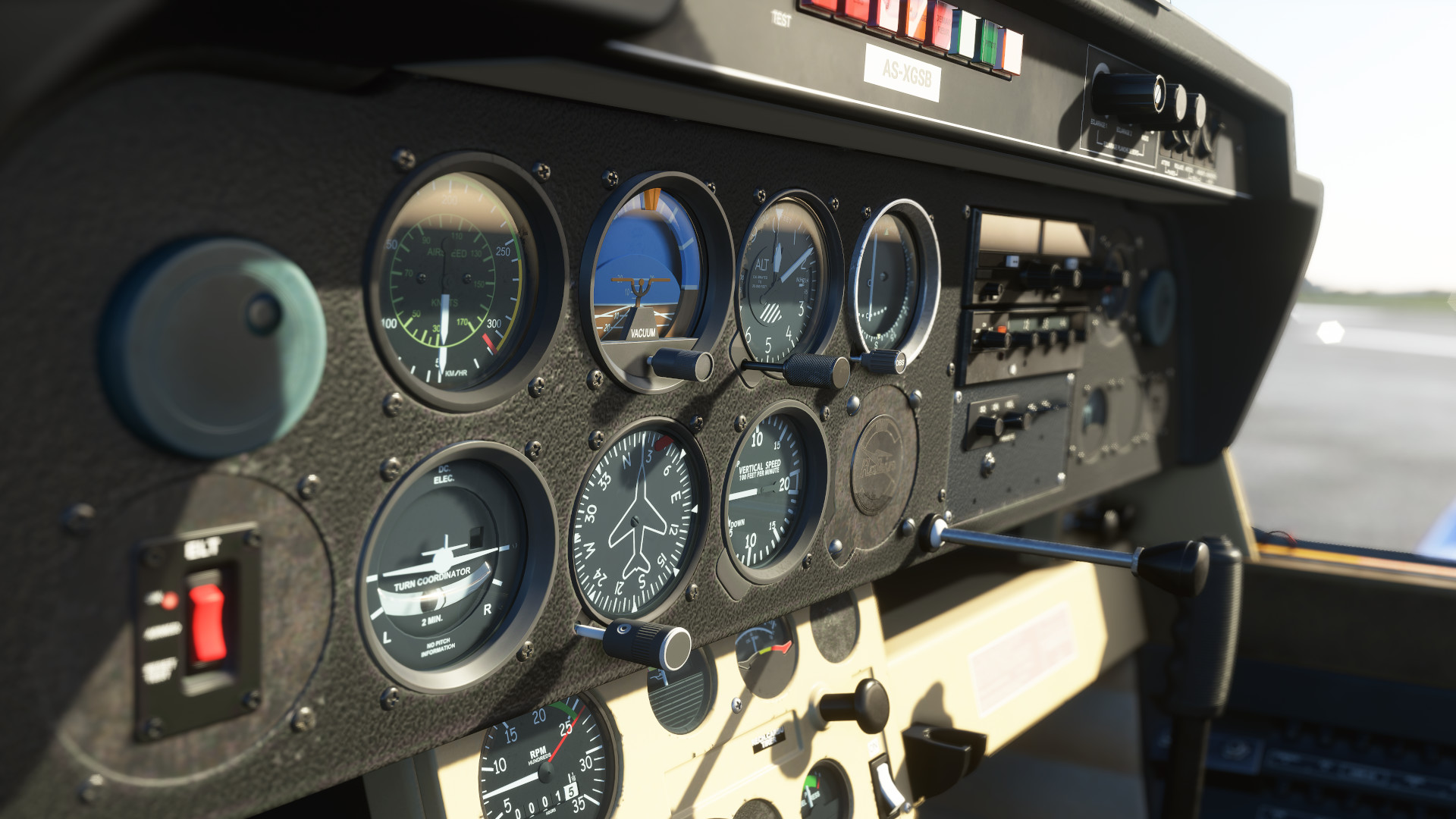
Microsoft Flight Simulator — will give everyone the opportunity to soar into the skies. It is more than a flight simulator. FS 2020 invites you to take control of highly detailed aircraft models, test your skills and enjoy the possibilities given by the authors. Microsoft Fly Simulator pleases with a dynamic and realistic change of weather, a beautiful and living world. This is a Boeing flight simulator. MFS will give an idea of the pilot’s profession. It is difficult to immediately list everything that the developers have prepared. A huge number of tasks, thousands of airports around the world. soar into the sky with acceleration or enjoy a leisurely flight. Each new mission is a test that must be passed with flying colors.
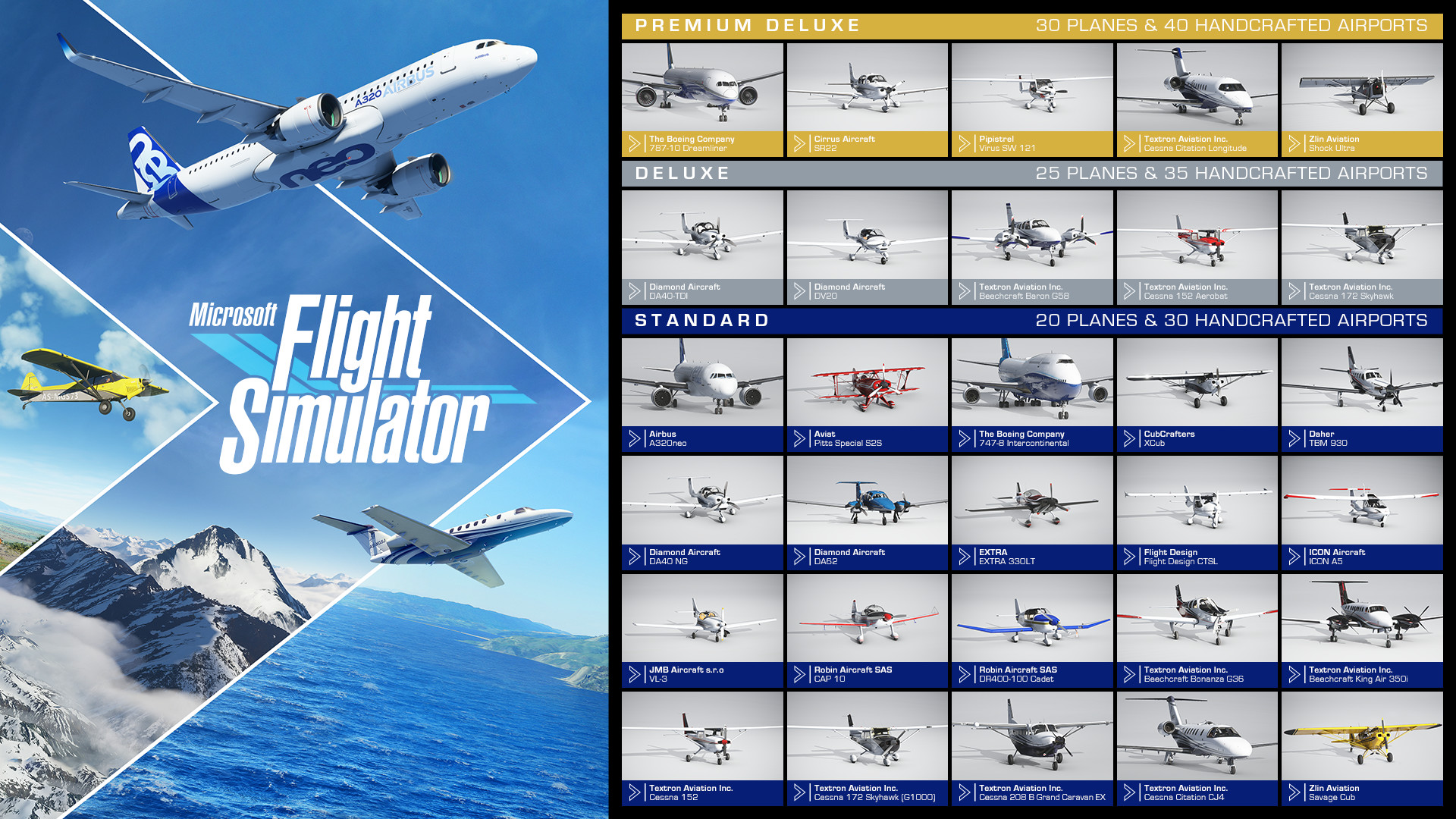
A wonderful passenger flight simulator from Microsoft. Try your hand at different models. This is an airplane simulator from commercial giants to light babies. In the presence of instructions and tips, each time the experience will grow and the passage will only become more interesting. Treat yourself to a flight simulator that allows you to enjoy the beautiful scenery and can take you anywhere on the globe.
MINIMUM:
Requires a 64-bit processor and operating system
OS: Windows 10
Processor: Intel i5-4460 | AMD Ryzen 3 1200
Memory: 8 GB RAM
Graphics: NVIDIA GTX 770 | AMD Radeon RX 570
DirectX: Version 11
Storage: 150 GB available space
RECOMMENDED:
Requires a 64-bit processor and operating system
OS: Windows 10
Processor: Intel i5-8400 | AMD Ryzen 5 1500X
Memory: 16 GB RAM
Graphics: NVIDIA GTX 970 | AMD Radeon RX 590
DirectX: Version 11
Storage: 150 GB available space
Screenshots

Gameplay Trailer
How to Install
- Download the game files through torrent.
- Copy the distribution content to any location, such as D:\Games
- Go to the folder X:\Games\Microsoft Flight Simulator 2020 Premium Deluxe\HLM_Packages
- The folder contains 2 archives:
- Community.7z — Premium Deluxe add-ons
- Official.7z — the main files for the game.
- You need to unpack the Official archive.7z to the current folder HLM_Packages, to do this, select the Official file.7z PCM and select WinRar → «Extract to current folder».5. This is enough for the standard version of the game to work.
If you need the Premium Deluxe add-on, unpack the Community.7z file.
- After unpacking, you can delete the archives.
- You should get:
- X:\Games\Microsoft Flight Simulator 2020 Premium Deluxe\HLM_Packages\Official
- X:\Games\Microsoft Flight Simulator 2020 Premium Deluxe\HLM_Package\Community
- Follow the path C:\Users\Your account\AppData\Roaming\Microsoft Flight Simulator if there is no folder, create it.
- Creating the file UserCfg.opt.
- If the file is present, open it and edit the InstalledPackagesPath line at the end of the file Installed PackagesPath «D:\Games\Microsoft Flight Simulator 2020 Premium Deluxe\HLM_Packages».5. Specify the path to the folder HLM_Packages.
- Run the file FlightSimulator.exe.


Comments 94