
Evergarden Build 4397023
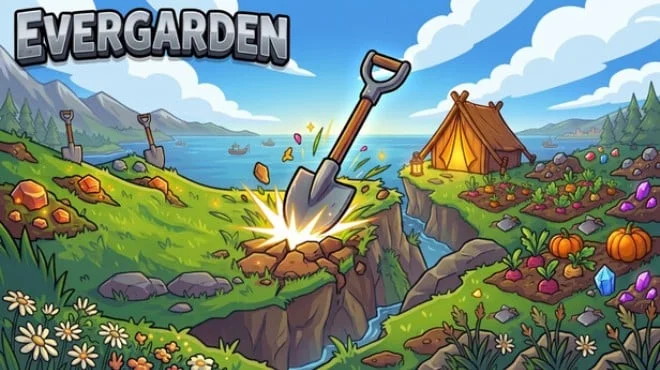
- Build 4397023
- FREE DOWNLOAD
- TORRENT
- NEW GAME
Game Update History1 updateLast: 12.07.2026 · 3 months ago
- 12.07.2026Build 4397023current
Data from the MaGamers update log · information may be outdated
About The Game
There are certain types of games that are difficult to describe through mechanics, because they are not the point. Evergarden is one of them. Formally, it is a casual strategy where you grow a garden and manage resources. But if you stop at this description, you will not understand why people return to it again and again. And they return because of the atmosphere and because this game is able to create a sense of peace even when you are actively planning and building something.
GridForge Labs released Evergarden independently in 2026. A small project without a large advertising budget, but with noticeable attention to how the player feels in the process. There will be no moments here when the interface interferes, when it is not clear how to perform a simple action, or when you feel that something is confusing without any need. Everything is designed to make you think about the game, not how to interact with it.
The strategic component here is subtle but tangible. You decide how to develop your space, what is a priority and what can wait. There is no right answer, no score at the end. There is only what you have built and how much you like it. For some, this may seem like a too free format, but for most people who choose casual strategies, this is exactly what is needed. Evergarden is a game for those who want to do something focused but without pressure. It doesn't try to be more than it is, and this is its strength. Calm, well made, and truly enjoyable at the pace at which you yourself want to play it.
NOTE. Uploaded version: 12 July 2026 [Build 4397023]. This is Full Release and latest version of game. The game is already Pre-Installed and ready to run, read the instruction below.
Minimum:
OS *: Windows 7 SP1+
Processor: SSE2 instruction set support
Graphics: Graphics card with DX10 (shader model 4.0) capabilities
DirectX: Version 10
Storage: 150 MB available space
* Starting January 1st, 2024, the Steam Client will only support Windows 10 and later versions.
Screenshots
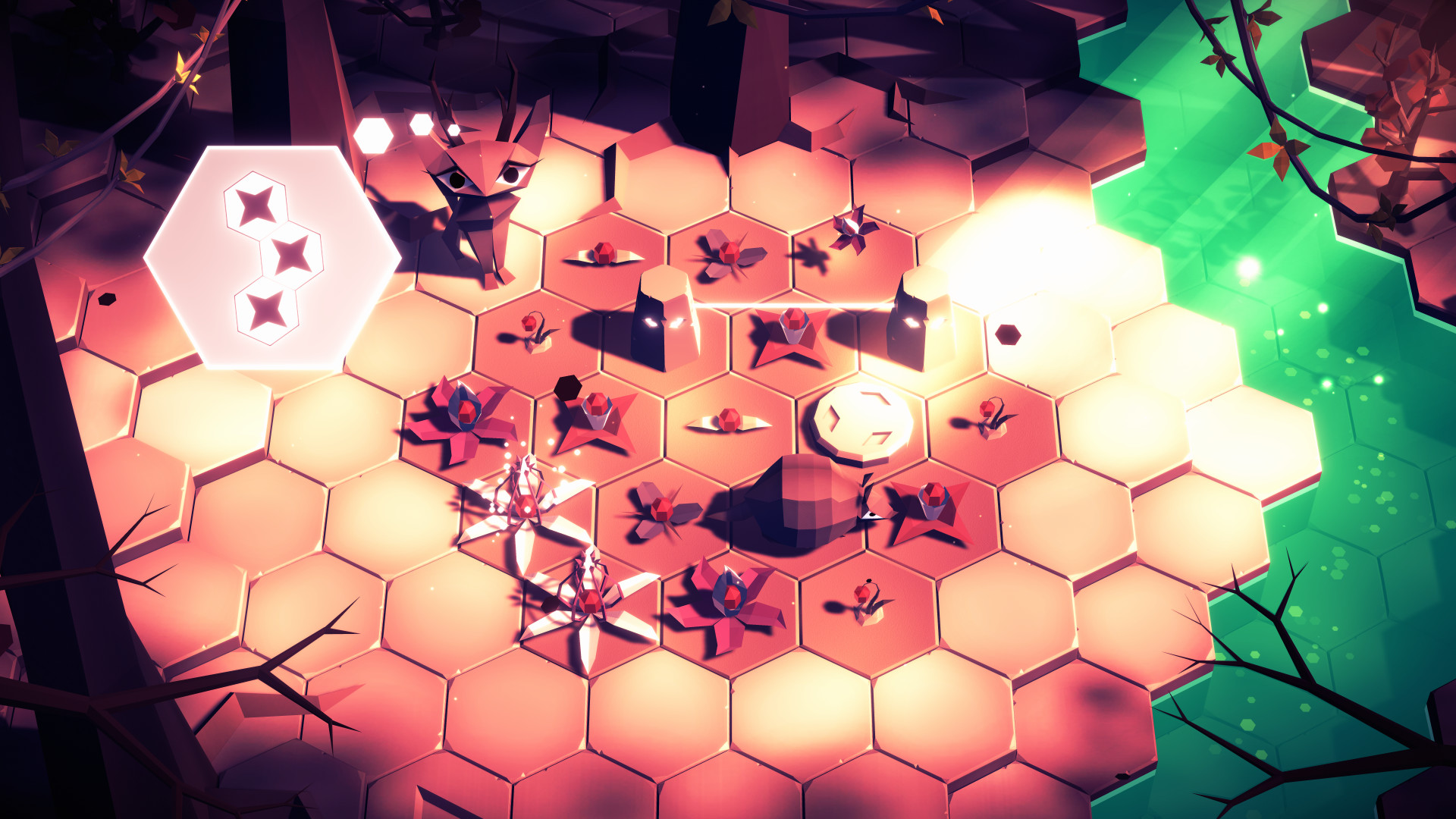
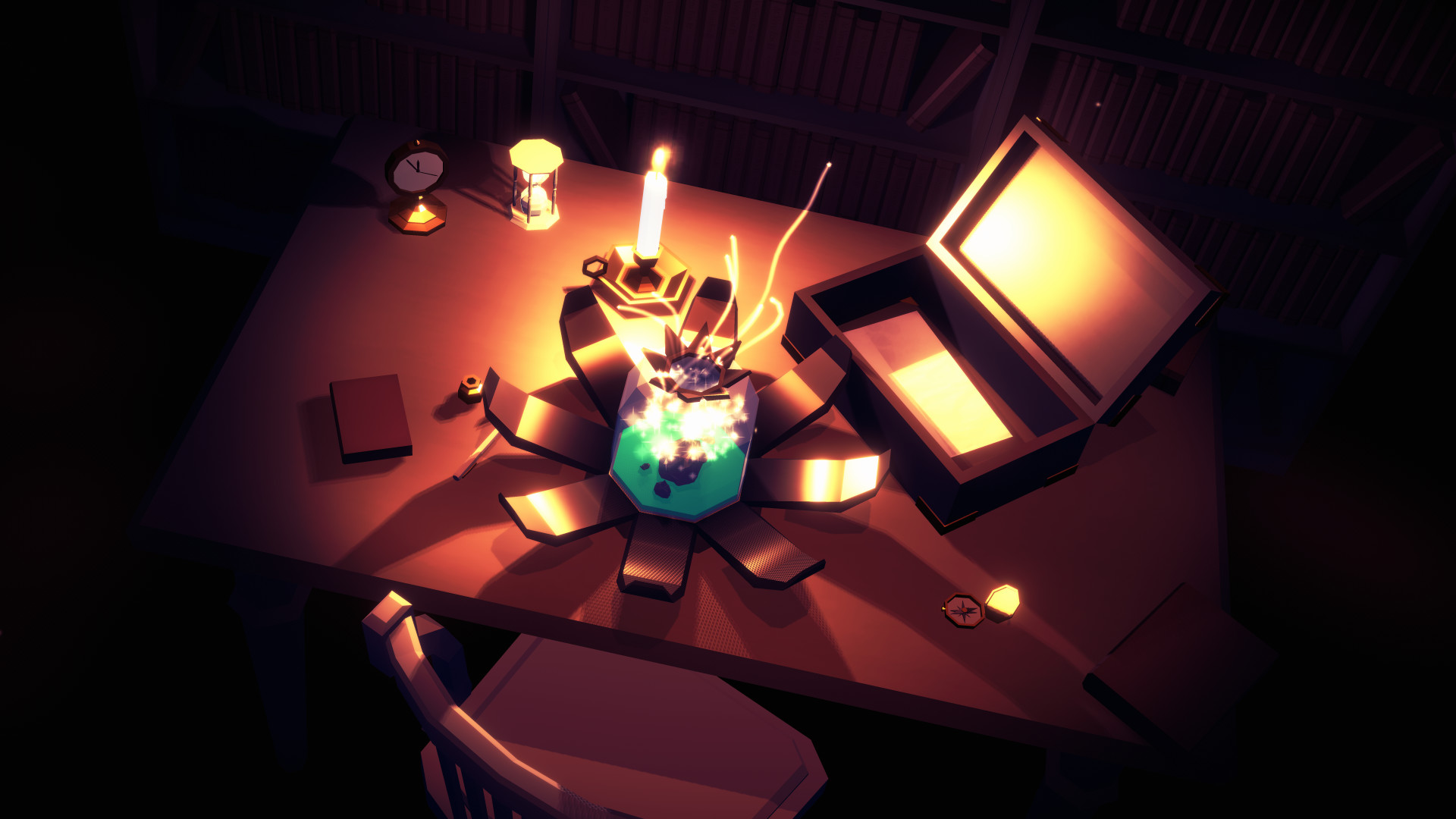
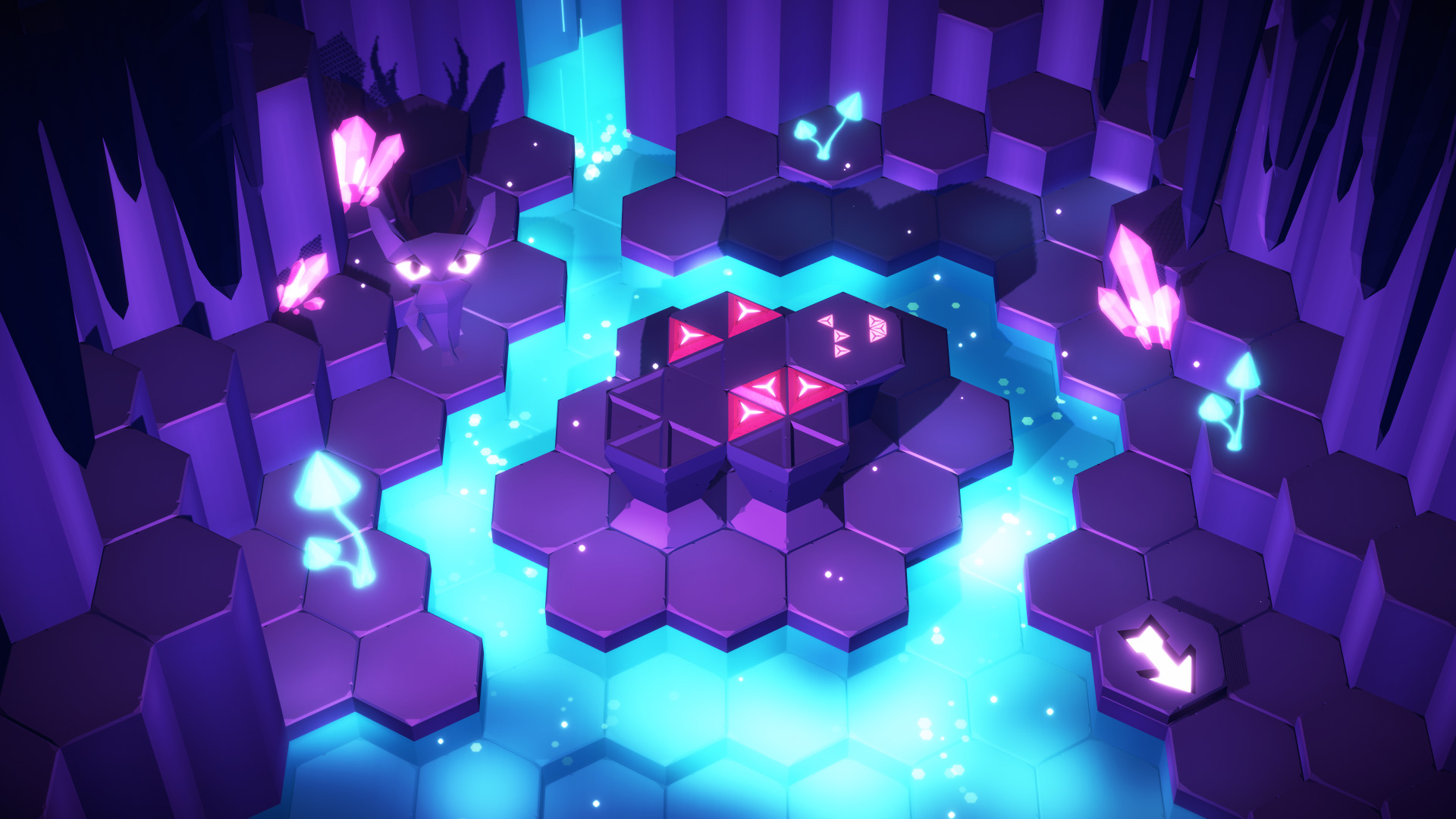
Gameplay Trailer
How to Install
- The first thing we do is download the game files.
- Unzip the archive to the hard disk. (how to unzip .rar)
- Wait for the unpacking process to finish.
- Start the game «Evergarden.exe» from game folder.
- The language changes in the menu.



Comments 0