
ZM Desktop Elf Build 19869998

- Build 19869998
- FREE DOWNLOAD
- TORRENT
- NEW GAME
About The Game
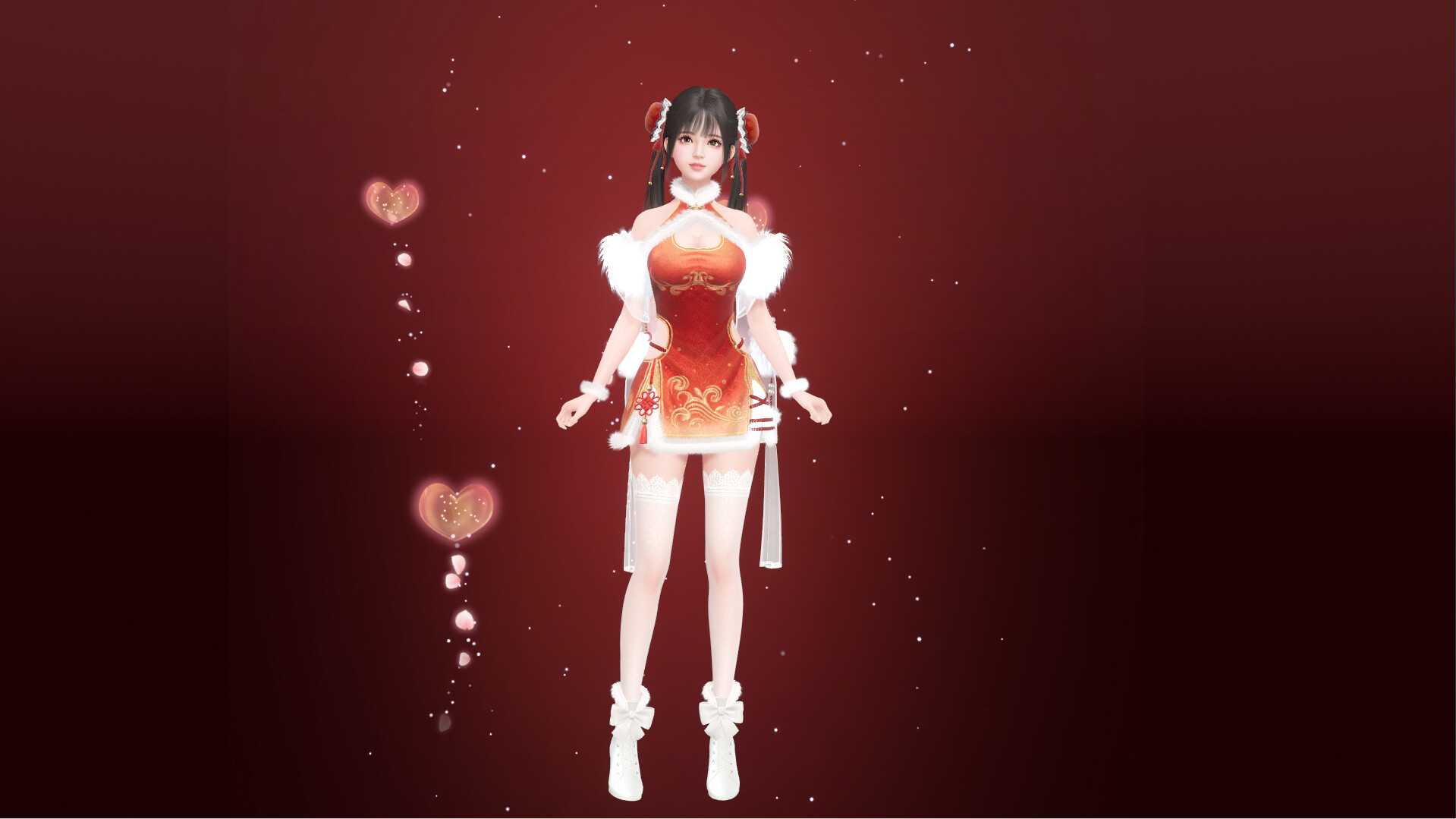
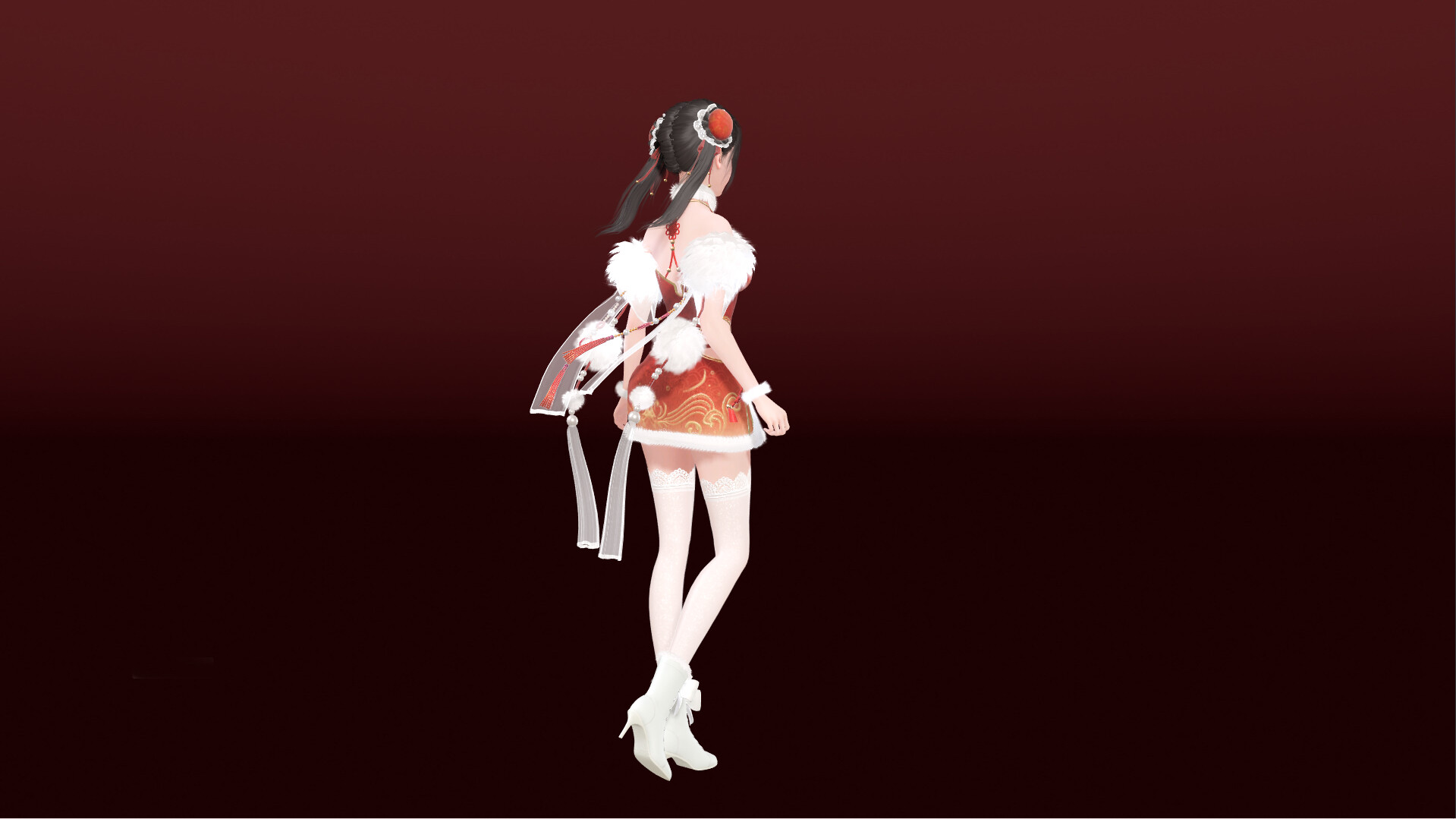
ZM Desktop Elf lets you have a lively elf girl live on your computer, responding to your clicks and adding sparkle to mundane tasks. Created by Duoyi Games for a 2025 release, this casual mature game has you commanding her to pose, sing, or follow your cursor with sassy remarks. Unlock accessories like hats or tails through daily logins, and watch her evolve based on your interactions. The latest version of the game improves voice recognition and adds night modes, great for evening company.
The charm is in the simple joys and personal touches. In ZM Desktop Elf, you poke her for giggles, set playlists for her to dance to, or ask for reminders with a wink. Mature features include flirty chats and optional skins, while casual keeps it stress-free. The casual design is cute with anime-inspired looks and bubbly effects, plus a soundtrack of light bells.
Perfect for solo screen time, this mature game fits if you want a virtual friend without effort. The latest version of the game includes more emotes and share features, making it fun to revisit. Its sweet personality and easy fun keep you smiling for hours. Want an elf on your desk? Download the game today and befriend ZM Desktop Elf.
NOTE. Uploaded version: 23 September 2025 [Build 19869998]. This is Full Release and latest version of game. The game is already Pre-Installed and ready to run the game, read the instruction below.
System Requirements
Minimum:
Requires a 64-bit processor and operating system
OS: Windows 10
Processor: Intel Core i5-7400/AMD Ryzen 3 1300X
Memory: 4 GB RAM
Graphics: GeForce GTX 760/AMD HD7950
DirectX: Version 11
Network: Broadband Internet connection
Storage: 2 GB available space
Recommended:
Requires a 64-bit processor and operating system
OS: Windows 10
Processor: Intel Core i5-10500/AMD Ryzen 5 6600H
Memory: 8 GB RAM
Graphics: GeForce GTX 1050ti/AMD RX 470
DirectX: Version 11
Network: Broadband Internet connection
Storage: 2 GB available space
Screenshots

How to Install
- Download the game files through torrent.
- Unzip the game using WinRAR or 7zip. (how to use .rar)
- Start game «ZM.Desktop.Elf.exe», Play!
- The language changes in the menu.
Download ZM Desktop Elf Build 19869998
Alternative Mirrors
Helpful Guides
Game Update History
- ZM Desktop Elf → Build 19869998 [ 23.09.2025 ]

Comments 0