
Mystic Pillars A Story-Based Puzzle Game - CODEX + Update v1.1

- CODEX
- 1.1
- FREE DOWNLOAD
- TORRENT
- UPDATED
About The Game
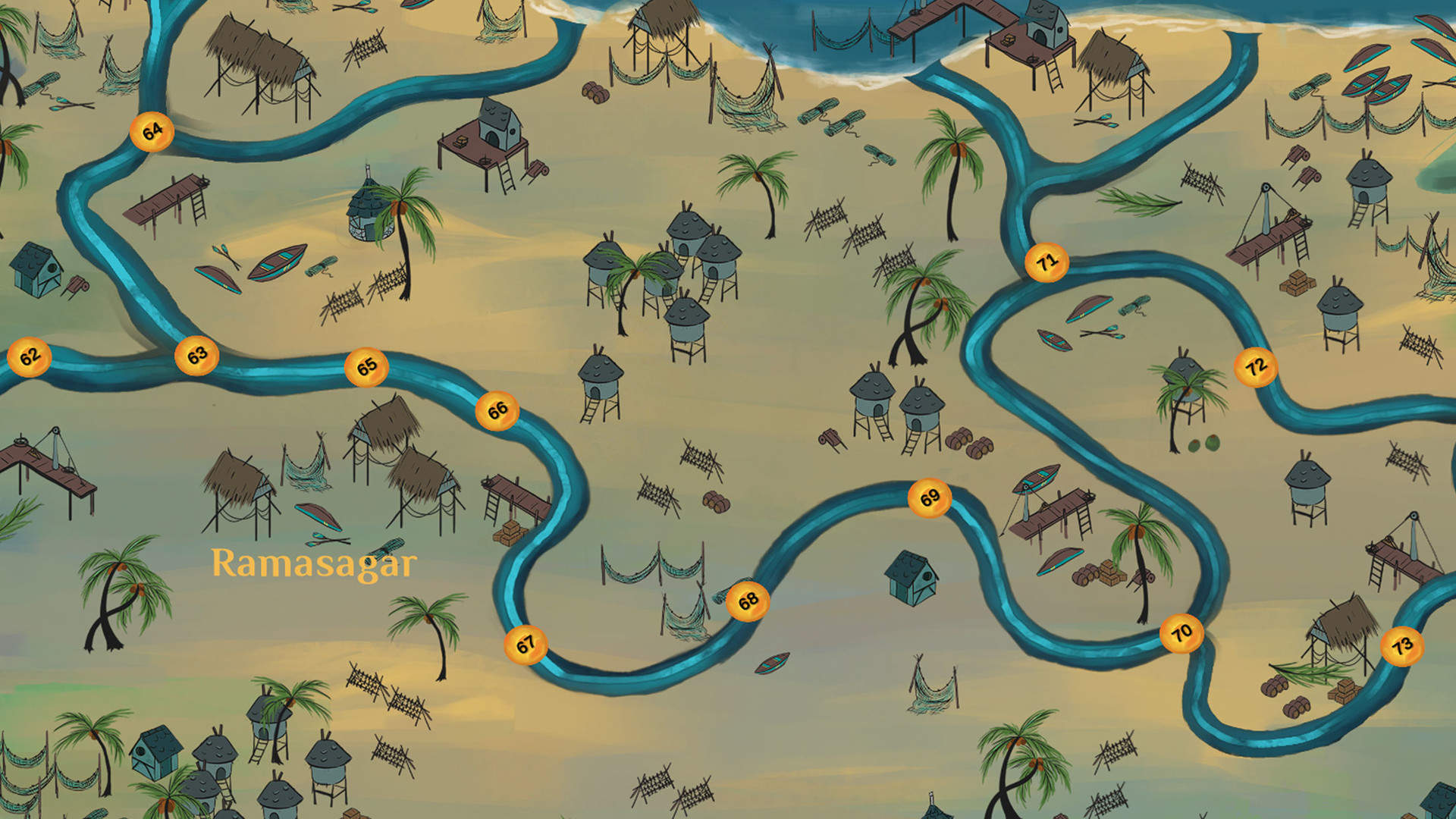
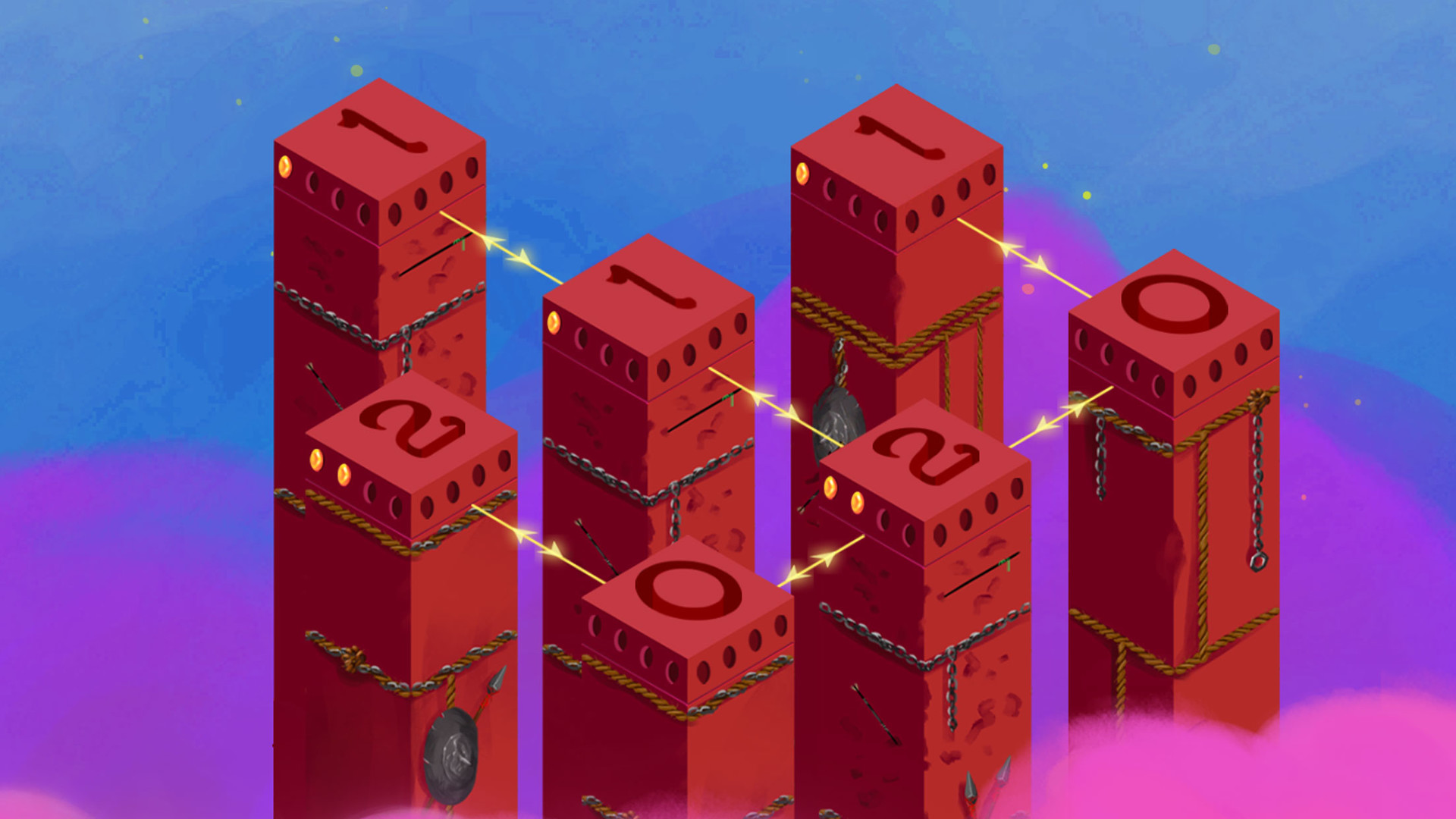
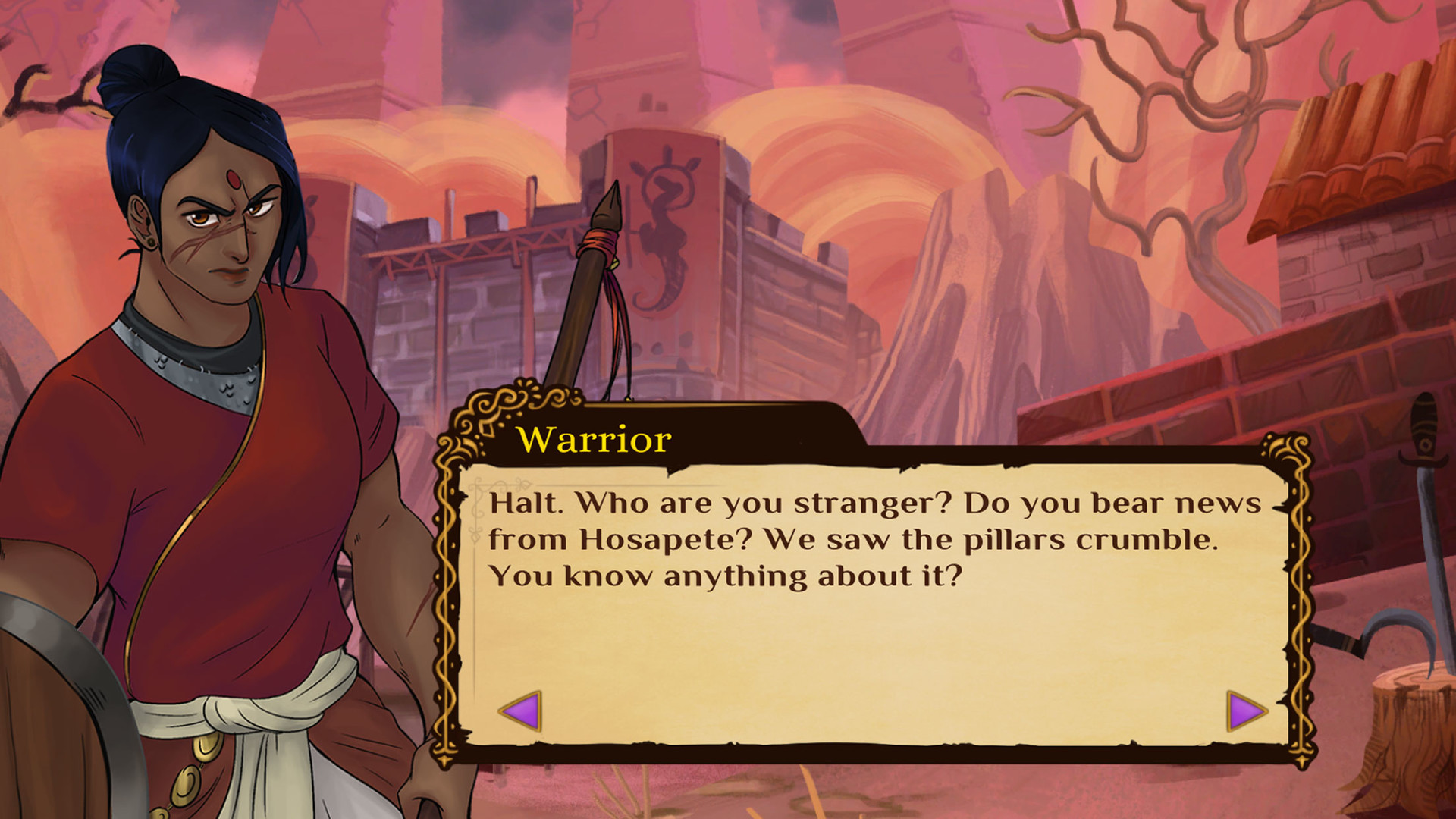
Mystic Pillars A Story-Based Puzzle Game — a game in which you will find an unusual puzzle with a lot of levels and nice music, the main plot will go through a fascinating story in the style of a visual novel. Between puzzles, we follow the course of history, watching animated videos and chatting with the inhabitants of Zampi. The two dimensional graphics of Mystic Pillars are hand-drawn and look pleasing to the eye. It is also worth mentioning calm music.Features
- A game based in the southern part of Ancient India.
- 100 simple and unique logical puzzles.
- An engrossing mystery surrounding the past, unveils the truth as you press forward on your journey.
- Highly stylized, beautiful hand drawn artwork.
- Animated cutscenes.
- Partial Controller Support.
MINIMUM:
OS: Windows 7 or later
Processor: Intel Core2 Duo E6750 (2 * 2660) or equivalent / AMD Athlon 64 X2 Dual Core 5000+ (2 * 2600) or equivalent
Memory: 4 GB RAM
Graphics: Geforce GT 430 (1024 MB) / Radeon HD 5570 (1024 MB)
Storage: 4 GB available space
OS: Windows 7 or later
Processor: Intel Core2 Duo E6750 (2 * 2660) or equivalent / AMD Athlon 64 X2 Dual Core 5000+ (2 * 2600) or equivalent
Memory: 4 GB RAM
Graphics: Geforce GT 430 (1024 MB) / Radeon HD 5570 (1024 MB)
Storage: 4 GB available space
Screenshots
Gameplay Trailer
How to Install
- Download the Full game Mystic.Pillars.A.Story-Based.Puzzle.Game-CODEX through torrent.
- Mount the Full ISO-image game in the «UltraISO».
- Install the game on you PC, wait for 100% installation.
- Download & install Update v1.1, in game folder.
- Copy all files of the folder «CODEX» in game folder.
- Lock the game folder in the Windows firewall.
- Play!
Download update only: Mystic.Pillars.A.Story.Based.Puzzle.Game.Update.v1.1-CODEX [ 43.5 MB ]
Download Mystic Pillars A Story-Based Puzzle Game - CODEX + Update v1.1
SIZE: 1.40 GB | Downloads: —
How to get your file — 3 quick steps
VPN detected. Our download does not accept VPN connections. Please disable your VPN to continue.
Re-check
1
Click download
Use any button below
2
Install Opera
On the page that opens
Switch to the tab that just opened — Opera installer is already there. After install, open this page in Opera and click Check install.
Opera not detected. Make sure it's installed and open this page in Opera browser, then click Check install again.
Opera is a free, official browser by Opera Software AS — safe to install. [ Opera Install Guide ]
Alternative Mirrors
Searching mirrors…
Name
Size
Seeds
Leeches
Comments 1