
Battlefall State of Conflict v2433
- 2433
- FREE DOWNLOAD
- TORRENT
- NEW GAME
About The Game
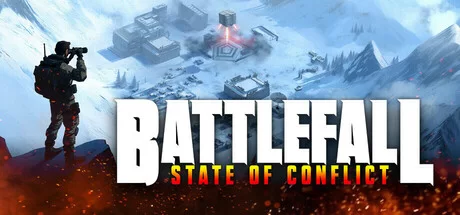
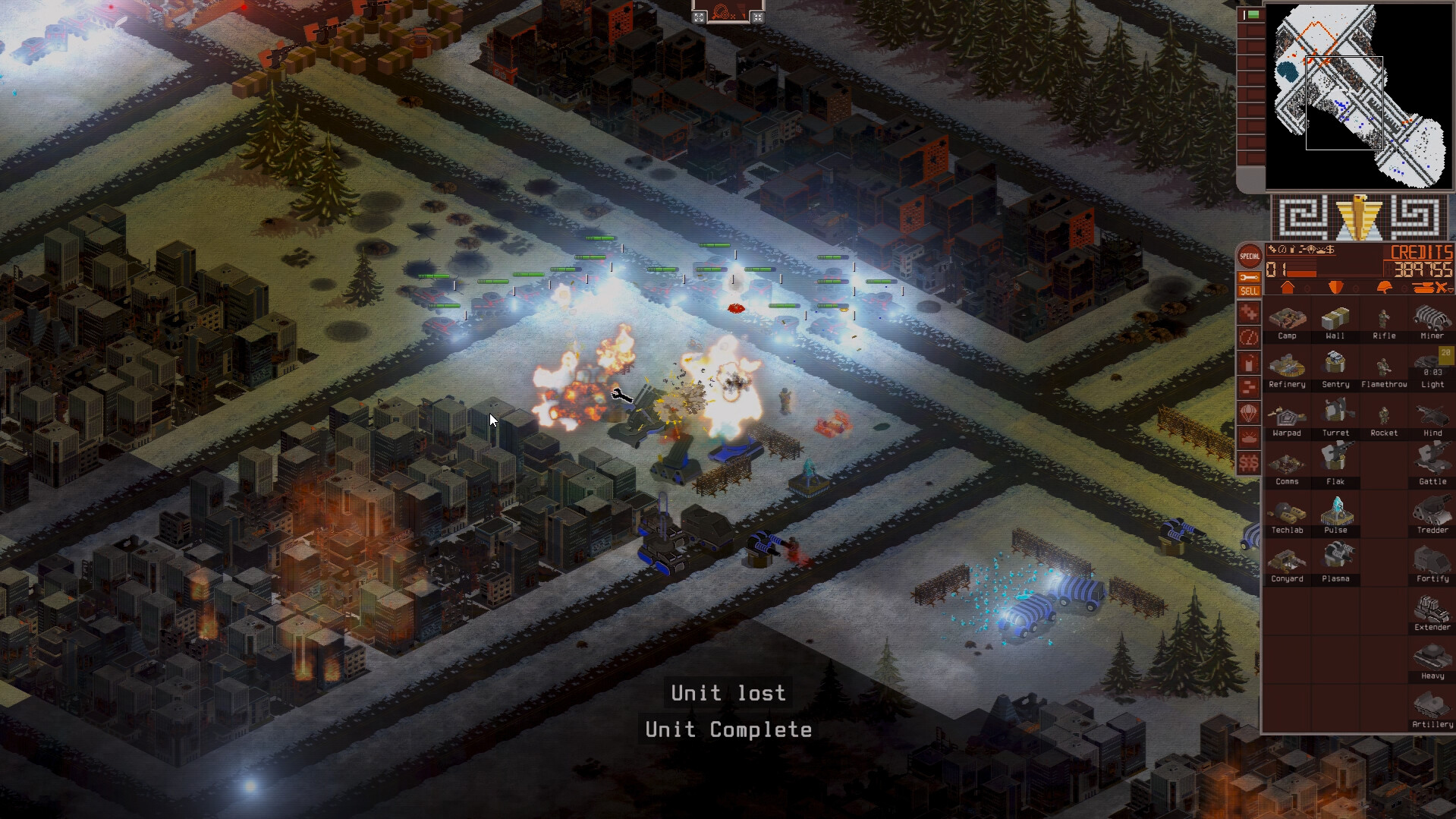
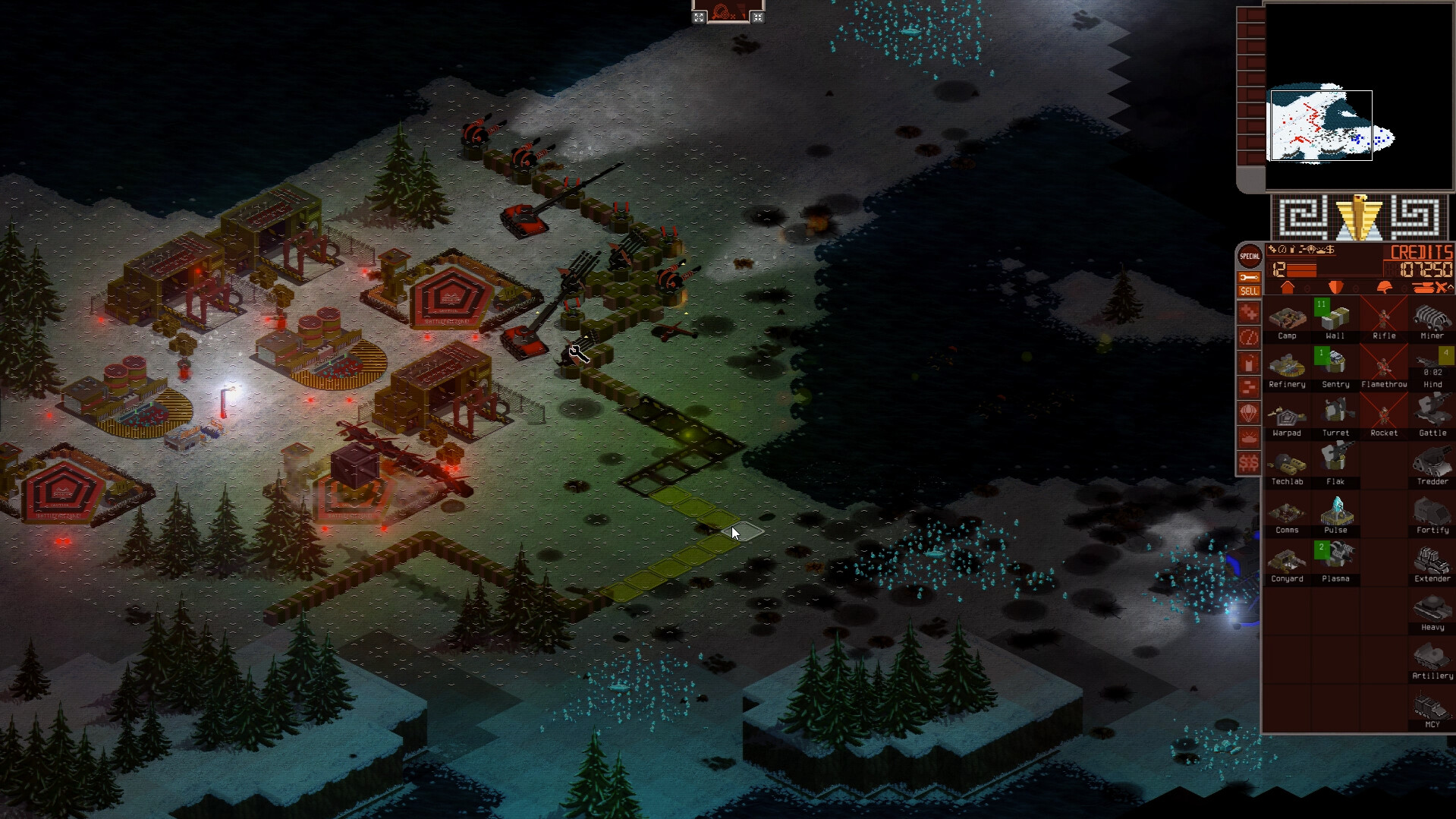
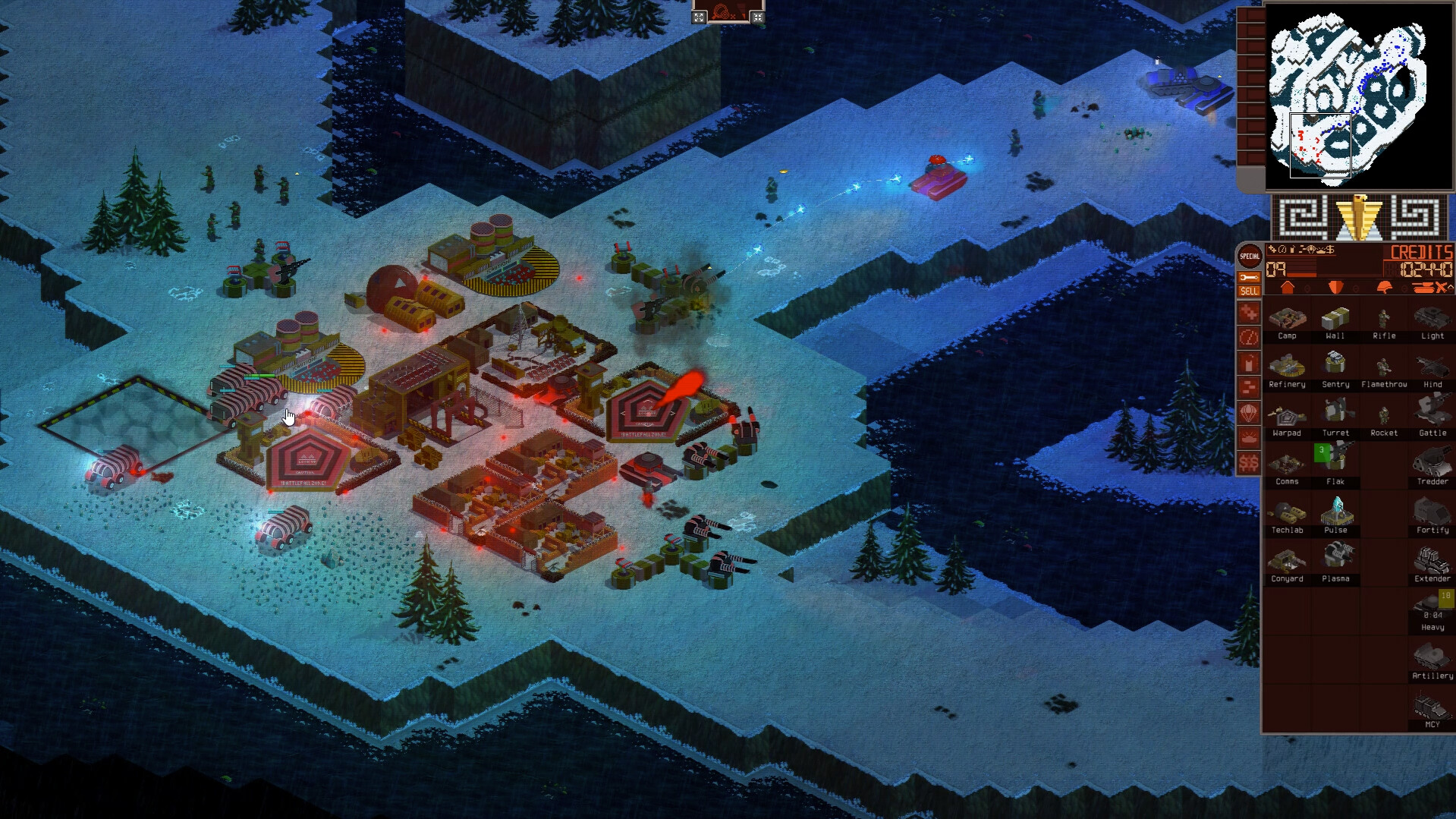
Battlefall State of Conflict is a real-time strategy with classic elements of this genre. The player will be the commander-in-chief, will develop the city, expand bases and outposts. By extracting resources, more technologies will be unlocked, many buildings will be installed, and the user will be able to expand the army. On the vast map there are many additional places with deposits and opponents. The gameplay includes 4 scenarios for each in-game faction. In different campaigns, the tasks differ significantly, along with the plot and difficulty of passing. Free match allows you to fully customize it and create your own rules.
The gamer will choose a map from a large pool, faction, number and difficulty of opponents. Random location randomly selects the terrain and location of the participants. The built-in editor helps to design original territories or scenarios. With the help of the workshop, users can share their own inventions, and the multiplayer mode includes up to several players at the same time. The editor has an extensive list of features. The user can change the landscape, place trees, grass, rivers or other natural elements. The user has access to creating an individual race, customizing buildings and designing them from scratch.
NOTE. Uploaded version: 13 January 2025 [v2433]. This is Full Release and latest version of game. The game is already Pre-Installed and ready to run the game, read the instruction below.
Requires a 64-bit processor and operating system
OS: Windows 7/8/10 (64-bit versions)
Processor: Intel i5-8400, AMD Ryzen 5 2600
Memory: 8 GB RAM
Graphics: GTX 1050 4GB
DirectX: Version 11
Storage: 2 GB available space
RECOMMENDED:
Requires a 64-bit processor and operating system
OS: Windows 7/8/10 (64-bit versions)
Processor: Intel i7-8700K, AMD Ryzen 5 3700X
Memory: 16 GB RAM
Graphics: GTX 1660 Ti 6GB
DirectX: Version 11
Storage: 2 GB available space
Screenshots
Gameplay Trailer
How to Install
- Download the game files through torrent.
- Unzip the game using WinRAR or 7zip.
- Start the game «battlefall-state-of-conflict.exe» from game folder.
- The language changes in the menu.




Comments 1