
Cosmotroid Enhanced v1.1.4 (TiNYiSO Release)
- RUNE
- 1.1.4 Build 16399868
- FREE DOWNLOAD
- TORRENT
- NEW GAME
About The Game
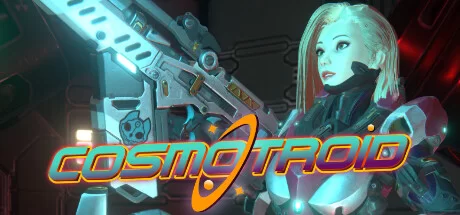
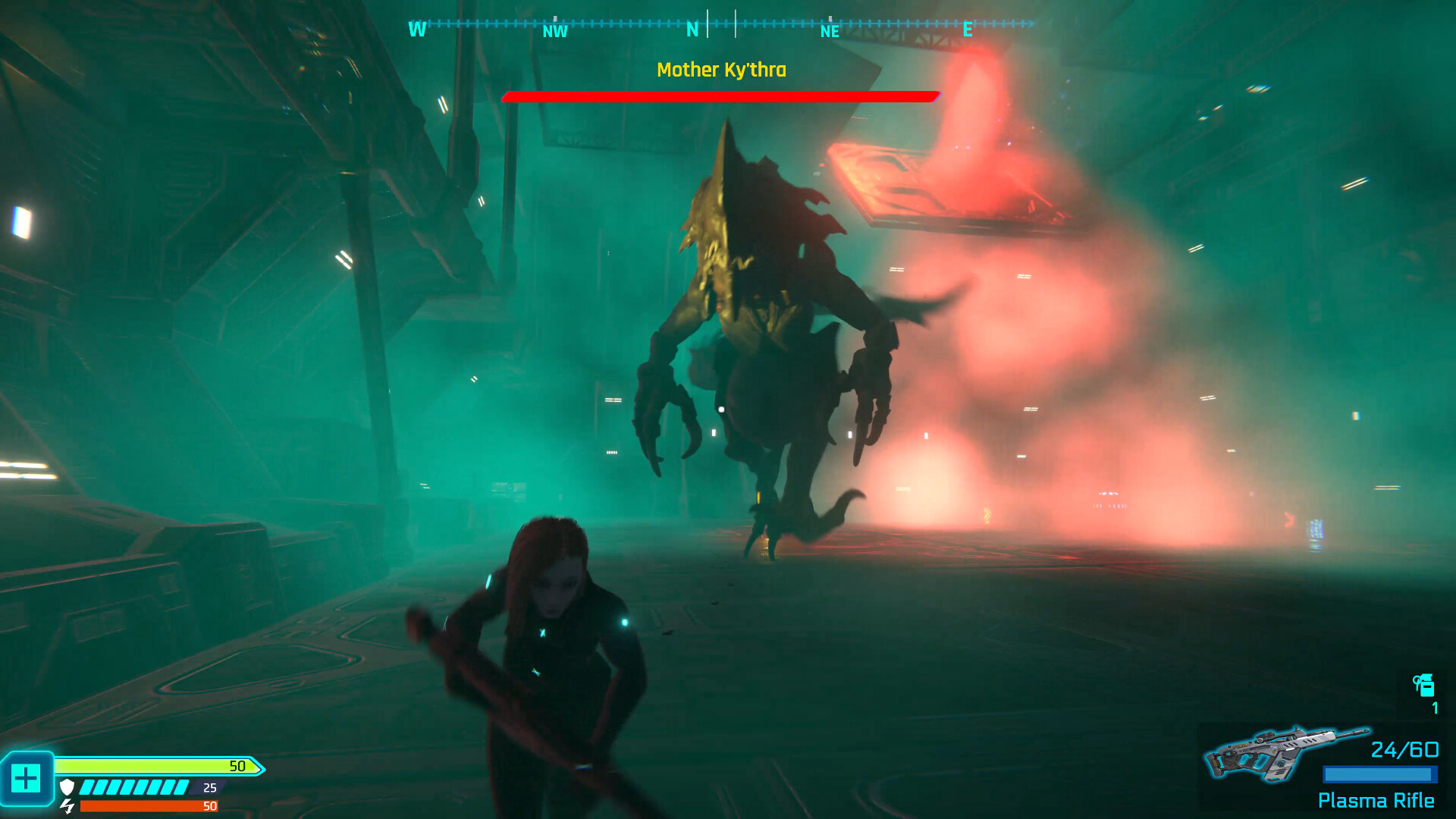
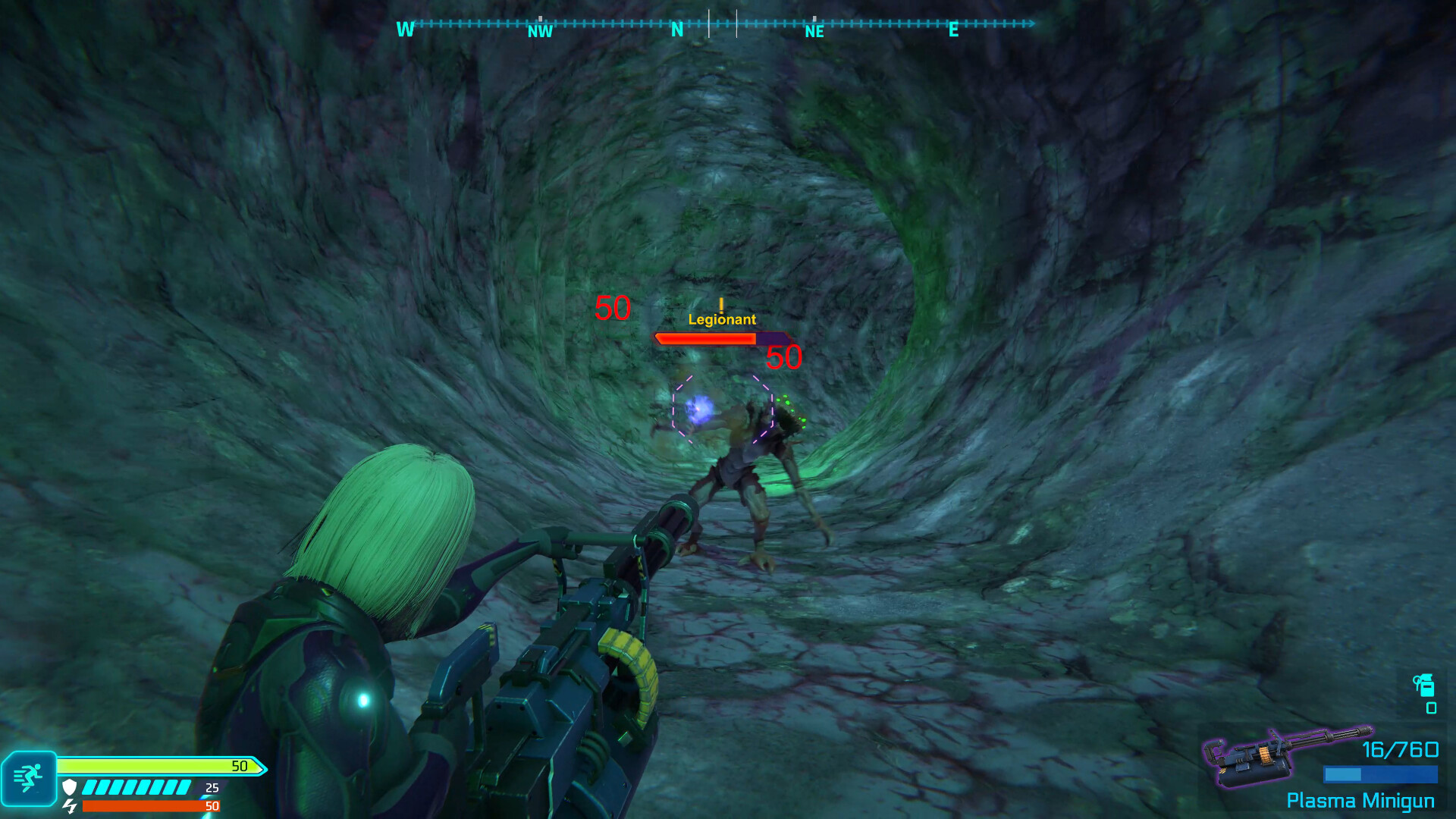
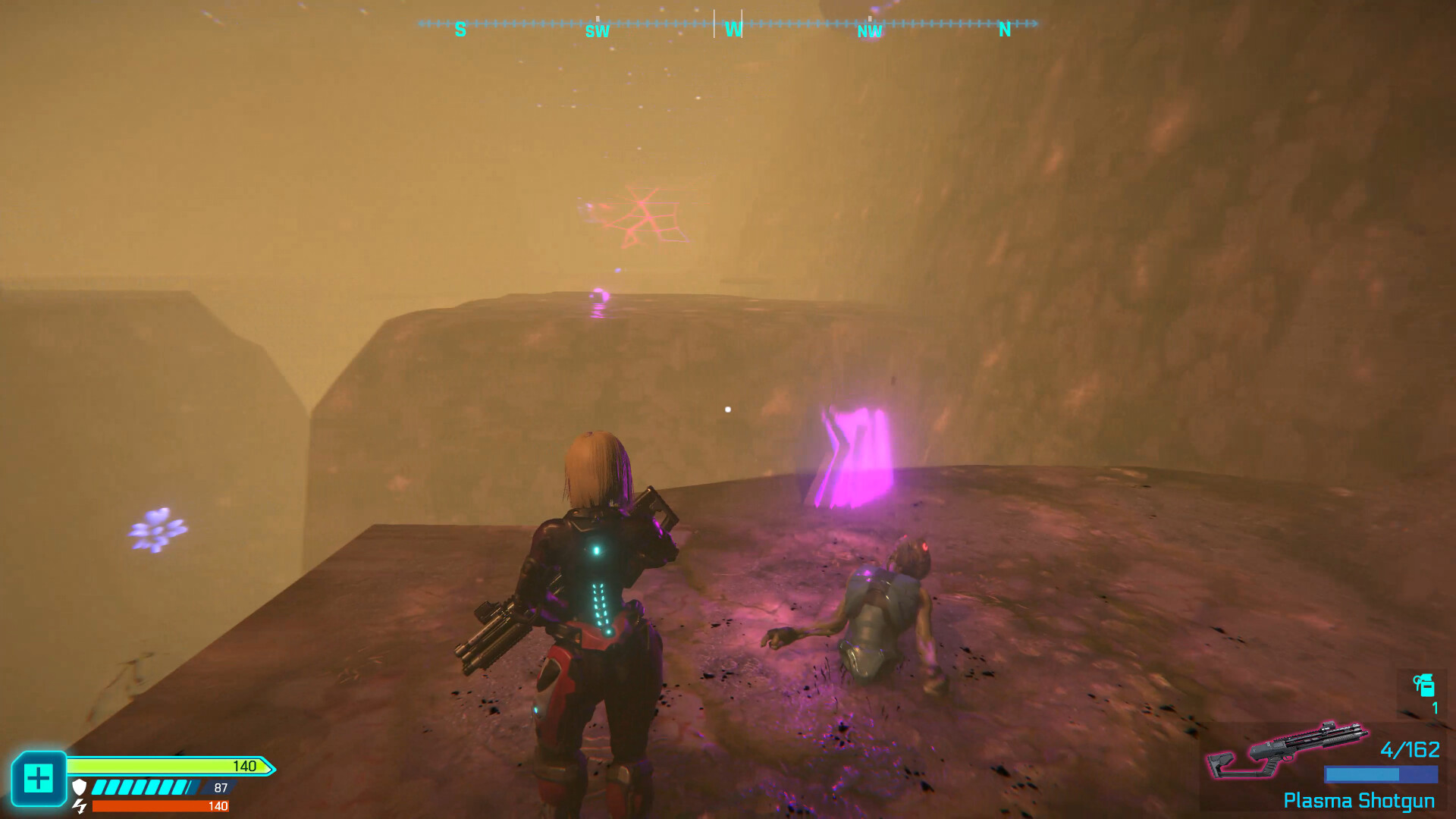
Cosmotroid is a thrilling indie adventure set in the distant future, where humanity’s thirst for rare minerals has led them to asteroid X-474. As Luna, a member of a team of explorers, you will discover a terrifying truth — the mining team has been captured by malevolent alien creatures. Armed to the teeth, you must survive their onslaught while navigating the treacherous asteroid objects. Get ready for an adrenaline-pumping arcade-style third-person shooter filled with explosive combat against relentless enemy hordes. With an intriguing sci-fi storyline and tense action, Cosmotroid promises a thrilling journey of survival against overwhelming alien forces.
NOTE. Uploaded version: 15 November 2024 [v1.1.4 Build 16399868]. This is Full Release and latest version of game. The game is already Packaged in ISO File and ready to run the game after install, read the instruction below.
MINIMUM:
Requires a 64-bit processor and operating system
OS: Windows 10 (64-bit OS required)
Processor: Intel Core i3-9100 / AMD Ryzen 3 2300X
Memory: 8 GB RAM
Graphics: NVIDIA® GeForce® GTX 1050 Ti / AMD Radeon™ RX 560 (4GB VRAM)
DirectX: Version 12
Network: Broadband Internet connection
Storage: 21 GB available space
Additional Notes: System Requirements subject to change as development continues
RECOMMENDED:
Requires a 64-bit processor and operating system
OS: Windows 10 (64-bit OS required)
Processor: AMD / Intel CPU running at 3.6 GHz or higher: AMD Ryzen 5 3600X or Intel i5-8600K or newer
Memory: 16 GB RAM
Graphics: NVIDIA® GeForce RTX™ 2060 6GB or AMD RX Vega 56 8GB or newer
DirectX: Version 12
Network: Broadband Internet connection
Storage: 21 GB available space
Additional Notes: System Requirements subject to change as development continuesad
Screenshots
Gameplay Trailer
How to Install
- Download the Full game Cosmotroid.Enhanced-TiNYiSO through torrent.
- Mount the Full ISO-image game in the «UltraISO».
- Install the game on you PC, wait for 100% installation.
- Copy all files of the folder «TiNYiSO» in game folder.
- Lock the game folder in the Windows firewall.
- Play!




Comments 0