
Geneforge 2 Infestation v1.0.4
- Goldberg
- 1.0.4
- FREE DOWNLOAD
- TORRENT
- UPDATED
Game Update History2 updatesLast: 05.10.2025 · 1 year ago
- 05.10.2025Build 13606540v1.0.4current
- 28.03.2024Build 13606540
Data from the MaGamers update log · information may be outdated
About The Game
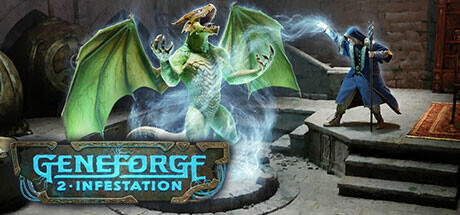
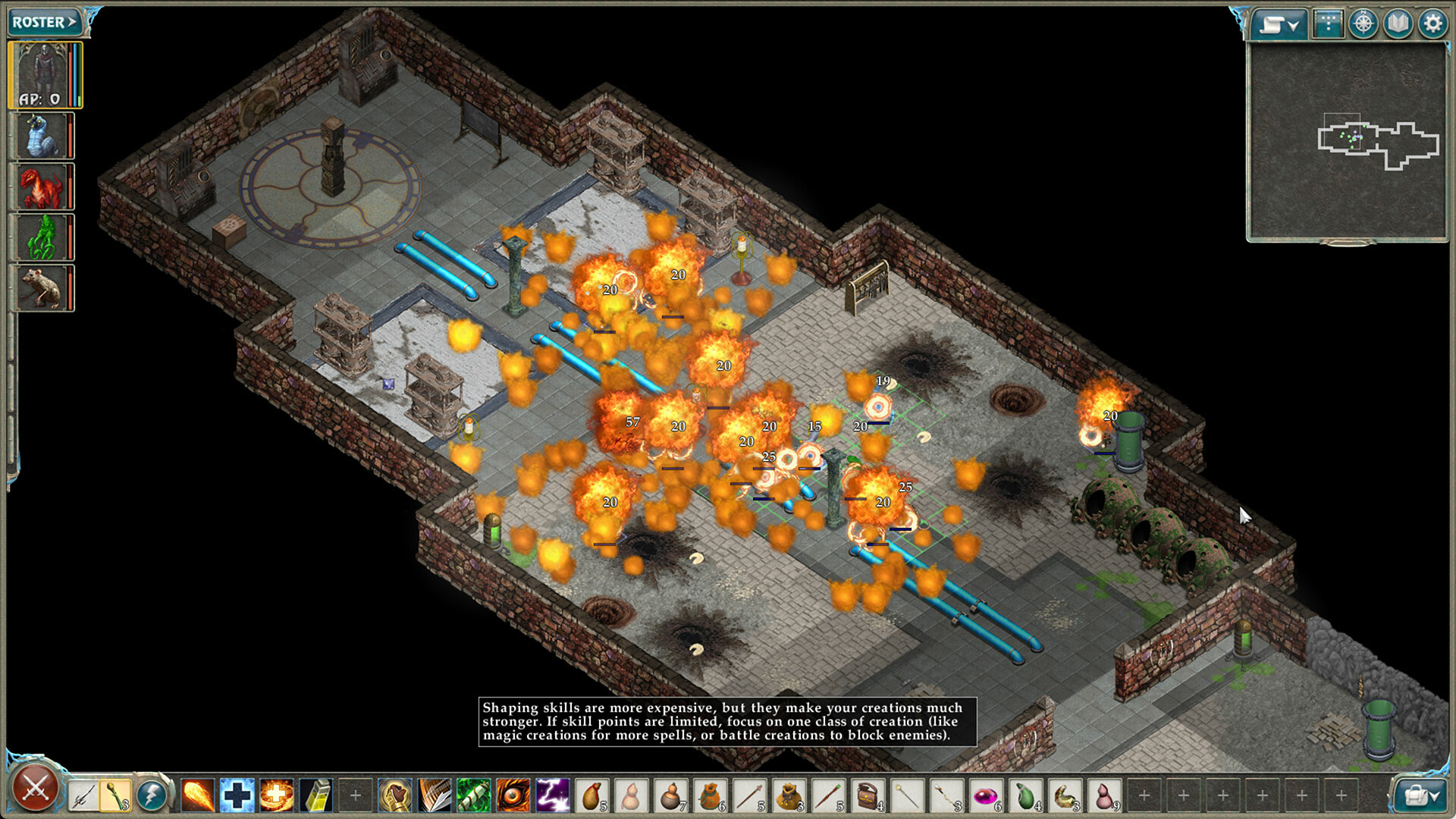
Prepare to immerse yourself in a world of genetic manipulation and political intrigue with Geneforge 2 Infestation the latest RPG strategy adventure from Spiderweb Software. Released in 2024 and published by Spiderweb Software, this indie masterpiece invites players to explore a realm where science, magic, and power collide in a battle for supremacy. Set in a universe where the power to shape life itself is within reach, players step into the shoes of a budding Shaper, gifted with the ability to craft and control life. As you navigate the tumultuous world of Geneforge 2 Infestation, you’ll confront moral dilemmas, forge alliances, and engage in strategic battles that will shape the fate of entire nations.
Featuring rich storytelling, strategic gameplay, and a vibrant world to explore, Geneforge 2 Infestation invites players to embark on an epic journey filled with danger, discovery, and difficult choices. Whether you’re forging alliances with powerful factions, uncovering the secrets of ancient ruins, or engaging in intense tactical battles, the fate of the world is in your hands. So sharpen your wits, hone your skills, and prepare to unravel the mysteries of «Geneforge 2 Infestation.» The fate of nations hangs in the balance — are you ready to shape the future of the world?
MINIMUM:
Requires a 64-bit processor and operating system
OS: 64-bit Vista or Later
Processor: 1.2 GHZ
Memory: 512 MB RAM
Graphics: 256 MB VRAM
Storage: 400 MB available space
RECOMMENDED:
Requires a 64-bit processor and operating system
Screenshots


Gameplay Trailer
How to Install
- Download the game files through torrent.
- Run the installation file «[gamename].setup.exe», follow the instructions.
- Choose a place on the disk, where the game will be installed.
- Wait for the notification that the game is installed.
- Сlick on the label of the game, Play!

Comments 1