
Dragons Dogma 2

- RUNE
- 3.2 Build 24831693
- UPDATED
About The Game
Dragons Dogma 2 is the second installment in the action role-playing game series, which began in 2012. Like the first part, it was developed by Capcom and directed by Hideaki Itsuno. Dragon’s Dogma II takes place in a fantasy universe. We play as Arisen, who lost his heart because of a dragon — a symbol of the destruction of the world. The main character must defeat the winged monster and face many other difficulties. On their journey they are not alone; they are accompanied by Pawns mysterious otherworldly creatures who provide them with support. Dragon’s Dogma II uses a third person perspective TPP.
NOTE. Uploaded version: 02 September 2026 [v3.2 Build 24831693]. This is Full release and latest version of game. The game is already Pre-Installed and ready to run the game, read the instruction below.
The game takes place in a huge open world inspired by medieval Europe, with beautiful landscapes, cities, villages and mighty fortresses. Walking through it, we must complete tasks; In addition to story missions, there are also many side missions. As we progress through the game, we develop our character and acquire better equipment, gradually facing more difficult tasks. Dynamic combat makes up a large part of the game. The player must constantly move, evade enemy attacks, resist and correctly use the combat skills of his character. Depending on how we create our hero, we can specialize in fencing, archery or spells. We will face both ordinary opponents who will not cause us much trouble, as well as such strong enemies as griffins and giants, which we destroy by climbing on their bodies and attacking their weak points.
We are not alone on the battlefield, because we can be accompanied by up to three companions. They are called pawns, have unique abilities and are controlled by advanced artificial intelligence that learns different behavior patterns in different encounters. We can also rent them out to other players (to help them gain more experience) and hire pawns trained by other players. Dragon’s Dogma II only supports single player play. However, due to the realistic behavior of our teammates, it is easy to mistake it for a co-op game. Dragon’s Dogma II features high quality visuals. The game runs on the RE Engine, like Resident Evil VII: Biohazard and Resident Evil: Village, making good use of its capabilities. Particularly appealing may be the detailed world, richly animated characters and enemies.
System Requirements
Minimum:
Requires a 64-bit processor and operating system
OS: Windows 11 (64 bit)
Processor: Intel Core i5 8500 / AMD Ryzen 5 3500
Memory: 16 GB RAM
Graphics: NVIDIA GeForce GTX 1660 / AMD Radeon RX 5500 XT with 8GB VRAM
DirectX: Version 12
Network: Broadband Internet connection
Additional Notes: Supports 1080p gameplay (using upscaler)/45-60fps when selecting Prioritize Performance in Graphics Quality. Note: Frame rate may drop when the processing load is high. NVIDIA GeForce RTX 2080 Ti or AMD Radeon RX 6800 are required to support Ray Tracing. SSD recommended.
Recommended:
Requires a 64-bit processor and operating system
OS: Windows 11 (64 bit)
Processor: Intel Core i7-10700 / AMD Ryzen 5 3600X
Memory: 16 GB RAM
Graphics: NVIDIA GeForce RTX 2070 Super / AMD Radeon RX 6600 XT
DirectX: Version 12
Network: Broadband Internet connection
Additional Notes: Supports 1080p gameplay (using upscaler)/60fps when selecting Prioritize Performance in Graphics Quality. Note: Frame rate may drop when the processing load is high. NVIDIA GeForce RTX 2080 Ti or AMD Radeon RX 6800 are required to support Ray Tracing. SSD recommended.
Screenshots
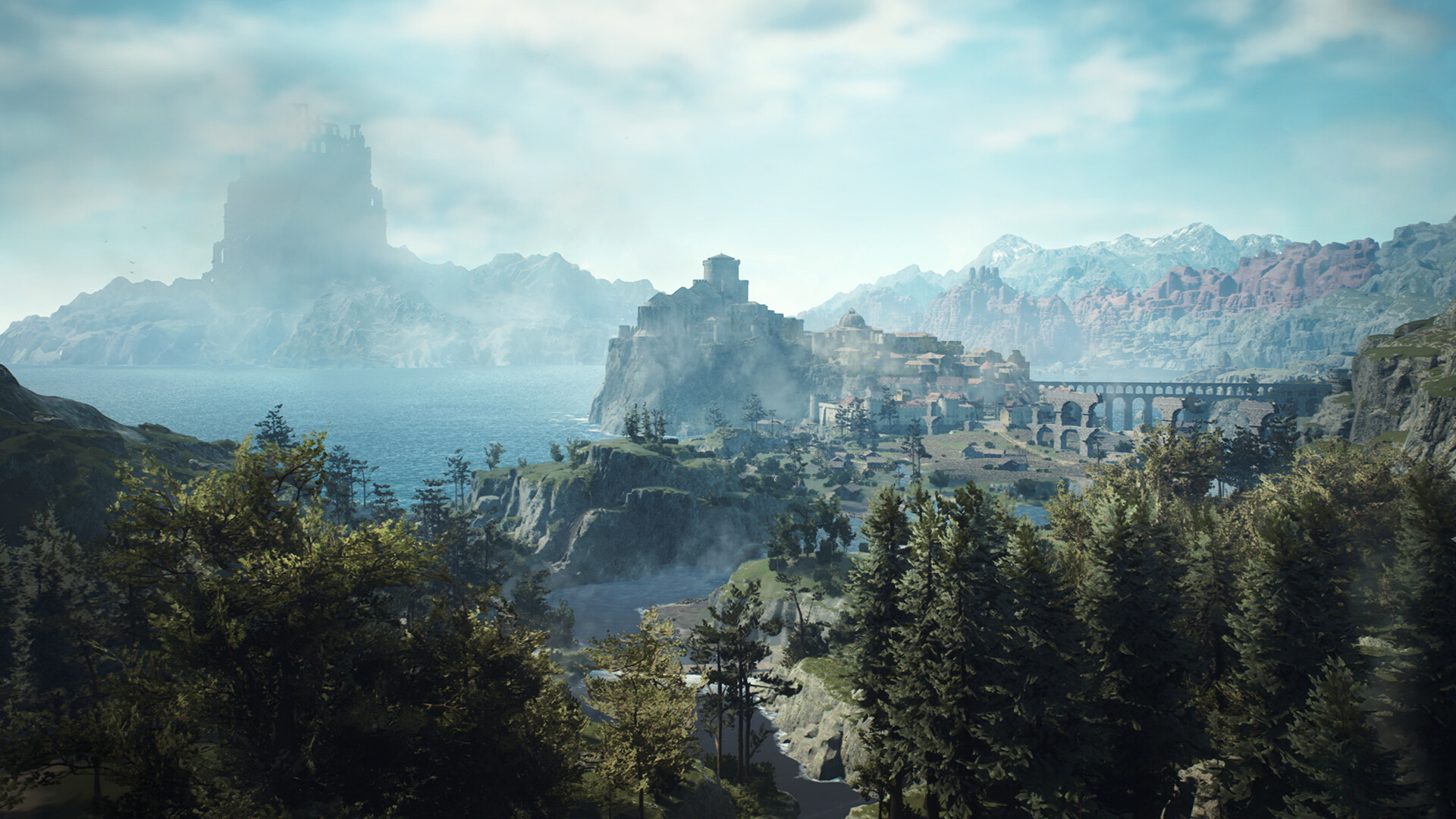
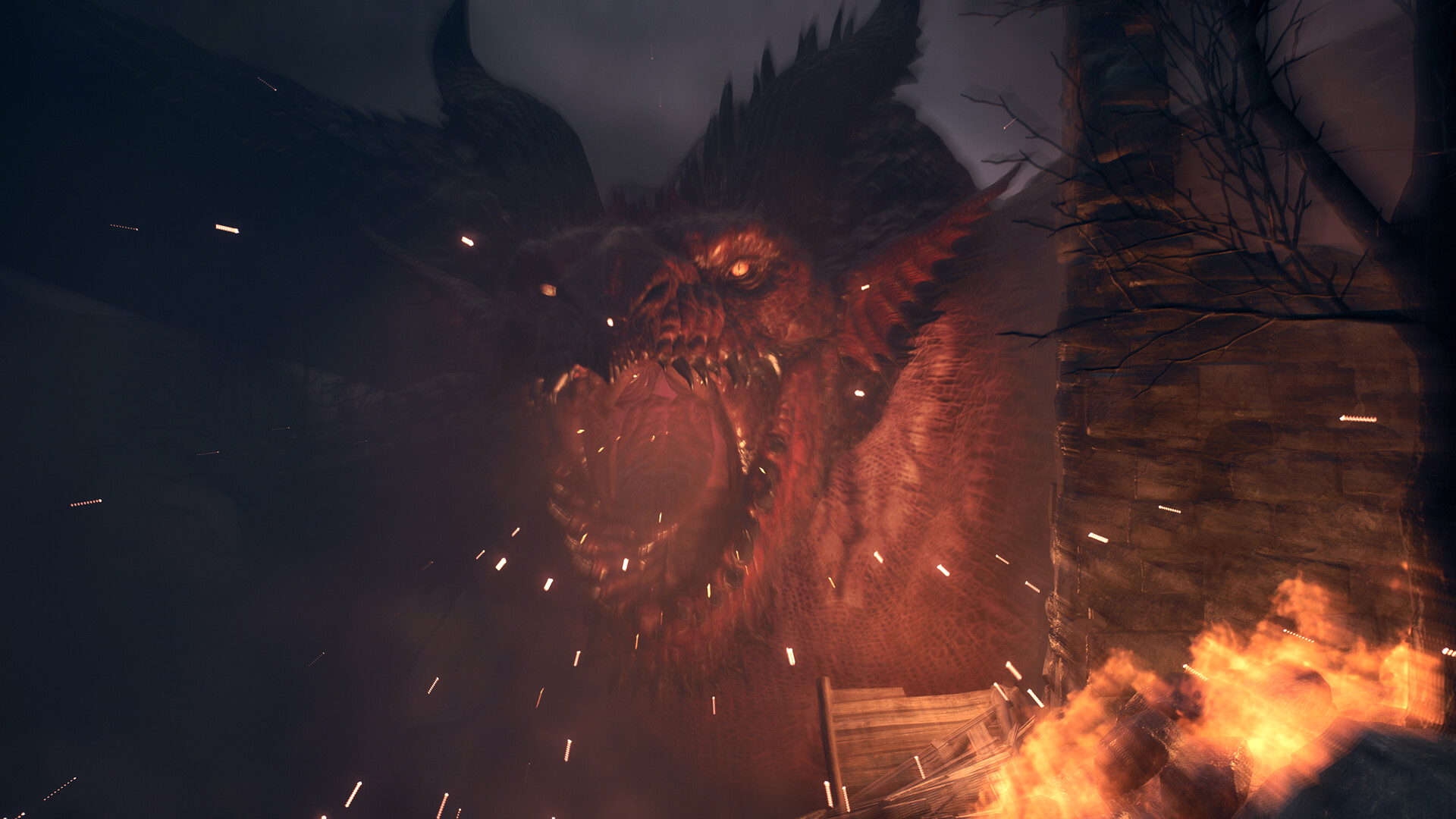

Gameplay Trailer
How to Install
1. The first thing we do is download the game's installation files.
2. Unzip the archive to the hard disk.
3. Mount or burn the ISO image in the disk emulator (UltraISO program).
4. After mount ISO, go to the folder and run the file «setup.exe».
5. During the installation, we specify the location on the disk where we want to install it.
6. Copy the contents of the folder «CRACK» in the folder with the game.
7. At the end of the unpacking process, a shortcut appears on the desktop.
8. Launch the game!
Helpful Guides
Game Update History
- Dragons Dogma 2 Debug v1.0.0.1 → v3.2 Build 24831693 [ 02.09.2026 ]



Comments 2