
Z Dawn v1.2.1
- 1.2.1
- FREE DOWNLOAD
- TORRENT
- UPDATED
About The Game
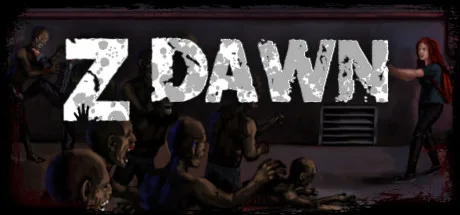
Z Dawn is a game project that tells a terrible story about a world virtually destroyed by a dangerous virus. Breaking free from the experimental laboratory, the infection hit almost the entire population of the planet and turned people into real zombies. These monsters completely lost their human nature, they are obsessed with only a thirst for fresh blood. Under the circumstances, only a handful of people managed to escape from the destructive effects of the virus, and your hero was among them.Now you have to survive in this hostile environment, every day encountering whole hordes of numerous zombies. You need to take care of food, but to get food in these conditions will not be so easy. Organize your people on trips to the contaminated area, where they can find food and fresh water.
You will also need a protected shelter where you and your people will be able to restore strength and protect themselves from the invasion of the living dead. All building materials will also have to be mined by force. Do not forget that zombies go hunting at night, so during the day you are relatively safe.
MINIMUM:
OS: Vista / 7 / 8 / 10
Processor: 2 GHz (32/64bits)
Memory: 512 MB RAM
Graphics: Minimum Resolution - 1336x768, Graphics Card with at least 128MB Dedicated Memory
Storage: 200 MB available space
Additional Notes: Works on 32 and 64 bits systems
Screenshots


Gameplay Trailer
How to Install
- Download the game files through torrent.
- Run the installation file «[gamename].setup.exe», follow the instructions.
- Choose a place on the disk, where the game will be installed.
- Wait for the notification that the game is installed.
- Сlick on the label of the game, Play!
Download Z Dawn v1.2.1
SIZE: 80 MB | Downloads: —
How to get your file — 3 quick steps
VPN detected. Our download does not accept VPN connections. Please disable your VPN to continue.
Re-check
1
Click download
Use any button below
2
Install Opera
On the page that opens
Switch to the tab that just opened — Opera installer is already there. After install, open this page in Opera and click Check install.
Opera not detected. Make sure it's installed and open this page in Opera browser, then click Check install again.
Opera is a free, official browser by Opera Software AS — safe to install. [ Opera Install Guide ]
Alternative Mirrors
Searching mirrors…
Name
Size
Seeds
Leeches


Comments 1