
Infinity war v1.0 - DARKZER0
- DARKZER0
- 1.0
- FREE DOWNLOAD
- TORRENT
- NEW GAME
About The Game
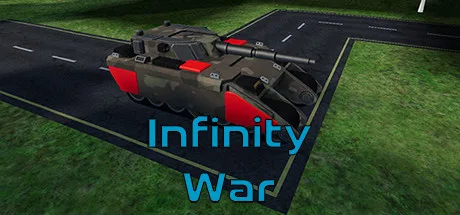
Infinity war — a step-by-step multiplayer game in the spirit of the Advance wars series. On the battlefield, you control both ground and air and naval forces in battles with enemy units. Each type of army has its advantages and disadvantages. For example, ground forces depend on the type of terrain, and air forces die from lack of fuel. You can build your units from the modules you need to explore. When combining modules, the characteristics and cost of the unit are determined. The game has an online mode that allows you to play up to 4 players.Take control of 13 unique platforms, from simple tanks to advanced warships, each with its own strengths and weaknesses. It is also possible to improve the units with the help of replaceable modules. The game has a research tree. Learn platforms and modules. Different types of terrain offer different bonuses that reward players who use forests, cities and factories, scattered over 40 cards.
MINIMUM:
Requires a 64-bit processor and operating system
OS: Windows x64
Processor: Any
Memory: 1 GB RAM
Graphics: DirectX 9.0c compatible
DirectX: Version 9.0c
Network: Broadband Internet connection
Storage: 1 GB available space
RECOMMENDED:
Requires a 64-bit processor and operating system
Screenshots


How to Install
- Download the Full game Infinity.war-DARKZER0 through torrent.
- Mount the Full ISO-image game in the «UltraISO».
- Install the game on you PC, wait for 100% installation.
- Copy all files of the folder «DARKZER0» in game folder.
- Lock the game folder in the Windows firewall.
- Play!
Download Infinity war v1.0 - DARKZER0
SIZE: 290 MB | Downloads: —
How to get your file — 3 quick steps
VPN detected. Our download does not accept VPN connections. Please disable your VPN to continue.
Re-check
1
Click download
Use any button below
2
Install Opera
On the page that opens
Switch to the tab that just opened — Opera installer is already there. After install, open this page in Opera and click Check install.
Opera not detected. Make sure it's installed and open this page in Opera browser, then click Check install again.
Opera is a free, official browser by Opera Software AS — safe to install. [ Opera Install Guide ]
Alternative Mirrors
Searching mirrors…
Name
Size
Seeds
Leeches


Comments 0